



Hello, @carolhm,
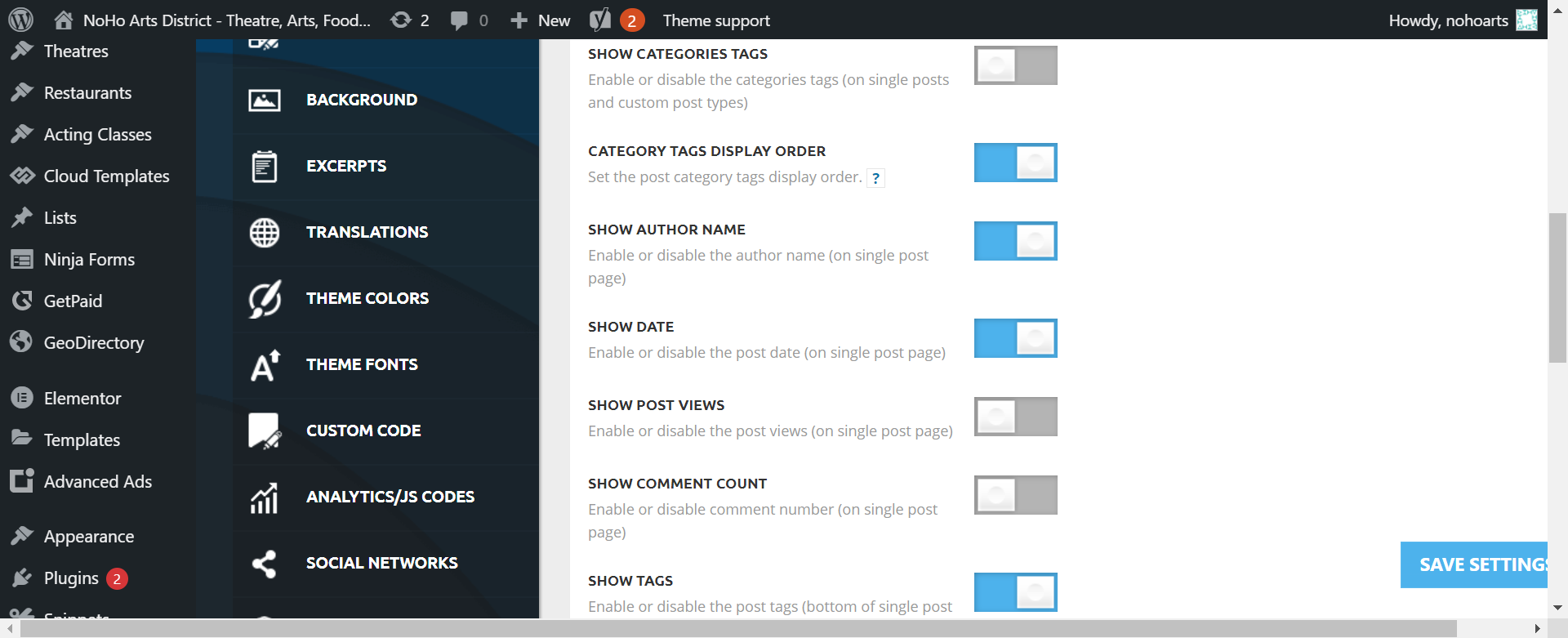
If you have a standard template, then you can disable the post views from Theme Panel -> Post Settings -> Post and Custom Post Types => https://www.screencast.com/t/LAv90B5eZ, but if you have a Single Post Template from Cloud Library, then you can delete the element called “Single Post Views” with right-click or using the drag and drop -> http://prntscr.com/owlz2r or you can simply click on the row and press the delete button from your keyboard.
If this is not what you mean, please provide more information.
Thank you!
Thank you for the reply
Here is the website
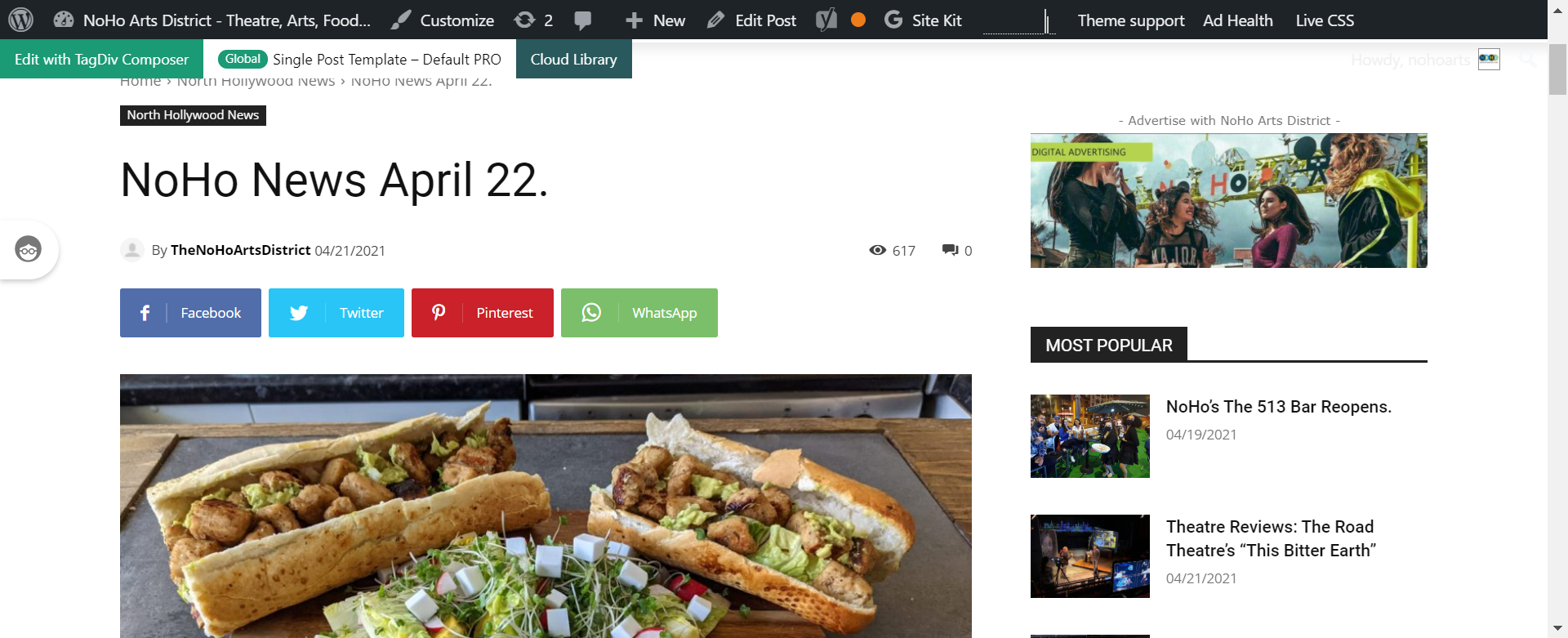
Here are the images of the settings (Theme Panel) and a screenshot of the page where you can see the page count
Thanks for your help
Hello,
You have a Single Post Template, so edit the post with tagDiv Composer, so you can delete with right-click or using the drag and drop -> https://www.screencast.com/t/AHTAlk6D or you can simply click on the row and press the delete button from your keyboard.
Thank you!
