

Hi,
have you never think to add an option on “Single Post Bg Featured Image” in TagDiv Composer to add a <link “preload”> in head for the background image?
The <link> tag must have an “imagesrcset” too, as explaned here https://web.dev/preload-responsive-images/
This can optimize LCP of WebVitals
Thanks
Fabrizio

Hello Fabrizio!
Please use “Single Post Featured Image”.
The differences between BG featured image and single post featured image:
– the description (capture) will not appear in BG
– the image size you can set only in BG, so in a single post featured image will take the image in original sizes
– more options for styling in a single post featured image than BG
Thank you!
Hi Bettina,
thanks for the answer, but this is not the solution.
BG Featured and SP Featured imges are different component and, in some case, can’t be interchangeable. I need’t caption or have a lot of style.
I can have different size for the image with BG Featured too, simply using TagDiv composer configuration, as you see here
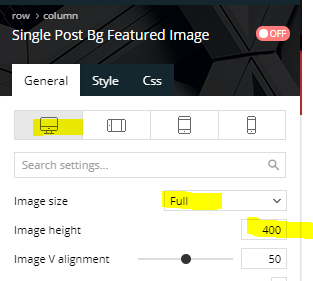
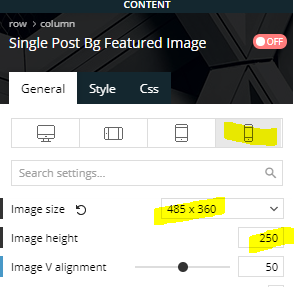
In frontend, tagdiv generate this CSS, that is great:
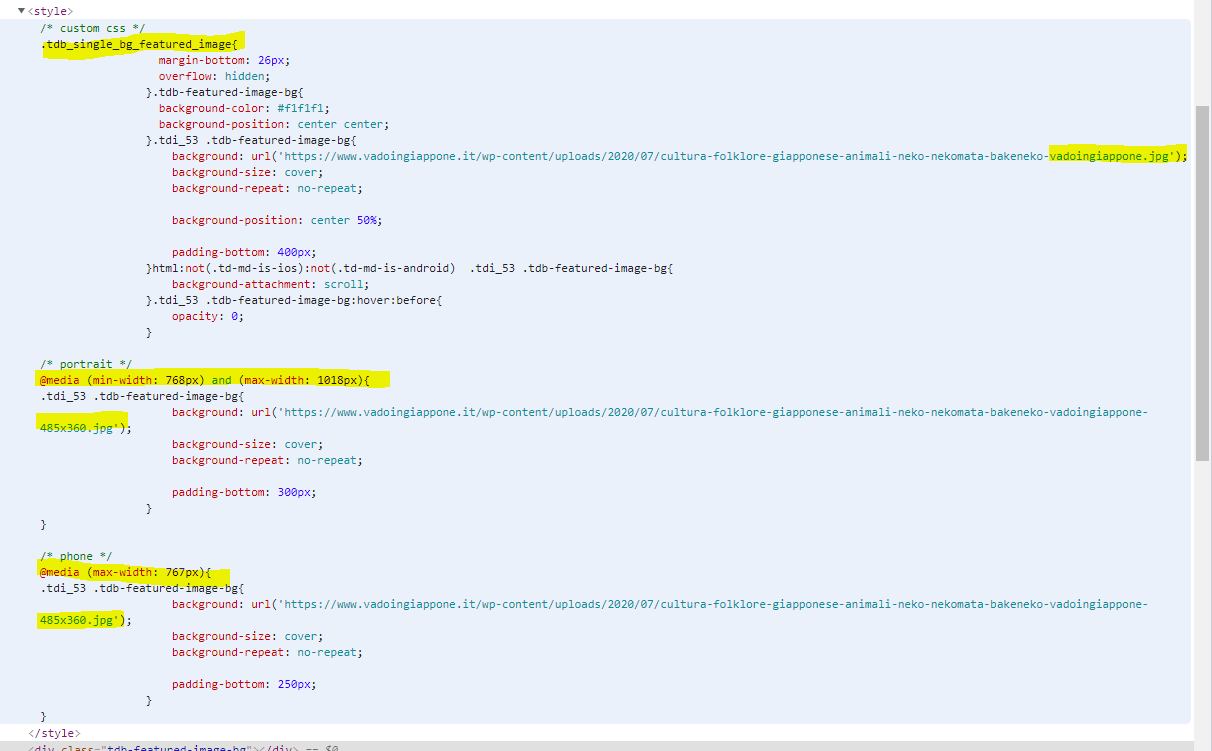
Now, css background image is not the best for LCP, because all CSS must be evaluated before start download the image, so, if the theme can attach a “link preload” in head tag, all could be best.
The theme has all the info to create a Preload with “imagesrcset” attribute, because it already to this with CSS.
Thanks a lot
Fabrizio

Thanks so muchs, Anamaria!
Nice day to you too
Fabrizio
