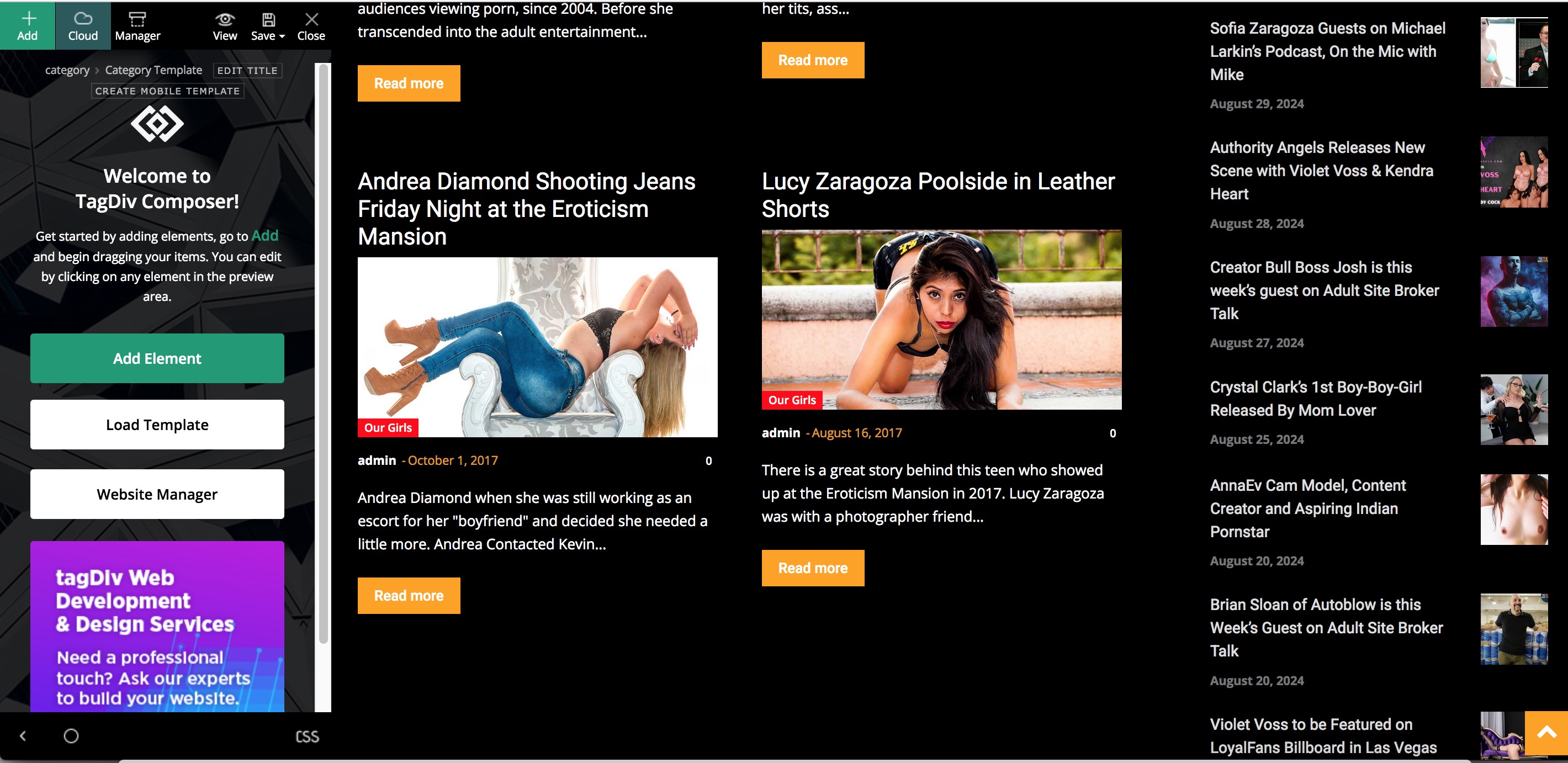
I use a black background and white text and now after the update all of the posts that were already posted have gone back to black text on black background.
I tried placing custom CSS but no luck. Also The logo image no longer appears on pages or posts after the update.
I did try resetting to the previous version but that left the site completely broken.
How do I make the text on all pages and posts as well as archive, tag and category pages?
Thanks in advance
Kevin

Be sure you also installed tagdiv composer update, not just theme update.
For menus you can usually just go into the WP settings and ‘reselect’ the menu positions.
I put custom css into WP > customizer so not part of theme settings.
Footers may also need to be reset in the widgets settings.
(I don’t work here.)

Hello kevinstolz, as long the settings you made were not made in the theme files or plugin files, then the update of the theme should not interfere, just make sure that not only the theme is updated, update the theme plugins too (I see that you are using the Newspaper theme, not Newsmag, s you need to have tagDiv Composer, tagDiv Cloud Library, also make sure that all cache is cleared).
Thank you!
Yes, I did the update for theme and plugins but for some reason the posts do not follow the white text on black background, the titles turn orange on mouse over but are invisible. Also as I mentioned the options I use for displaying content on pages are no longer in the options like Flex_Block 4 or Block 14.
The logo doesn’t appear at the top of posts or interior pages only on the home page.
I am working through this but I found another little issue, I was setting a custom template for categories, tags, and single. However, when I set all the settings and it is perfect in “edit” when saved no images appear on those pages. Going back into “Edit” mode the images appear.
See screenshot below for how it appears after saving.
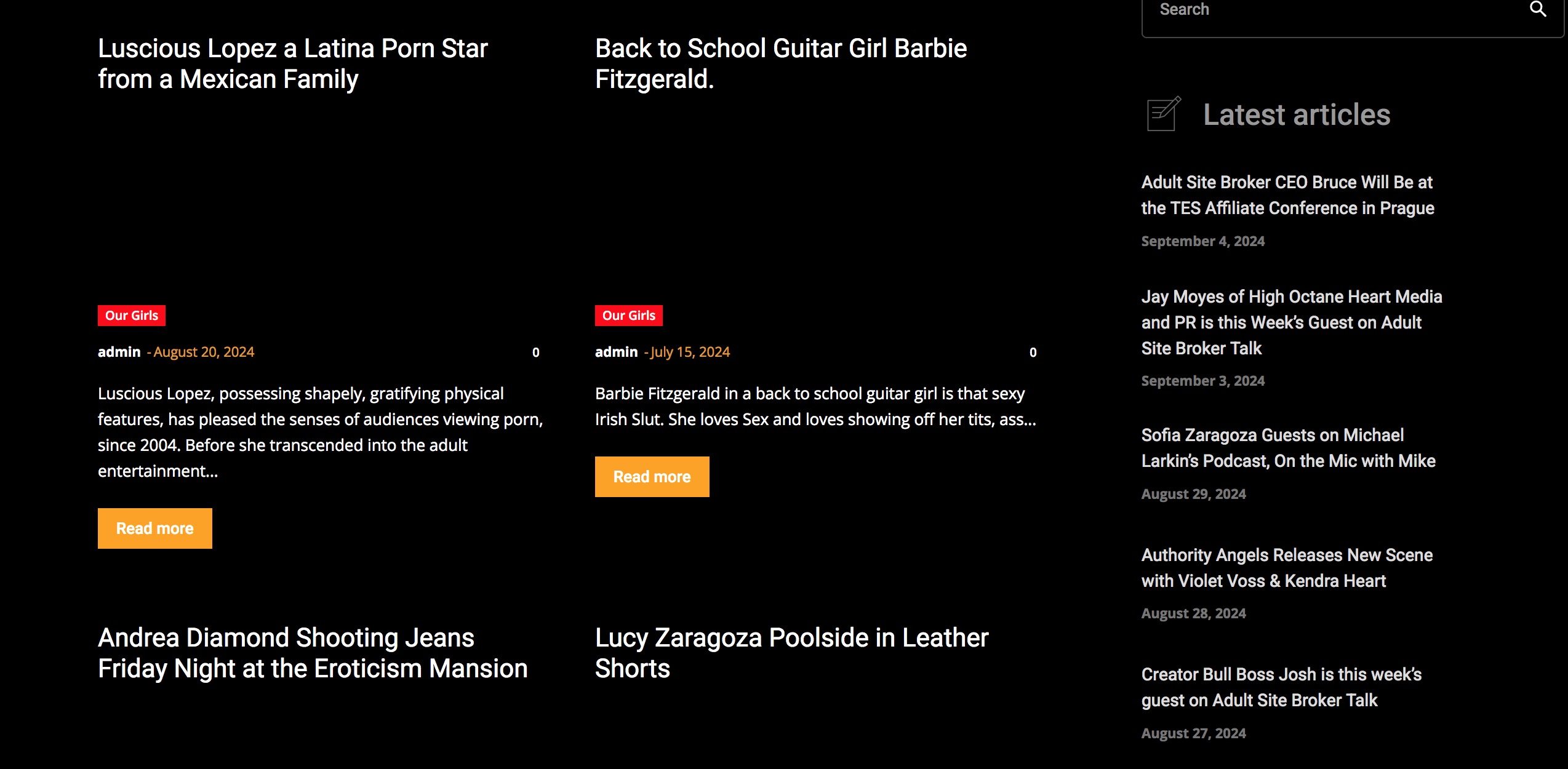
This Screenshot is in “Edit Mode”
No I don’t have “Hide Image” ticked off
Thank You
-
This reply was modified 2 years by
kevinstolz.
Screen shot of edit mode from previous post.
https://erotiquemagazine.com/Same-Page-Edit-Mode.jpg
Hi,
What I can suggest first is to clear all cache and disable the cache plugin and after that check if the theme plugins are enabled, you need to have tagDiv Composer and tagDiv Cloud Library (I’m sure that now you have them) and fir standard blocks like block 14 you need to install the tagDiv Standard Pack plugin.
If the situation persist, please contact us via email at contact@tagdiv.com and provide a temporary wp-admin access and a link to this topic to can identify you faster.
Thank you!
Hi where do I find this tagDiv Standard Pack plugin?
I don’t have that plugin since the last update.
Thanks
Kevin
Hi Kevin, the tagDiv Standard Pack plugin can be installed from Newspaper > plugins – https://i.imgur.com/GSICNer.png
Thank you!