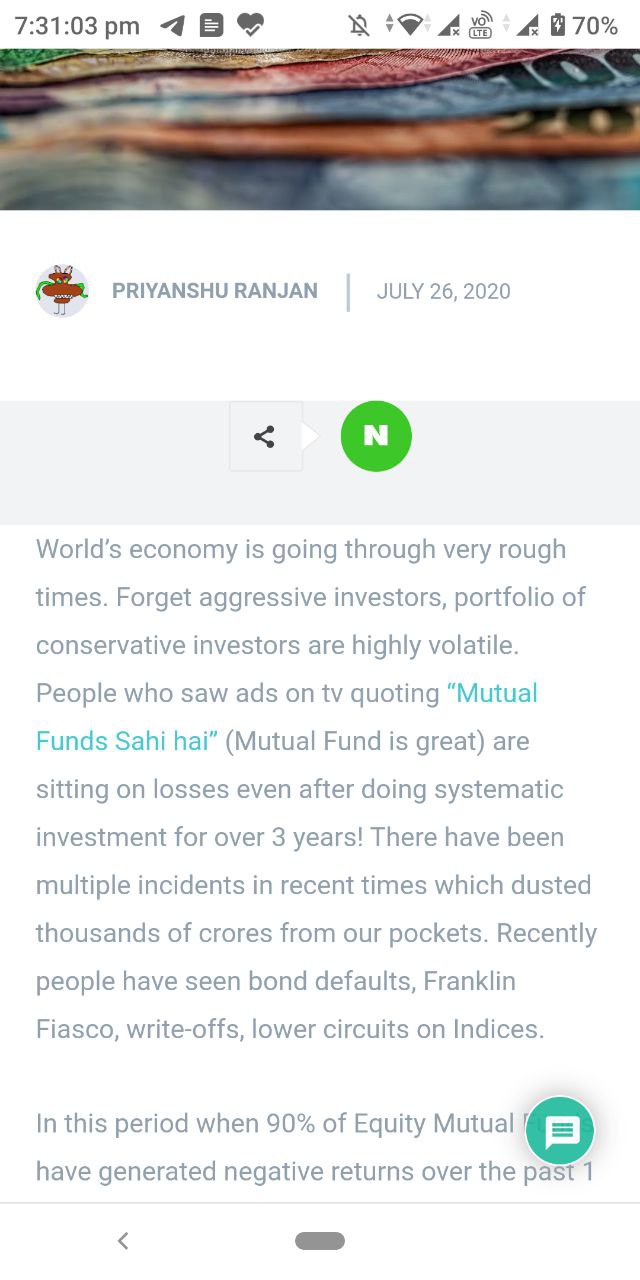
Hey , I am currently using Gadgets Pro Demo and I am unable to see any Social Network other than navier in Sharing Article section of Theme Panel.
I can see that its not even on demo site
so is there anyway i can add using TD composer or anything?
or on any specific template?
Thank You.
Update :- I have added Element using TD Composer but still only naver is showing and there’s no settings in element
Screenshot :- https://telegra.ph/file/b972156fd61dafdcd42e6.jpg
as said before its Naver only in Theme Panel

Hi,
If you’re seeing only NAVER please make this adjustment in the tagdiv composer plugin:
https://www.screencast.com/t/HGX40TlcJgb
Then hit a save in the theme panel and then revert the code back to original, this will make the social icons appear properly again -> https://forum.tagdiv.com/design-post-pages-using-default-templates/.
Or you can send us an email at contact@tagdiv.com and provide admin login, as well as cPanel. We will fix the problem. Include a link to this topic in the email.
Thank you!

Anything about this , the same file is causing error.
While changing as per reply , the file was downloaded and deleted from sever then it was uploaded.
Hi,
Make sure that tagDiv Composer is updated and enable.
How to Fix File and Folder Permissions Error in WordPress -> https://www.wpbeginner.com/beginners-guide/how-to-fix-file-and-folder-permissions-error-in-wordpress/
Let me know the results!
Thank You , by default permission was Read Only so the files wouldn’t update.
can you help in same thing.
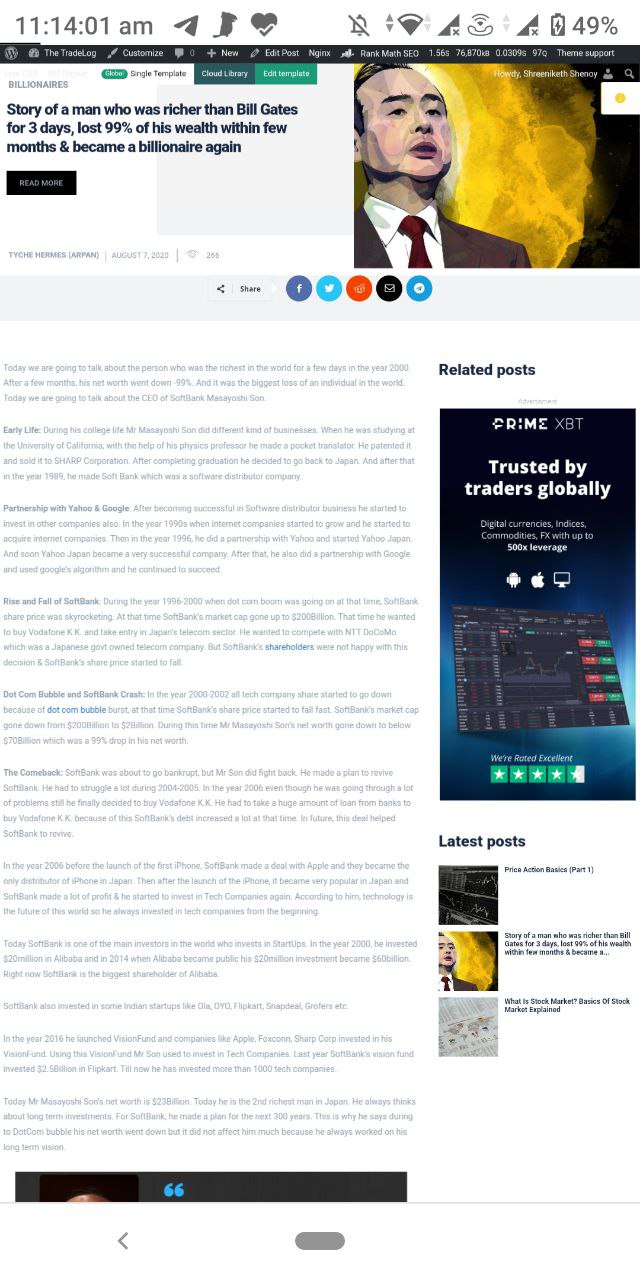
and
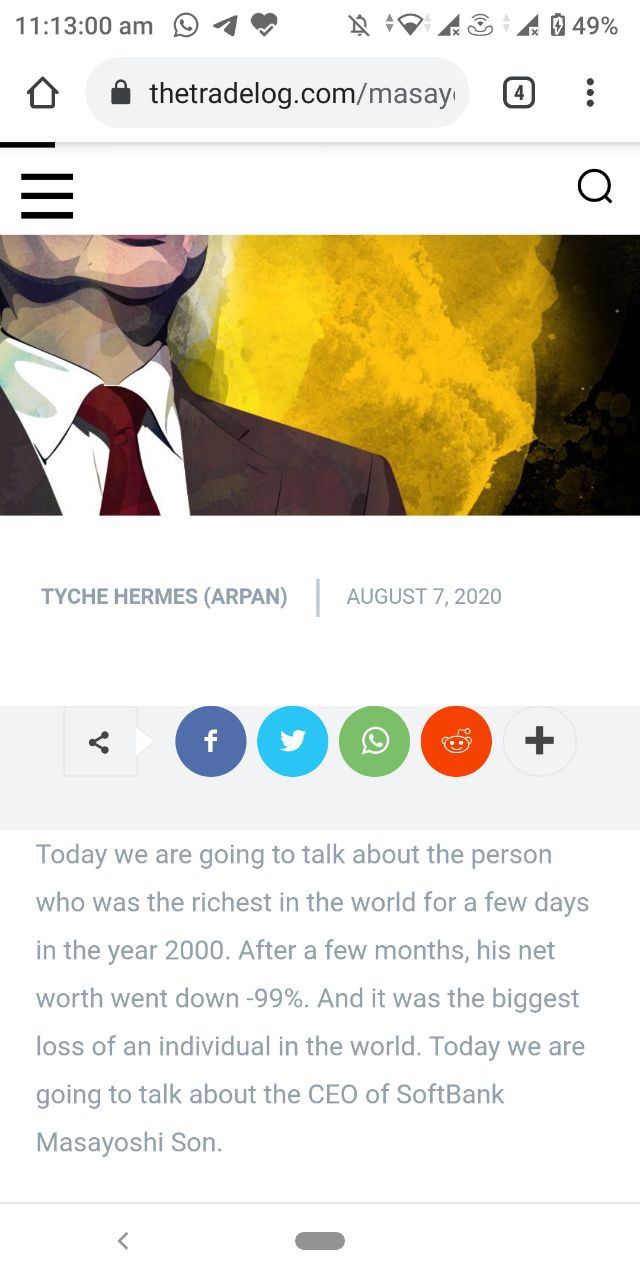
The elements are not inheriting background colour which looks weird , do i need to change all elements background again and again ?
also i have series of questions about Gadgets PRO demo , should i reply here or create a new ticket?
Hi,
These are single post templates from tagDiv Cloud Library, you can edit them using tagDiv Composer -> https://i.imgur.com/UJcNJwG.png and use the right click to remove these elements that you do not want.
If the new questions are not related on this topic, you can create a new one.
Thank you!