Hello, I have the following problem and need your help. I’ll tell you:
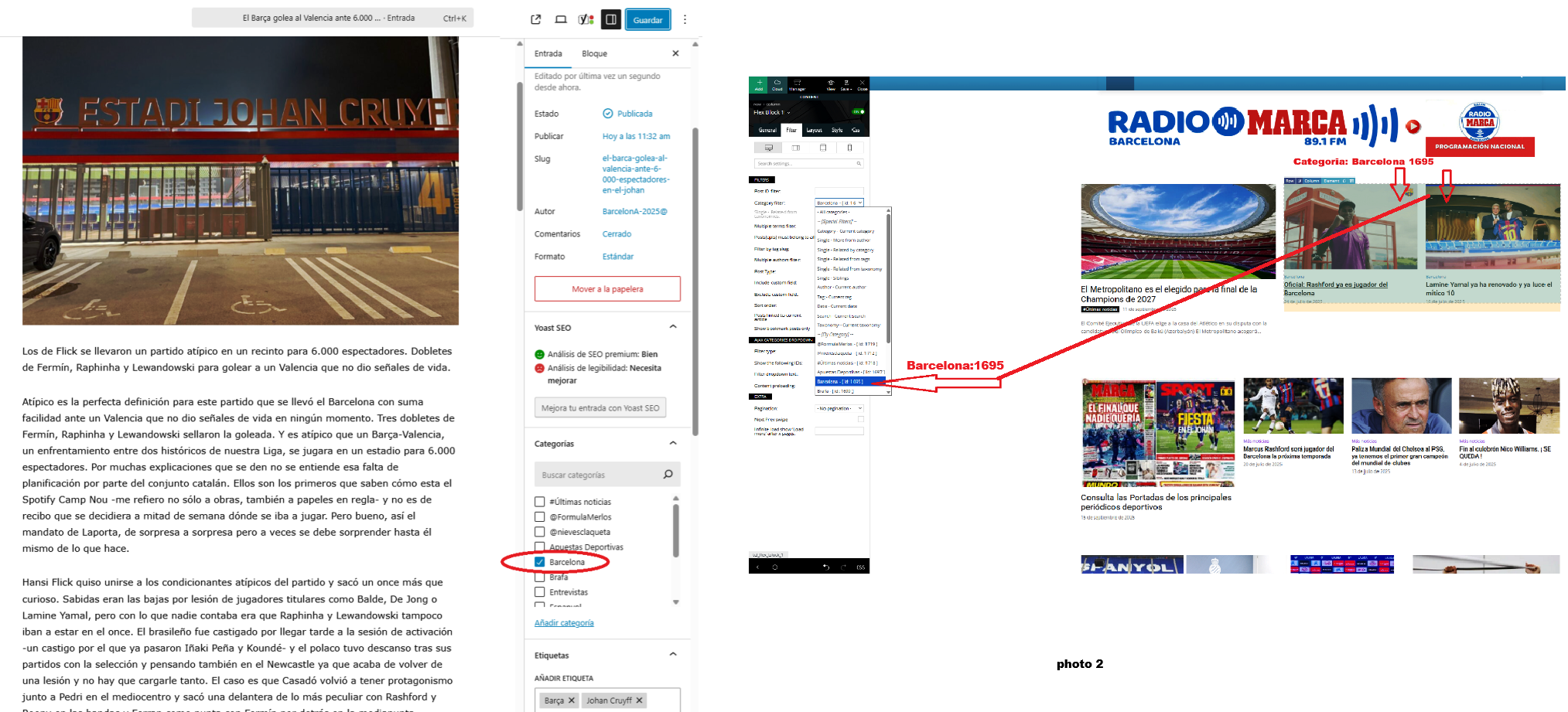
I created some new posts and published them with their respective categories, but I don’t know why they aren’t showing up on my home page. For example, today I created a new news story with the category “Barcelona 1695.” This news story should be displayed in the first block of my home page, as shown in the attached photo 2. But it isn’t.
Can you tell me why some categories aren’t showing up?
Thank you for your help.
Link web: https://www.radiomarcabarcelona.com
Link Photo: https://www.radiosalut.com/videos/categories.png

Hi Calin, your help seems to have worked. Thank you.
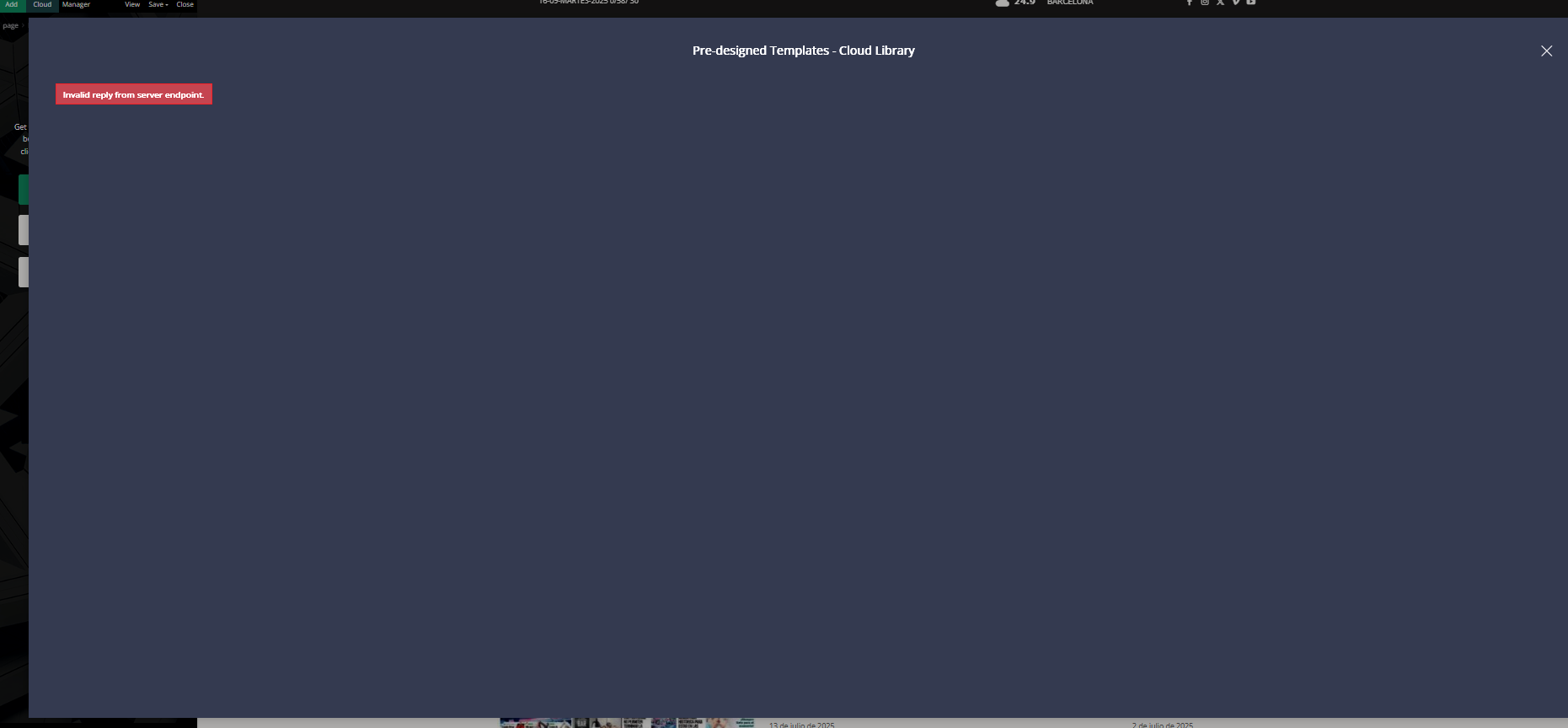
But now I have a new problem: I want to redesign the first block displayed on my home page. I want to use blocks from the Cloud, but when I click on Cloud, I get an error message like the one shown in the photo.
Is this normal? Am I doing it wrong? How do I use Cloud to import blocks or sections?
I look forward to your help. Best regards.
https://www.radiomarcabarcelona.com/newspaper/cloud.png
Hi,
Usually, this kind of situation appears when something is interfering with the theme and it’s blocking it from making the request to the cloud. Usually this kind of situation appears when the website is set in maintenance, but it can also happen when there are some problems with the permalinks. This can be checked by setting the permalinks to simple/plain and checking if the problem persists. After that, the permalinks are set back as they were initially.
Thank you!
Hi Calin, I’ve done what you’re telling me, but everything’s still the same. I disabled Wordference, which I use as a firewall, and switched to simple links, and everything’s the same. Then I switched to numeric links, and it still happens.
What else can I try to get access to Cloud?
THANK YOU
Hi,
Please make a full backup and contact us via email at contact@tagdiv.com, and please provide a WP-Admin and CPANEL access. We’ll check it as soon as possible. Please include this link in your email so we can identify you faster.
Thank you!

Hi,
Please do not share private credentials via form, only via email.
I checked the website and now this is not working https://i.imgur.com/o8pRGBC.png. This kind of situation can be related to the .htaccess file, please use an FTP or cPanel to rename it and see if the problem is resolved.
Also, make sure that the wp memory limit is set to at least 256MB https://www.wpbeginner.com/wp-tutorials/fix-wordpress-memory-exhausted-error-increase-php-memory/
If the situation continues, please contact us via email at contact@tagdiv.com and provide us with the website access.
Thank you!