

Hello i am using header cali.
And the plugin Schema Pro (by Brainstorm Force) sticks stars on posts.
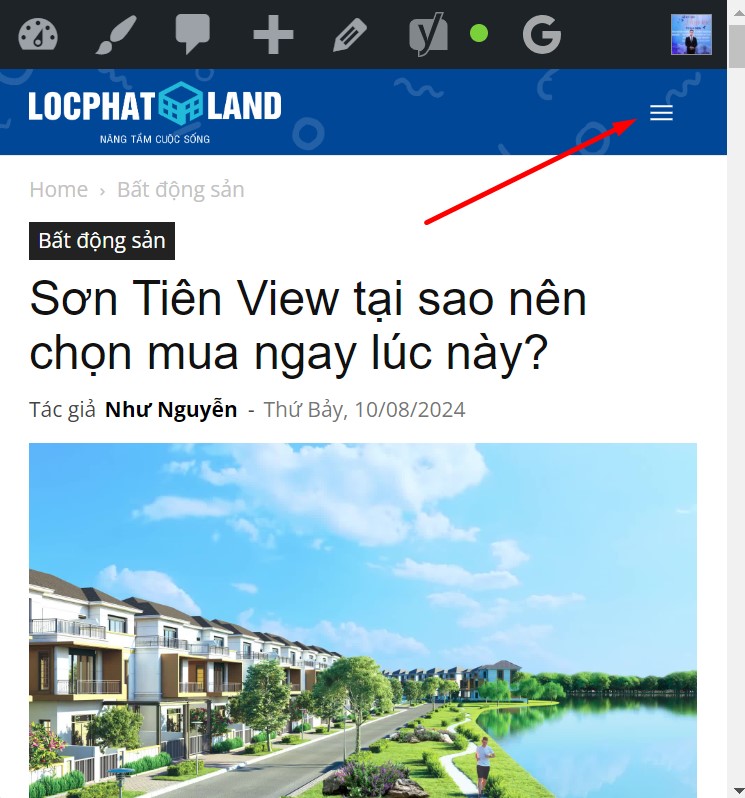
However, on the mobile, when entering any article, for example: https://locphatland.com/son-tien-view/
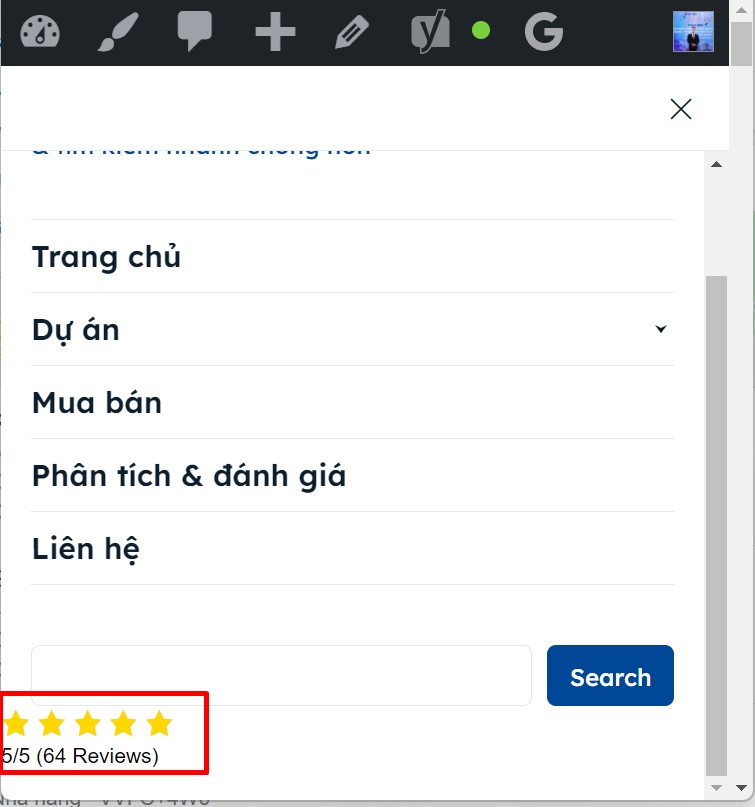
You click on the menu icon, stars appear below the search bar (I’ve never seen this before with a regular menu and header). How to turn off this display, without turning off the display of post stars?
Thanks in advance 🙂
-
This topic was modified 2 years by
nguyenxuan.

Hello!
Edit the modal page and check if there are any stars displaying. If not, then there could be a plugin conflict. Check the page settings, plugin settings; maybe you can exclude that from appearing or use some CSS code to hide it only from there.
Thank you!
Thanks for your quick response.
I checked again, sure, Schema Pro plugin settings only for posts. And modal page settings not any star.
Post: https://locphatland.com/son-tien-view/ -> have 64 star Reviews -> on mobile, below search bar (menu) there are 64
Other post: https://locphatland.com/ky-gui-homyland-riverside/ -> have 1 star Reviews -> below search bar there is 1
=> So, “maybe you can exclude that from appearing or use some CSS code to hide it only from there” please help me that.
Oh, i just discovered Fixed TOC plugin on my website that display error too.
The cause is a conflict with Modal popup (mobile menu).
I tried changing another header, the result was that both TOC and the stars displayed normally.
-
This reply was modified 2 years by

Yes, i will change another header not Cali, not good to have to do that.
