

Hi There,
I have a big problem while creating blank template files with tagDiv composer. I’ve created a custom header, a custom footer, a custom category and a custom 404 (needed to do changes to my footer).
Header problem
I want to adjust the column widths of my header rows.
In my upper menu (black top menu), I’ve set the layout to a 9-3 columns width:
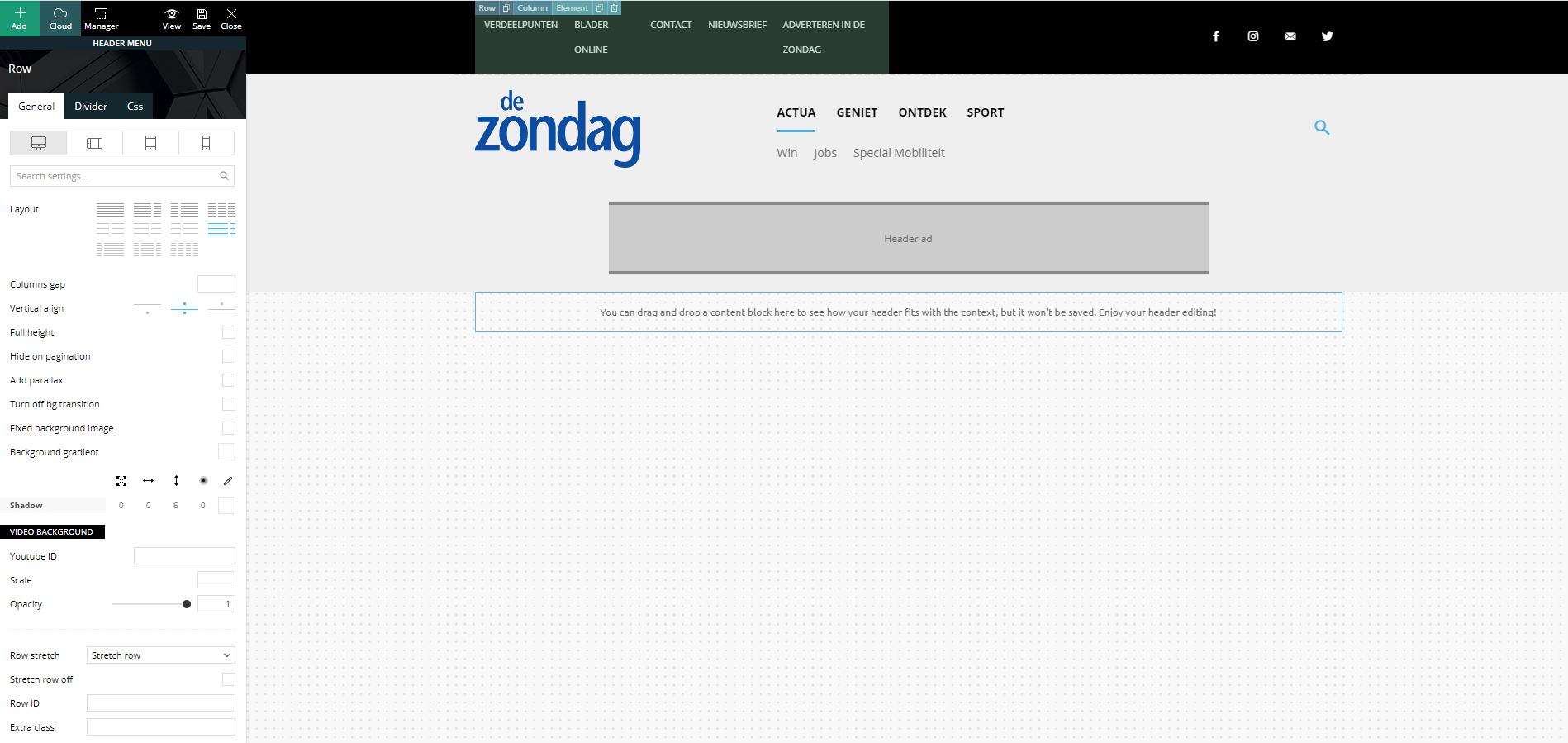
Strange but true, in the preview screen it shows a columns width of 6-6. I’m not able to change this (anymore)…
In my main menu, I’ve set the layout to a 3-6-3 columns width:
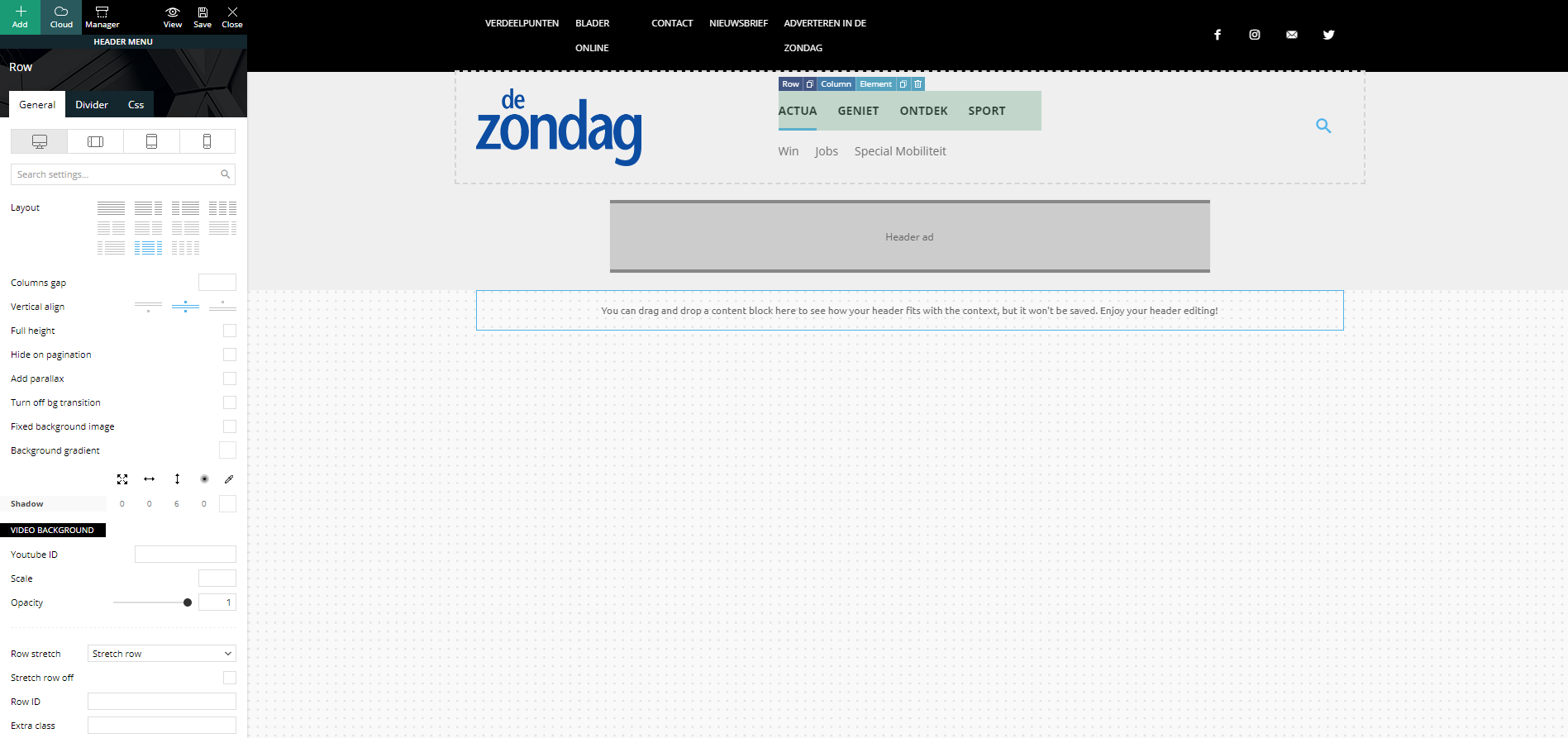
Strange but true, in the preview screen it shows a columns width of 4-4-4. I’m not able to change this (anymore)…
Footer problem
Same strange issues with my footer. Here I’ve set my footer columns (dark gray stroke) to a 4-4-4 width:
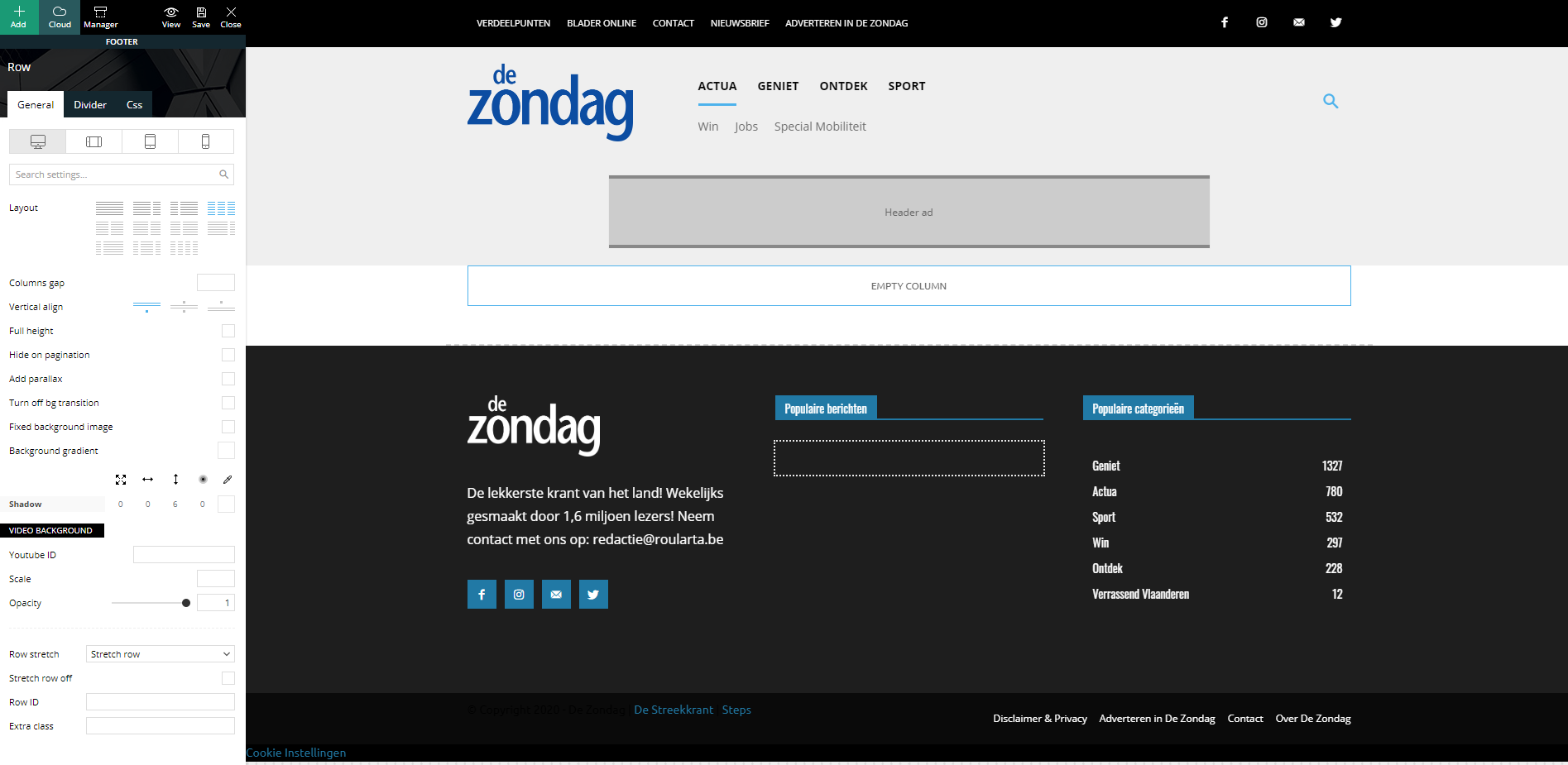
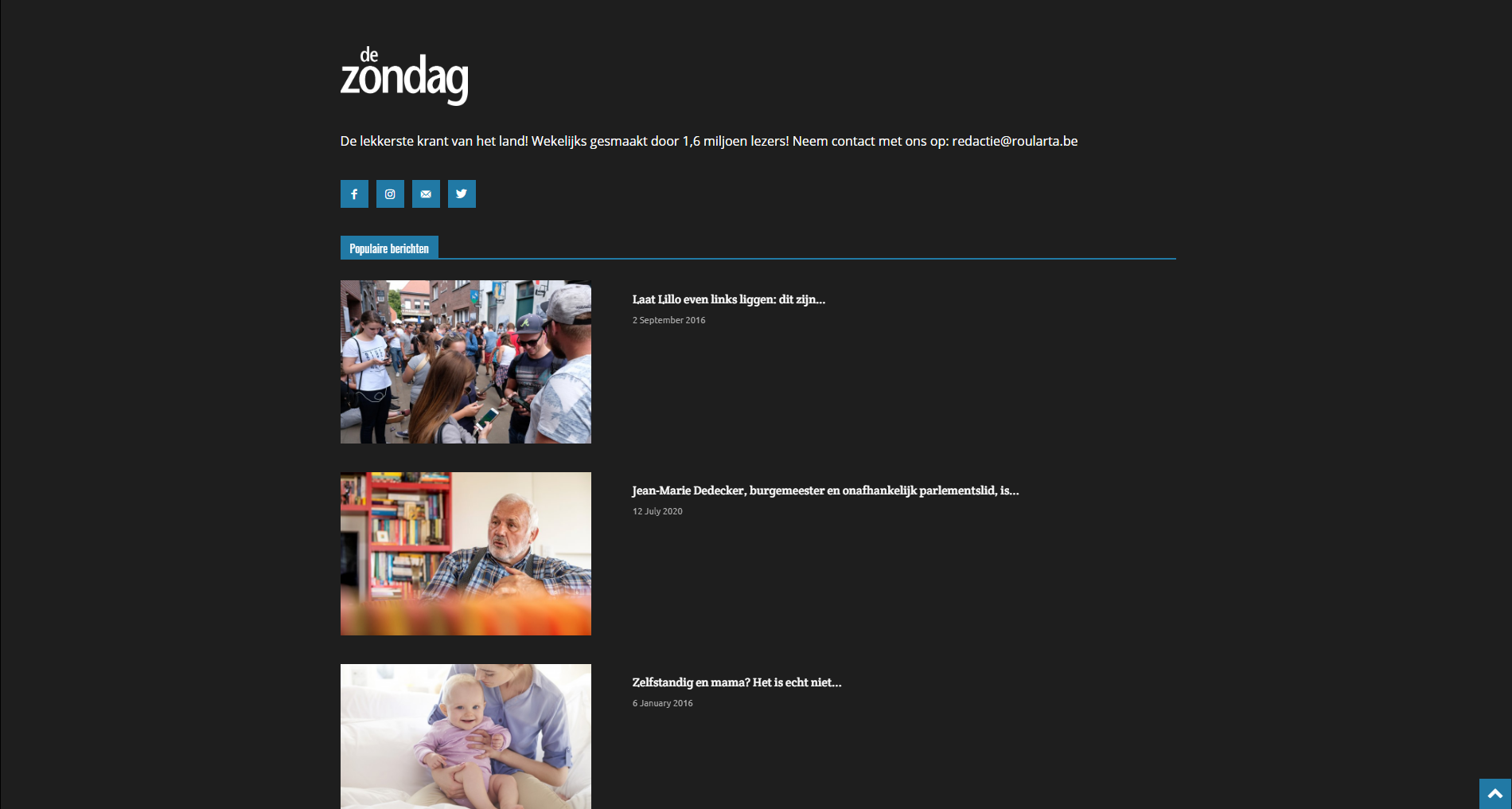
When I check my website, all columns are changed to a width of 12 and they are stacked under each other:
I have identical problems with my custom category pages.
Can you guide me how I can fix this please?
Kind regards,
Sam Clauw

Hi,
For the header, please set a new row and see if on this the layout 9-3 is applying, if yes, then on your current header row is set maybe a width on column like this -> https://i.imgur.com/8vzz2TC.png -> https://i.imgur.com/EigrDbP.png
For main menu row, please select each column and set on theme in css tab the width you want to have in %.
Usual the problem indicate for the footer is caused by some plugins, for example when you are using WPBakery with tagDiv Cloud Library. If you have this plugin enable, please disable it and check again, if the problem persists, please disable all non theme plugins and let only tagDiv plugins.
Let me know the results!
Thank you!


