

Hi, I have updated my core WP to 5.7 and since then started getting the following error:
Warning: ftp_fget() expects parameter 1 to be resource, null given in /code/wp-admin/includes/class-wp-filesystem-ftpext.php on line 146
If I deactivate tagDivComposer plugin the error hides.

Hello,
The issue can be from a plugin conflict, that’s why, please deactivate ALL plugins except tagDiv ones, also if you are using a child theme or cache plugin, deactivate them, clear all cache and try again.
Also, if you use Rank Math plugin and All in One Seo plugin can interfere with our theme.
Also, if the problem persists, please provide more information like screenshots and a link to your website.
Thank you!

I’m dealing with the same issue, no cache plugin installed, just the AMP and Contact Form running. Anyway I deactived all of them except the tagDive ones and same error.
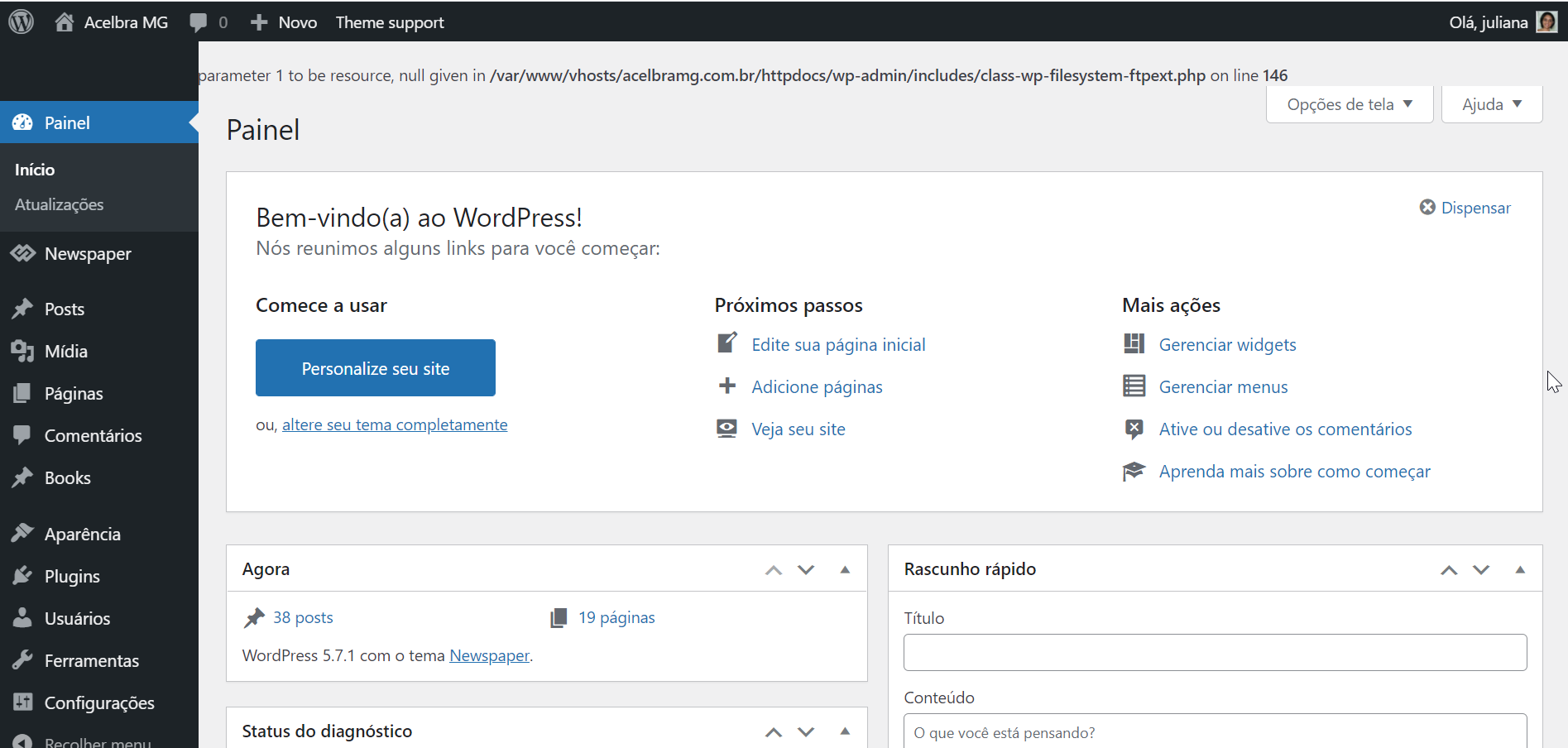
Hello, @acelbramg,
This error does not come from us, because our files are wp-content and the error is from wp-admin.
What I can suggest is to try to reinstall WordPress.
Thank you!
Reinstalled the wordpress using the Panel and FTP, still with the same error. For some reason when I disable the td-composer this error stops.
Other information about this issue, the media library is not loading the images and I am not able to add new images to the site.
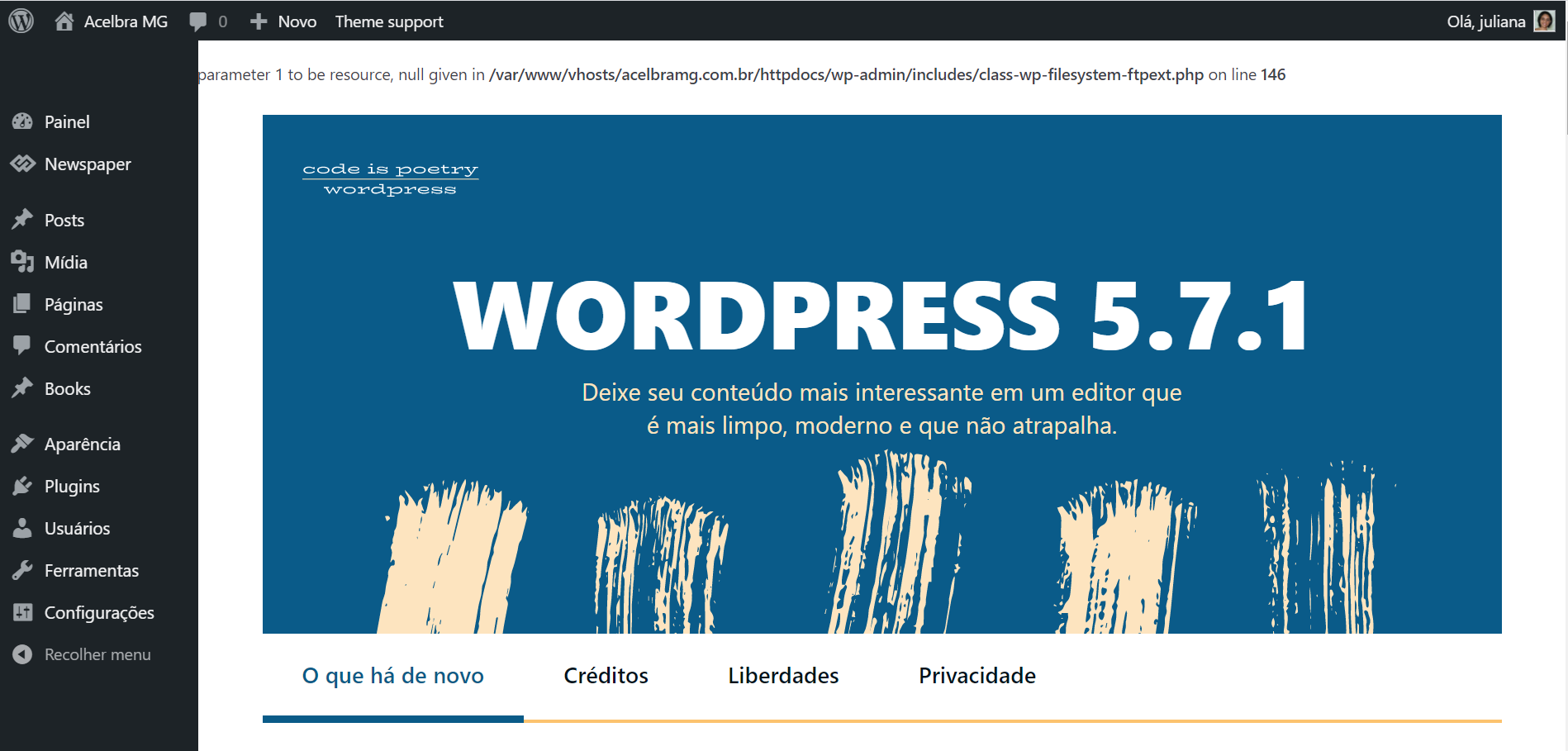

Hello @acelbramg!
Take a look here because it could help you: https://wordpress.org/support/topic/warning-ftp_fget-expects-parameter-1-to-be-resource-null-given-in/
Thank you!
Hi,
I checked this before, if you see all messages in this topic you can verify that the problem is related to a theme (Elegant Theme Divi) and the solution was to stop the error message (but not solve the problem). After that will look at the theme forum for the solution (exactly what I’m doing).
In my case when I disable the td-composer plugin the error stops. Anyway I can’t just stop the message as this error is affecting the media library too.
If you dont have a solution, let me know, so I have a chance to get my money back and try to find other plugin that will work.
Thank you,
Hello!
First of all, try to do these steps as quickly as possible, so your visitors do not notice the process:
1. disable TagDiv Composer
2. uninstall(delete) TagDiv Composer
3. clear cache (if cache plugin exists)
4. install TagDiv Composer
5. activate TagDiv Composer
6. clear cache (if cache plugin exists)
Also, make sure your WordPress and plugins are up to date.
If this problem is not solved after that, then we need to take a look and see what happened there.
Please contact us via email at contact@tagdiv.com and provide the following:
– admin url and credentials
– a link to this topic in order to identify you
Our team will take a look!
Thank you!

Hello, did you manage to solve this problem? I seem to have the same error, uninstalling and reinstalling the tagDiv Composer plugin did not help…
