

Does anyone know how to remove a space/section that appears on a Post template (and thus affects all of my post pages)?
This “spacing” or “section” started to appear without my having altered my WordPress site or Theme Panel.
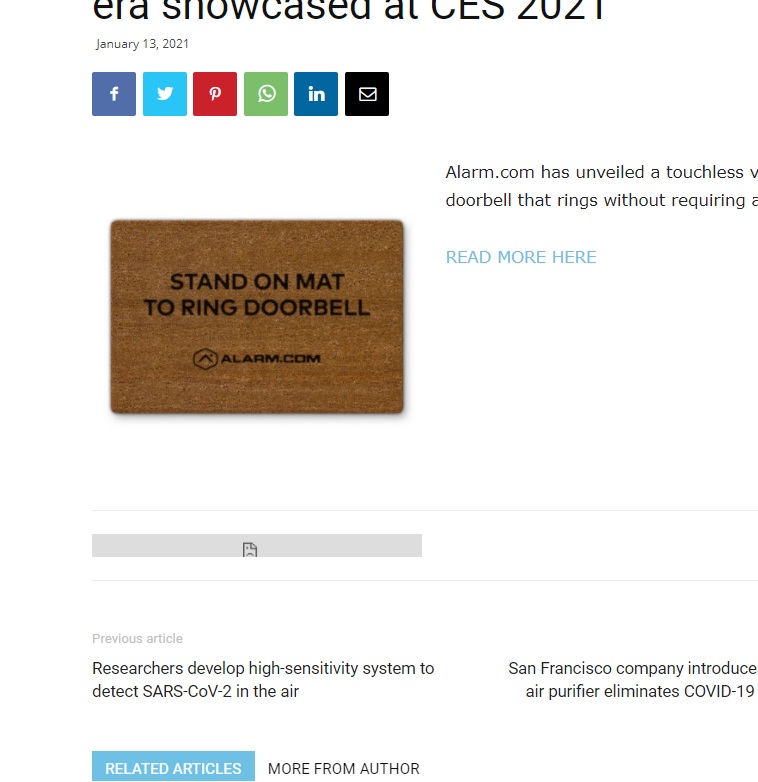
It can be seen below the body of a post and just above the “Previous Article/Next Article” section.
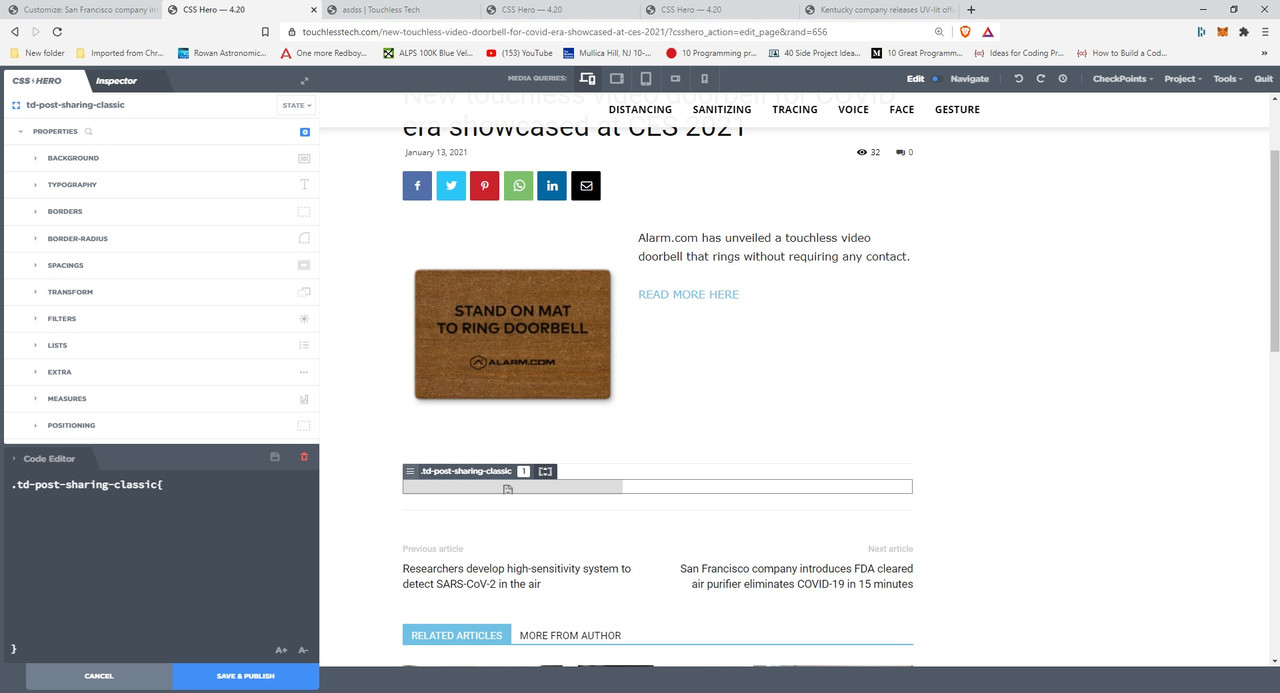
Grey lines that outline the “space” are visible along with a grey bar in the middle of that space, and in the middle of that grey bar there is what looks like a frowning paper icon.
I’m not sure where this aberration came from or what is causing it but any assistance to remove it is most gratefully sought and appreciated.


Hello Vlad, thank you for your assistance.
Here’s the link: http://www.touchlesstech.com
Take a look at any post and you will see the grey bar (along with the paper icon in its center).
How do I provide you with a screen shot?
Best regards,
Steve Novosel
Hello !
You will have to upload the picture on a separate platform first and then attach it here: https://www.screencast.com/t/zhHiB5zS7j
Thank you !
Hello !
It looks like you are using a plugin for read more option. Unfortunately that is affecting the post content which I’ve taken a look to try and edit it with css but that won’t help.
You can try this css code: .td-post-template-1 .td-featured-image-rec {
margin-bottom: -83px;
}
The code must be inserted here: https://www.screencast.com/t/J1Nxw5s5
Let us know the result !
Thank you !
Hello,
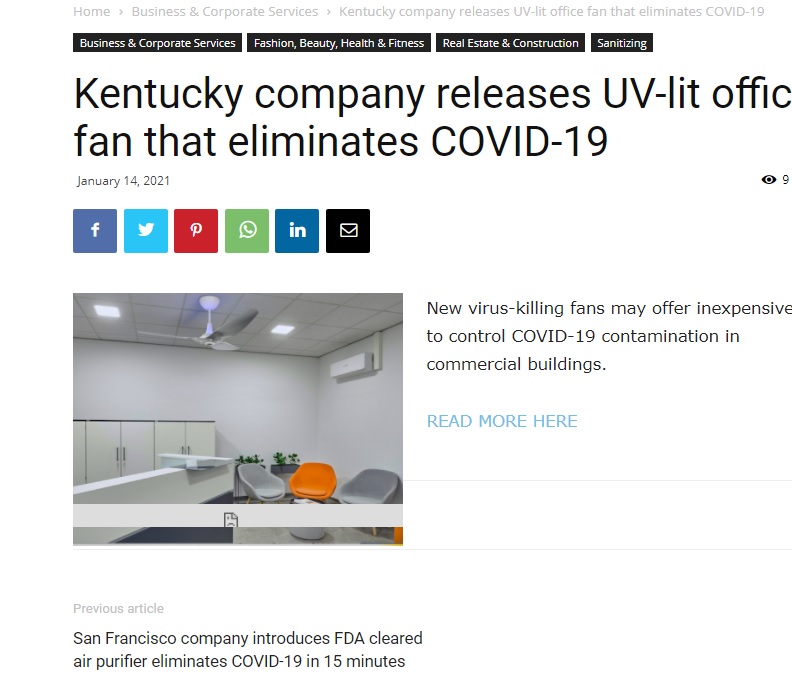
Your recommendation does not work. See attached image. Now the icon/grey bar has moved up into the image on the post.
Help me understand exactly what you mean when you say, “It looks like you are using a plugin for read more option.” Which plugin are you referring to? If it is a plugin, why wouldn’t we simply focus on that instead of CSS?
 Best regards,
Stephen
Hello !
We need to take a look and see what can be done there to see if a fix can be done.
Please contact us via email at contact@tagdiv.com and provide the following:
– admin url and credentials
– A link to this topic in order to identify you
Our team will take a look !
Please note that at the moment the Support team is not 24/7 available. We answer the topics from Latest to Newest Monday – Friday from 08:00AM to 05:00PM GMT+2
Thank you !
