

Hey,
I’m trying to automatically insert tag_slugs for the flex_block_1, but I’m not sure how to do that.
I’ve got a bunch of like “profile pages” and would like to show a “more about this person” tab, which displays all posts that use the name of that person as a tag_slug.
I tried to do that with a small wordpress plugin, that simply returns the [td_flex_block_1] code with the name of that person. (see Image 1 and the code)
Image 1:

$ausgabe .= "[td_flex_block_1 modules_on_row='eyJhbGwiOiIzMy4zMzMzMzMzMyUiLCJwaG9uZSI6IjEwMCUifQ==' limit='6' hide_audio='yes' modules_gap='1.4%' image_height='65' hide_image='' image_width='' image_floated='' meta_padding='' image_radius='' meta_info_horiz='' modules_category='above' modules_category_margin='' show_cat='' show_author='' show_date='' show_review='none' show_com='none' show_excerpt='' show_btn='none' tag_slug='" . $artistname . "' sort='random_posts' td_ajax_preloading='preload' ajax_pagination='next_prev' meta_info_align='' custom_title='Mehr zum Thema " . $artistname . "' custom_url='https://thisismywebsite.de/tag/" . $artistname . "/' block_template_id='' accent_text_color='#48aba2' header_text_color='#ffffff']";
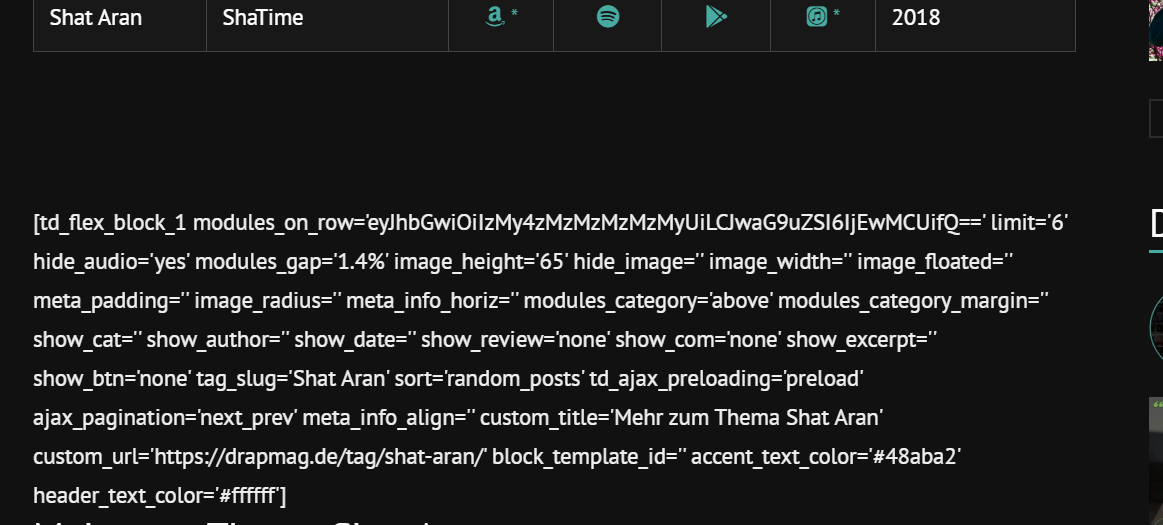
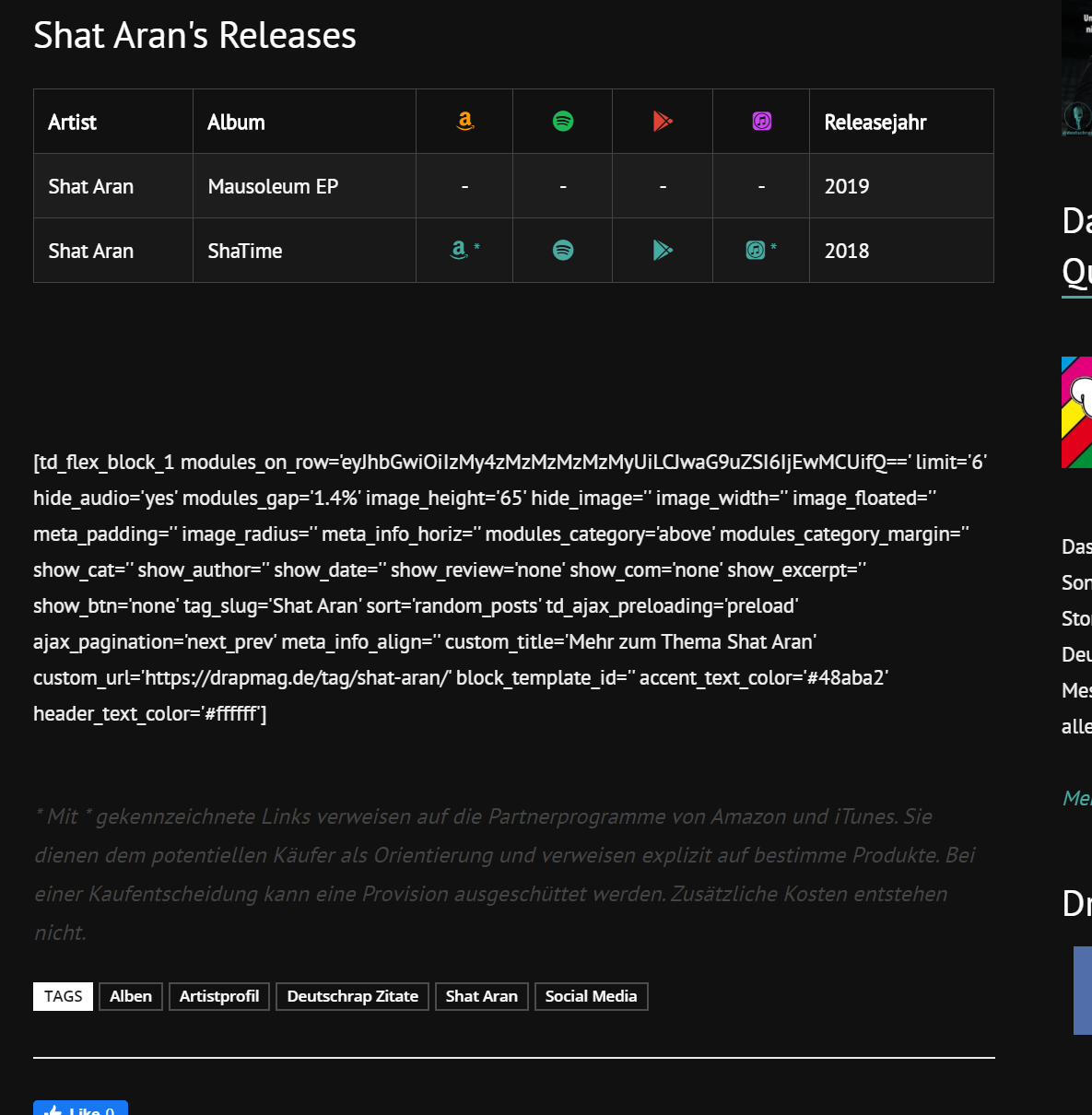
But on the page the code gets printed out 1:1 (see Image 2)
Image 2:
If I copy & paste this code like it is into the post it works (see image 3 & 4)
Image 3:
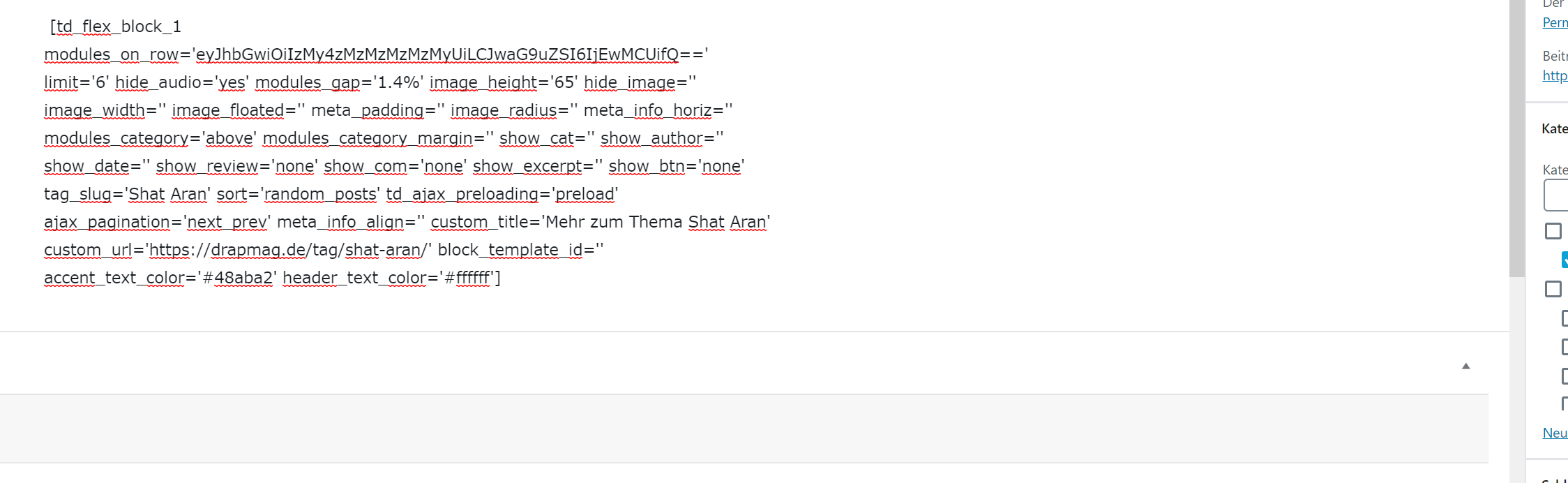
Image 4:

Is there anything I can do to make this work with using wordpress_shortcodes? Why does it get printed out plain when I’m using the method I tried? Or maybe there’s another workaround to use flex_block without manually changing the tag_slug on every page?
Big thanks in advance for your help.
Best regards

Hey,
so I’m not able to use the shortcode directly in ‘Single Post Content’? I’ve got one post template with about 200 posts, but every post needs a different shortcode ([artistmoretag name=”Artist 1″], [[artistmoretag name=”Artist 2″] etc), so I thought that would be the easiest way.
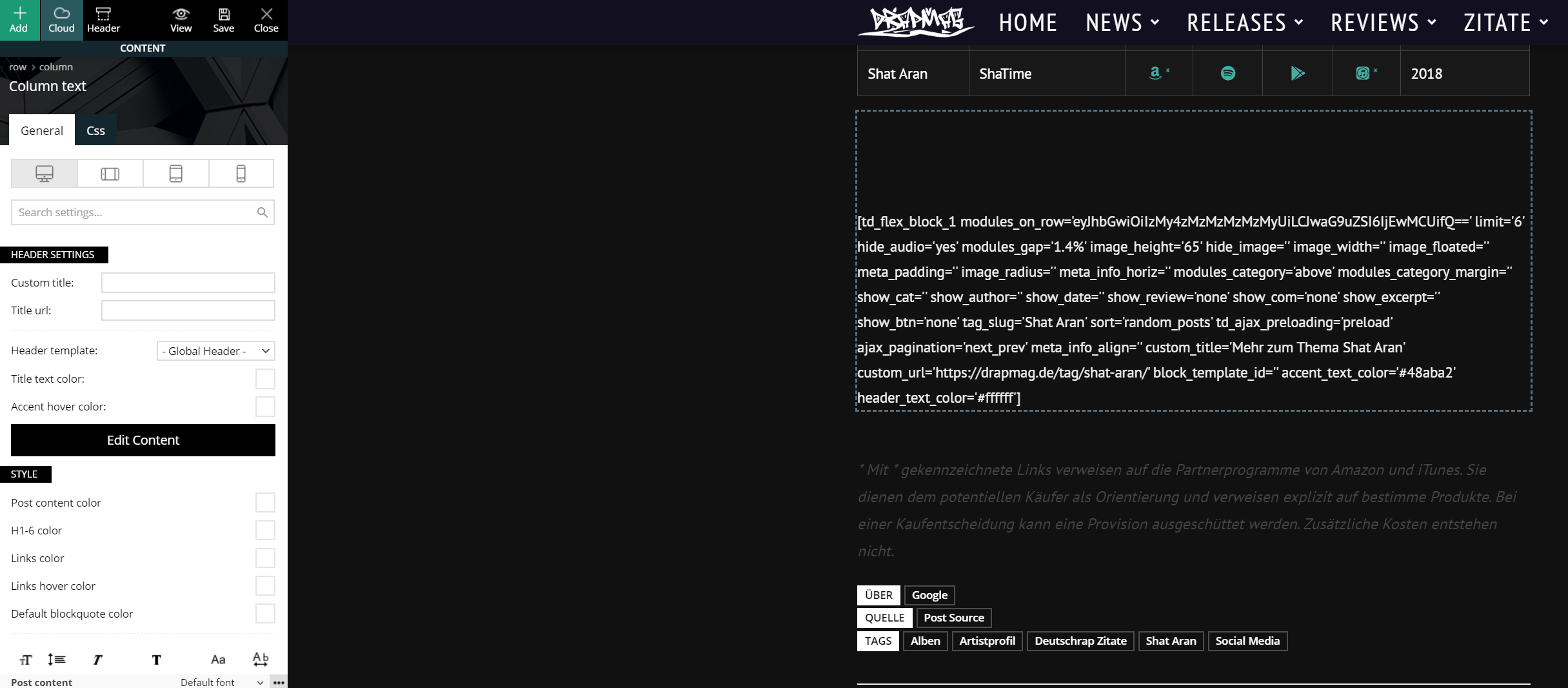
I tried to create a column text and put the shortcode in there, but get the same problem.
Column text:
Content of column text:
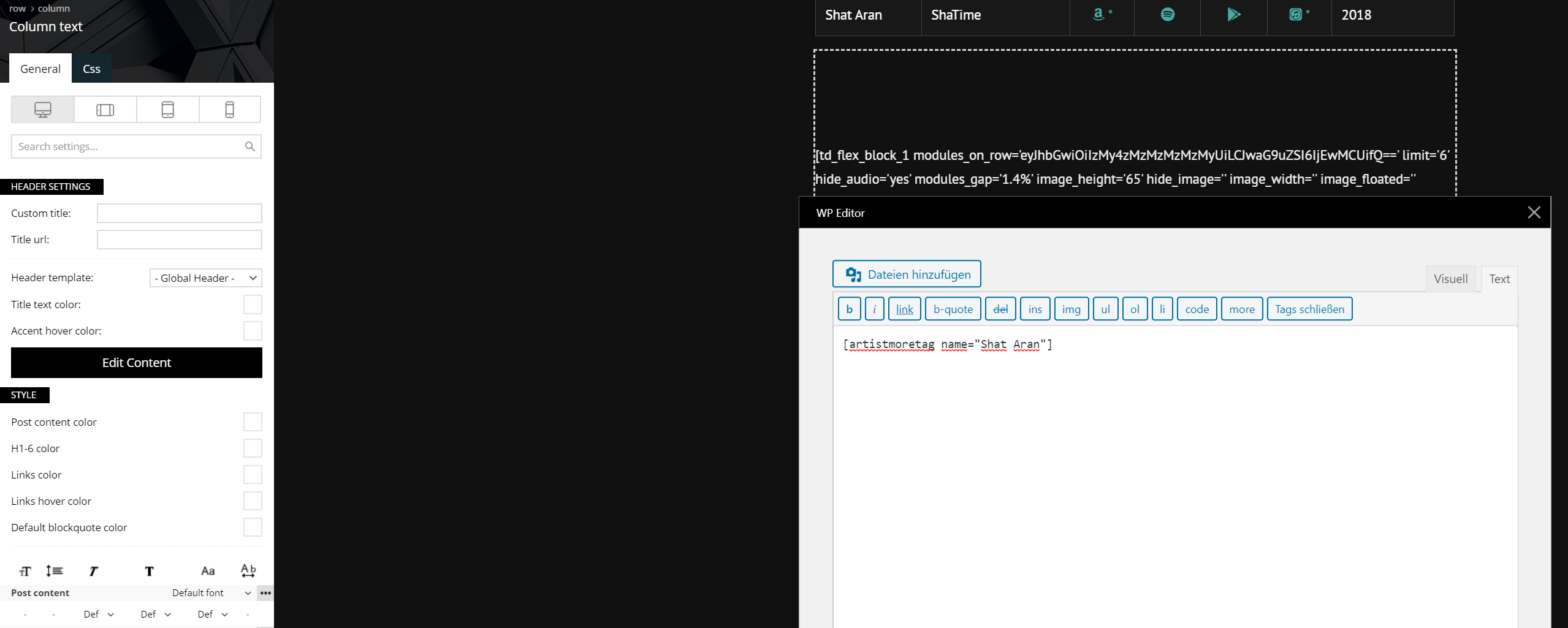
Output on the post:
Best regards
Hi,
As I can see the code is no longer recognize by the theme when is place with tagDiv Composer, What I can suggest is to set it in the cloud template as you set it in the post, you can set it at the end of template first to see if it is working and only after that set it in the right place.
Hope this will work!
Thank you!
Hey,
sorry I don’t really understand.
If I set the wordpress shortcode within the cloud template it just prints out the tag for the flex_block.
-> I could set the whole [td_flex_block_1 modules_on_row=…….] tag, that would work, but that way I won’t be able to change the tag_slug for every post.
