

I have a section on a clients website that is tabbed. Each tab has vimeo videos.
I tried using tabs…accordian….vimeo playlists, vimeo embeds from the visual editor and no matter which I try, only the original tab will display the videos correctly. Any other clicked tabs will result in tiny videos usually about the size of the blue play button from vimeo.
I tried disabling all plugins except the visual editor to no avail. The only thing that will work is to select any other theme. The tabbed sections displays all content correctly on the themes I had installed.
It is a bug on the theme end it seems. I also disabled the visual Editor and installed a different tab plugin and the results were the same to confirm that it was not the fault of the visual editor that comes bundled with the theme.
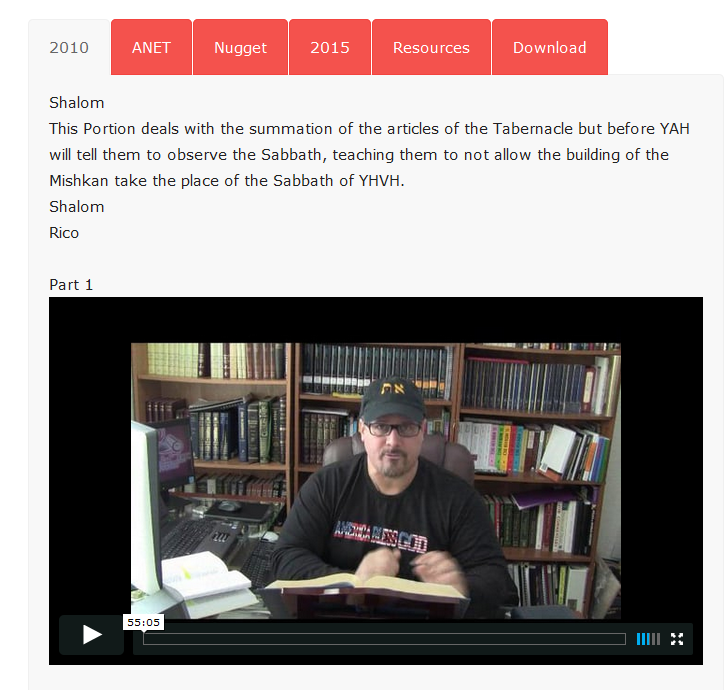
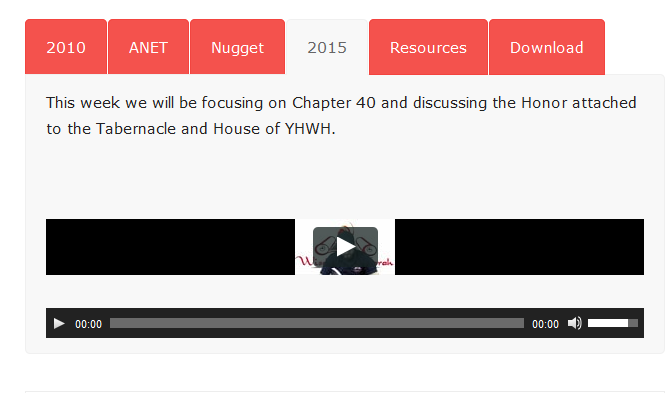
Update….I had screenshot the 4th tab and after several minutes the video finally went to normal proportions??? I tried it several times and it takes 4 or 5 minutes to display that tab where the first or “selected” tab always displays instantly. Here is the video embed code for the 4th tab….straight from vimeo. It also failed when using shortcodes.
<iframe src=”https://player.vimeo.com/video/122094669″ width=”640″ height=”360″ frameborder=”0″ allowfullscreen=”allowfullscreen”></iframe>
My client sees the same thing on their PC and Apple laptop by the way.
-
This topic was modified 10 years by
ozarksvt.

Hello Victor,
You can send us an email at contact@tagdiv.com with your log-in information (wp-admin) so we can further inspect your setup page. Also, please provide the link of this topic so we can identify you.
Thanks.
