Hi,
I’ve noticied that website http://www.indiescretos.com is not being showed correctly. I’ve seeing code instead the modules. Even the header is not being showed as it should be.
Newspaper Theme version is 12.4
What’s happening?
Thank you

Hi!
Website is http://www.indiescretos.com but I’ve already fixed this issue reuploading all the files from theme and plugins.
Now I’m trying to replace a Google Ads from the header, using an HTML code instead, with the <div> code you provide in the tutorial, but I’m not able to show it:
<p> </p>
</p>
What I’m doing wrong?
Thank you
-
This reply was modified 3 years by
romerito13.
Sorry, but code is not showed in my last message
<div class="td-all-devices">
<p><a href="https://www.girandoporsalas.com" target="_blank"><img src="https://www.indiescretos.com/banners/banner-gpsgraciastop.gif" alt="Publicidad - Girando Por Salas" /></a></p>
</div>-
This reply was modified 3 years by

Hello,
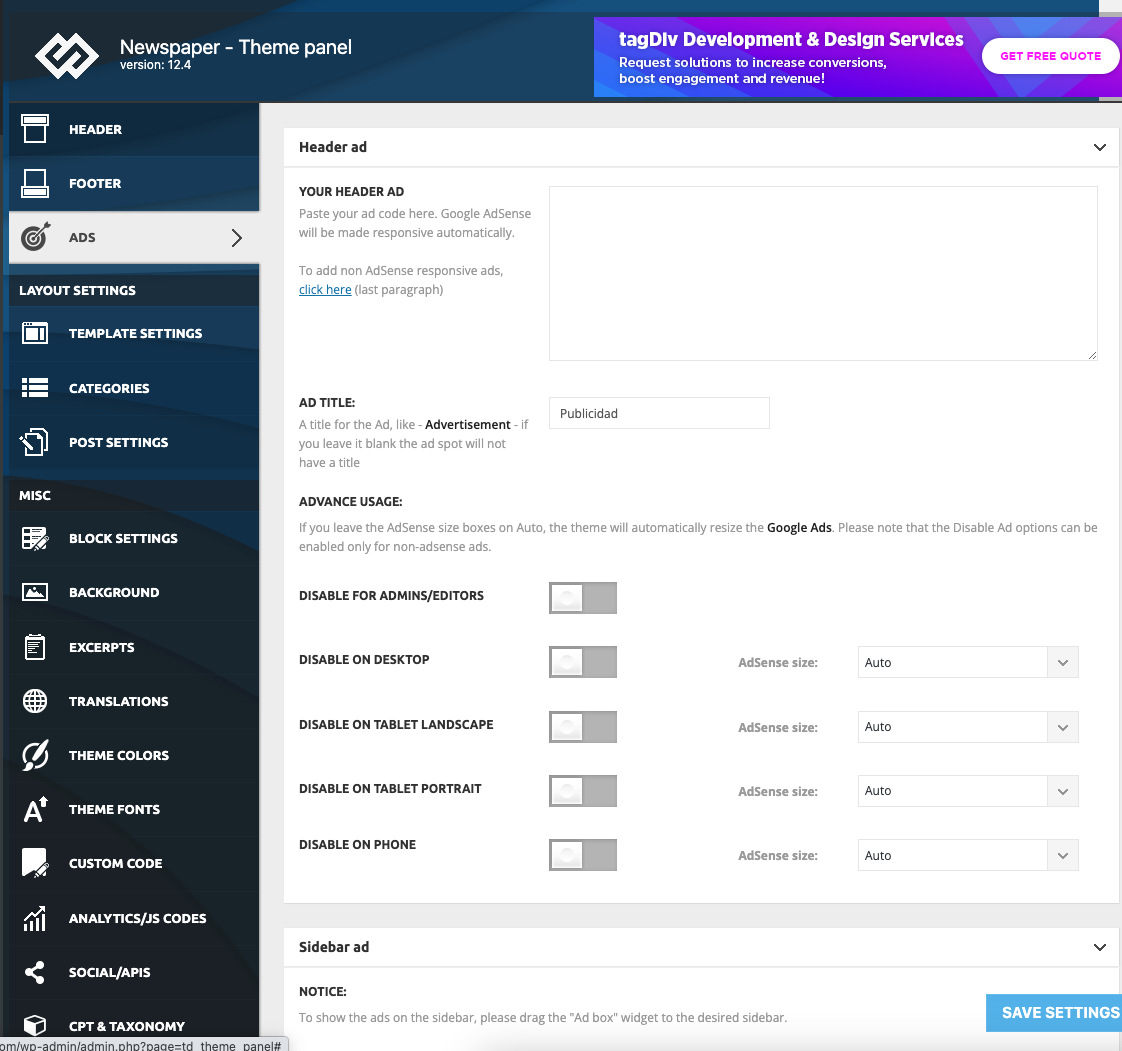
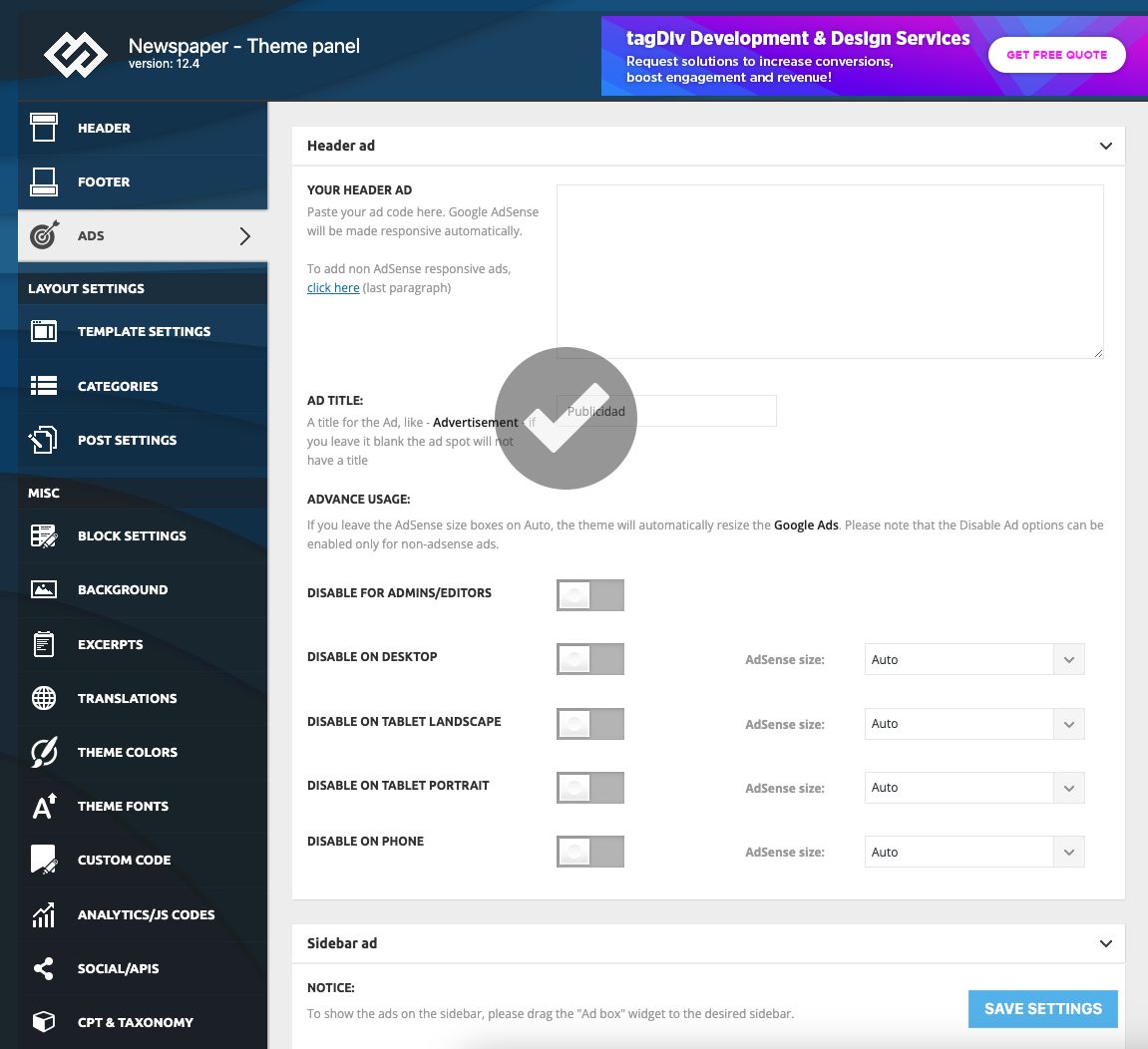
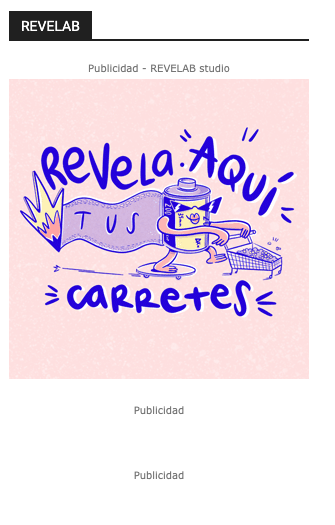
You have in the header an add -> https://i.imgur.com/muedzJS.png -> https://i.imgur.com/J2I5gxJ.png, so seems you solve it.
Thank you!
HI Ana,
No, it’s not solved. My problem is that I’m not able to change the actual banner.
Now there is a AdSense banner, but I want to change it in header for this code:
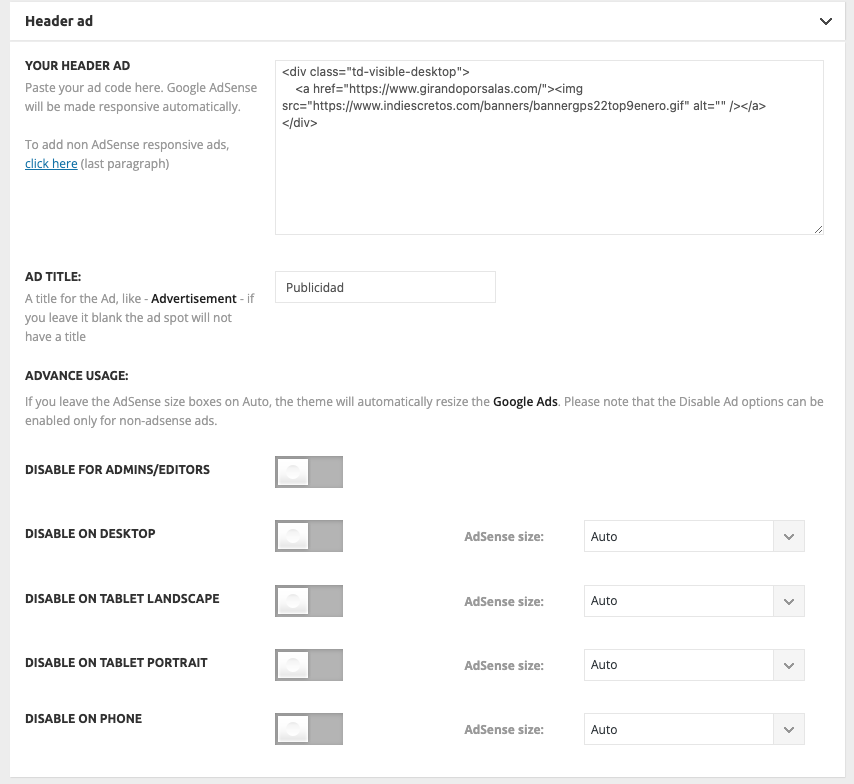
But it’s not being updated and Adsense banner remain located instead customized.
-
This reply was modified 3 years by
https://www.indiescretos.com/banners/errorbanner.png
-
This reply was modified 3 years by
Hello,
You need to edit the code for ads here, you can delete the all codes, and check after the ads are still displayed -> https://i.imgur.com/9PkgPSr.png -> https://i.imgur.com/8eNWUCc.png
Thank you!
Hi Anamaria,
I’ve already deleted all the ads but they still being visible.
I’m losing my mind with that! And I have a customer who paid for ads and I don’t know how to solve it.
Even after updating I’ve deleted cache, but nothing changes.
https://www.indiescretos.com/banners/errorbanner2.png
https://www.indiescretos.com/banners/errorbanner3.png
https://www.indiescretos.com/banners/errorbanner4.png
https://www.indiescretos.com/banners/errorbanner5.png
https://www.indiescretos.com/banners/errorbanner6.png
-
This reply was modified 3 years by
Hello
Please contact us via email, and provided the wp-admin access and the code and images, because I can’t see them -> https://i.imgur.com/IWnecDD.png
Thank you!
Hi Ana,
What email address?
Just checked the image links and they work, but they don’t if you follow them from the forum. Pasted in the browser works…
https://www.indiescretos.com/banners/errorbanner2.png
https://www.indiescretos.com/banners/errorbanner3.png
https://www.indiescretos.com/banners/errorbanner4.png
https://www.indiescretos.com/banners/errorbanner5.png
https://www.indiescretos.com/banners/errorbanner6.png
-
This reply was modified 3 years by