

Hi,
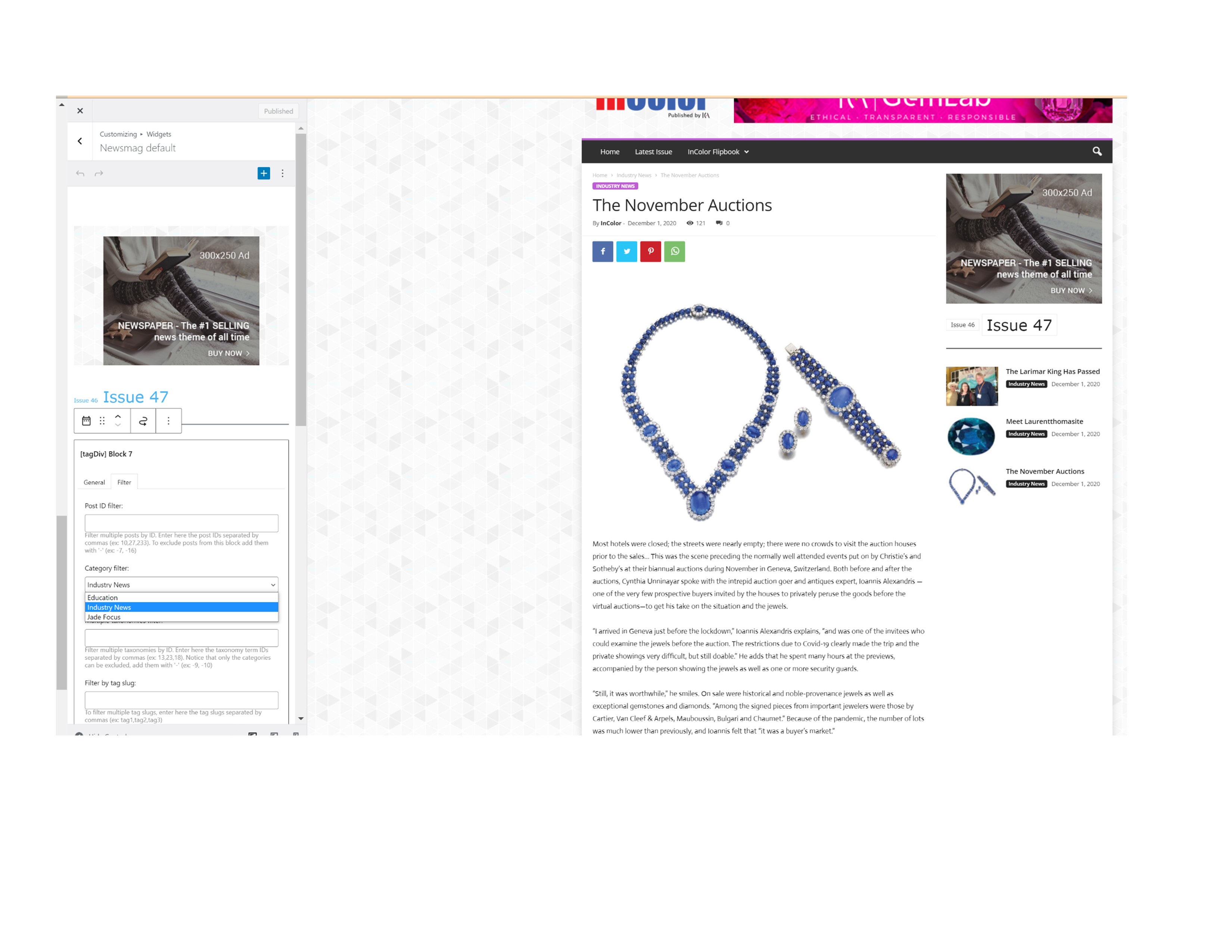
I tried to add a widget on the sidebar (in an article) and it looks like the only option I have is to choose one category (do not see the default). I would like to filter by TAGS and to use all categories.
Thanks. Claudiu
-
This topic was modified 5 years by
Claudiu.

Hi Claudiu, normal you can create new sidebars from theme panel -> https://i.imgur.com/D4c9QL3.png or from inside of post -> https://i.imgur.com/TZZgpNV.png then you can edit theme in two ways, the one that you use with the Customize option on frontend and the other one is on backend in Appearance > widgets -> https://i.imgur.com/fykXw4D.png
Now to filter the block after a tag you can use those options -> https://i.imgur.com/VuZMxNw.png and for the moment to display all categories, you’ll need to add the categories id in this filed -> https://i.imgur.com/XF5400v.png before WordPress v5.8 with the new widget implementation, was possible to display all categories using an option with dropdown, for the moment (in WP 5.8) this option is no longer available, but we want to add it back.
If you have any questions, please let me know!
I hope this will help you!
Thank you!
Hi Claudiu, yes it will be nice to have that option on the blocks from widget section.
The category id can be find in multiple ways, for example when you hover a category https://i.imgur.com/0Wio3zR.png, when you open one -> https://i.imgur.com/ghGIbqI.png ( the id it is indicated in the link) or in case that you opened a page in tagDiv Composer -> https://i.imgur.com/4Xk8V3G.jpg
I hope this will help you!
Have a nice day!



