

 0xid0
0xid0 Hello,
I did this, but still have the same issue. Thank you.
0xid0 Hello Bettina,
Sorry for being pushy, but this problem probably happened to a lot of people that migrated to Newspaper from other themes. I cannot edit thousands of entries manually to add this.
Is there any way to do it at least against one post programmatically? In this case, i will be able to modify the code to do it massively.
BTW, one image linked in https://forum.tagdiv.com/modal-window/ is broken. To be more specific, this image: https://forum.tagdiv.com/wp-content/uploads/2015/05/lightBox.png
Thank you
0xid0 Hello Bettina,
Thank you for your answer.
Now i’m able to enable the lightbox, but as you can see, the image is not loading:

Also, i switched from another theme and i have thousands of entries with images without links. Is there any way to enable on all entries?
Thank you.
0xid0 Hello,
Where is located this option? i am not able to see.
Also, how i can change all images? it is happening in all images in the blog. Thank you
0xid0 Indeed, what role do you require for this account? Thank you
0xid0 Hello,
There is no option even if I modify the code to disable lightbox? i think it should be a way to achieve this because i can access it without lightbox if i open the image on a new page.
Besides that, lightbox is not working
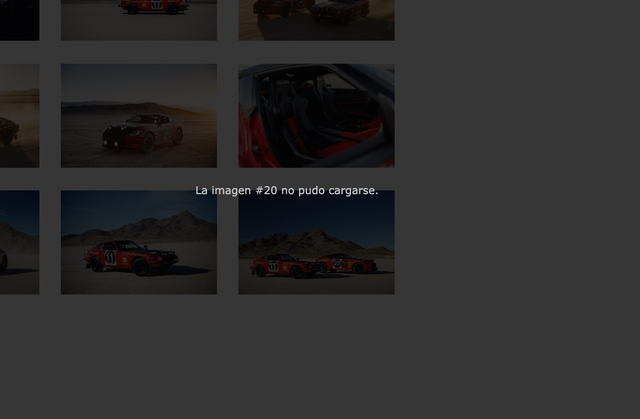
It says the image cannot be loaded.
0xid0 0xid0 It worked, thank you!
0xid0 Hello,
I have this option already disabled, but images are still clickable.
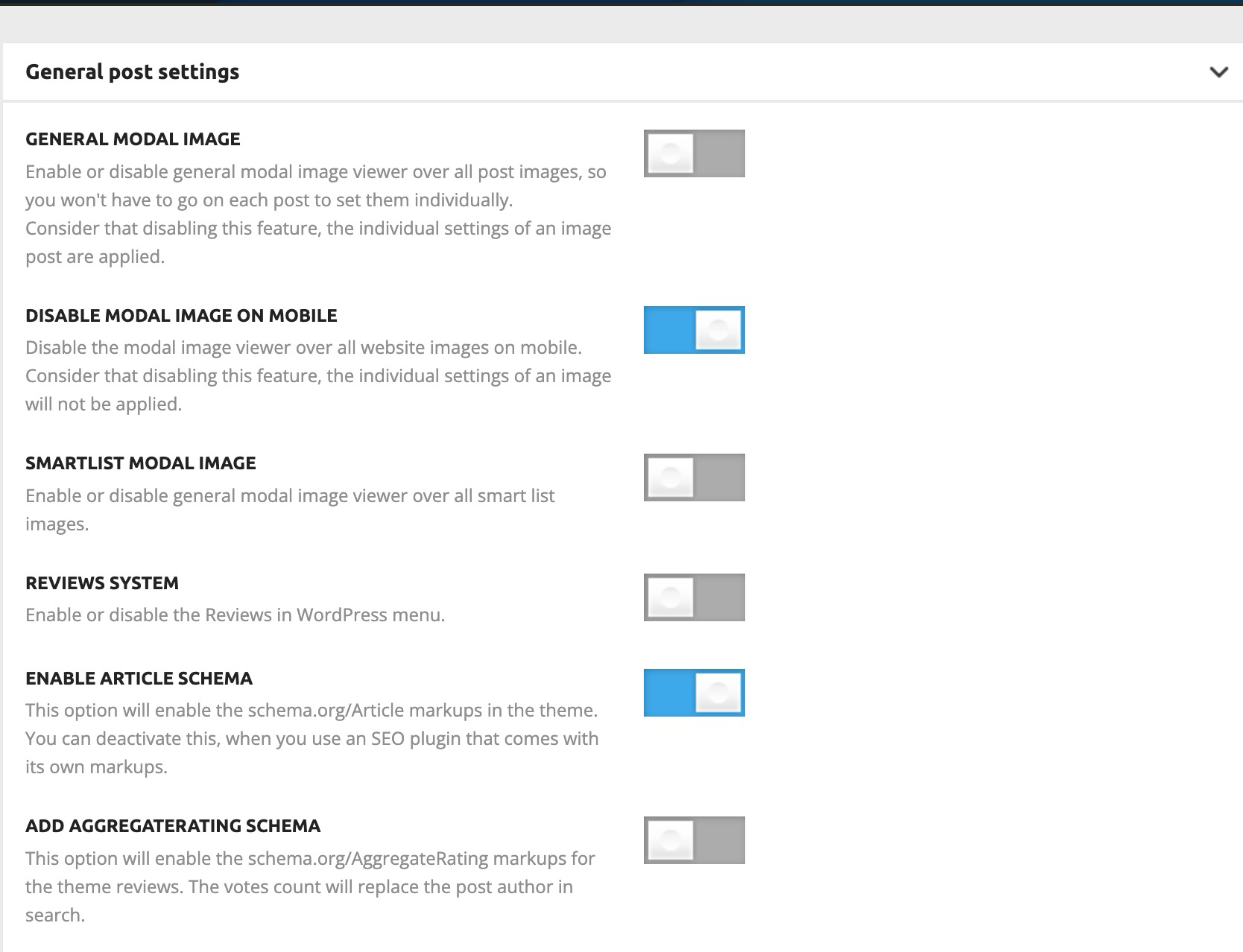
Thank you
0xid0 Hello,
This is a gallery inserted in a post (using the WP editor tools, not 3rd party plugins):
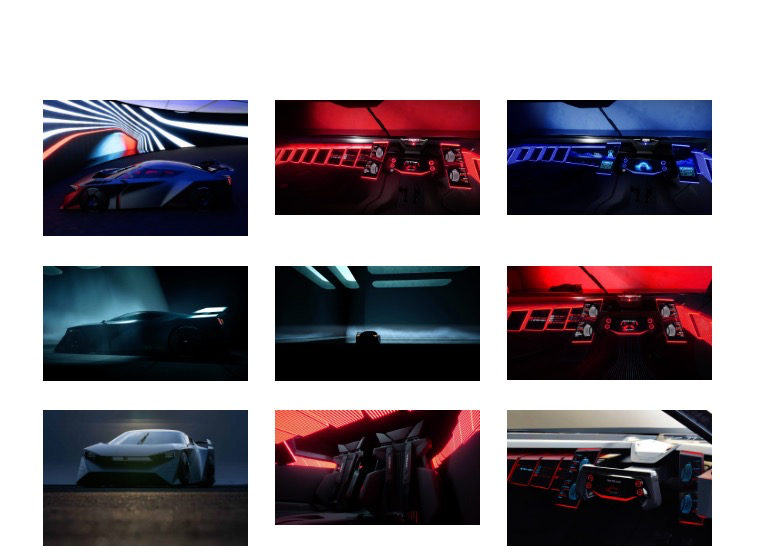
This happens when i click on an image from this gallery:

And i don’t want any animation, i want to go straight to this page when i click on an image:
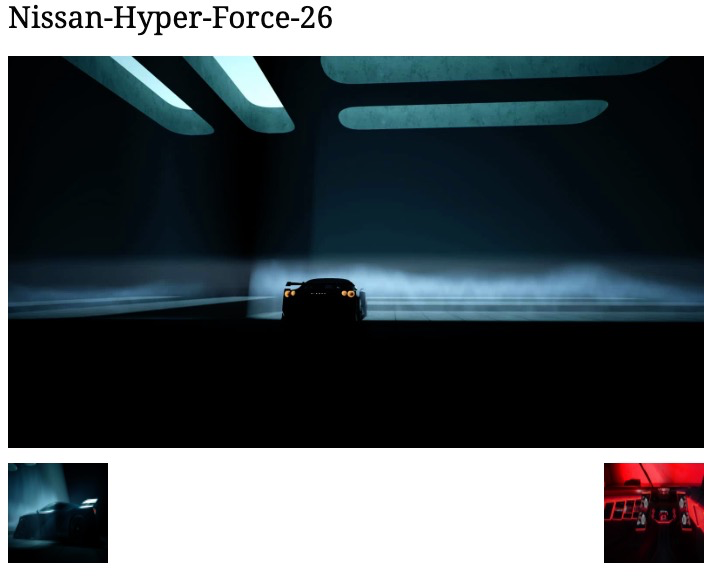
Thank you
0xid0 Hello,
I have the Gutenberg classic editor via plugin. I removed from wp-content/themes/Newspaper/editor-style.css .mceContentBody and .mceContentBody:after as you suggested but is still appearing :(. Thank you.
0xid0 Hello,
No, this is happening in all entries, including entries that i posted with the old theme. How i can disable it massively? Thank you
0xid0 Hello,
I’ve added the code, but the main image is still clickable.
I looked into the source code just to double-check if i’m seeing a non-cached page and the code is present:
<!-- Custom css from theme panel -->

<style type="text/css" media="screen">.td-read-more{display:none;}.td-main-logo img{width:auto!important}.td-image-container{pointer-events:none}</style>
Thank you
0xid0 Hello Betina,
I already have ‘general modal image’ disabled, but still, it’s trying to load using the modal image viewer. Why? deleted cache without success
0xid0 Email sent!
0xid0 Indeed Calin, let me send an email with a few images. Thank you.
0xid0 Hello Calin,
Unfortunately, this website is only hosted locally on my computer because i’m still developing. I can share screenshots of everything you want. Thank you.
0xid0 Hello,
I did this, but i still have the same issue :/
0xid0 Hello,
I tried to upload as a full size, but still i have the same issue.

