Arsenio Spadoni
 In fact, the Mobile Devices support flag is missing in WP Super Cache. Now everything works fine, thank you very much!!!
Arsenio Spadoni As you can see in the video, sometimes the correct mobile version is displayed (blue band and Google ads), other times (randomly) the desktop version is displayed (gray band). It’s not clear why. The site uses WP Super Cache.
Arsenio Spadoni Below, the right mobile home page:
https://www.elettronicaemercati.it/wp-content/uploads/2024/04/Screenshot_20240408-164941_Chrome.jpg
Arsenio Spadoni The correct mobile version has the top band in blue color and pages contain Google advertising.
The wrong version (which corresponds to the desktop one) has the top band gray.
Arsenio Spadoni What do you mean re-index the website?
The problem only affects the display of the favicon on Bing, all other search engines display it correctly.
I made all the changes you suggested, also adding the two lines of additional code.
I also asked to the Bing Webmaster Tool service to re-crawling the site but the result is always the same: the favicon is not seen on Bing.
What should I do?
Arsenio Spadoni As I juast said in my reply (Dec 12, 2023 at 11:35 am)
I put in the head the following line, as suggested post you cite:
<link rel=”icon” href=”favicon.ico” type=”image/x-icon” />
<link rel=”shortcut icon” href=”favicon.ico” type=”image/x-icon” />
but… it doesn’t work
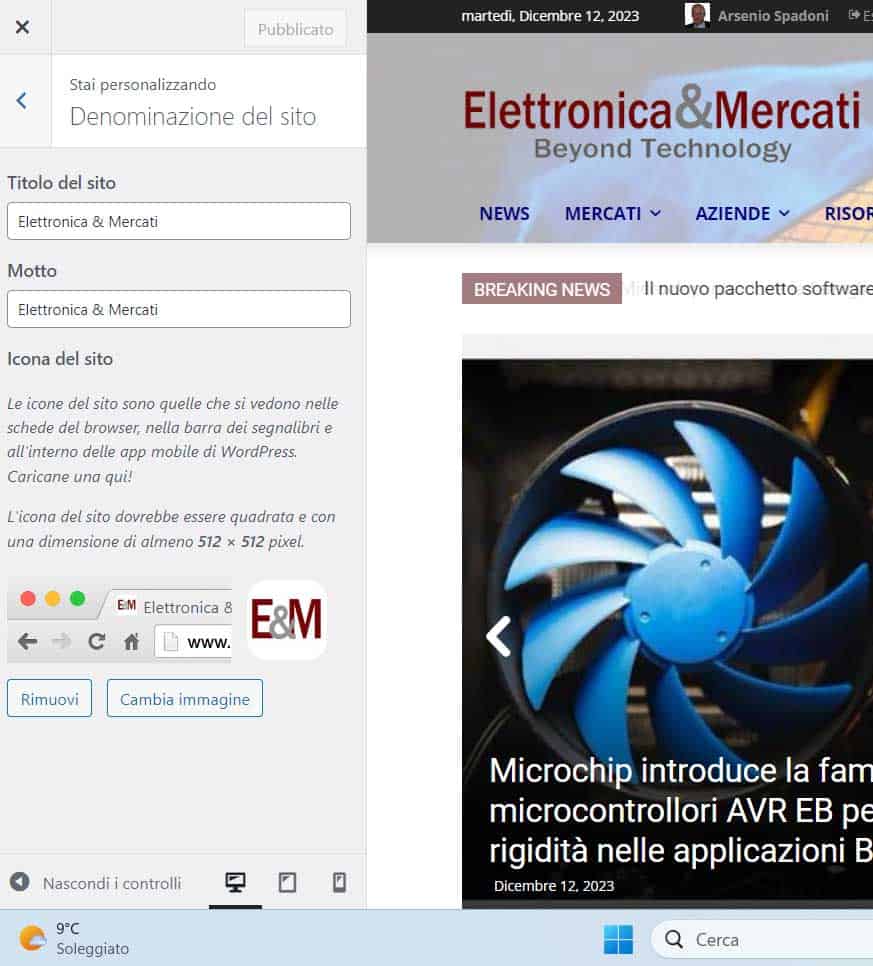
Arsenio Spadoni Below a screenshoot of my site with favicon as you suggest:
https://www.elettronicaemercati.it/wp-content/uploads/2023/12/Favicon_Denominazione.jpg
I also checked all the Bing info and everything is OK. It may depend on the sitemap.xml file that in my case Yoost generates automatically?
Arsenio Spadoni HI,
I read the topics more than once and done everything requested.
All my icons are in .ico format, and are present where required, including Site Icon in Site Identity.
I also deleted the old ones in .png format
I also inserted these lines in the head tag:
<link rel=”icon” href=”favicon.ico” type=”image/x-icon” />
<link rel=”shortcut icon” href=”favicon.ico” type=”image/x-icon” />
You can see this by exploring the page.
I also cleared the Bing cache.
However Bing doesn’t recognize my favicon.
I also saw that your other clients like https://www.streamwijzer.be/ failed to resolve the issue.
What more do I have to do?
Arsenio Spadoni Ciao Bettina,
I know very well where the favicon should be displayed.
The problem is that, despite I saved correctly the image, it is not displayed.
What can I do?