

 complexs1
 Thank you
complexs1 I do have the “Default template” selected under “Template” and the problem is still there where if I add any element to the Resource page it is displayed on the Home Page. Please need help with this on going issue.
complexs1  complexs1
 Hello, It is set with the Template:Default and the problem still is there.
complexs1 Thank you very much, that worked. I would hope in future updates this feature would be disabled without having to add custom code. Thanks for the help and have a wonderful day.
complexs1 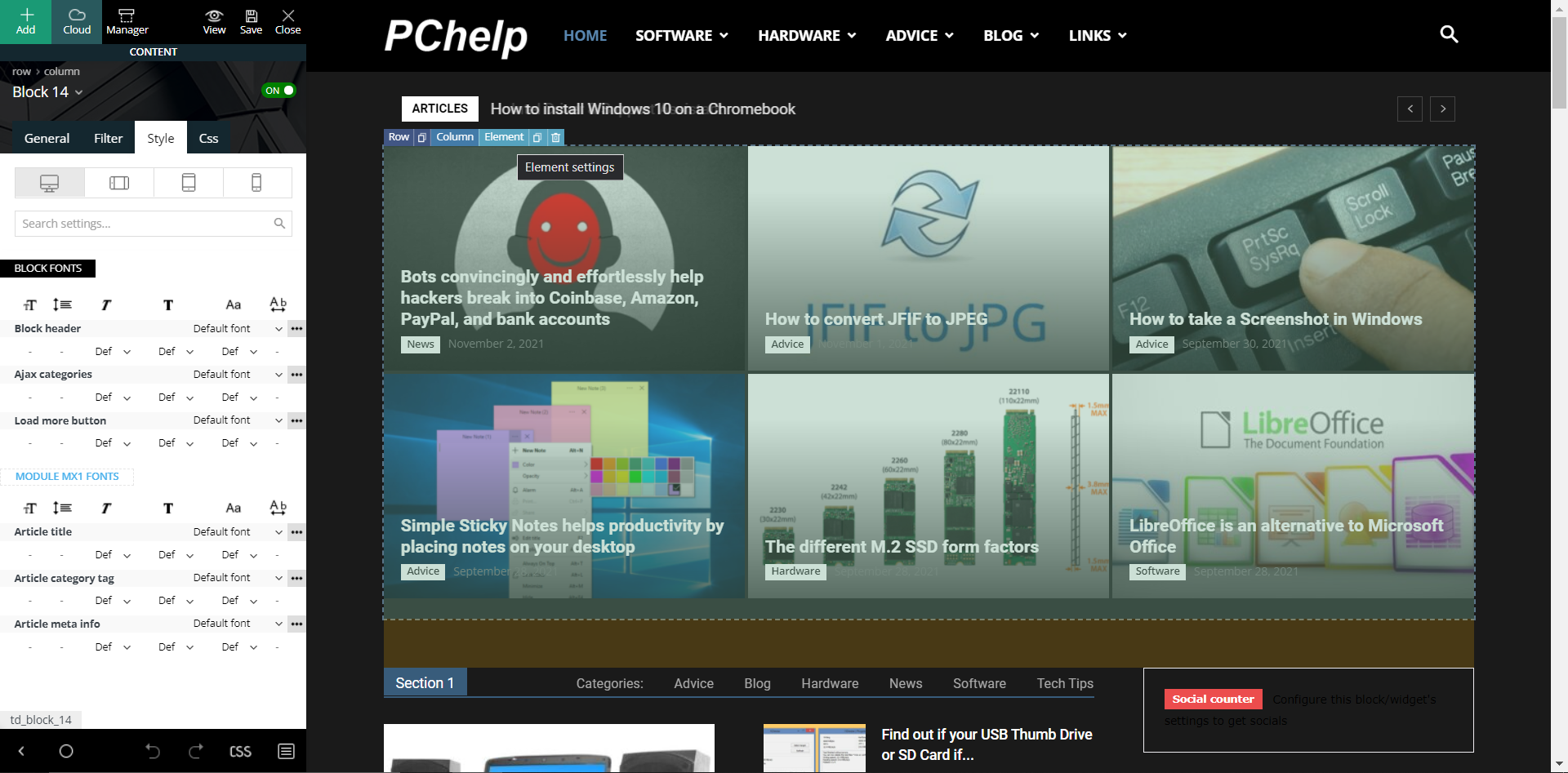
When I click on the “Element setting” for the “Block 14” I see this but no options to change the gradient effect. The prebuilt website is called “Black Version”. I appreciate the reply back but cannot find this setting to remove the gradient effect. The above picture shows exactly what I see when I select “Style” in the “Block 14” “Element setting”. I see nothing nowhere that says “flex blocks”.
-
This reply was modified 4 years by
complexs1.
complexs1 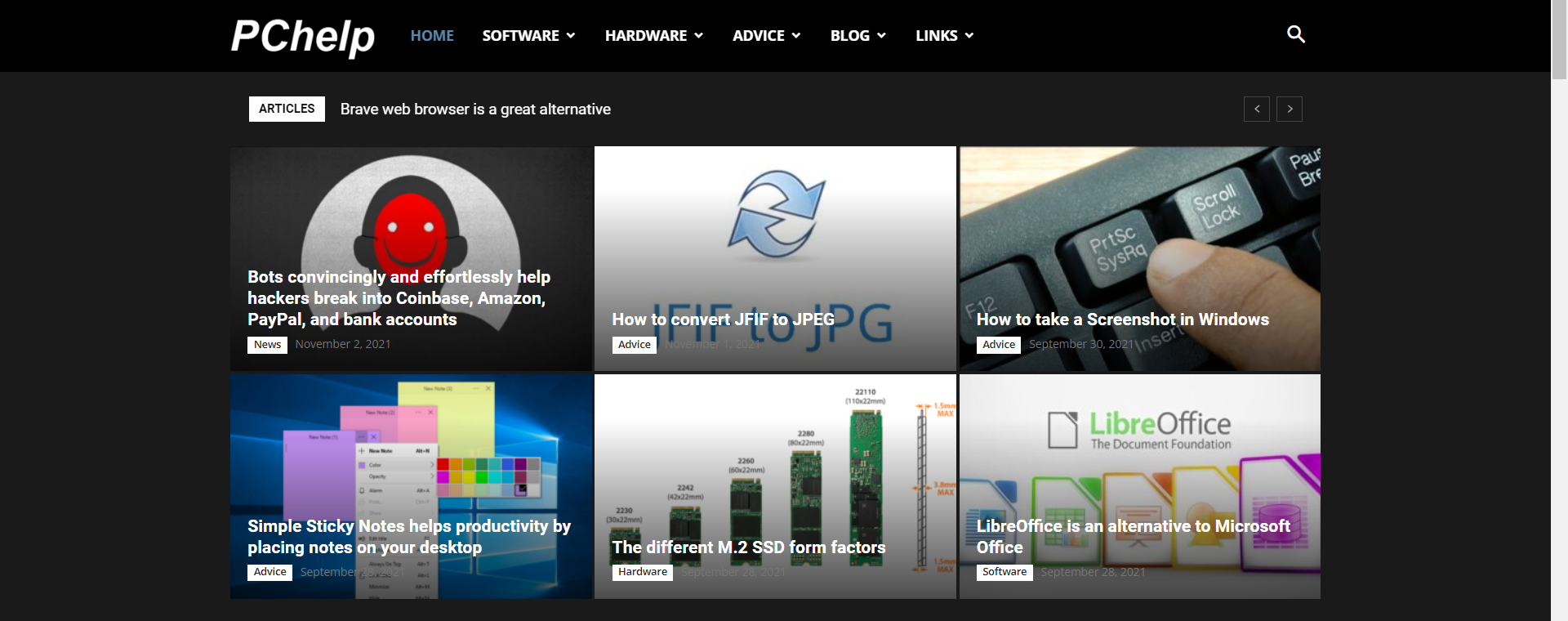
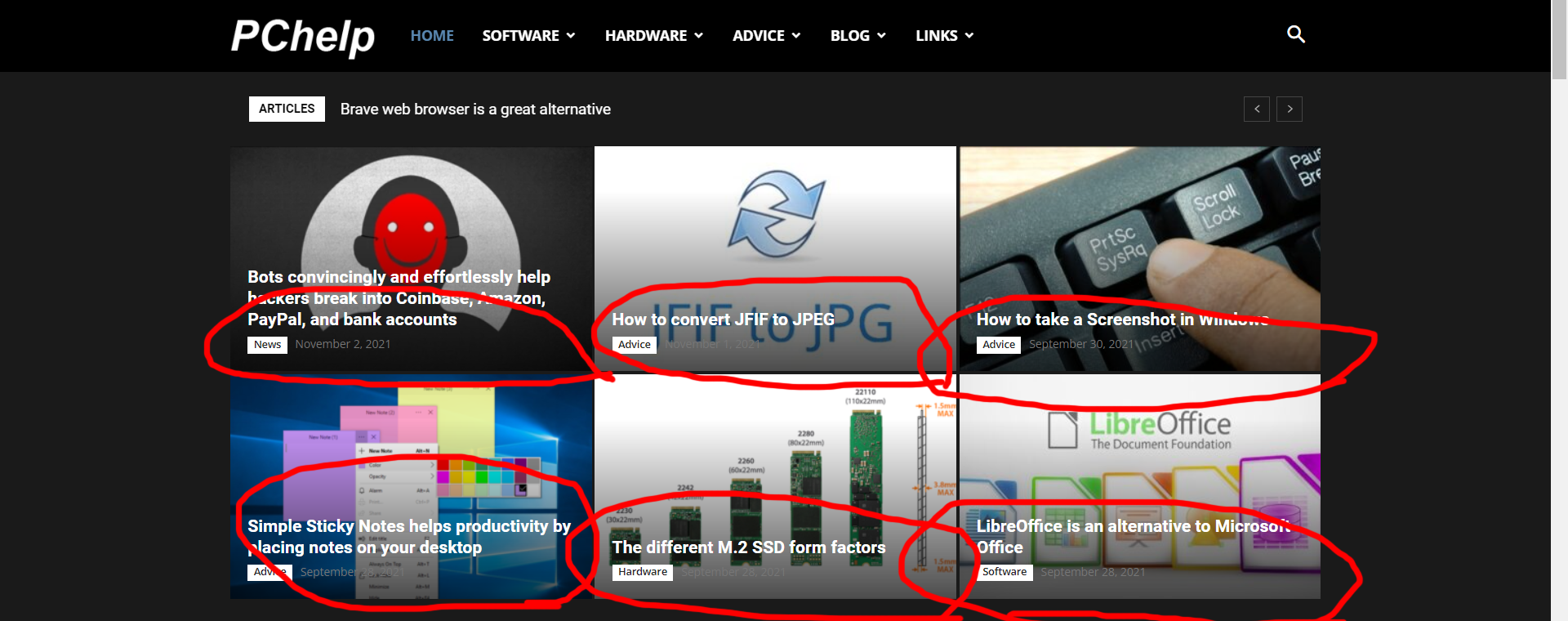
complexs1 That is my website and you can see in every single featured image on the page there is this darkened affect towards the bottom of the image. I thought it was also on top but it seems it’s more towards the bottom of every single image. Please their must be a way to remove this annoying effect. Thanks in advance for the help.
complexs1 The main article images on the home page of the desktop theme have the images darkened on the top and the bottom of the image. It seems like an effect that should be able to be disabled. I would assume other users as well as myself would like to display crystal clear images for people to see.
complexs1 No, not the mobile theme. The desktop theme.
