

 erfahrungsguru
 The error is only seen on one tablet and only on one of the pages. On the first screenshot the page itself is also wider.
the second screenshot with the bug – there the page itself is more central and smaller the area, thereby the table slides into the right sitebar – where can you adjust that the article page is wider? quasi like the first screenshot?
erfahrungsguru Thanks, i will try it 🙂
erfahrungsguru Hi Bettina,
i mean this (the http://www.mywebsite.de/content/feed) – what is that /feed/?
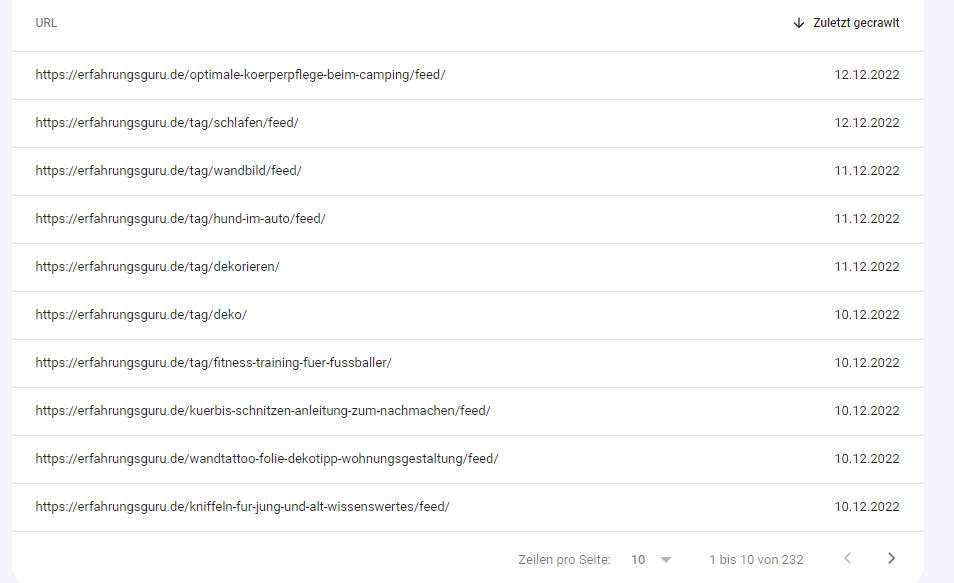
—
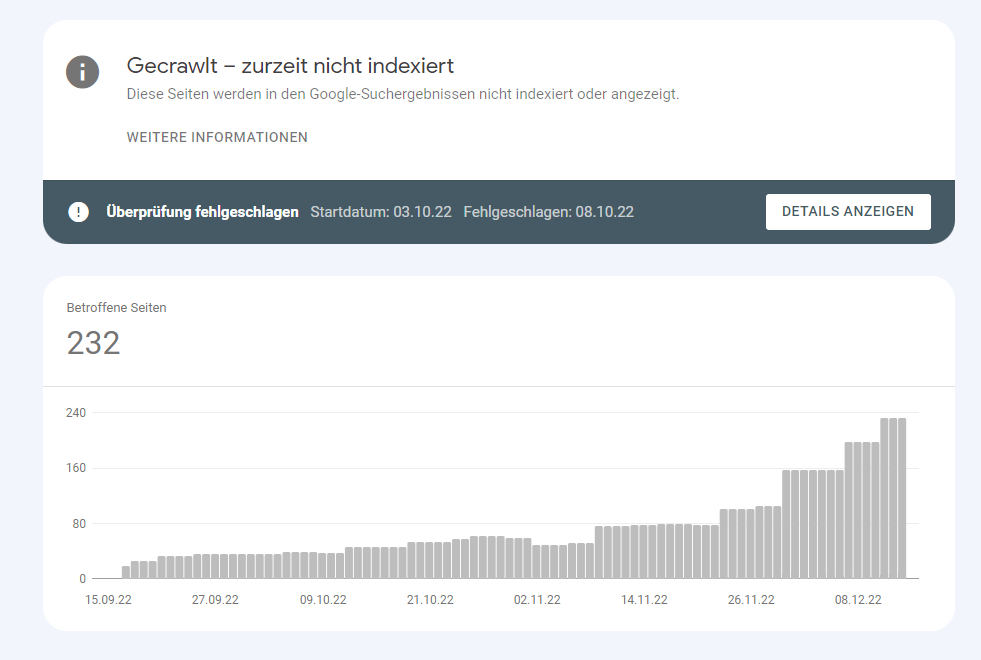
-
This reply was modified 3 years by
erfahrungsguru.
erfahrungsguru Hi @bettina,
thanks for the reply. The one with the button didnt help, cause this button shortcode is only for woocoomerce with own products. But we only have affiliate products so -> linking to other site.
I saw the shortcode: “Woo Custom Add to Cart is exactly what i need – this button links to the added adress in the product.
but when i change the style with the tag editor. it dont show the same result as in the editor. see screenshots.
Edit:
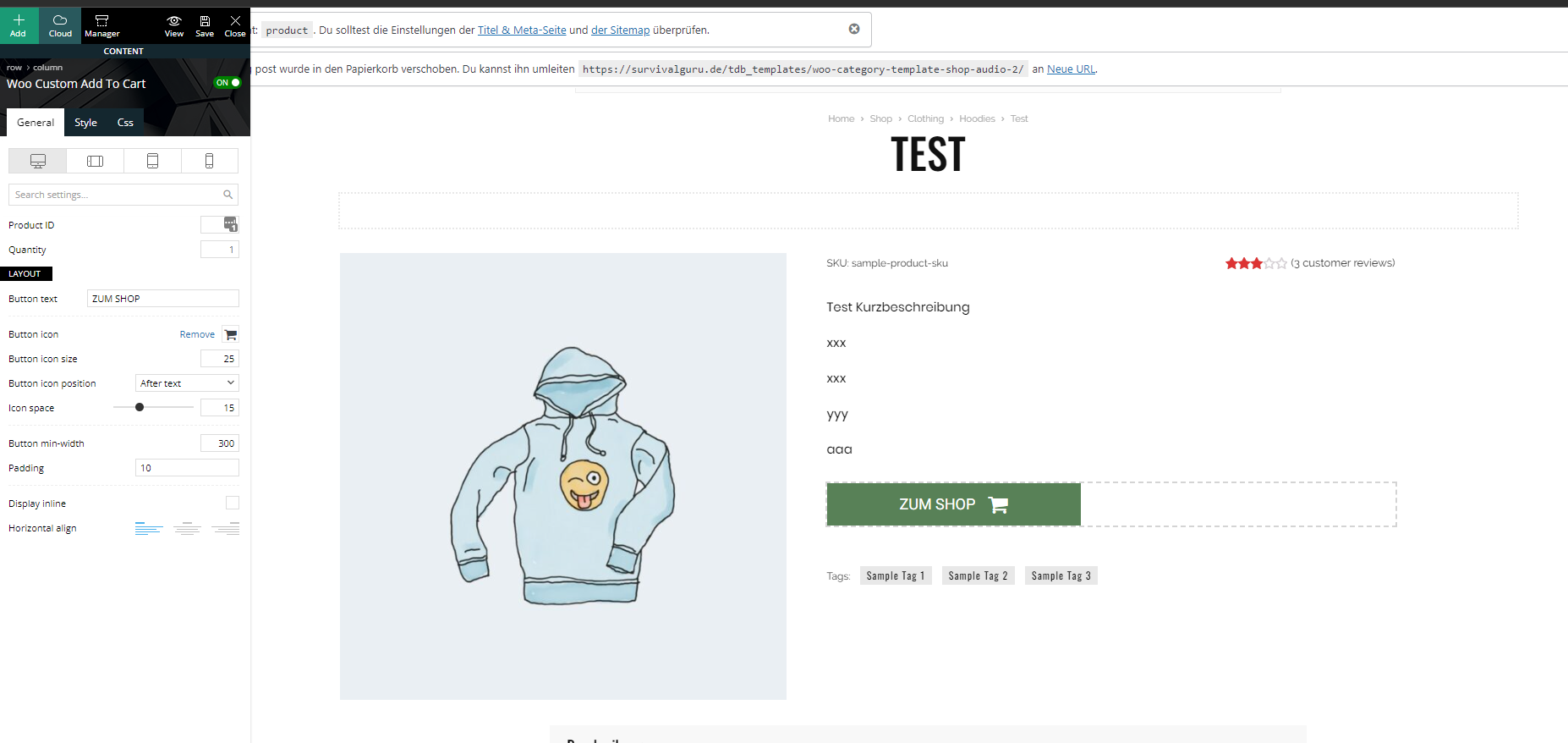
Website:

You know how to change this?
erfahrungsguru AND!!! how to make the picture on desktop smaller?
erfahrungsguru Thanks :)!
erfahrungsguru Hey Bettina,
thanks for the infos. we use the animal theme, and didnt change anything. in the css settings, there is no information.
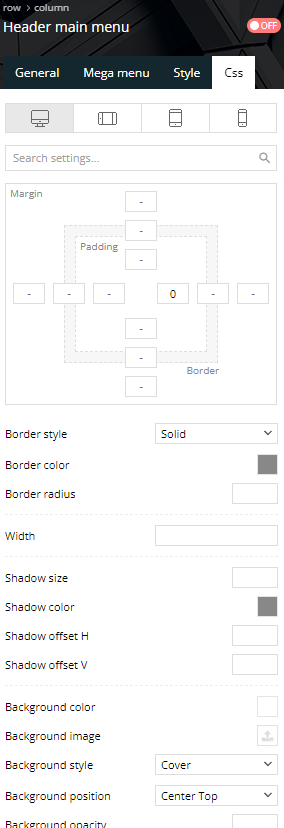
erfahrungsguru Thanks that works, very easy!!! 🙂
erfahrungsguru Ohhh i see, i can edit the “latest posts, most popular etc…” with the TagDiv Composer.
erfahrungsguru I see, some is in german, but not all. see screenshot.
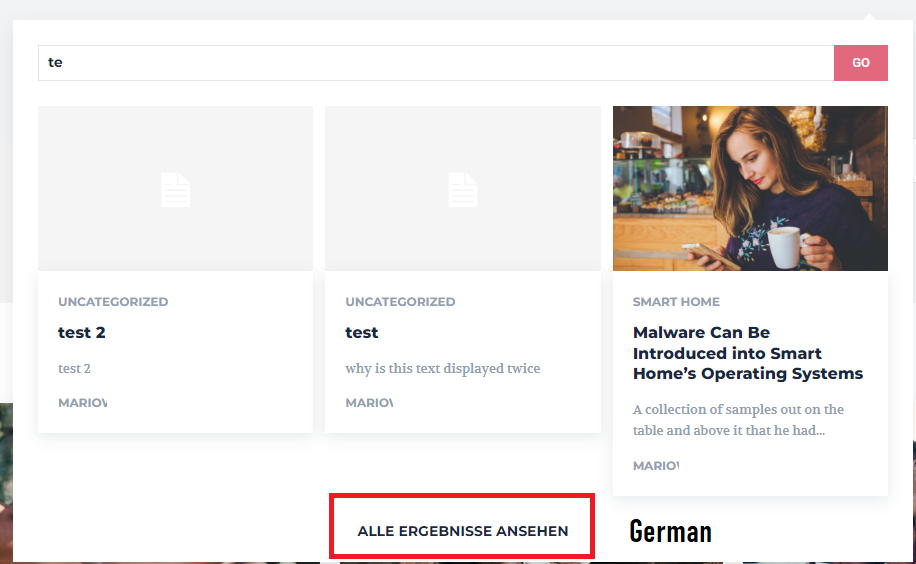
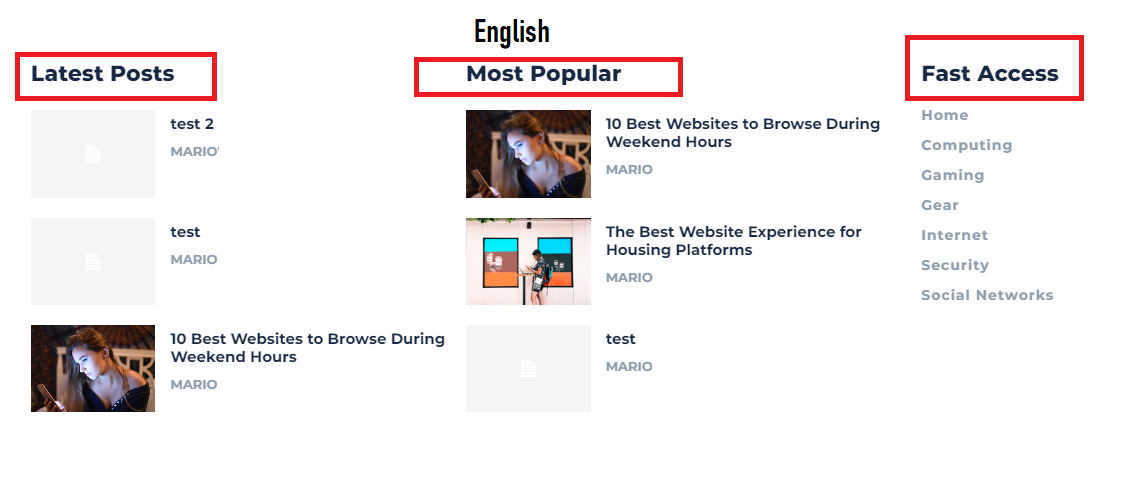
-
This reply was modified 4 years by
erfahrungsguru Ok @Anamaria,
got it. I deleted something with the TagDiv Composer and now the text is there only 1 time :).
erfahrungsguru Hi Anamaria,
thanks for the quick answer. Where can i deactivate this option. Can i do this in the theme settings? or where i can do that?
Thanks :).
