

 joeyfatstat
 I figured it out, you cannot copy and paste modules, why is that?
joeyfatstat nevermind i found it
joeyfatstat Its showing up old posts and nop new posts, The posts are not updating
joeyfatstat i disabled wprocket and my posts wont show up, it also is not my cdn
joeyfatstat I fixed everything with the ocmpbination of WP rocket and cloudflare… getting speed in the 80’s…but now my new posts wont show up? It is showing old posts! Im getting close to my deadline and is there a way for support that is fatser? Im not knocking yall just asking if support can be sped up somehow? But anyhow, My speed problem is fixed and now the blocks wont populate my new posts?
joeyfatstat Why do you think there is such a load delay on the elements?
joeyfatstat Im gonna try this broski! I hope it works!!!!! Please do not stop helping me, I need this optimized! Im reporting back in an hour or so when implemented
joeyfatstat Like seriously, I turned off AMP but it wont go away. I can even deactivate it and it wont go away
joeyfatstat And I cant get rid of the AMP! When I set Mobile theme it still shows my amp! This is quite the pickle
joeyfatstat I truly appreciate your time, I’ve been optimizing my workflow for the last week, so this issue kinda took a backseat as my frustration grew I was scared that my computer might get thrown out my window haha. But I tried both of those and its a “no go” Loads without pictures. I have quic.cloud & litespeed cache working and im still lagging behind in speed. Average 44-60. Im pretty capable over here, I just wish I could optimize this better. Not sure what to do next, I guess I will try the mobile theme option but I sure wish I could design a mobile page as I had it. It was just too slow. What is the usual mode of operation when running a mobile news site? Just be slow? I have even reduced my homepage to just one set of articles displaying, taken off the most my assets, and optimized all my photos. Very disheartening, but the show must go on. Please advise me if possible. Id love to get my score up. My hosting plan should be enough to get me into the 80’s and low nineties, I just cant seem to produce the result. Very sad days lol
joeyfatstat Ok on problem #2 I have found that LiteSpeed cache plugin has a conflict with these two seetings:
1. CSS Combine External and Inline
2. JS Combine External and Inline
When I turn these off, the Pagination works. I would like to take full advantage of my Caching plugin tho. Is there any ideas of what I should exclude in CSS & JS in order to turn these options on?
joeyfatstat and btw pagination is not working on desktop either
joeyfatstat website is http://www.bangor.today
joeyfatstat Ok,#1 The mobile webpage is jacked and #2 my pagination doesn’t work even when all plugins are deactivated.
#1:
I just want my mobile site to look like this:

But the ONLY way it shows up WITHOUT showing “AMP” style is when “AMP” is selected. … AMP has to be selected in order for NON-AMP mobile site to work… ARGGGG!
This is the selection: 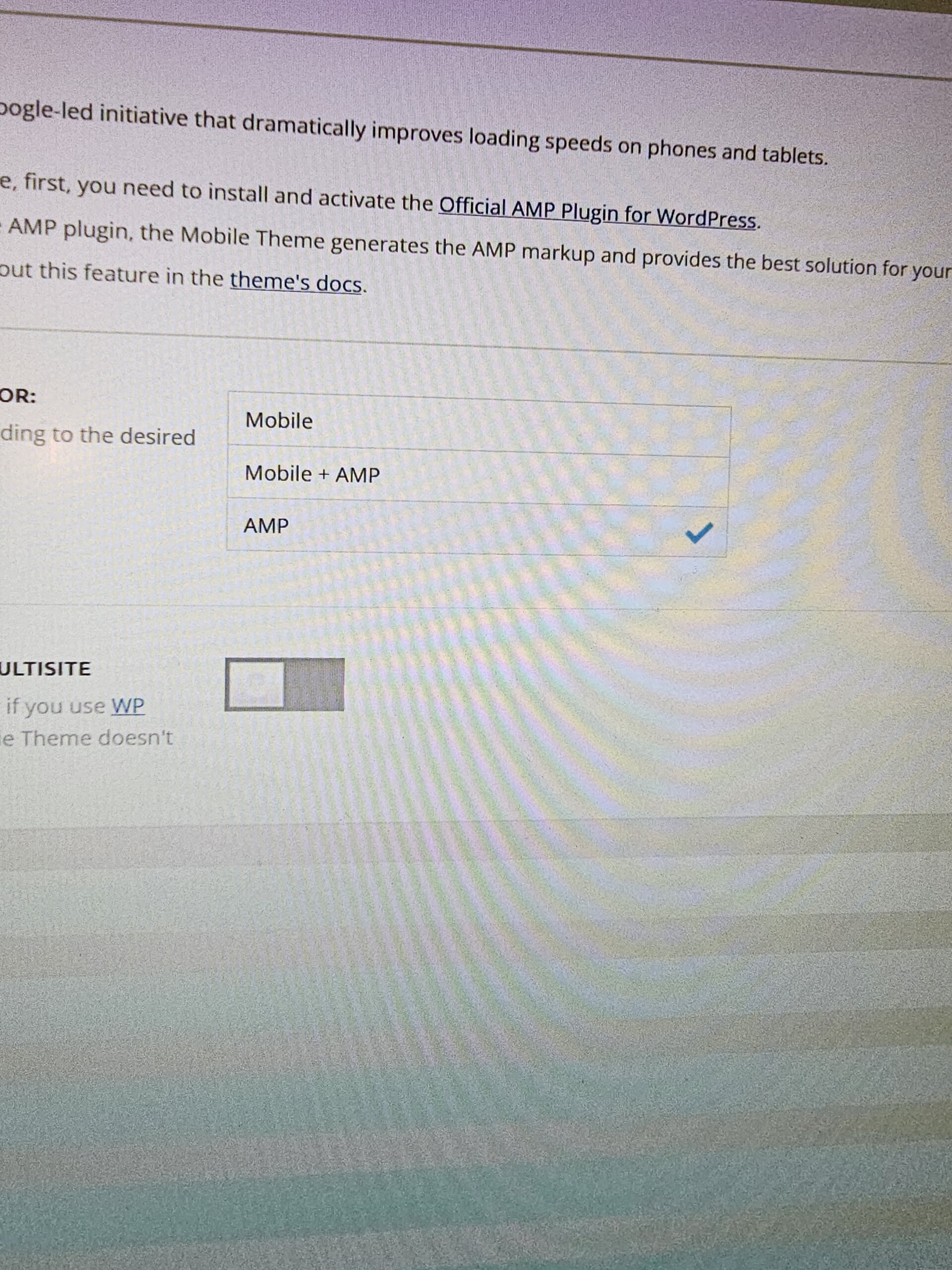
My website is currently configured with AMP turned on just t o show the webpage I designed. Even tho I do have the webpage on mobile showing up, something is wrong. I dont even want AMP activated. I cannot Deactivate AMP at all… If I Deactivate AMP, then AMP will show up. Its backwards and eternally frustrating
#2 My pagination doesnt work. I have deactivated all my plugins and still no pagination buttons will paginate. This is cray cray.
Please stay active in this support request because I need to get this done. Please!
joeyfatstat Sweet! Ill work on optimizing mobile based on what you wrote… BUT why is my logo showing for a brief second and then disappearing on mobile? Whats up with that
