maitpatni
 Hi,
Sorry to bother you again but still I’m not able to find these files at your mentioned locations, I have shared the screenshot of both the directories and these contain no such files as you mentioned.
Screenshot 1: https://paste.pics/5R5MW
Screenshot 2: https://paste.pics/5R5N9
Thank You.
maitpatni Hi,
I am not able to find any of these files at your mentioned location.
maitpatni Hi,
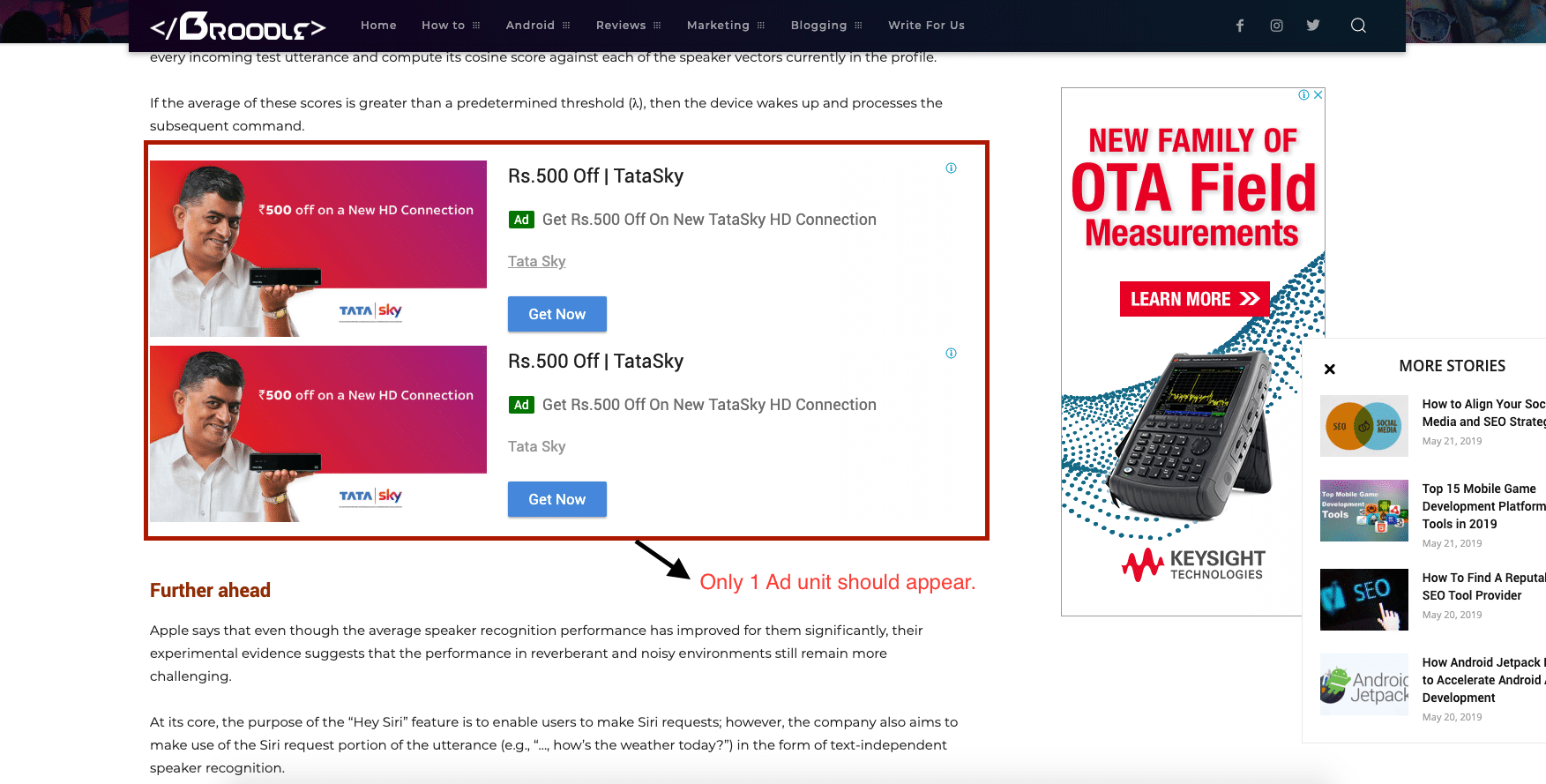
Yes, If I disable in content post ads from Advanced Ads the post content ad disappears, but I dont want that, I want to display in-content ads in the single post pages, minimum of 3 in content ads are required. I have tried Ad Inserter plugin as well but the same problem of repeated ads.
Please look into this as it is definitely a problem with the theme’s autoload functionality.
I want the autoload post to work with 3-4 in content ads after 3rd, 6th and 8th paragraph.
Please look into this matter urgently as I facing huge revenue loss because of this.
maitpatni I am also using the built-in theme functionality for display in between content ads but it only has one ad unit which can be inserted after specif paragraphs, I need to insert 3 ad units in the post, after 3rd Para, 6th Para and 10th Para respectively and for that I was using the Advanced Ads Pro plugin.
This thing is very important for my blog, please provide me with a solution to fix this and also disabling auto post load is not an option because that was the reason I purchased this theme.
2. So if the Login/Logout Header Module is not working in mobile, how can I hide it from Mobile users only and continue displaying it to desktop users.
Thanks.
maitpatni Also, the Login/Logout Header Module which is inserted on the header is not working in Mobile mode.
maitpatni Hi,
I have checked everything by disabling plugins and inserting the ad code manually but its the same issue, It works fine and display only single unit when the auto post load is disabled but as soon as I enable Auto Post load it starts repeating the ads.
I have tried disabling the caching plugins, auto ads and many other things and after doing these testing only I came to the conclusion that the Auto load is causing this issue.
maitpatni maitpatni Hi,
I had the same issue.
I used Adminize plugin (https://wordpress.org/plugins/adminimize/) to hide this menu option from the specific user roles.
maitpatni Here is the public link to the validation page https://search.google.com/search-console/mobile-usability/validation?resource_id=https%3A%2F%2Fthebroodle.com%2F&item_key=CAs&sharing_key=3y686lwXIHCeEpo3mn-W-Q
Login with your google account to access.
Please help me resolve this issue as this is causing a serious issue with the mobile indexing of my site.
Some Error pages:
- https://thebroodle.com/xiaomi/redmi-1s/aicp-for-xiaomi-redmi-1s/
- https://thebroodle.com/microsoft/windows/top-5-best-windows-8-themes/
You can test these pages on Google Mobile Friendly Test Page at: https://search.google.com/test/mobile-friendly
Thanks a ton.
maitpatni This happened after I installed the Newspaper 9 theme.
Please refer to the screenshot (https://ibb.co/ThRZ2zf) of Google Search Console. All my post pages are now showing this clickable elements too close together validation error.