

 newspulpaper
 Hello,
Thank you for the guidance. The TagDiv Composer plugin was indeed reinstalled and active, which is evidenced by the content displaying correctly, though the header and footer were lost. However, this was not a major concern as it occurred within a testing environment, and I have since overwritten the staging environment with what was in production.
Just to formalize, we continue to face issues with the TagDiv Composer, unable to save layout changes on our homepage for some days now, causing a series of problems in our content update routine.
After countless hours with the hosting server support and in contact with some developers of the plugins we use, it seems, though we are not yet certain, that the root of the problem lies in the TagDiv theme. This is because in 100% of the cases when we try to save any change on the homepage, if the request takes more than 10 seconds, it fails without saving the changes.
We thought it might be server limitations, so we conducted various server tests, plugin deactivations, and log reviews. We’ve collected evidence suggesting that the problem may originate from TagDiv, and we will share this with you via email at contact@tagdiv.com, hoping we can resolve this issue as soon as possible.
Kind regards
newspulpaper 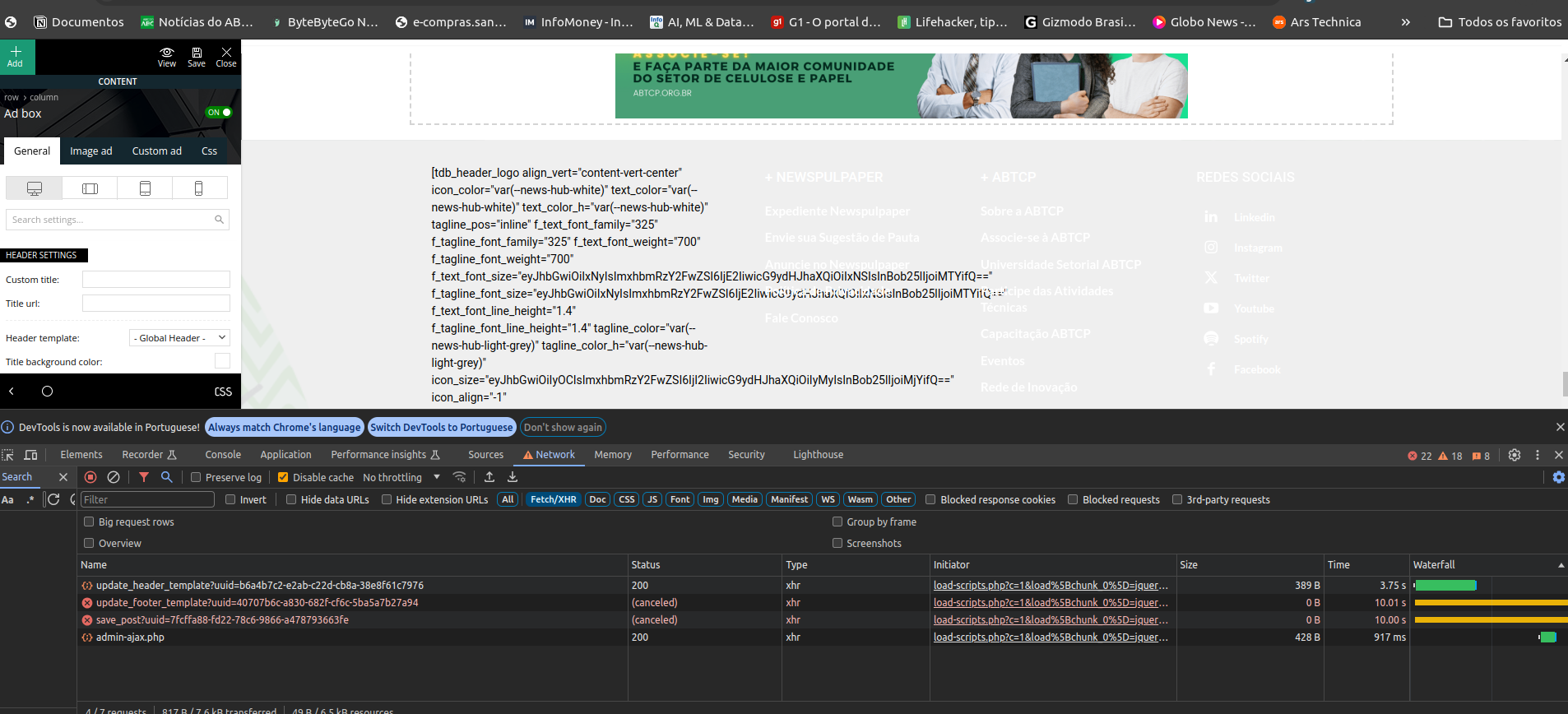
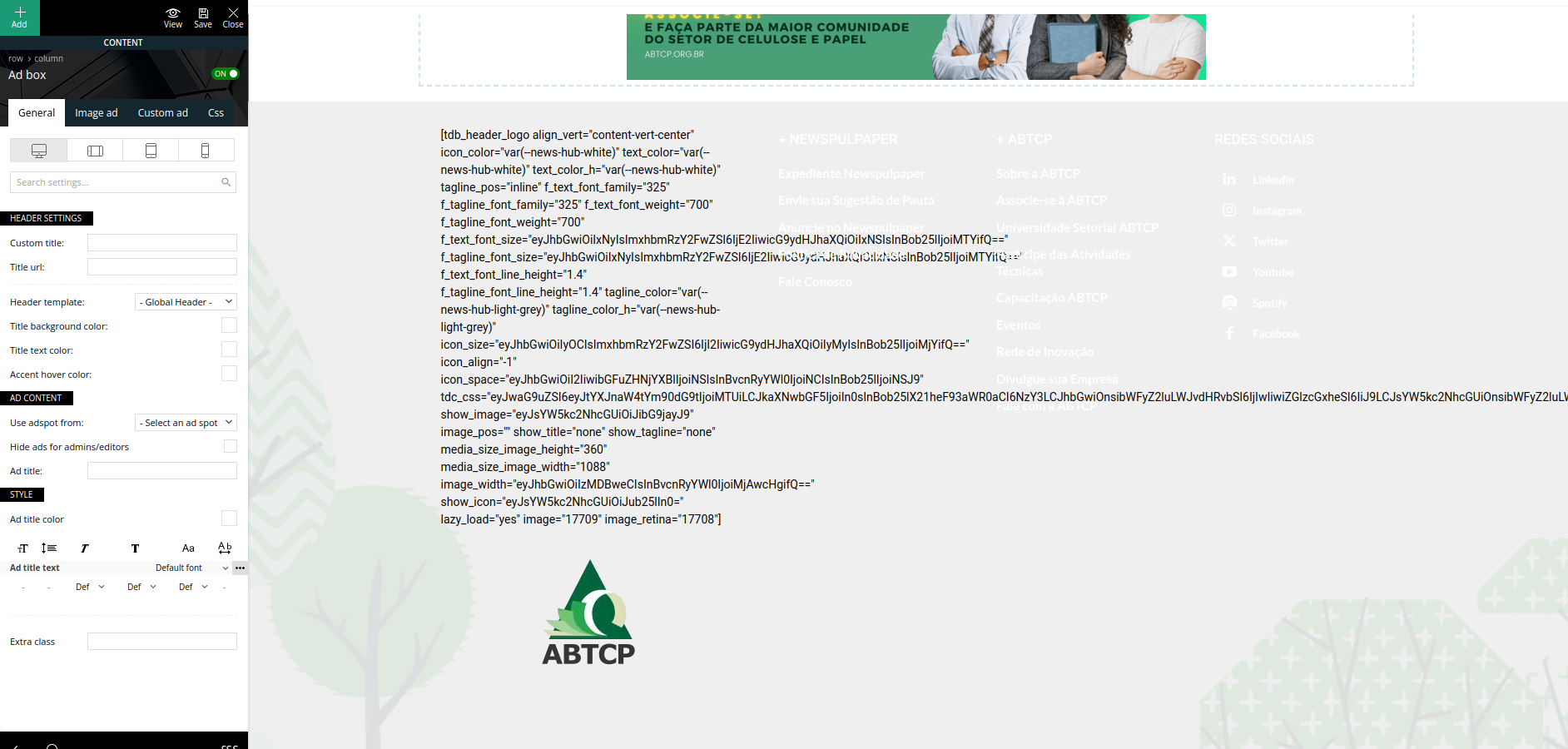
newspulpaper Hello again,
I’ve successfully managed to reinstall the TagDiv Composer plugin via the theme panel. However, after the reinstallation and reactivation, I’ve encountered a couple of issues. Firstly, the headers and footers appear to have been lost, and secondly, the failure to save the layout persists, as indicated by thebellow error screens.
I am now proceeding with the deactivation of the other plugins as initially advised, and will report back as soon as possible. I hope this step might help resolve the issues, but if not, I may need further assistance to address the persisting problems.


-
This reply was modified 2 years by
newspulpaper. Reason: Fix images
-
This reply was modified 2 years by
newspulpaper Hello,
I followed the steps to disable and delete the TagDiv Composer as advised. However, upon attempting to reinstall the TagDiv Composer, I noticed that I am unable to find it as a standalone plugin in the WordPress plugin repository for a direct installation.
I understand now that the TagDiv Composer might be an integral part of a TagDiv Newspaper theme, and therefore, not available separately. Could you please guide me on how to proceed with the reinstallation?
Tks
newspulpaper Hi Bettina,
We got this element from “News Hub Pro” pre build website (https://demo.tagdiv.com/newspaper_news_hub_pro) , we have installed this one and just did the adaptations, after the upgrade, the input field have vanished.
Native element: https://paste.pics/b084c518f07e4100907a2531414aa45a
newspulpaper Hi Bettina,
I don’t know but i think that this is a some kind of issue because the input field at TagComposer editor was changed with some kind of “code” very after the updating, and when I saved that, this input field vanished. I did a video showing a trying of import a “Lead” Box from the Cloud option, the input field never shows up. I realesed that there is no “Lead” element in my TagComposer as well.
Importing “Lead” Box: https://we.tl/t-ieIs3omBvf
Print Screen trying to search “Lead” element: https://paste.pics/af3d48507fe8f8140ac4c89a326a0dd9
Thank you and I hope to hear from you soon
David
newspulpaper Hi @Anamaria,
With the last apikey the Exchange widget is working like a charm. What Do I need to do for it works with my API Key?
Tks
David
newspulpaper  newspulpaper
 Hi @Anamaria
As the post by the user @Luzi, i have the same scenario, the API Key doesn’t work on the newspaper theme, but work perfectly on the Live Demo from Fixer API ( https://apilayer.com/marketplace/fixer-api?live_demo=show )
Thanks
David
-
This reply was modified 3 years by
-
This reply was modified 3 years by
newspulpaper Hello Guys
I have the exactly same situation here with the Exchange widget. Is there some resolution for this case? I am running my wp instance with newspaper 12 theme on my localhost.
newspulpaper Hi Bettina,
After my tests with Newspaper on localhost, Can i Unassign the license at the localhost and after that register it again in production server?
Thanks
David
