

 sil2
sil2 ignore pls. I found the solution
sil2 I think I found the issue.
in cloud templates Ive no english version for home page somehow.
but if I check home page in Gutenberg editor – I have english WPML version of the home page. Somehow I lost the mapping in TagDiv. Don’t know how. As the result now, I see correct version of the home page in all languages except English. How can I fix it?
#2: post mobile pages in all languages shows desktop versions still.
sil2 what I found, actually….. the mobile theme works for the main language, not for translations. I’m using WPML.
sil2 my home page has mobile version as you can see on this screenshot
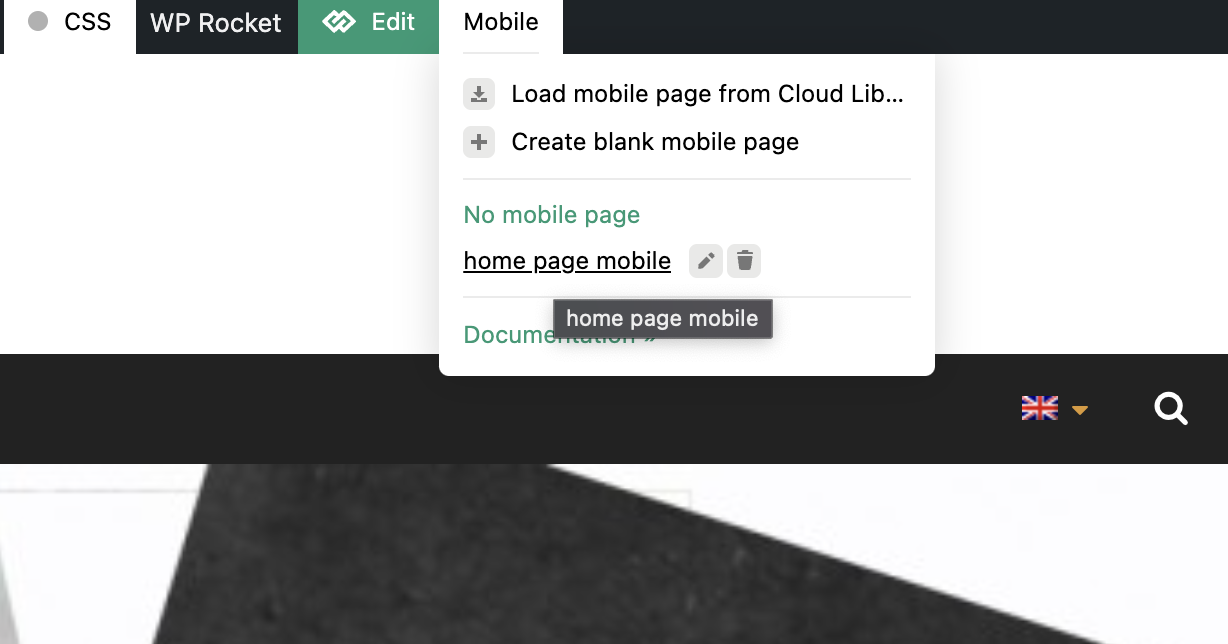
and this is how it should look like

but im getting this desktop version on home page (same as all other pages – desktop versions not mobile ones)

-
This reply was modified 4 years by
sil2.
sil2 it’s really confusing but ok…
But why I cannot use my existing pages content in the template same as you have an element for ‘page title’ and should re-do it again using “text with title”?
Would be good to have an element called “page content” same as you have for “page title”.
sil2 clod age template of Newspaper version 11 looks differently than on this image 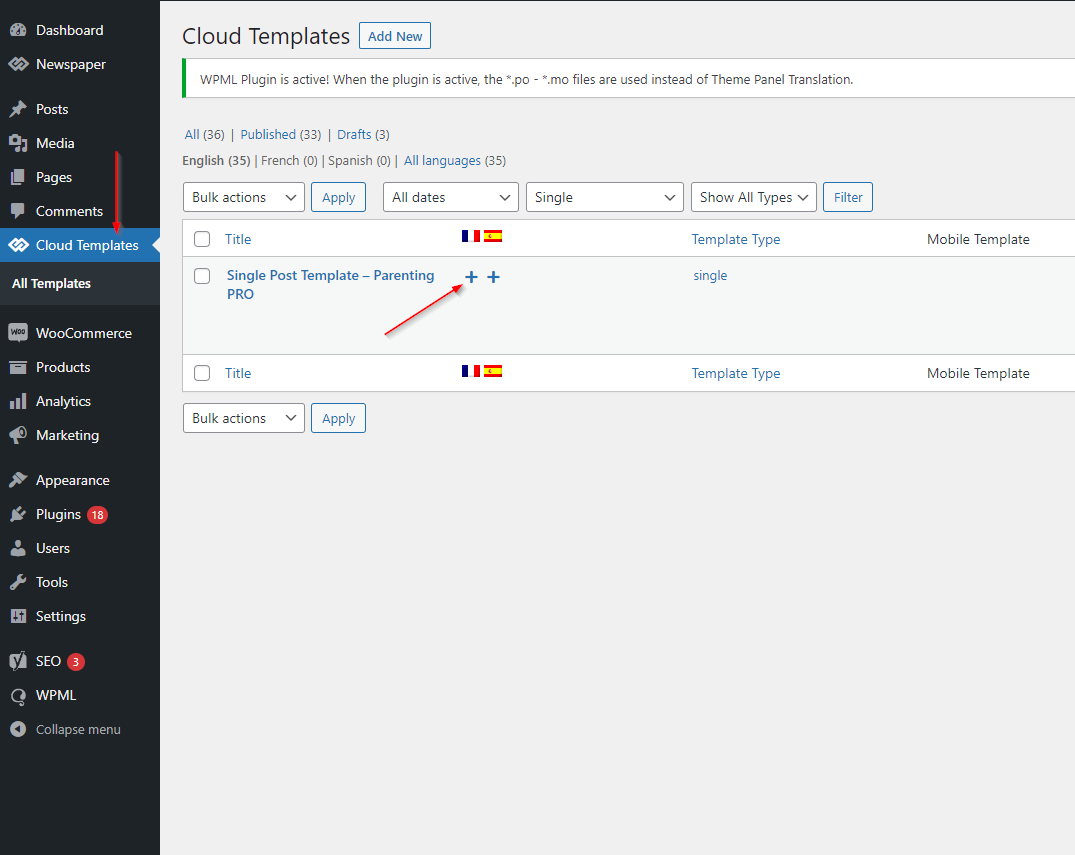
Can you update this guide pls?
sil2 WordPress has posts and pages.
they are quite similar. They have a title and content sections.
For Posts, I can build tagdiv template. I can play with different elements like post title, post author, featured image etc.
But not for pages! For pages tagdiv composer editor has only one element – “Page title”. how come?
How to define for page template where and how want to see the content?
sil2 you still didnt answer my question:
tagdiv newspaper theme creates thumbnails for all upload images or post futured image only?
sil2 Thank you, Catalin for your answer, but this is not a case.
You create all those copys for EVERY uploaded image. Some of my posts have up to 50 images! Should youy just do it for feautured image ONLY? Should it be generated only on post save not any file upload? I was thinking to add a hook to rename futured images on post save. Add, let say, “FUTURED_” to the file name. And loop over all files in “upload” folder ones a day (cron job) and delete all thumbs for files where name <> “FUTURED_”. But this is quite complicated. I cannot just rename, I will have to recreate all thumbs again….. oh….
This is a big issue for us. “upload” folder becomes really heavy!
Any help? Onece again, I already disabled all posible blocks. There are only a few left but anyway, wordpress creates 3 copys and your theme still creates 5 more for EVERY image.
-
This reply was modified 9 years by
sil2 <span class="td-video-play-ico"><noscript>
 </noscript></span>
