

 zgdk2273
 screenshot

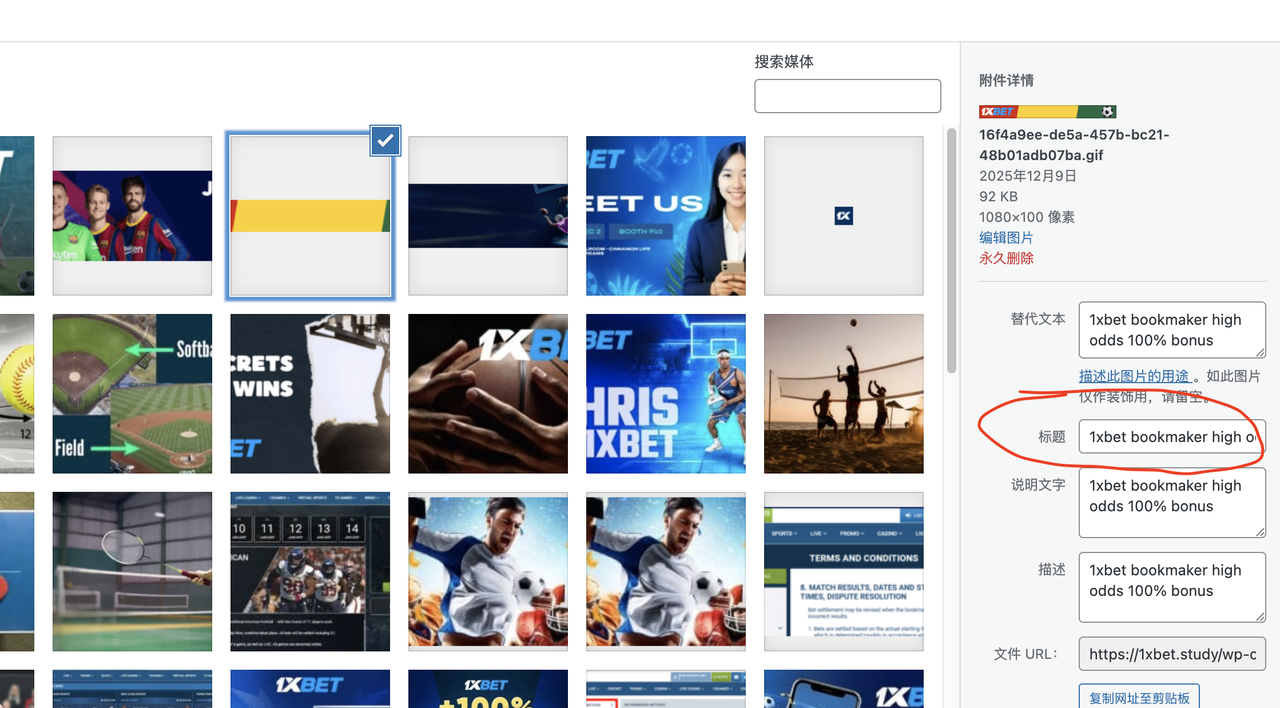
zgdk2273 Hello, thank you for your assistance. The issue of the “blank spaces” in the two ad slots has been resolved. One last issue is the display of the ad image title, which is related to SEO, so I think it’s necessary to address it. As shown in the image, I entered the title in the media section as you suggested, but the front-end still displays “home 1,” even though I’ve cleared all the cache.
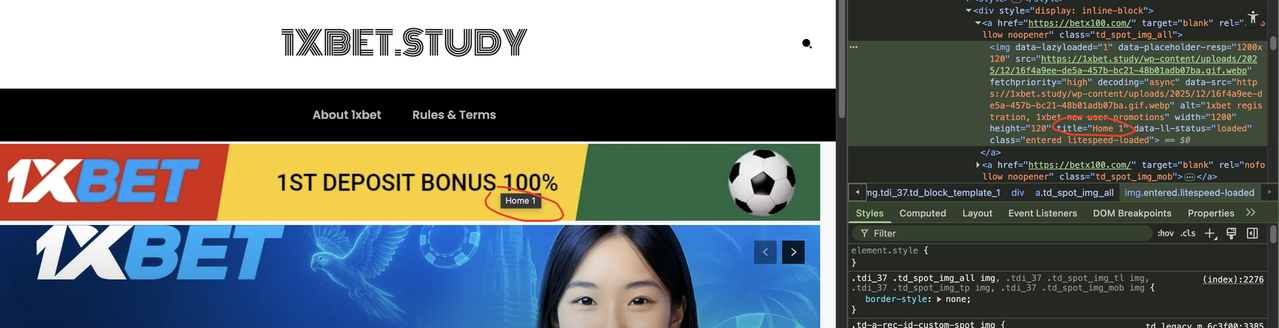
zgdk2273 Please check again to see where the setting is.
zgdk2273 I followed your instructions, but it still doesn’t work; the blank space is still very large and can’t be reduced. I want to point out that the theme template in your example is different from mine. I suggest you look at the blog’s classic template; the header and footer CSS in that template are definitely different from the example you gave me. Could you please help me import the blog’s classic template and see where the settings are located? Thank you. Also, the title of the ad image is still “home 1.” I’ve already set it in the “Title in Image Media Settings” as you instructed, but the HTML displayed on the front end hasn’t changed. Please check it again, thank you!
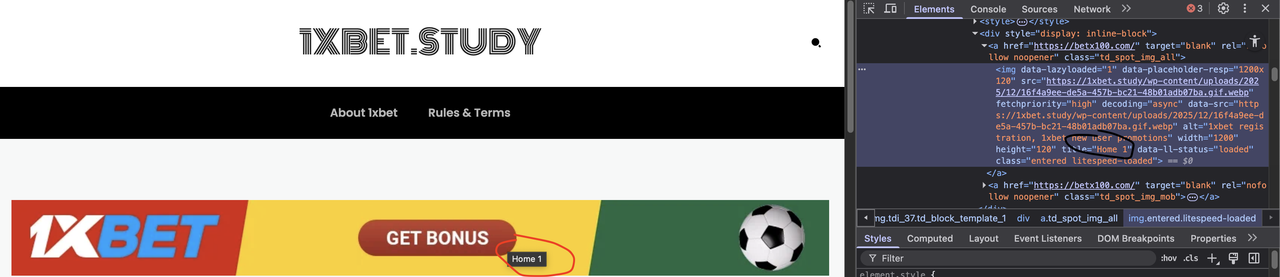
zgdk2273 Another question: I have two ad images on my website, one in the header and one in the footer. I checked the HTML code with a browser and found that the titles are set incorrectly, but I don’t know where to set the titles. The title of the top image is “home 1”, and the title of the bottom image is “home 2”. Where can I change them?
zgdk2273 Does this mean that I can only assign this key to a maximum of 2 of my other domains for use?
zgdk2273 https://imgur.com/imjFyF8
https://imgur.com/zLEnlU7
I’ve marked it in these two screenshots.
zgdk2273 You can check out this website: http://www.ynwumo.com , which has an ad at the bottom. I want it to display just like that.
zgdk2273 For example, this content page https://zh.tipsfootballbet.com/jiqiao/huaren-dupan-daxiaoqiu/ has a previous post and a later post
zgdk2273 zgdk2273 I don’t want the “website” box to be displayed.
I added the code and it still doesn’t work
zgdk2273 ???
zgdk2273 So what are the restrictions on height settings
zgdk2273 I have set the width to 900 and the height to 360, but the change still does not occur in the view of the mobile page. Please see the image below, the part I have circled in red pen.
https://imgur.com/5e89xrA
zgdk2273 Hi, I do use AdBox but still no way to adjust the width and height of images etc.
As the picture shows, I have set the width and height of the ad images etc., but the images on the mobile page etc. still do not change. What is wrong with this?
zgdk2273 I have tried what you have given me and it still doesn’t work.
I don’t think it’s a plugin problem
zgdk2273 Awaiting your response
zgdk2273 Okay, I’ll try, thank you
zgdk2273 After clearing the cache, it did not take long for the garbled code to appear again, help check
zgdk2273 thank you
zgdk2273 thanks
zgdk2273 zgdk2273  zgdk2273