

I use Newspaper – Theme version: 10.3.6.1
For some day now, the TD Composer has been frozen.
I can no longer work.
When I click to modify an element or a block, it takes 5 minutes before I can work.
Often everything is planted.
Note: I can browse the articles on the website without any problem. In the back office, I can modify the other elements without problem.
The problem is with TD Composer.

Hi,
Make sure that all the settings are like in our requirements, please follow the guide carefully
– https://forum.tagdiv.com/requirements-for-newspaper/
and please increase all requirements that are lower, and follow all steps.
Let me know the results!
Hi,
All the requirements are ok.
I use the TD composer since before and it work well.
System Status
http://infoh24.info/wp-content/uploads/2020/09/System-status-1.png
http://infoh24.info/wp-content/uploads/2020/09/System-status-2.png
-
This reply was modified 6 years by
msakande.
Hi, unfortunately I can not check your screenshots ->https://i.imgur.com/7ZGHooG.png
This problem appears only on pages or in cloud templates too ?
We have a topic that can be use if your cpu is high when you edit with tagDiv Composer -> https://forum.tagdiv.com/topic/a-few-tips-for-newspaper-x-speed-high-cpu-usage-issues/
Also we gave a guide for when tagDiv Composer is not working -> https://forum.tagdiv.com/tagdiv-composer-not-working/
Let me know the results!
Thank you!
Hi
I recharge the system status pictures.
http://infoh24.info/system-status-2
http://infoh24.info/system-status-1
Note: TD Composer was working fine.
The problem is recent.
Maybe due to the new update.
Hi
If you are using WordPress v5.5 or v5.5.1 and Newspaper theme v10.3.6.1,
Please try the below steps:
1. Disable tagDiv Composer -> https://i.imgur.com/uzBdRB9.png
2. delete tagDiv Composer -> https://i.imgur.com/xGGfYE7.png
3. Reinstall tagDiv Composer -> https://i.imgur.com/Ay0zJHn.png or -> https://i.imgur.com/ZMgV9at.png
4. Clear all cache from your website, host and browser ( for browser use force refresh Ctrl Shift R ).
If the problem still persists, please make sure that you do not have a plugin conflict, please deactivate ALL plugins except tagDiv plugins (theme plugins), also if you are using child theme or cache plugin, deactivate them, clear all cache and try again.
Also you can use the Enable jQuery Migrate Helper in some cases this can help you to make tagDiv Composer to work.
Let me know the results!
Thank you!
 .
.
Hello,
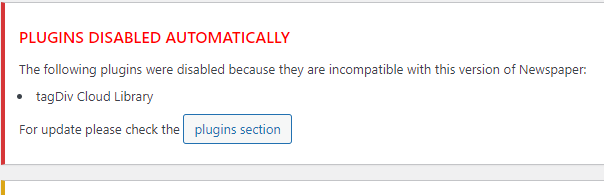
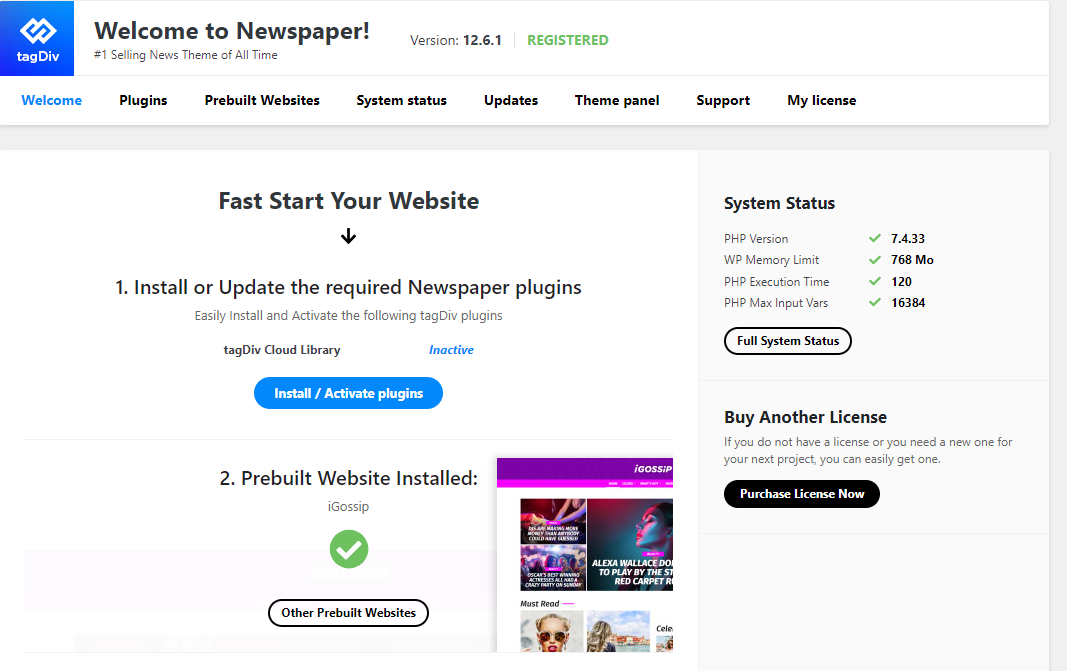
Please try like this, please delete tagDiv Composer and tagDiv Cloud library too and after that install the plugins from Newspaper > plugins. Now in case that you can not activate the plugins from that place (but you should) you can try from Dashboard > plugins.
Also, you ca do a test using only tagDiv plugins.
Thank you!



