

It seems after the latest update the Logo header I had has changed to a Text header. I run two different sites and it happened on both. Thinking it was related to Logo resolution I created new logos at the specific recommended header image sizes and sadly after saving changes the headers do not change.
Anyone else seeing this issue?

Hello!
That’s strange! Can you please provide more information about your issue?
A solution for sending a screenshot/video is this:
Download, capture, and send: https://www.techsmith.com/jing-tool.html
After making the screenshot, you will have a link; paste it here.
Thank you!

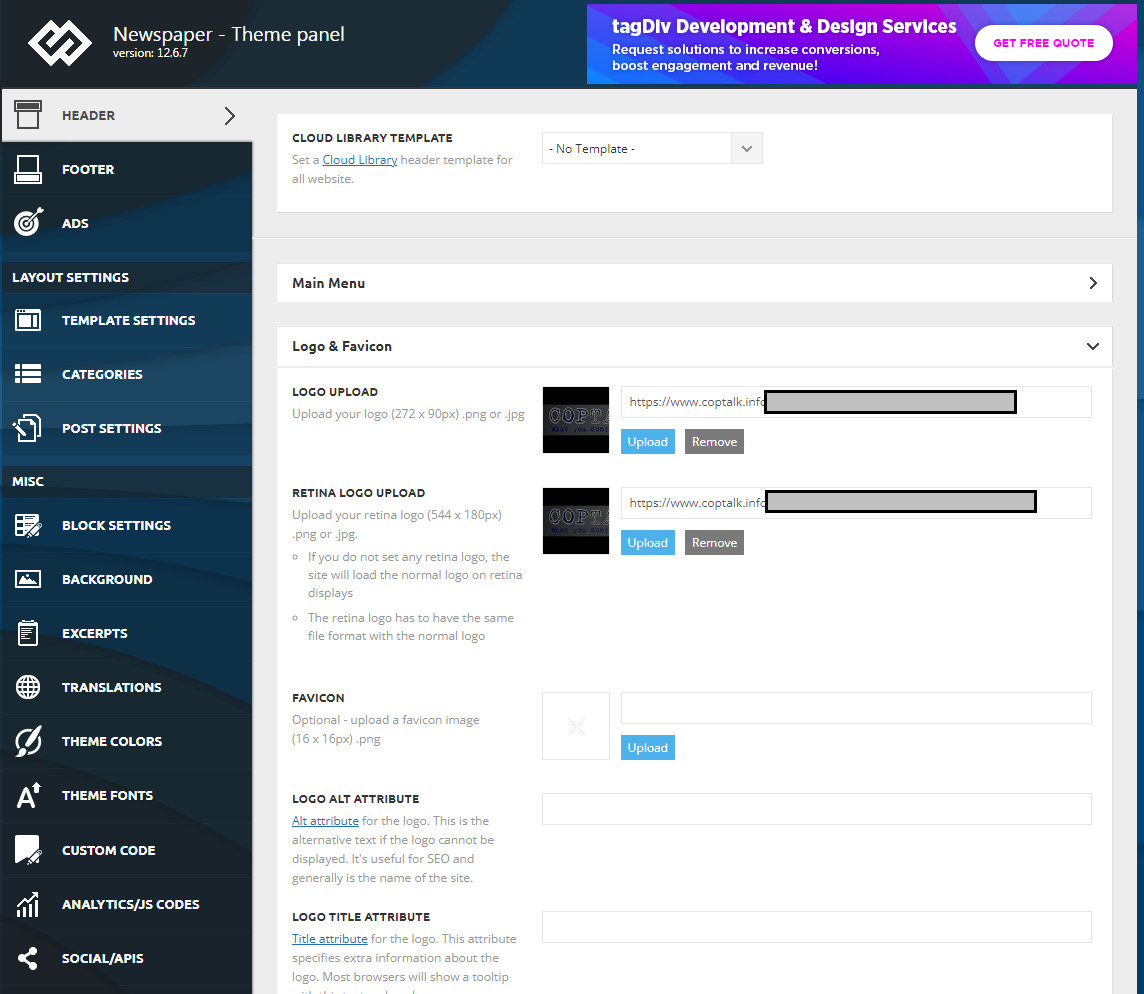
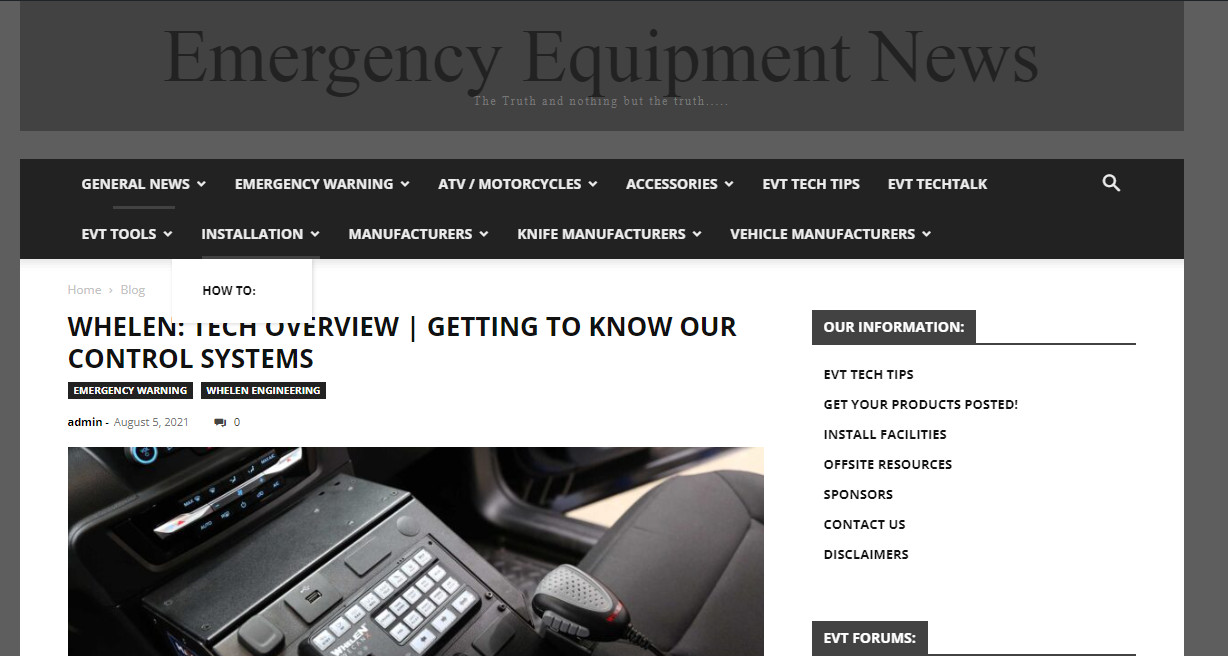
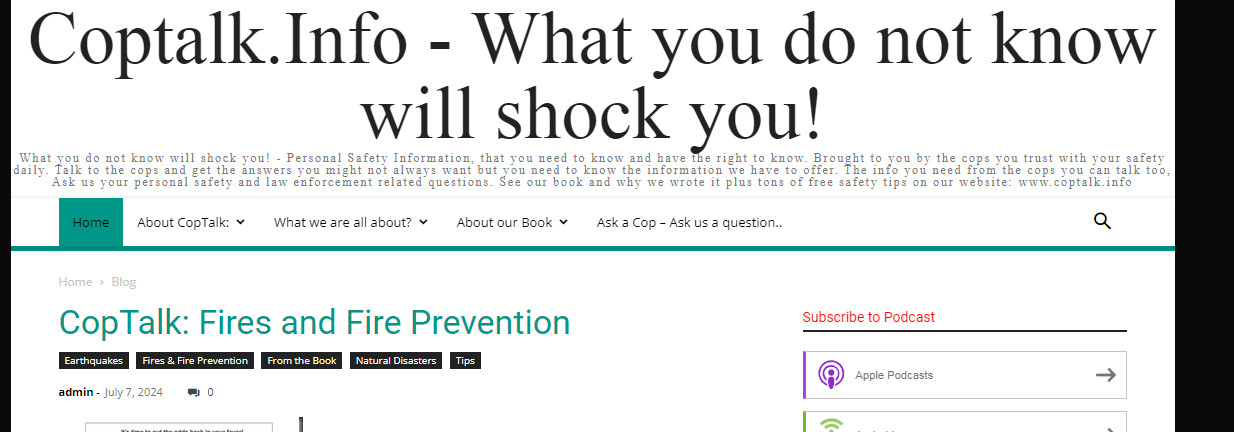
Hello!
Make sure you have all the plugins installed and active in the Newspaper -> Plugins. Activate also the Standard Pack plugin if you use the default templates. Although I recommend you to use cloud templates and also cloud header templates and change the logo in the tagdiv Composer.
More documentation about the cloud templates is here:
– https://forum.tagdiv.com/cloud-library-templates/
– https://forum.tagdiv.com/design-post-pages-using-cloud-library-templates/
– https://forum.tagdiv.com/cloud-library-category-templates/
Thank you!
Hello!
I’ve checked your website and I can see that everything is okay now: https://app.screencast.com/Bn0rSJzVdRPuQ
Thank you!
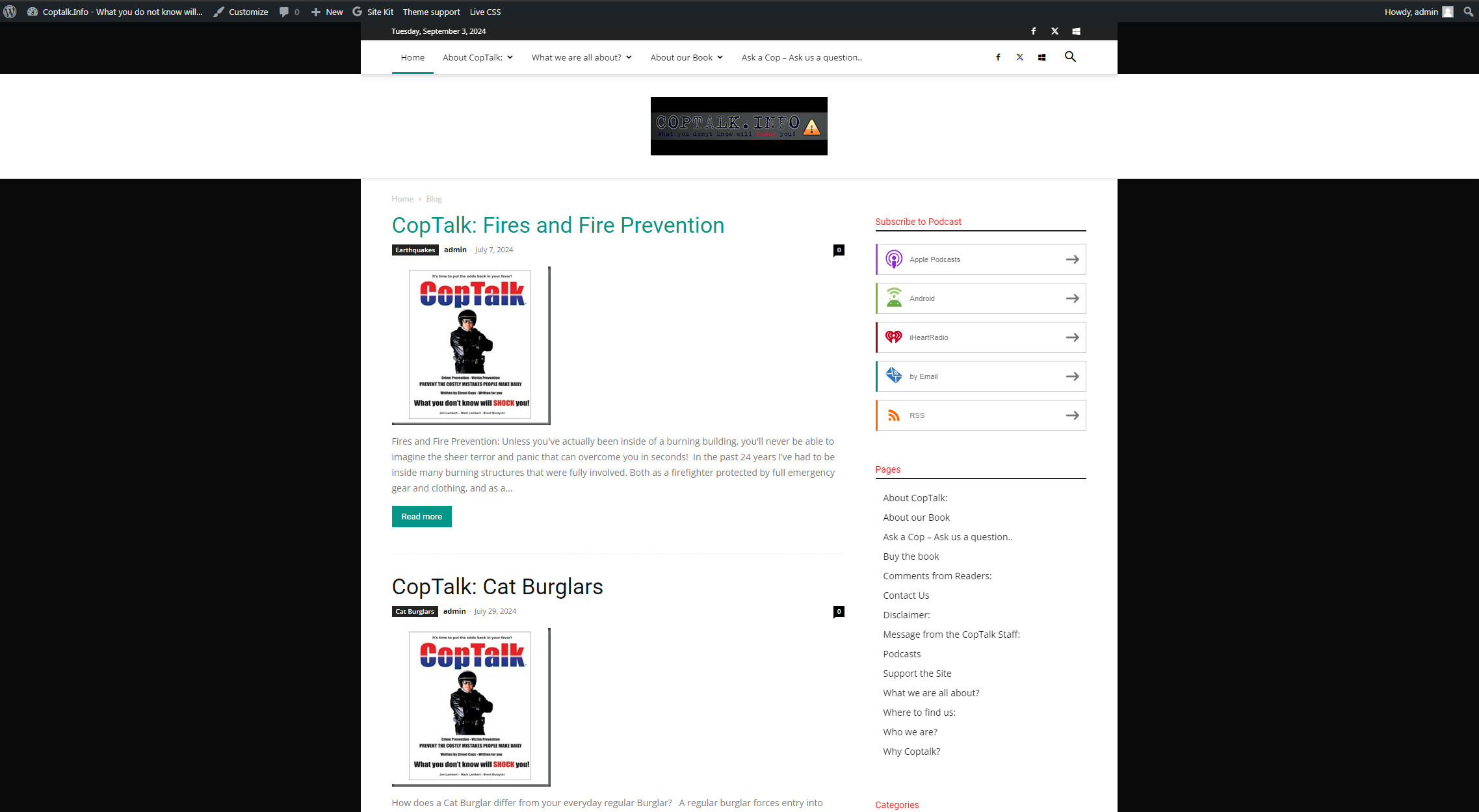
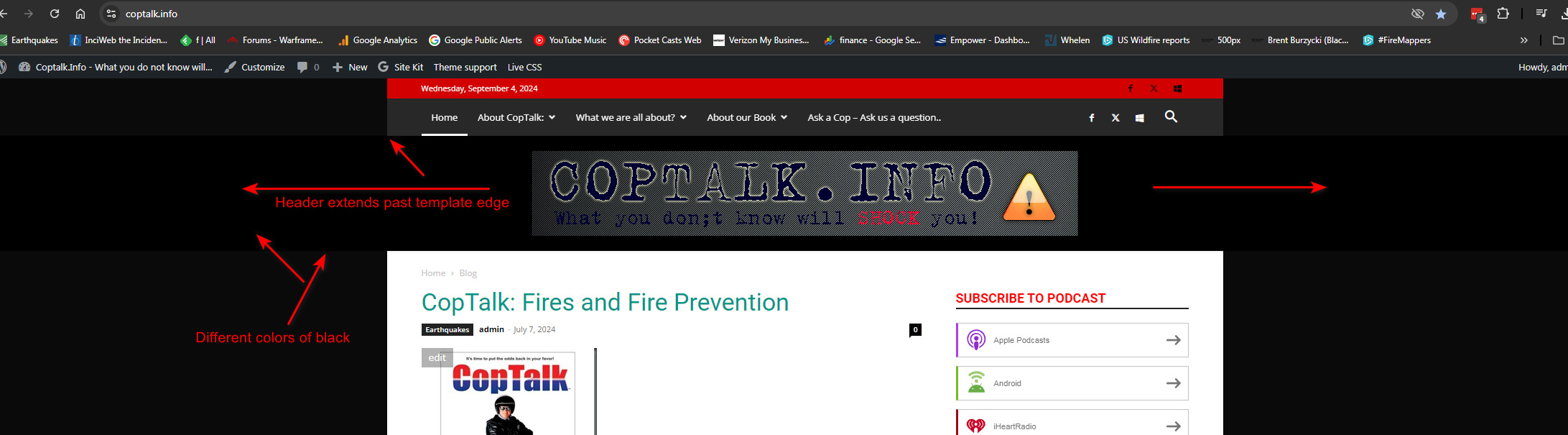
Actually I think it is still showing a full width header but the footer is not showing that behaviour. Maybe this is just how the template shows on wider monitors?
I am very possibly just not understanding how the template works or the header is supposed to work with its background color inside that header space in relation to the edges of the template overall.
Is there a way to keep it from extending past the edges of the actual page template?
Image
Hello!
The theme panel settings contain all the settings you can apply to your website when using the default templates.
Enable this option: https://www.screencast.com/t/ejiNPCBF and choose the background color for your website.
Thank you!
Hello!
If you can’t handle to solve this issue, then contact us via email at contact@tagdiv.com and provide the following:
– admin url and credentials
– a link to this topic in order to identify you
We will check the issue and try to help you asap.
Thank you!
