
- Apitd_api_header_style::delete
- Apitd_api_header_style::update_key
- Apitd_api_header_style::update
- Apitd_api_header_style::add
- ApiAPI – Header style – Introduction
- Apitd_api_top_bar_template::update_key
- Apitd_api_top_bar_template::update
- Apitd_api_top_bar_template::add
- ApiAPI – Top Bar Template – Introduction
- Apitd_api_single_template::update_key
- Apitd_api_single_template::update
- Apitd_api_single_template::add
- ApiAPI – Single Template – Introduction
- Apitd_api_footer_template::update_key
- Apitd_api_footer_template::update
- Apitd_api_footer_template::add
- ApiAPI – Footer Template – Introduction
- Apitd_api_smart_list::update_key
- Apitd_api_smart_list::update
- Apitd_api_smart_list::add
 sil2
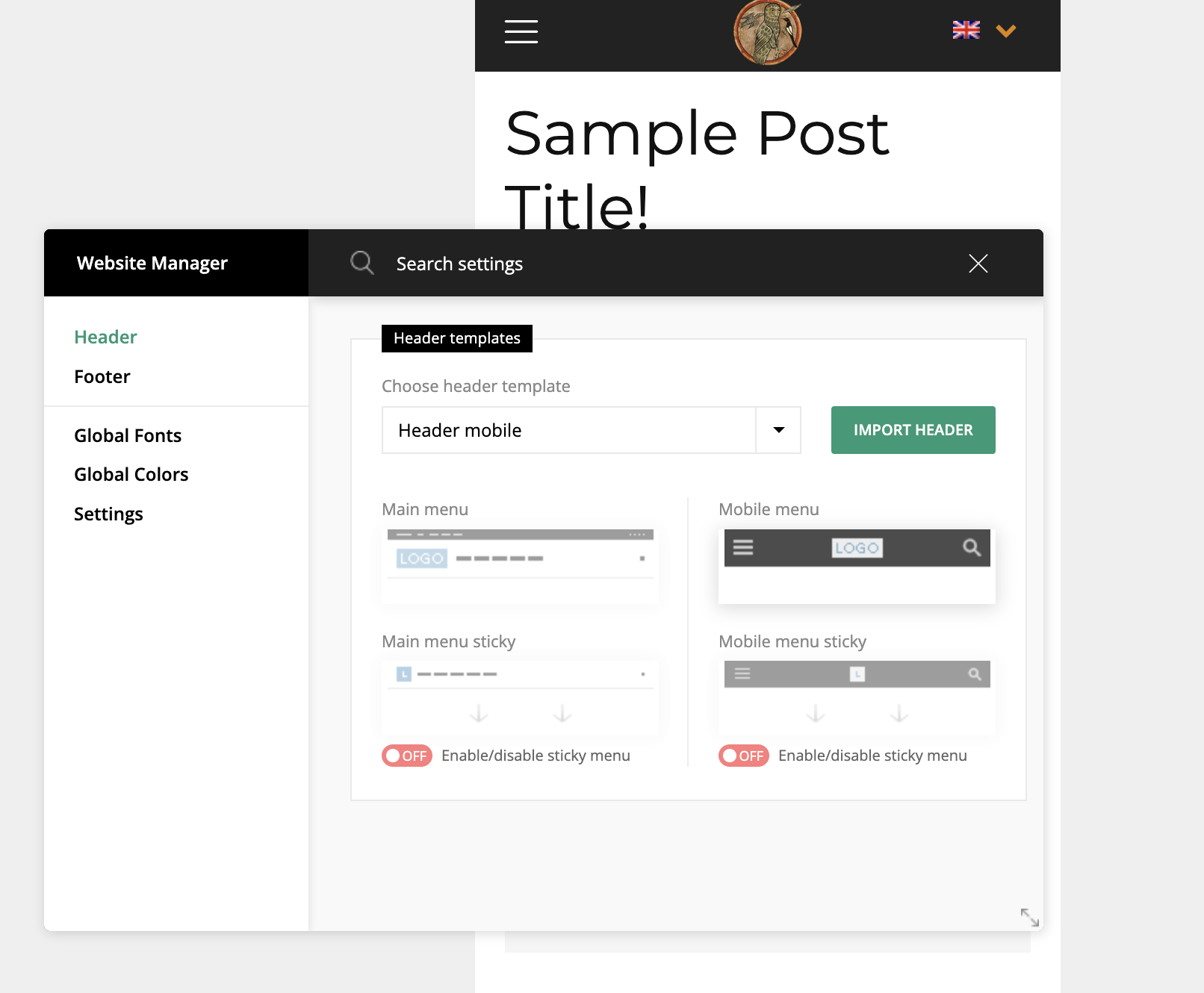
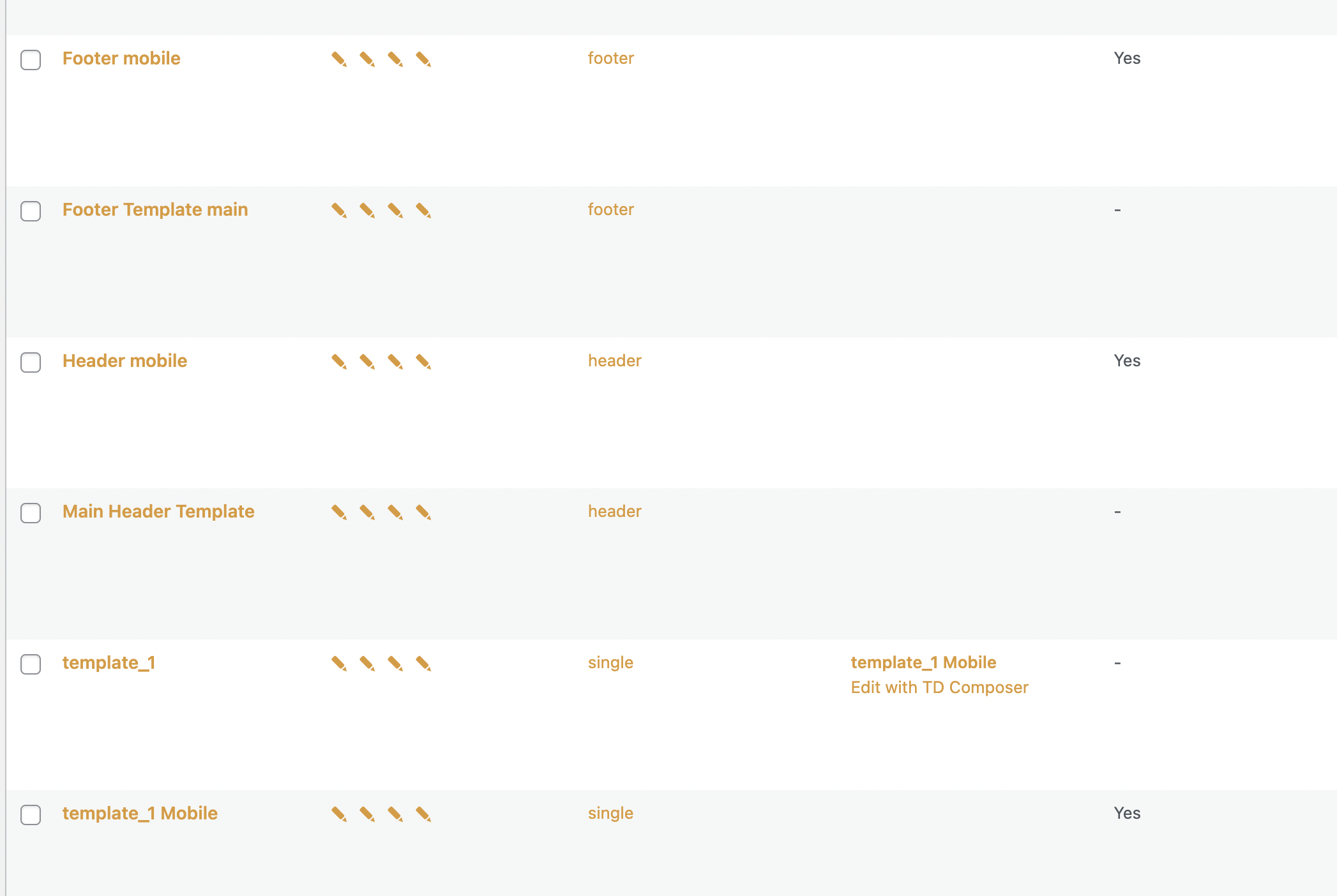
sil2I created mobile versions for header footer, home page, and all other pages for all language variants in tagdiv composer.
But my mobile phone still showing me desktop versions!
my site http://www.tart-aria.info

 Calin
Calin Hi,
Yes, this can be done with tagDiv Composer.
What you need to do is to create a new page and open it in tagDiv Composer, check the manager and set for header no header -> https://i.imgur.com/bcqlKIC.png and for footer no footer -> https://i.imgur.com/1iHBEDq.png, after that just add the elements you want in the page to make it as a landing page.
I hope this will help you!
 Anamaria
 Hello,
Please let me know if you don’t want to have the search button for the mobile theme.
You can disable the Live Search from Theme Panel -> Mobile theme -> Header -> https://i.imgur.com/eayVfJJ.png
Thank you!
 deepnarayanxyz
Hello sir in my website Polytechnicpdf.com
I have pasted my adsence code in news paper theme header.php head section but google adsence can’t find it
Please? help me
 shahzaib khan
Hello,
I am facing a repeated post problem. when I post in one category, it will repeat that post in the other blanked category in which I have not yet posted anything. in the MAIN header menu, some categories are empty I have not posted any post in it. but when I post in a specific category, that post is also repeated in those categories. how can I stop this?
 nicolaslavado
First, sorry about my english 🙁
Since a few days ago, some of my post (newer and older) doesn´’t work correctly. In any of them doesn´t appear the content: no post text content; but header, footer, sidebar widgets, featerud images and others are displayed.
Same issue on pages: no blocks, no content, no tittle are displayed.
You can see the issue at posts as https://48horasmagazine.com/un-julio-cesar-audaz-e-irreverente-inaugura-el-viernes-el-68o-festival-de-merida/
or pages as https://48horasmagazine.com/badajoz/yelmo-premium/
I’m using Newspaper version: 11.5.1. WordPress 6.0.
Thanks.
Can you help me.
 SamRe
SamReI want create a landing page without global header and footer, basically a blank page. How is it possible?
Let me know. Thanks
 dimitrisv
I am really sorry for bothering with you but I spent hours and hours to try to figure out why the header area comes always on top, inspite of the fact that the z-index of the drop down is higher.
The site is https://carro.gr –
I have to fix the issue with the z-index because the drop down will always… rise up when in some resolutions (1900 and under) so it is a major ux-ui issue.
Thank you.
 grezako
Hello.
We are using “Newspaper HISTORY” Theme (https://demo.tagdiv.com/newspaper_history/).
We want to make a Magazine Page that looks a lot like “Elle Magazine” whose website is: https://www.elle.fr.
So, we are missing three important points to make our page similar to https://www.elle.fr/ to know:
1 – How to put the Logo circled in Orange right next to the Title all circled in green on the following screenshot: https://imgur.com/a/WM6GS0R ??? How to add just a Logo just before the title of a Block ???
2 – How to put a small banner in yellow like the one on which they wrote “EDITION ABONNES” that we circled in blue on the same following screenshot: https://imgur.com/a/WM6GS0R ???
3 – How to decrease (reduce) the height of the black part of the header of the “Newspaper HISTORY” Theme (https://demo.tagdiv.com/newspaper_history/) framed in green color on the following screenshot: https://imgur.com/a/0wP3187 ???
4 – How to decrease (reduce) the height of the images of the different Maga-menus as you can see on the part circled in red color on the following screenshot: https://imgur.com/a/NzseXu3 ???
5 – Finally, how to make Maga-Menus with a list of subtitles or submenus as you can see when you click on the “TIME PERIOD” menu, you can see a list of subtitles appear on the left that we have framed in orange color on the following screenshot: https://imgur.com/a/VW2Vi7g ???
Thank you for answering us on these two very important points for us.
Please once again, answer us through sample demonstrations in screenshots because it will help us best to quickly understand and solve our problem.
Awaiting your reply.
 SP1
SP1Hi,
We just added a global header template to our home page via the manager in the tagDiv composer.
Suddenly after saving we are getting this error: Server Error
500
Internal Server Error
in tag div composer.
The website is working fine but when we try to goto to tagDiv composer for the home page.
it shows this error (screenshot attached)
How do we resolve this?
Thanks
website: http://www.gadgetbridge.com
 Bettina
 Hello!
Add this CSS code in Newspaper -> Theme panel -> Custom code -> Custom CSS:
.tdb_header_mega_menu [data-td_filter_value="34647"], .tdb_header_mega_menu [data-td_filter_value="20"], .tdb_header_mega_menu [data-td_filter_value="23"]{

    display: none!important;}
Thank you!
 Rhonda
I have created a search page using cloud templates but it is not updating on the header. It usually updates automatically. When I edit the header section and click on the search tab, it is asking for a page. What do I input in that section?
sil2Newspaper version: 11.5.1
I have templates set for my main site language. How I can copy them to other languages I have for my website?
I don’t see templates in Pages section, only ‘footer mobile’ (don’t know why).
If I change the language, Cloud templates pave shows me no templates and I have the only one option – download from cloud, but I dont need to download, I want to translate mine.

 sanjeev
Hello,
I am unable to use Sticky bar properly on my website http://www.agniveer.com. For example, if you can see here where I have used sticky bar – https://agniveer.com/vedic-deeksha-copy/ , Screenshot – https://ibb.co/tZskN8Y), it works well in Desktop version but once I check in Mobile version, when I scroll up the page after scrolling down, the header area where the logo of Agniveer is placed, disappears. Example – https://ibb.co/VVYLFcz (see the red arrow. It is pointing towards disappeared logo once I scroll up after scrolling down the page).
Please help me to resolve the issue as I am unable to use the sticky feature for this reason.
Waiting eagerly for your active support!
Thanks,
Team Sanjeev
 The Learned Lizard
 Hi that didnt work. If I just upload the image it appears as a tiny square in the top left. If i make the image stretch it still doesnt fit into the header.
https://i.postimg.cc/j59ddqdt/Screenshot-2022-06-27-09-25-53.png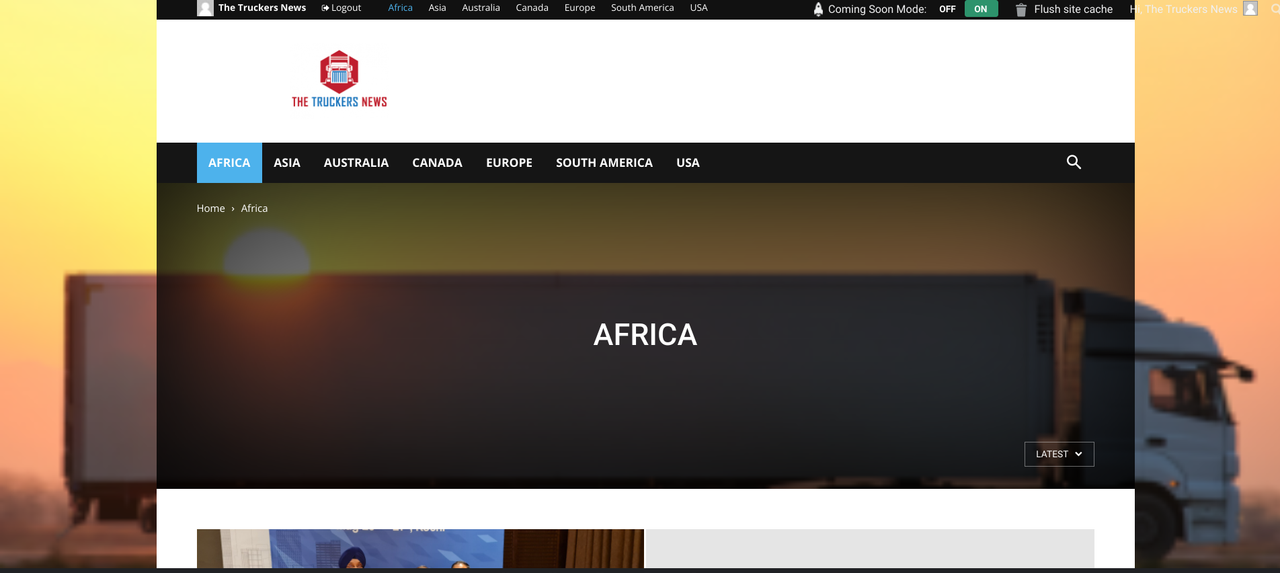
https://i.postimg.cc/pTyLH5vs/Screenshot-2022-06-27-09-26-39.png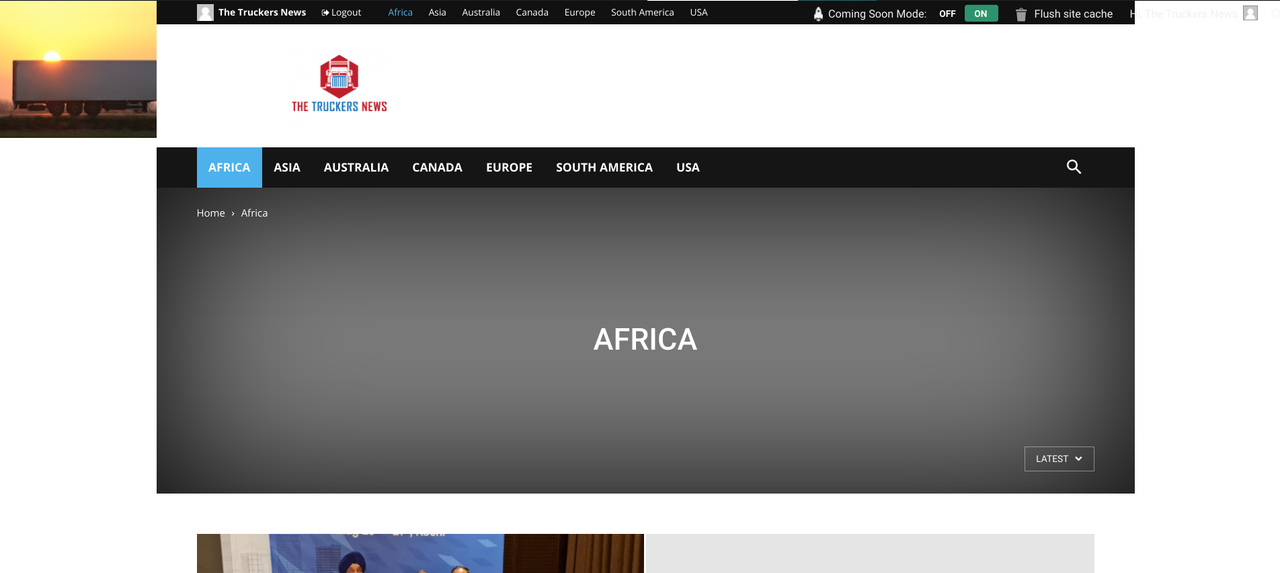
 gwk
gwkHi!
I create anchor text to create a Table of Contents, when the sticky menu is turned off – my anchor link is okay. But, when the sticky menu is turned on – header covers my anchor.
I recorded video to show this problem: https://youtu.be/QRlsYm0XQ_s.
 JamesIno
Hi, I have an issue that the results message in search module which states “View All Results” is not changeable and directly translated in Arabic on my Live site as your RTL theme is in Arabic.
Every other Test in “Search Module” I can change but not this one, as there is no text box for this in tagdiv composer
Can you please help
Regards
gwkHi!
I configure the Mega Menu in the Header main menu.
Look.


“Uczę się!” this is the main category and later are “A1” and “A2”. For example here: 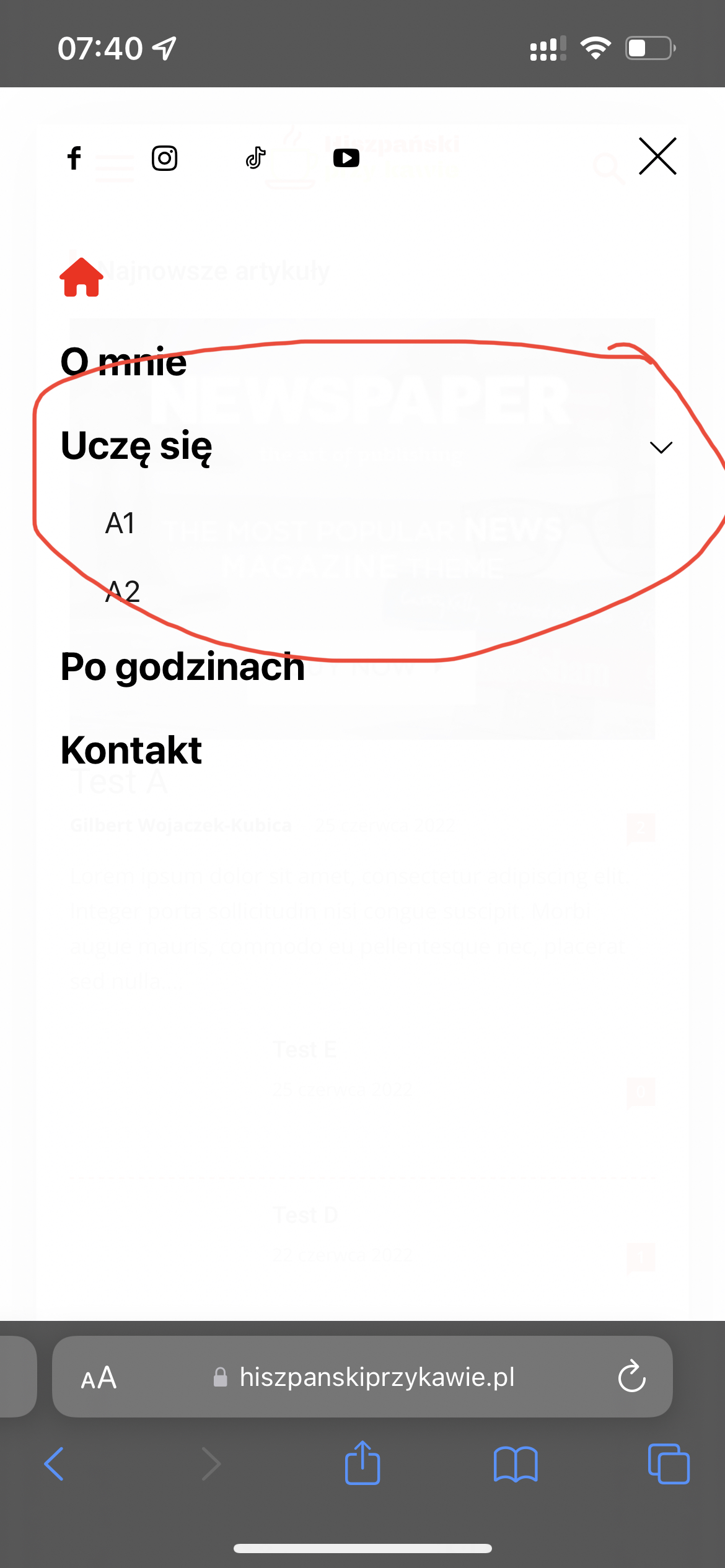
I can’t set sub menu icon …
The Learned LizardHi, for some reason this should be easy, but I cannot find the solution.
How do I add an image to header of each category ?
https://i.postimg.cc/4NrSHkt4/Screenshot-2022-06-24-16-04-03.png
Either as a static image or the latest post image (from the specific category) auto fills that space.
 trafiknettr
Hello,
I also want the information that came from the Header and which I sent a screenshot to the link to be removed. Can you help?
https://prnt.sc/irOnWPBiVxAT
Anamaria Hello,
Please try to use a header template, to can set on the logo width and height => https://i.imgur.com/GcyAdcr.png -> https://forum.tagdiv.com/add-logo-newspaper/ For logo size for desktop we recommend using is 272 x 90px, and for mobile 140 x 48px
Thank you!
 hanzosrl
I came from a long tradition of wp pro themes usage and one day, a really bad day, I decide to buy Newspaper theme form my editorial client.
Overlooking the editor’s display problems and incapable if not downright illogical use mechanisms already reported in other posts with the only result obtained of having to bend to such frustrations, today I ask you for help in another absurdity in full tagdiv style: the logo in the header it can be set in its size but how the hell is it possible to vary the use of the thumbnail by choosing a larger size? Now is set to 300 px and my logo that is height 90px and width 600px (like your suggestion!) is totally deformed and seems at the moment there isn’t a way out but change php templates to recall a .
I hope at least for this banality there may be a solution. Thank you
Rhonda The problem is on https://nmichchristianvoice.com/ and https://dallaschristianvoice.com/.
The original theme was black many years ago. I am trying to implement a white theme from icloud.
Here is a screenshot of it.
https://nmichchristianvoice.com/wp-content/uploads/2022/06/Screen-Shot-2022-06-23-at-6.27.58-PM.png
Also, the header won’t show on the homepage. I have created and deleted two headers from the cloud templates and selected the global option, but they are not working.
Bettina Hello!
For the images that are not sharp, please follow the instructions described here: https://forum.tagdiv.com/topic/nu-pot-schimba-headerul/
Hope that helps you!
Thank you!
 khoing
Dear Sir/Madam,
I need logo on header look more sharp. I had tried many ways but doesn’t work.





