No search results were found in Documentation!
 danishmallick
Hi. I have custom-built a table for my blog site using a table press plugin and it was working perfectly fine before the theme update but now table column 4 has list items in it that have an issue with line-height. I tried to fix this issue by using the developer console in the chrome browser and it seems to work over there but i’m not able to fix it in wordpress, either i’m missing out on something or it seems like the theme CSS code has changed after the update and it won’t let me fix the issue. I’m sharing with you the screenshot of the table before updating the theme and i’m also sharing with you the link of the post with the table. Please help me!
Here is the link of the site that has the table that’s having an issue
http://migeez.com/
Screen shot of table with no errors

 beckib
 Sure – below are screenshots of the Mobile Page with TD Composer. In portrait mode, it looks how I want, but when I switch to landscape mode it’s all messed up. When previewing on Chrome – inspect with ipad on, it looks the same as the landscape mode below.
I also tried editing elements of the mobile page in the landscape mode via TD Composer, but it changes the portrait mode as well.
Mobile – Landscape Mode (Also displays on tablet)
I’d like to be able to use the main page (not mobile page) layout for landscape and ipad mode, or be able to revise the layout on the landscape mobile page.
-
This reply was modified 5 years by
beckib.
 sumitkumarsid@gmail.com
 I found a way to add icon in footer, I have added the icons with customized html and css. You can check in Footer.(https://dashofturmeric.in/)
If there are no way please suggest some way by which i can add like i used a method in footer.
Please suggest any way by which I can add the Instagram Icon.
or If you can share the code/shortcode which can work for sharing the post.
Thanks in Advance
 Bettina
 Hello!
There is no Instagram icons because it is not implemented in our theme the feature sharing in Instagram.
Thank you for understanding!
sumitkumarsid@gmail.com https://dashofturmeric.in/orange-chiffon-cake/
I have added the Social icons for sharing the post. It is available on individual post just below of image. You can find one using above link.
I have successfully added icons of facebook,Twitter and Pinterest and i want to add Instagram icon here as well.
Thanks in advance
 Richard
Stripe checkout stopped working after the last update of newspaper 10.4. The memberpress and stripe support team investigated the problem and said that “The tagDivComposer plugin is breaking the Stripe.js library. You will need to contact the developer to fix it as it’s breaking the global javascript code.” They put a temp fix that got Stripe checkout working again and you can see what they did at https://drive.google.com/file/d/1Sjq1UyiezdsfG0GDIKKEUdaH3WHWpITX/view?usp=sharing
However, this workaround has stopped a lot of TD Composer’s functionality (like right click, color selection etc.)
Could you provide the download link for the previous version of TD Composer please?
Thanks
Richard I have had the same problem since the last update of composer. The memberpress and stripe support team investigated the problem and said that “The tagDivComposer plugin is breaking the Stripe.js library. You will need to contact the developer to fix it as it’s breaking the global javascript code.”. They put a temp fix that got Stripe checkout working again and you can see what they did at https://drive.google.com/file/d/1Sjq1UyiezdsfG0GDIKKEUdaH3WHWpITX/view?usp=sharing
However, this fix stopped a lot of TD Composer’s functionality (like right click, color selection etc.) I have reported this information to Tagdiv two weeks ago as a bug report but haven’t heard anything back yet.
I’m really hoping that the next update fixes it.
Bettina Hello!
Please add this code in Newspaper -> Theme panel -> Mobile Theme -> Custom code:
.td-post-sharing{opacity:1!important;}
It seems that a picture is missing and can be from the weather elements. Try to add it again and see the results. If the problem is still there, we need to investigate from where is the issue, so you can contact us at email for that.
Thank you!
Bettina Hello!
That option for instagram sharing in posts does not exist, that’s why is not listed there.
If you want to set up your instagram link, then check in Theme Panel -> Social Networks.
Thank you!
 keirebu
What is the best way to change the background image when viewing the menu on a mobile device? https://drive.google.com/file/d/13E4HAVfJURmomj8AIhs0hLGOXkt7Lrcf/view?usp=sharing
I have modified all menu background options, and I can’t find the exact location for this picture. How can this be changed?
Thank you!
 thalesbrandao
 https://drive.google.com/file/d/1uprWOj66_D9NqEZAcheUhTphnhd7criM/view?usp=sharing
the error still continues
thalesbrandao thalesbrandao  tuedung
  Anamaria thalesbrandao thalesbrandao
Goodnight. I hope everyone is protected. our page is in error when incorporating Instagram into the story – and on the side our Instagram profile doesn’t work either. What happens? How to fix?
 anyakter
 Hi mam,
i have all importent plugins that i can not remove please check my plugins
https://drive.google.com/file/d/1etc4PUrClyxE7GL60xeWZqQ28RObjNbl/view?usp=sharing
my website url: https://ardailymagazine.com/
Anamaria Hello,
This issue has been already discussed here: https://forum.tagdiv.com/topic/sharing-problems/
Thank you!
 dariodeleonardis
Social media buttons for share on single posts are not showing in the theme panel for site (www.deephinterland.it). Only Naver is displayed. Therefore no sharing button is also appearing in the posts frontend.
Issue looks like this https://www.deephinterland.it/wp-content/uploads/2021/04/social-media.png
When it should looke more like this (newspaper installation on another of my sites) https://www.deephinterland.it/wp-content/uploads/2021/04/social-media-absolutegamer.png
Any hint?
tuedung Hi Anamaria,
Please view image follow link:
https://drive.google.com/drive/folders/1OfqpNox2671jQBJTOk5ROoK6KZSI2mqu?usp=sharing
 yourbackupemployee
Hi Support,
I am trying to insert ads on the following areas of the newspaper theme (Health & Fitness – https://demo.tagdiv.com/newspaper_health/):
Above and below the related posts (see screenshot attached). I have attempted to use all loop-single-#.php files nothing is working:
/home/ruralhealthandme/public_html/wp-content/plugins/td-standard-pack/Newspaper/parts/single/loop-single-1.php (all the way up to 10).
Screenshot url: https://drive.google.com/file/d/1QxvaGWyLBhX5OIx0Xi8W2AQDkBaSXarB/view?usp=sharing
Website i am working on (sample page) – https://ruralhealthandmedicalmanual.com/community-surgery-asepsis-sterilization-equipment/community-surgery/how-do-we-give-preventive-surgery-care/
Kindly direct me in terms of what file i should be editing and where exactly in the code
Thanks in advance!
 dfaur
dfaurHello, good afternoon.
I have a problem with my social media purchase options.
I enter Post settings -> Sharing and the following appears in social networks.
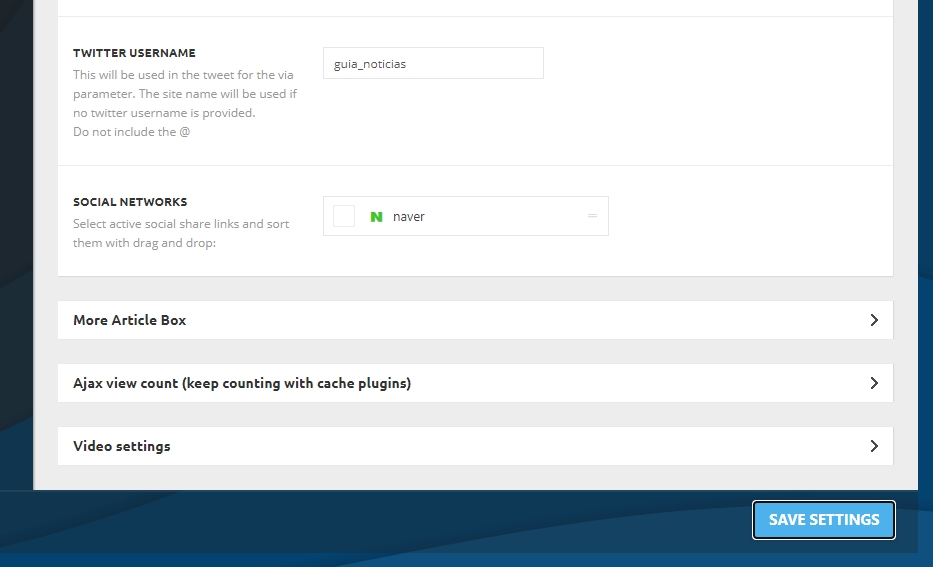
How can you help me? Thanks.
 Patrick93
I added a custom font in the theme panel. >> https://drive.google.com/file/d/1ctNTlvAYWr3h2PGCmn4aPkp-OMh1LlD5/view?usp=sharing
This font is for body text only. I added this here for all body text elements >> https://drive.google.com/file/d/1rvyDze8-HlacoUd0wPs_3csodMYVi-P-/view?usp=sharing
Now the question:
Is it useful to change the font in the theme CSS file as well?
>> https://drive.google.com/file/d/1xj8SCx6vfdypORZL25KZG3xmdY3tBoF5/view?usp=sharing
Or to add it in the Theme-Child style.css?
Patrick93 Oh wow, that’s a detailed tutorial. Thanks a lot! 🙂
But I was already aware of that. I’m not working with your system since yesterday 😉
You say: “For example, you can have the mobile theme plugin activate and use the mobile page/mobile responsive version for the homepage/pages, but for the categories page/404 page you can’t use the mobile page/mobile responsive version if you have the mobile theme plugin activate.”
So I have no chance at all to change the current 404 mobile page? >> https://drive.google.com/file/d/1OXCRRiCfWzhIMM9MygeKda7vaASDz2h3/view?usp=sharing
I would like to disable the mobile theme for the 404 page. But I can’t do that either.(?)
So in short, if I have the mobile theme activated, then there is no way at all to customize the mobile design of the 404 page?
This is really quite unattractive. 90% of my visitors come via mobile. Mobile is more important than desktop for me.
Is there a trick how I can “disguise” a page as a 404 page?
Thank you very much for your time Anamaria!