Hello,
I tried to enable the amp feature, I did everything like in the video, install the plugin and that`s it and tried to access the amp version via for example: https://www.travelgourmets.com/survival-bibel/amp and it says page not found???

Hi,
After install amp plugin please check if the plugin is activate, if not activate it,
also please read this documentation from here https://forum.tagdiv.com/tagdiv-amp-plugin-tutorial/
To help you I will give you a short example, please be noticed that the amp work only on simple post/pages that make with tagDiv Composer will not work.
Go in WP Dashboard click post, ad new, create it and publish/update ( https://www.screencast.com/t/5poF1isPje3W ).
I hope this will help you.
Thank you for your understanding.
Hello,
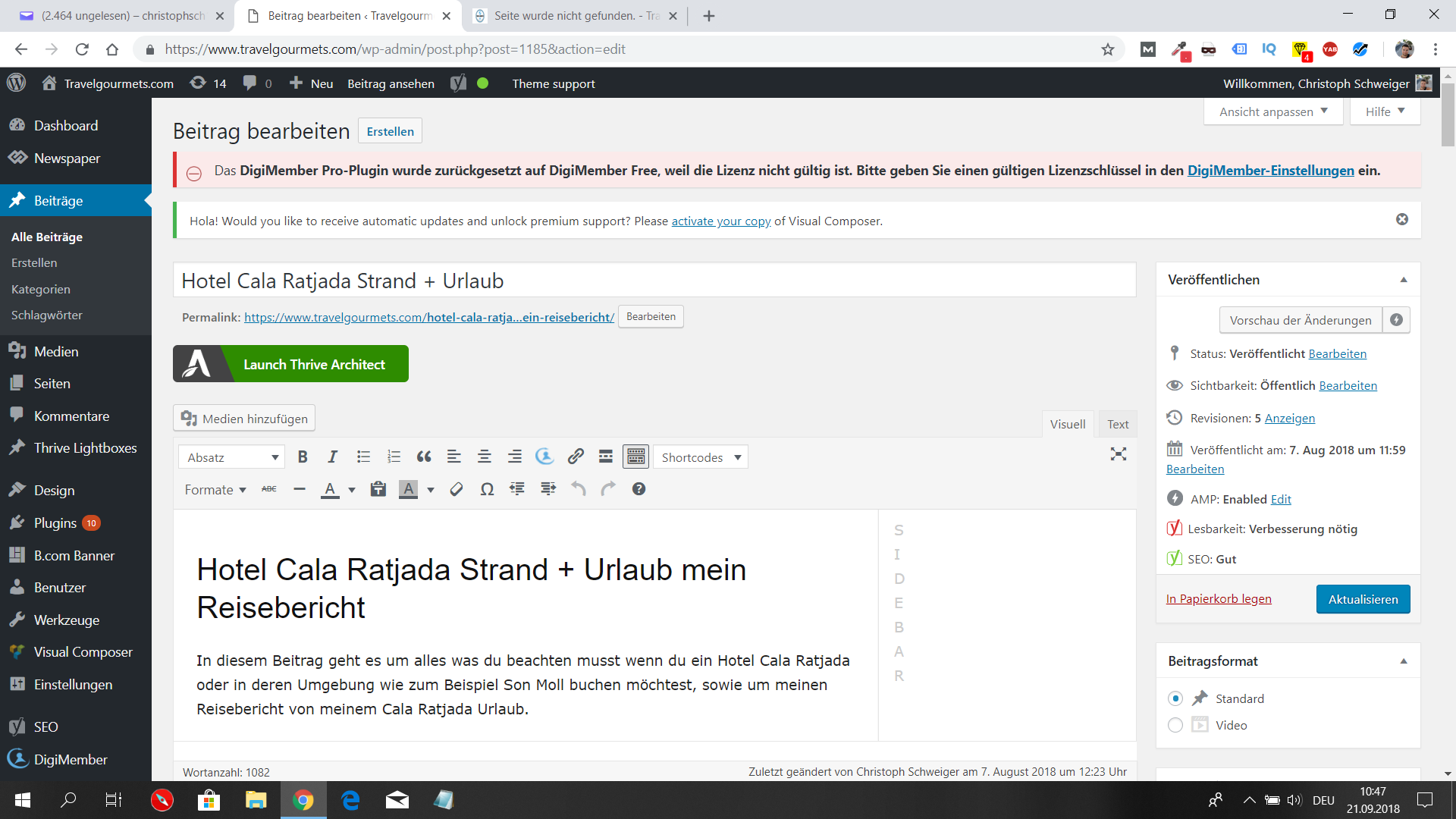
The preview seems to work but when I try to add /amp to the URL like in your Video it is showing not the amp version?
Here is the link from my example https://www.travelgourmets.com/hotel-cala-ratjada-strand-urlaub-mein-reisebericht/
You can take a look at my screenshot as well
https://www.travelgourmets.com/wp-content/uploads/2018/09/amp.png
I did everything also updated the theme and plugin to the latest version check out the result https://www.travelgourmets.com/ziele-erreichen-setzen-uebungen-motivation/amp/
Hi haendler55,
You can use a validator for amp https://validator.ampproject.org/ , it look like you have a lot of issues there, If you like you can try again to deactivate all plugins and try to remove ( but first save ) all custom javascript ( also you can check to be correctly write and in the right place ). after that save it and see how it look your amp post.
Thank you.
Most problems come when I use the default post template (in most cases default) when I let everything the same and use post template 5 everything is working perfect like you can see here: https://www.travelgourmets.com/die-gesetze-der-gewinner-bodo-schaefer-buch/amp/
Hi,
Please send us an email at contact@tagdiv.com with your log-in information (wp-admin) and CPanel access so we can take a closer look at your setup page. Provide there the link to this topic so we can quickly identify you.
Thank you for your understanding.