

My footer does not display correctly on mobile. This is how it appears in the design template…
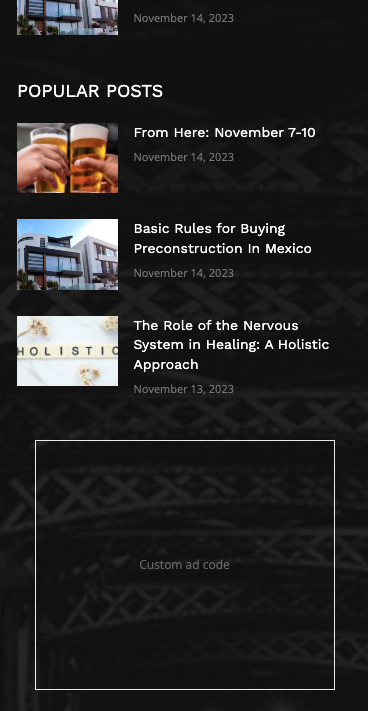
However, on mobile different elements are displayed. This is how it appears…
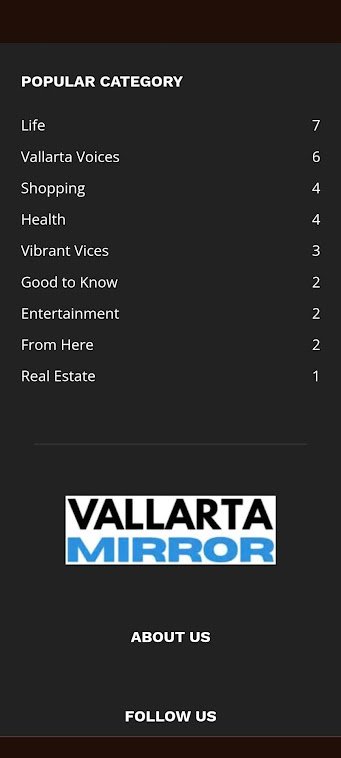
Also… the footer is displayed correctly on desktop.
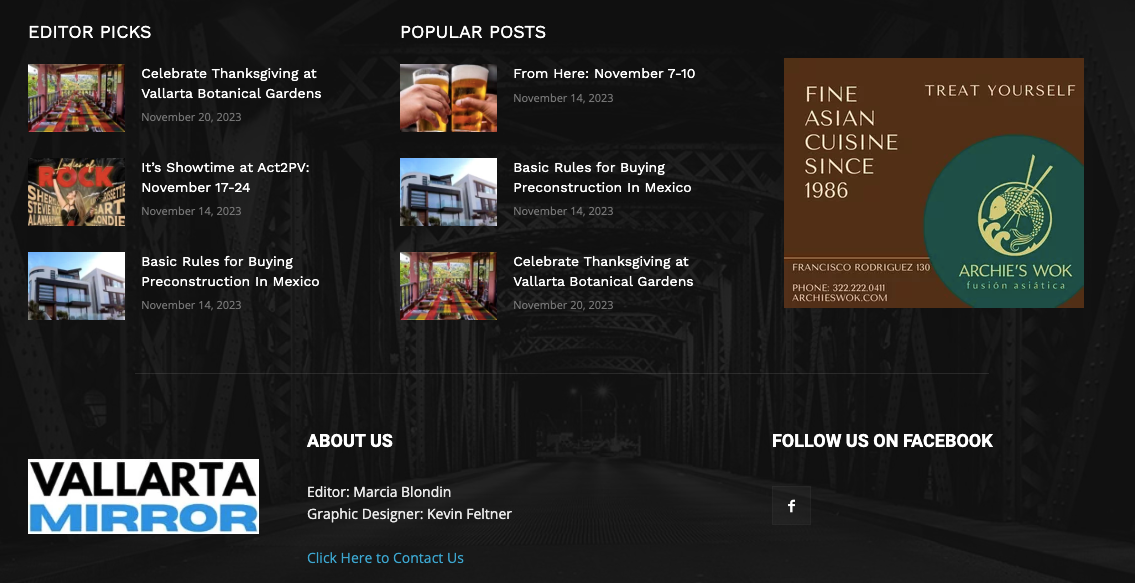

Thank you. This seems to have fixed the issue I was having with mobile… and the other issues I was having with the footer.
YOU ROCK!
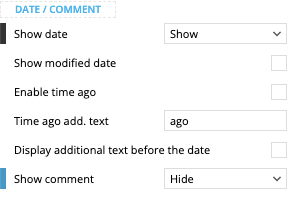
Can you help me determine why my article excerpts do not appear with the default layout… and why the comments icon is displayed (this is set to hide). Here are screenshots from the template…
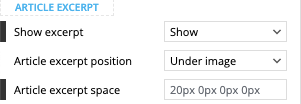
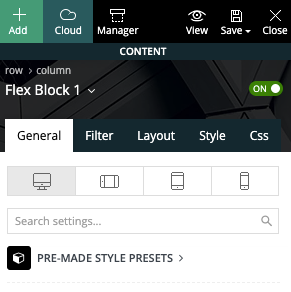
Here is a screenshot showing the block used (Flex Block 1).
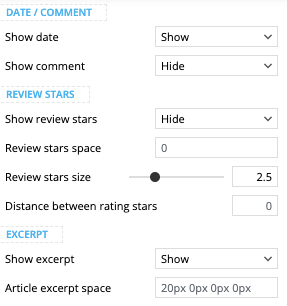
… with settings set to show excerpt and hide comments.
Here is also a screenshot of the category sections from my mobile…

The page shown above can be found here. It displays correctly on desktop but not on mobile.
Hello,
The problem is caused by the fact that you have a standard template for the category and not a cloud template. If you already have a category template, please set it globally to apply to all categories-> https://forum.tagdiv.com/cloud-library-category-templates/.
Thank you!
I have downloaded a new template and will test now.
-
This reply was modified 2 years by
vallartamirror.
-
This reply was modified 2 years by
I have switched to Magazine PRO on both the home and categories templates to attempt to fix this. It did not work. I will repost in that forum.
Hi,
Please provide more details a video will help.
A solution for sending a screenshot/video is this:
Download, capture, and send: https://www.techsmith.com/jing-tool.html
After making the screenshot, you will have a link; paste it here.
Thank you!
I found the issue. It was within one category. For some reason the layout would not save. I was able to correct the problem by creating a new category and moving the articles there.
