

Hello,
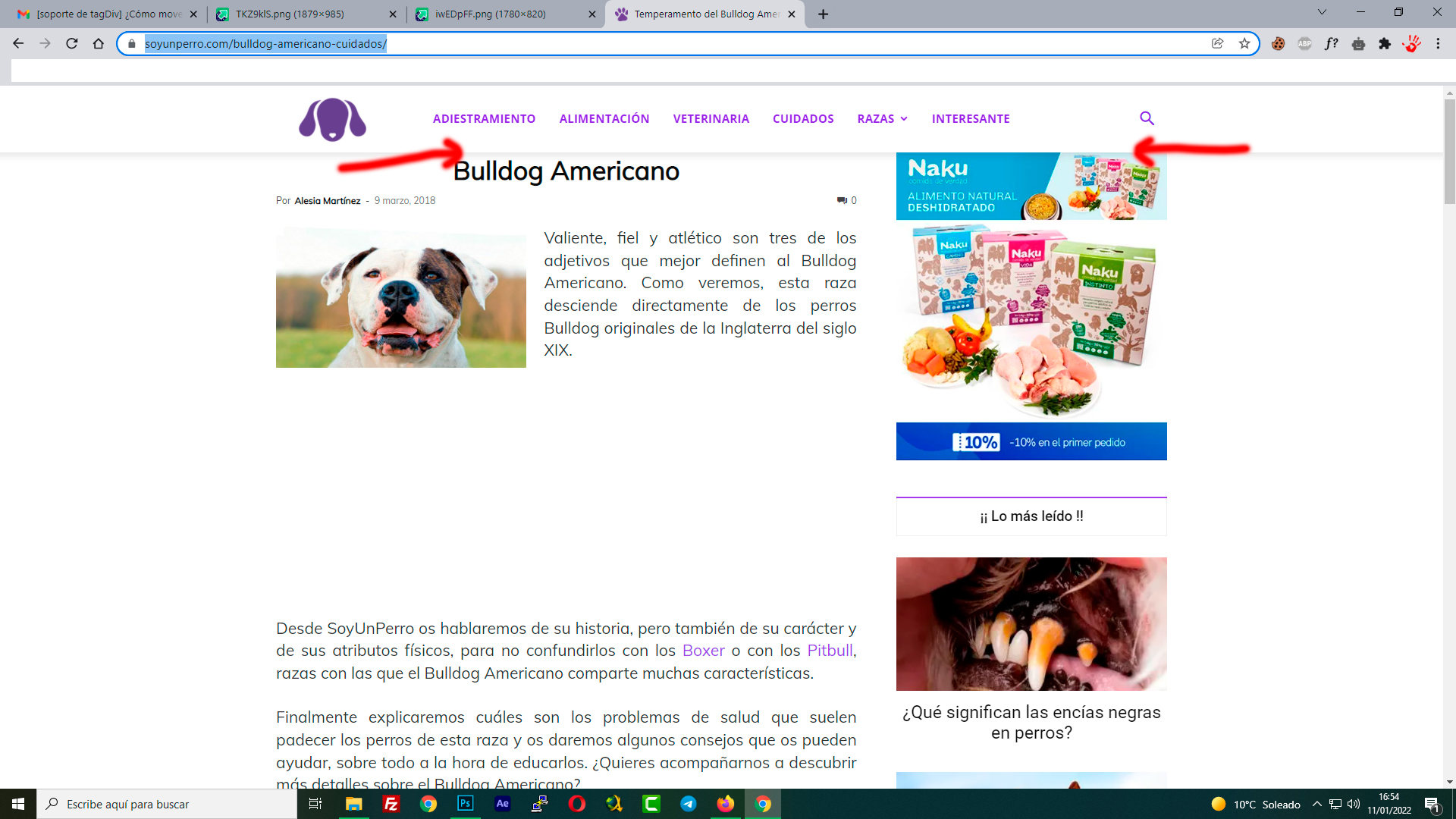
Is there any way to change the position of the breadcrumbs?
Currently they are at the beginning of the content. I would like to place them at the end of the content, below the share buttons on social networks. Is this possible?
I use the tag div mobile plugin.
Thanks, Jose
mywebsite: https://cutt.ly/YU6PjHQ

Hi Jose, this can be done quite easy if you choose to use a single post template from cloud -> https://i.imgur.com/OukmYdU.png
If you want to use a standard template (edit the single that you use -> wp-content/plugins/td-standard-pack/Newspaper/parts/single/single_template_1.php -> https://i.imgur.com/TKZ9klS.png and set it in -> wp-content/plugins/td-standard-pack/Newspaper/parts/single/loop-single-1.php -> https://i.imgur.com/iwEDpFF.png, if is the default template the files are wp-content/plugins/td-standard-pack/Newspaper/loop-single.php and wp-content/plugins/td-standard-pack/Newspaper/single.php), the you must edit it (edit the file and set it in a child theme).
If you are using the mobile theme plugin, then the same change need to be done in this file wp-content/plugins/td-composer/mobile/single.php unfortunately, this can not be set in a child theme.
I hope this will help you!
Hi Jose,
If you choose to use a single post template from the cloud, then you can change the elements positions using the drag and drop.
Using a standard template you must edit the files, for example if you are using single post template 1 (wp-content/plugins/td-standard-pack/Newspaper/parts/single/single_template_1.php), you need to move this line of code -> https://i.imgur.com/XBrRsGE.png and set it here https://i.imgur.com/zqwZEyF.png
Thank you!
Hello again @Calin,
I’m optimizing this again, moving the breadcrumbs to the end of the article. Everything works perfect, using single.php.
However, I’m using the tagdiv mobile plugin, and in the mobile articles, the breadcrumbs appear at the top and not at the bottom. Should I modify something so that these changes also take effect on mobile?
HI,
Indeed for the mobile theme you need to do those changes in the mobile files, those are on this path -> wp-content/plugins/td-composer/mobile there you can edit the single.php file for the mobile page, unfortunately those changes need to be done after each theme update.
Thank you!



