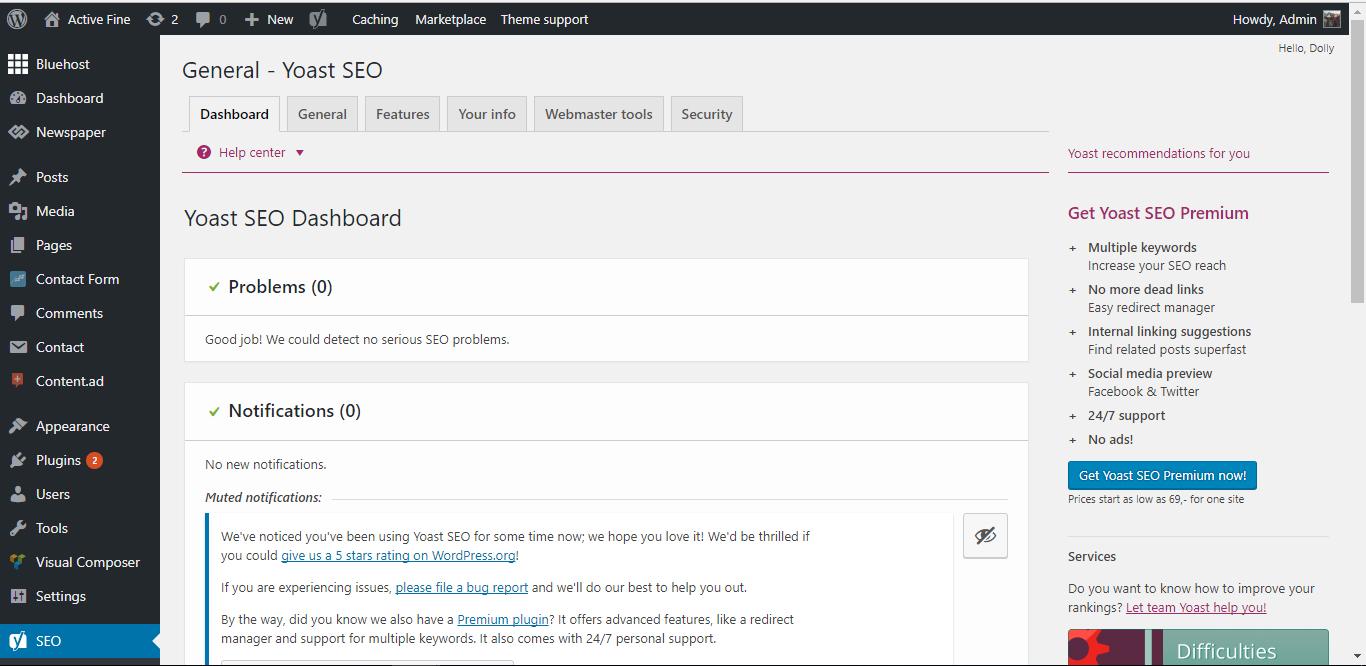
when sharing a post from a facebook page
I can’t change the thumbnail or photo and Facebook tells me (https://www.facebook.com/help/community/question/?id=10200814000150949)
How can i access the HTML and change photo
you can see that what the problem : http://recordit.co/yyuHVtWOiy
I can’t change the photo

Hi,
You can control the Facebook share with the Yoast SEO plugin. More useful information here
– https://forum.tagdiv.com/facebook-share/
– http://www.wpbeginner.com/wp-tutorials/how-to-fix-facebook-incorrect-thumbnail-issue-in-wordpress/
Thanks
Yoast is different here: http://www3.0zz0.com/2017/07/27/13/438861803.jpg
and I tried to delete Yoast plugin and still a problem
what can I do now?
this is another photo:http://www10.0zz0.com/2017/07/27/13/260378823.jpg
could you send me a video tutorial?
because I tried to delete Yoast plugin a still a problem
Hi,
That seems to be the same Yoast plugin that is needed. You need to enable the meta option, in the Social tab
– https://www.screencast.com/t/aKzgmIcQekjV
If you want to modify the automatic meta data, you can do it in the post edit screen
– https://www.screencast.com/t/thTlNiDM
This is an extensive guide of the plugin where you can find more information
– http://www.wpbeginner.com/plugins/how-to-install-and-setup-wordpress-seo-plugin-by-yoast/
Thanks