



Hello,
This can be a plugin conflict, please deactivate ALL plugins except tagDiv Composer, also if you are using child theme or cache plugin, deactivate them, clear all cache and try again.
Also make sure that the theme system status is configured as mentioned in the requirements guide. Please follow the guide carefully
– https://forum.tagdiv.com/requirements-for-newspaper/
If there is still a problem, you can send us an email at contact@tagdiv.com and provide admin login, as well as cPanel or FTP if possible. We will take a look. Include a link to this topic in the email.
Let us know the results!
Thanks
i have checked once again with the previous version and changing to a newer version of the newspaper, im providing detailed screenshots of the issue, because of this issue, I have wasted already 2 days, please try to resolve this issue
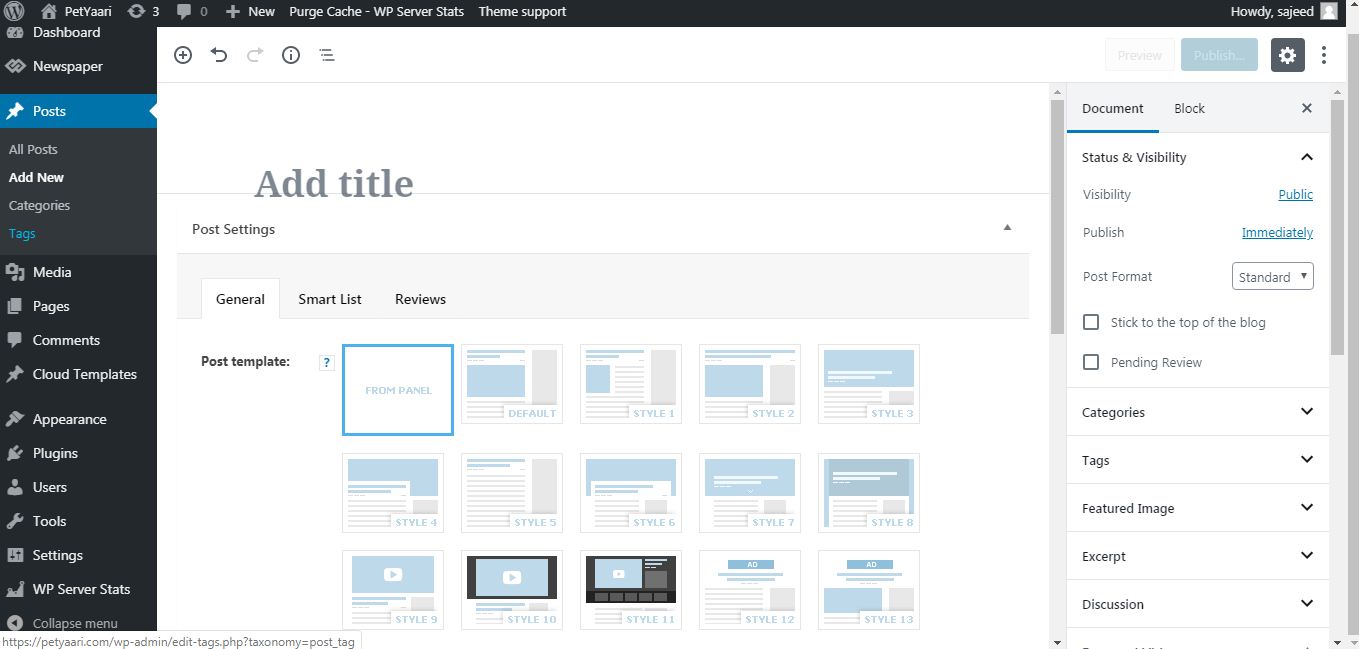
i have installed a previous version and this was the post settings in older version as follows

then I have removed newspaper older version installed newspaper 9.8
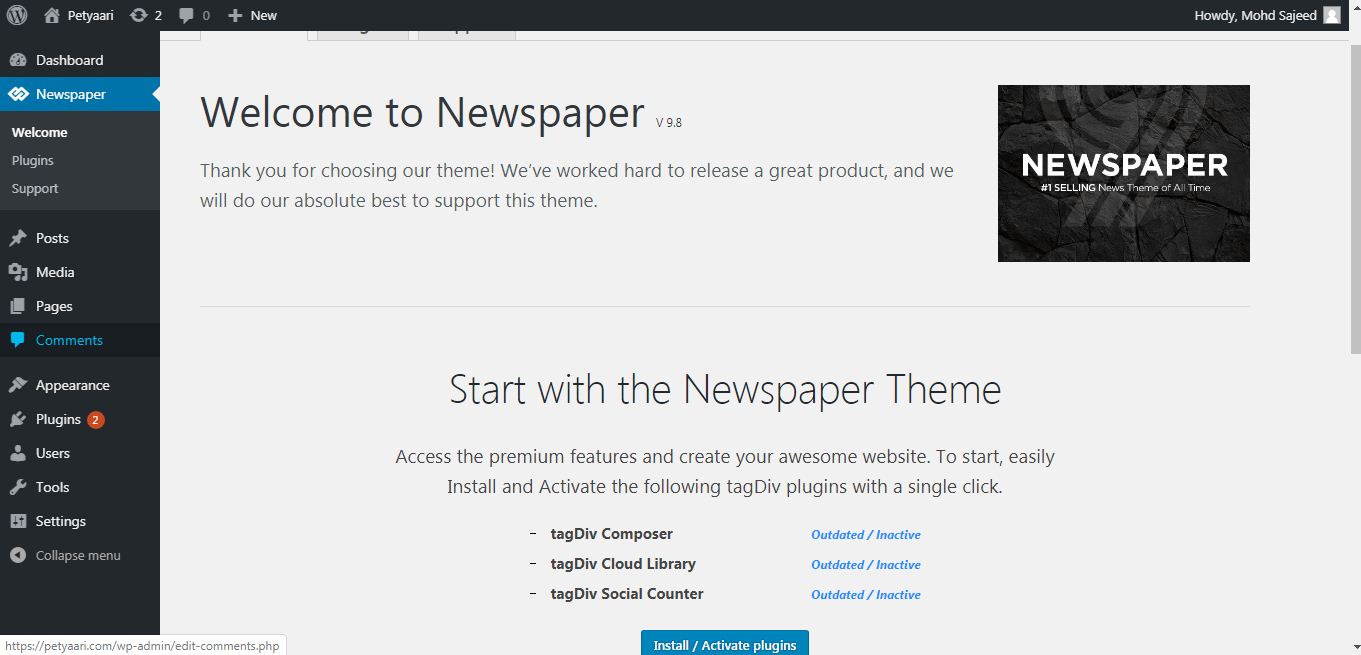
immediately after installation post page doesn’t have post settings, without installation of required plugins
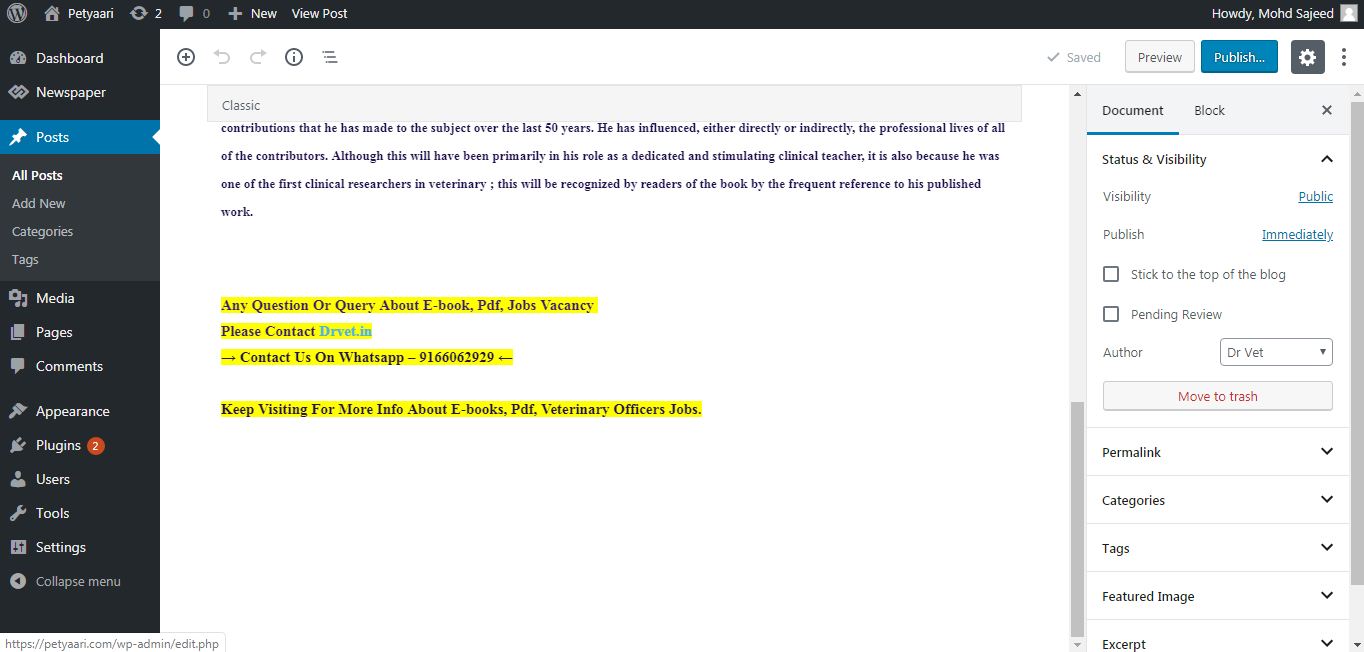
then i have installed and activated required plugins
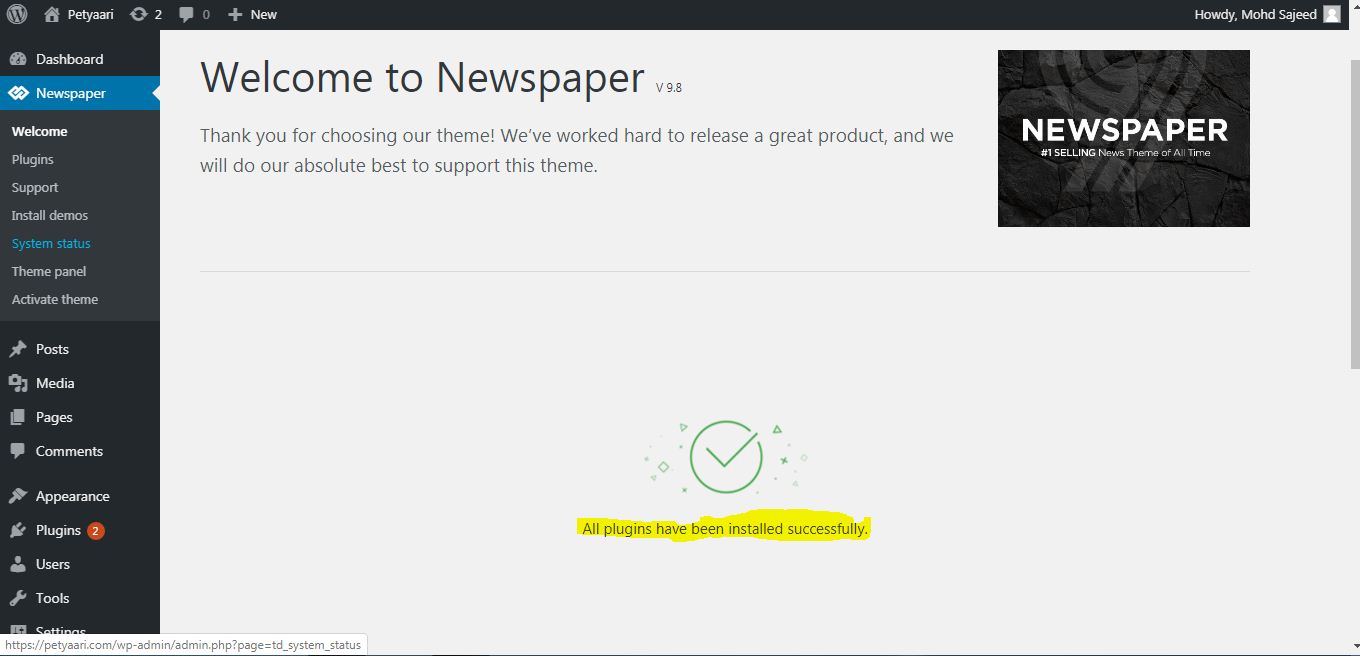
after newer version the post settings is unstable, just floating up,
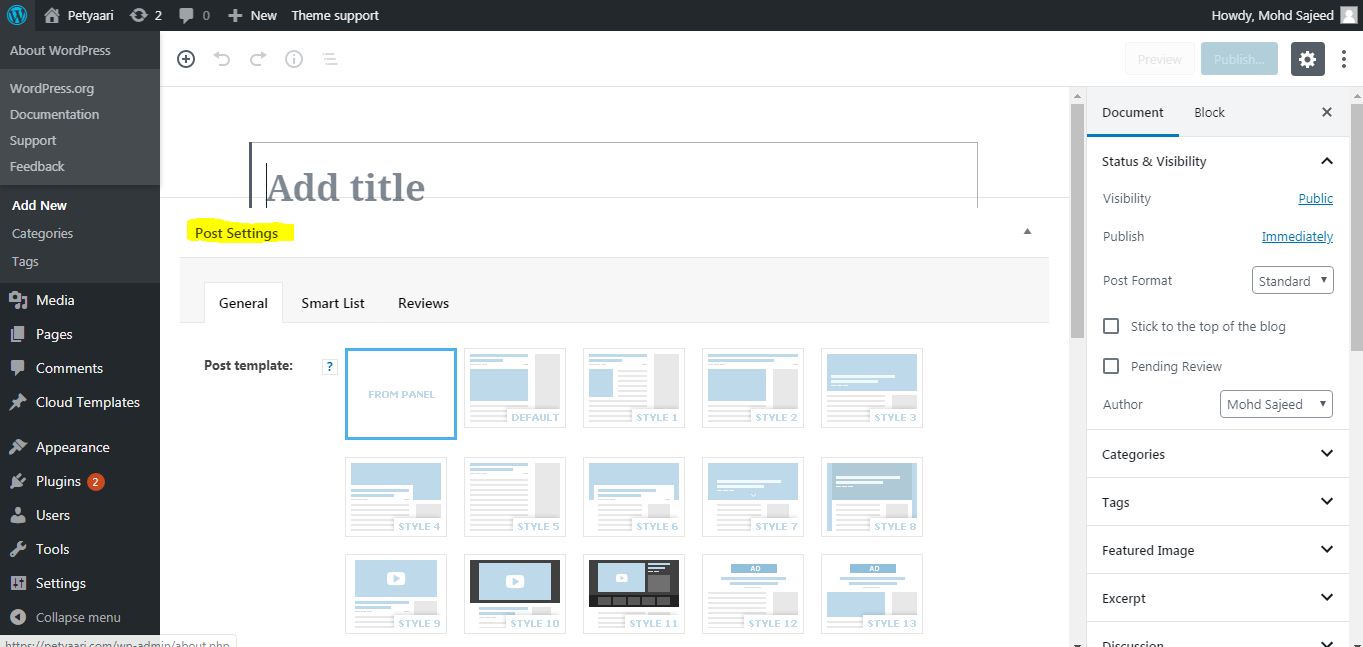
this is the issue, i have taken so long time to reach this isssue to you, its already wasting my valuble time,
its also issue with others,
please resolve asap.
-
This reply was modified 7 years by
sajeed.
Hello @sajeed,
Note that the 9.7 update was a major update, it consists of modifications to the theme file structure, most of the files are now in the tagDiv composer plugin. Here is an article about the changes made and why they were made – https://tagdiv.com/updating-the-core-of-tagdiv-themes/ so in order to have the theme functionality you’ll need to activate the tagDiv Composer.
Also the @impulsse.chile is right, after the last Chrome update there are some issues, using the wp editor from tagDiv Composer, we hope that this problem will be fix soon.
Thank you for your understanding!

