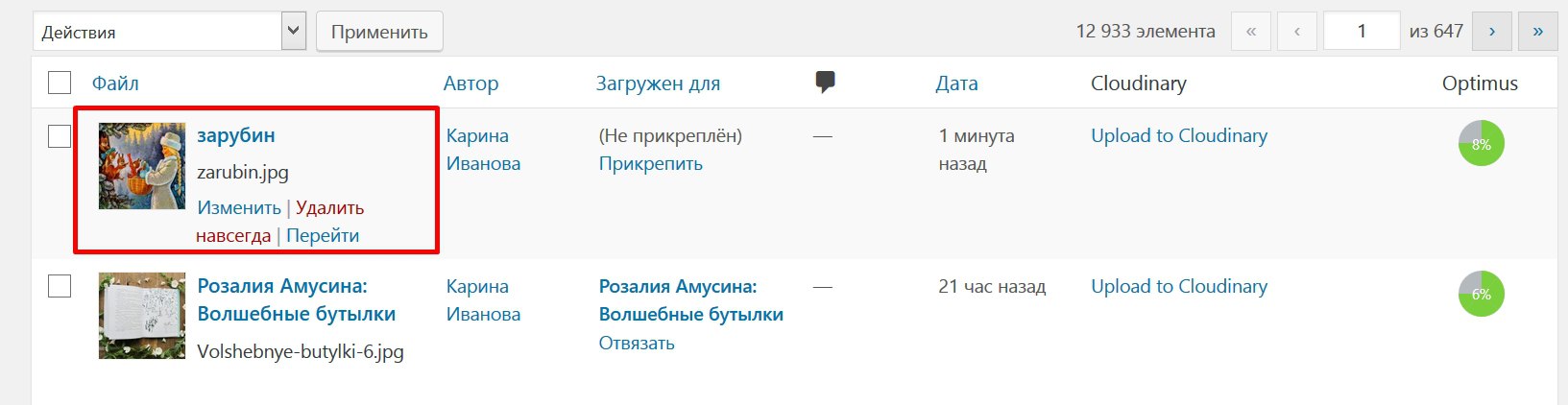
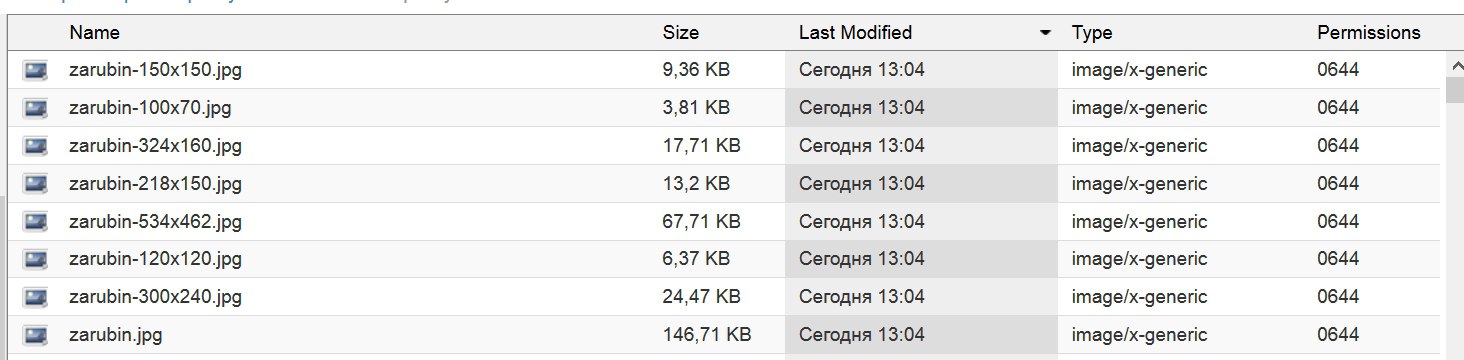
Hi
I’ve tried putting image on the host through Filezilla, but they don’t show up in Media when I want to add them to a post.

Hi,
Try uploading the images through the Media library, instead of FTP
– https://www.screencast.com/t/cjW4JfEIW
You can select multiple files at once as well.
Thanks
Uploaded, as you said. And still I made a few thumbnails, and I don’t need them! This is an additional photo of the product does not cover!
https://pp.userapi.com/c841226/v841226916/ffbf/HZ-EcEYRR_E.jpg
https://pp.userapi.com/c841226/v841226916/ffc9/dQmSLwYWNuI.jpg
Hi,
Those thumbnails are created automatically by WordPress and the theme and maybe plugins. I believe the WordPress thumbnails could be disabled by entering 0 in all the fields here
– https://www.screencast.com/t/TuA5kKokEV
The thumbnails created by the theme can be disabled in the Theme panel for the ones you do not need to use
– https://forum.tagdiv.com/theme-thumbs/
Thanks
Good day! Help me, please, again
We use List products with an attribute shortcode, before the view was like this http://prntscr.com/kgqlja the size of the miniatures a small. Today I added a child theme to the site, then I saw that the display was like this http://prntscr.com/kgqm40 Miniatures are large and climb on the side bar. The child theme was removed, but the display was not normal. How can this be fixed?