

Hi
I have a problem with Jetpack’s tiled galleries. I submitted the problem to the WordPress Support Forum and found out that my CSS is wrong. They told me to contact the theme developers. Can you please help me to solve the CSS problem?
Here is the CSS causing the problem. You can see this in the following screenshot:
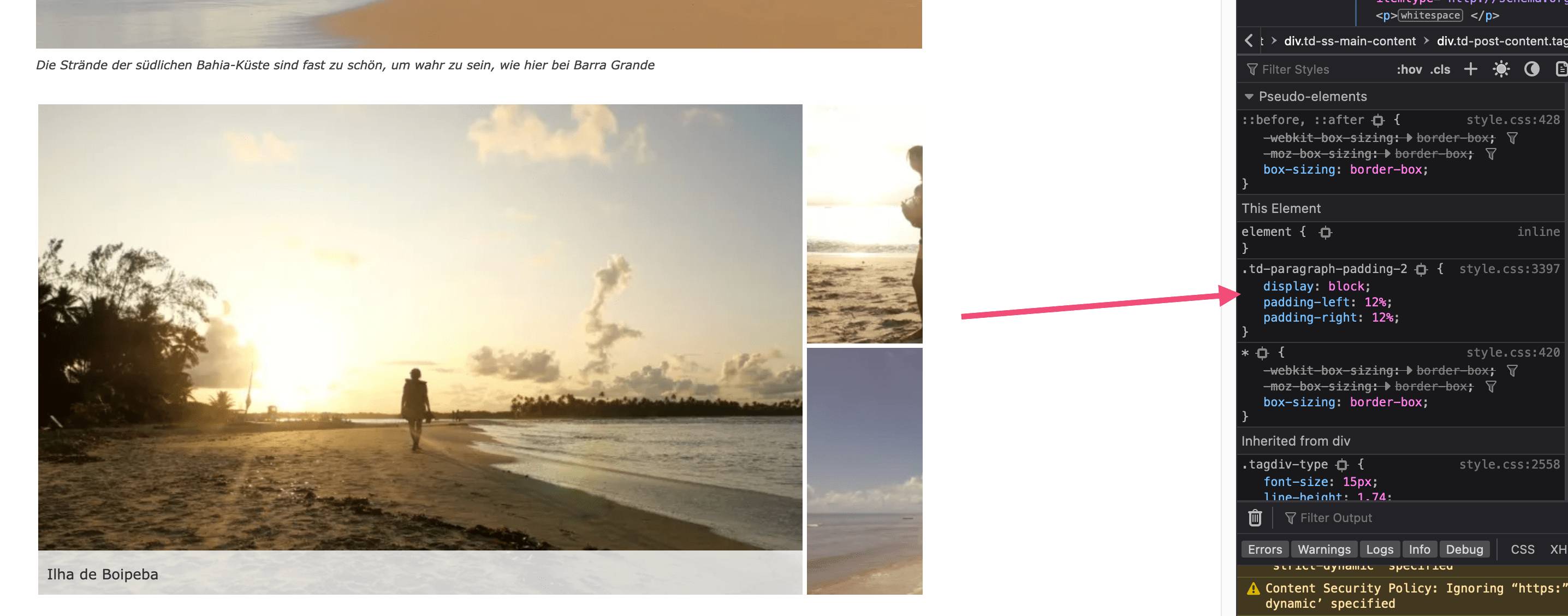
lastsplash (a11n) worte: If you remove the CSS it displays correctly:
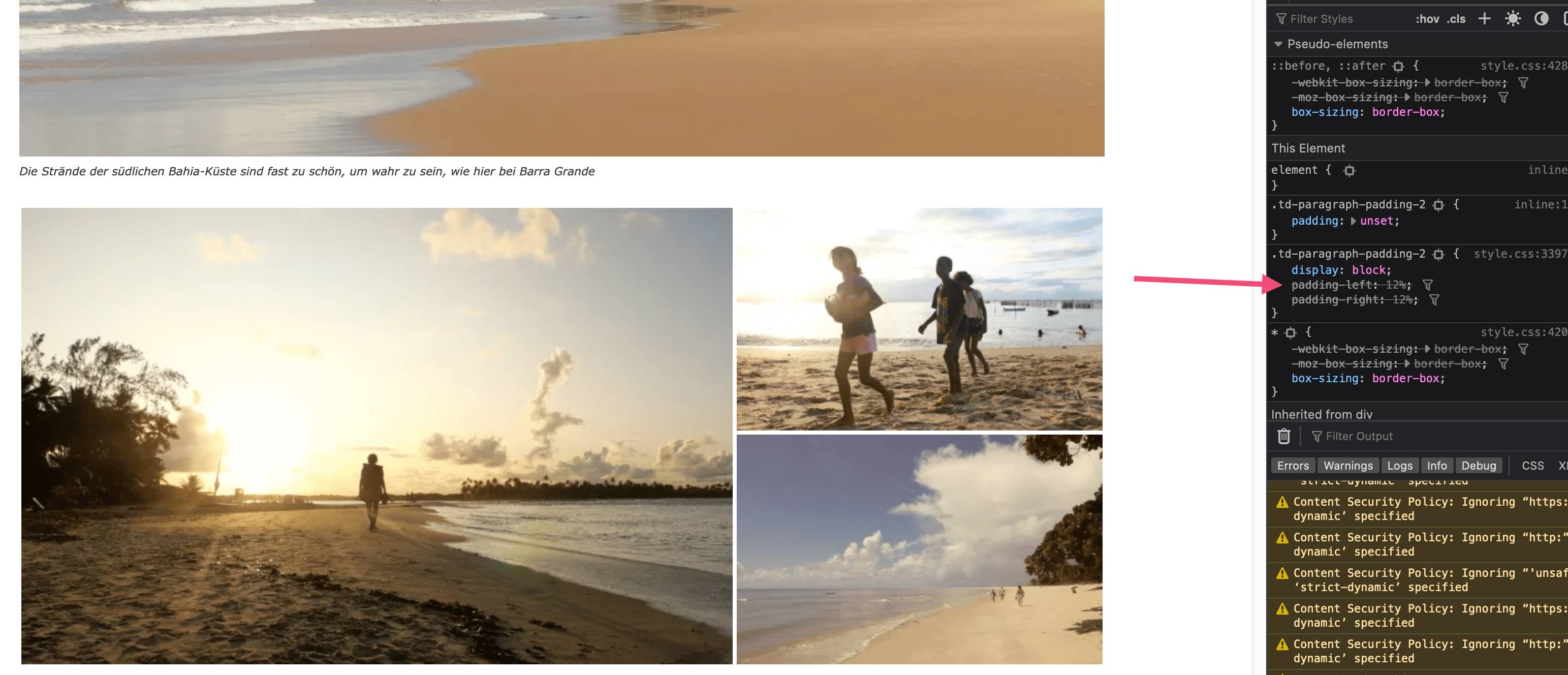
Here is the link to the post with all the details
https://wordpress.org/support/topic/problem-with-jetpack-tiled-mosaic-photo-galleries/#post-16069745
Thank you

Hi,
This is how it was made the post template 7.
If you want you can use this css:
.single .td-paragraph-padding-2{

    padding-left: 0;

    padding-right: 0;

}
set it in the theme panel > custom code > custom css.
Or you can use a single post template from tagDiv Cloud Library, this can be edited using tagDiv Composer.
Thank you!
Hi Calin,
thanks for the CSS. I tried the CSS but it changes the overall layout of the posts. Our problem has nothing to do with the templates or the various padding options. It has only to do with the tiled galleries that are not displayed correctly.
Hi Calin,
sorry for asking again.
When I embed the CSS I see full-size images in the gallery. But the gallery gets too wide on the desktop:
https://www.directupload.net/file/d/6696/nbspynjz_png.htm
Without the CSS, the gallery will keep its appropriate size, but the right image will be cropped.
https://www.directupload.net/file/d/6696/mqb3vv6s_png.htm
Maybe you have an idea for another CSS that shows the images in full size but without cropping the right image.
Hi,
Unfortunately, I run out of ideas, because the gallery is set by default to have 1024px width and the post template you are using has set on that with left and right 12% and that it is way the gallery is no longer display full size.
I will try to see if I can recreate the code from gallery to adjust it to the current layout, but this is not easy.
Thank you!
Hi Calin,
maybe the hint that the problem occurs with all templates of styles 1 to 13 will help. However, when I use the Single Post Template Make up Shop, the images in the tiled gallery are displayed at full size (but not flush). By the way, I only have the problem with the tiled galleries. Thumbnail Grid and Slideshow types work. That’s weird, isn’t it?
Hi M.Bussmann,
I understand you and yes, this is quite strange.
The strange thing is that for me is work ok -> https://i.imgur.com/6psQZ3W.jpg
Maybe you have some extra options or something that interfere with the images and those are not resized?
Thank you!

