

Hey!
I’m using wp-rocket and in order to get a better LCP i want to exclude the post image (main image from the post) from lazy loading in my mobile theme. Actually I’m half way there: I found a way to exclude the div class “entry-thumb” from lazy loading (by putting a code into my custom functions). Now, the problem is, that the thumbnails from the “more articles”-section below the post content also have the div class “entry-thumb”. So they are also excluded from lazy loading. That leads to a bad loading performance.
Now my question is: Is there a way to get a div class, that just includes the post image and not the thumbnails from the more article section below? You know what i mean?
All the best,
Daniel
PS: On desktop i don’t have this problem because the div class of my post image is a different one (“tdb-featured-image-bg”) as “entry-thumb”.
-
This topic was modified 5 years by
danna.

Hi,
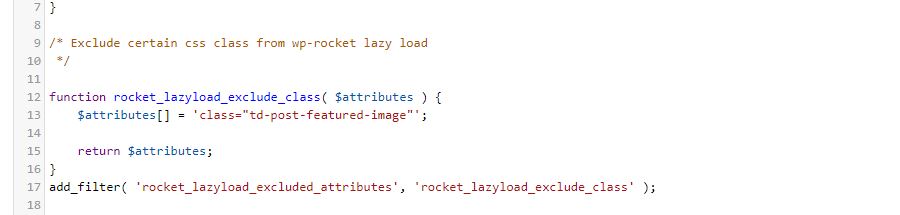
If you are using the mobile theme plugin, then yes, this is the class for featured image “td-post-featured-image”.
If you are using the responsive version, then the featured image can have ne of those classes:
– “td-post-featured-image” (for standard posts templates )
– “tdb_single_featured_image” (for cloud featured image )
– “tdb_single_bg_featured_image” ( for cloud with background featured image)
Thank you!
Hi,
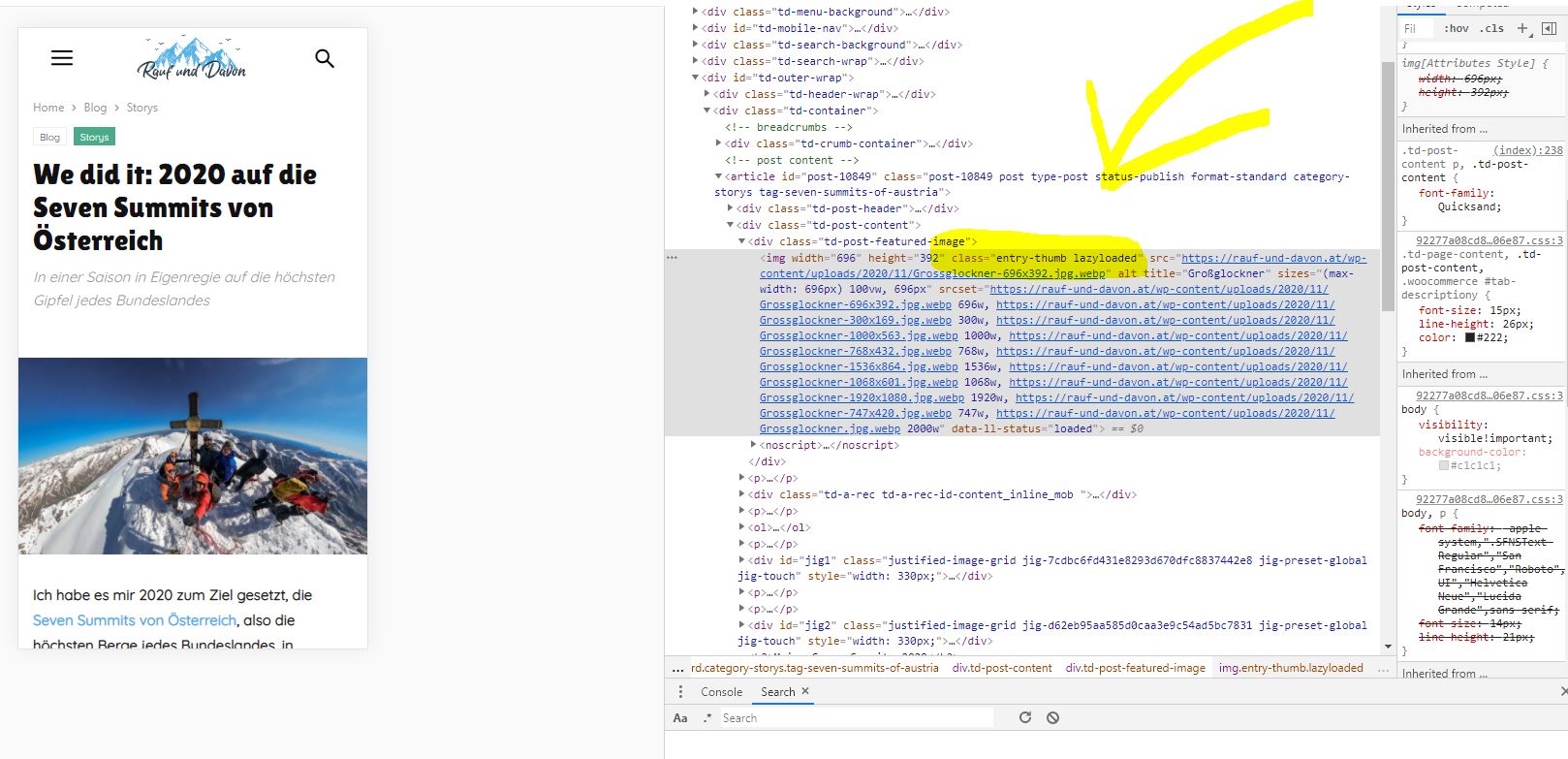
thanks for getting back. Sadly excluding the class “td-post-featured-image” doesn’t exclude the featured image from beeing lazy loaded. The class “entry-thumb” is still lazy loaded (as you can see on the screenshots). Do you maybe have any idea how to fix that without excluding the class “entry-thumb” (because that would exlude the thumbnails as well)?
All the best,
Daniel
Hey,
thanks for getting back. I tried it but sadly it didn’t work (as you can see on the screenshot below. Just to be sure (doesn’t know if that made any sense 😀 ) i tried the following combinations as well:
$attributes[] = 'class="td-post-featured-image img"';

    $attributes[] = 'class="td-post-featured-image.img"';

    $attributes[] = 'class="img.td-post-featured-image"';

    $attributes[] = 'class="td-post-featured-image"';

    $attributes[] = 'class=".td-post-featured-image img"';
The only one that worked was – as mentioned above – the class “entry-thumb”. But as i wrote: that excluded the thumbnails as well. Any other idea what i could try?
All the best and thanks,
Daniel
Hey Calin,
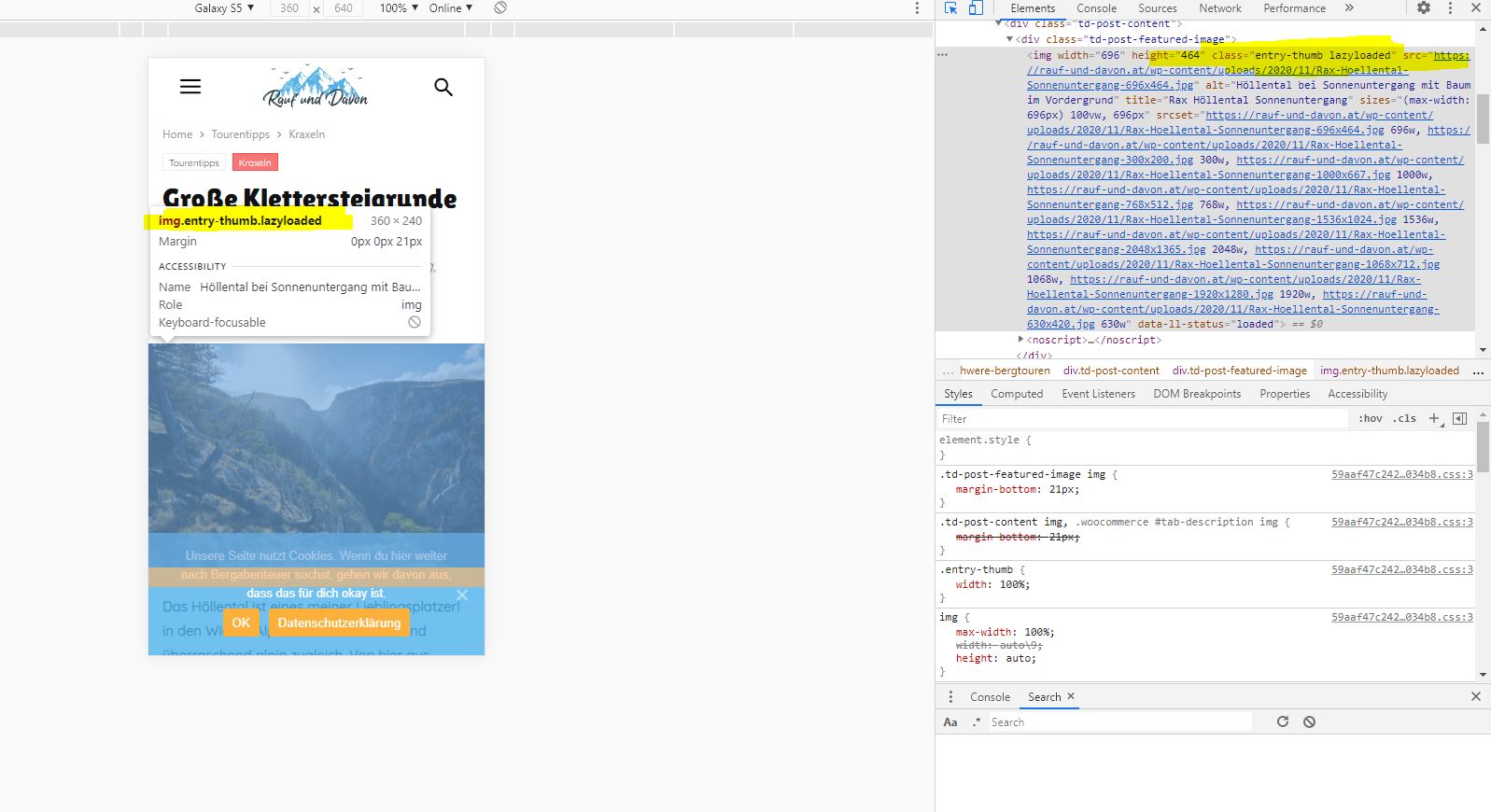
still not working, i tried these combinations:
/* Exclude certain css class from wp-rocket lazy load

 */
function rocket_lazyload_exclude_class( $attributes ) {
$attributes[] = 'class=".td-post-featured-image .entry-thumb"';
$attributes[] = 'class="td-post-featured-image .entry-thumb"';
$attributes[] = 'class="td-post-featured-image.entry-thumb"';
$attributes[] = 'class=".td-post-featured-image.entry-thumb"';
$attributes[] = 'class="td-post-featured-image entry-thumb"';
return $attributes;
}
add_filter( 'rocket_lazyload_excluded_attributes', 'rocket_lazyload_exclude_class' );
Is the right one in it?
All the best,
Daniel
Hi,
I just find on internet that the above ways will not work, the class must be set as in this guide -> https://docs.wp-rocket.me/article/15-disabling-lazy-load-on-specific-images
Unfortunately, the class for featured image in our theme is not set on image and is set in a div that holds the image, therefore I do not know how to guide you to exclude the lazy load, maybe only if you add manually the attribute in theme files.
Thank you for your understanding!

Hi, I know this is an old thread, but I had run into the same problem. I just figured out that I can simply disable lazy load for all images of a specific size instead of for classes like the mobile version problem.
I changed the image sizes that the mobile version plugin uses by editing the mobile theme files such as single.php. There was an issue with the mobile theme using big images by default that slows down a website. The only problem is that I had to add code into the mobile functions.php, and I have to keep the scripts backed up because it’ll all disappear after the plugin updates. Really wish TagDiv would give us a child theme for the mobile plugin.
So, I simply added this into WP Rocket lazy load exclusion settings and now lazy load is disabled for all images of this size:
-533×261.jpg
-533×261.webp
It isn’t the best method, but it’ll have to do.
