Hi
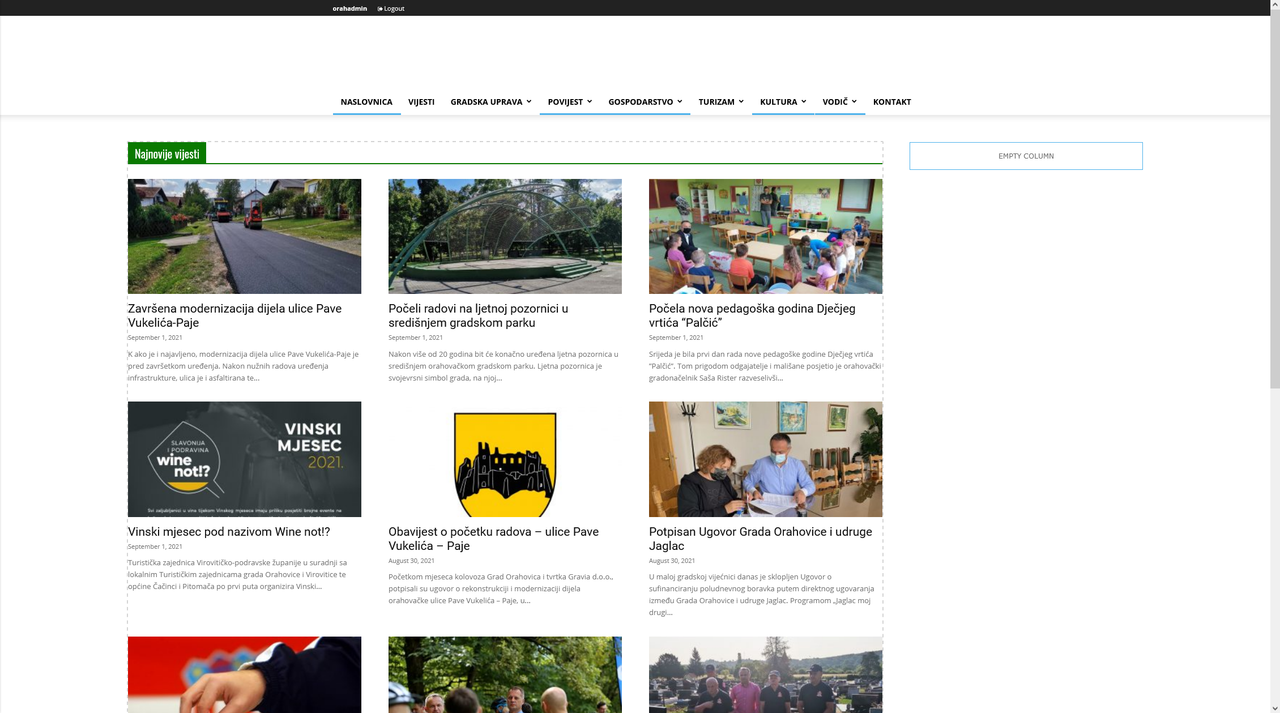
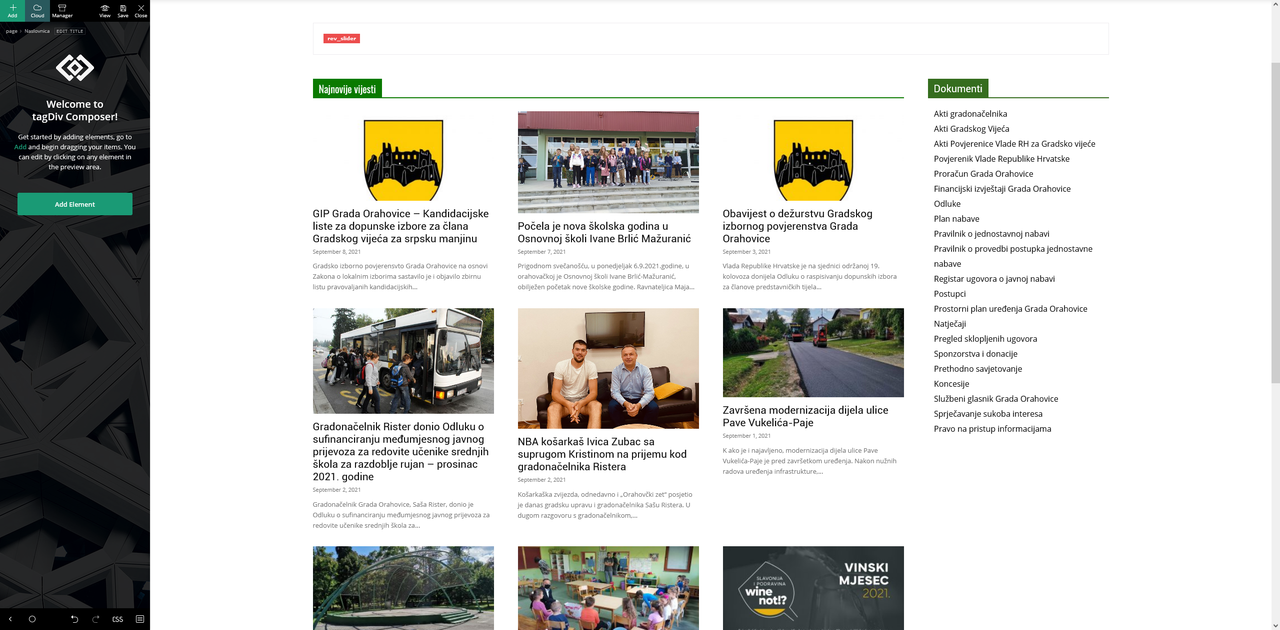
I save my template like this: https://i.postimg.cc/vHgy9GjK/Screenshot-2021-09-06-at-12-27-54-Slu-bene-stranice-Grada-Orahovice-Word-Press.png
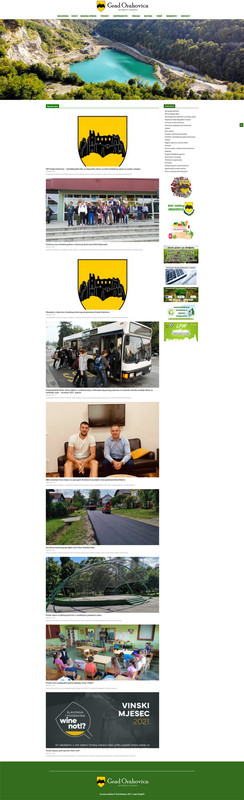
And on live page it shows different… https://www.novo.orahovica.hr
WHY?

Hello,
Please do these steps:
1. disable tagDiv Composer
2. uninstall(delete) tagDiv Composer
3. clear cache (if cache plugin exists)
4. install tagdiv Composer
5. activate tagDiv Composer
6. clear cache (if cache plugin exists)
Also, please do a test using only tagDiv plugins, clear all cache (browser, server)
Thank you!
hi
tried all that but nothing helps
ist now different blocks but still different on live page…

I just dont see it hmm
I tried all browsers…
Hello,
Did you set the layout of the row? if yes, then you can use for blocks from Standard Pack (Block 1 to 25 and Big grid full ) the layouts => 1/1, 2/3+1/3, 1/3+2/3 and 1/3+1/3+1/3, if you have set other layout for the row, then design issues will arise.
I recommend you to use the Flex Block and Big Grid Flex Block which gives you more adjustment and flexibility options than blocks from tagDiv Standard Pack.
Thank you!
Hello,
As I said you can set on the row only these layouts => https://i.imgur.com/9v8Yvtv.pngfor standard blocks, please check the layout, I saw you set the layout 3/4 +1/4
Please don’t share your credentials on the forum.
Thank you!