

I purchased a License and since setting everything up as I have it on a sister website where everything is working fine. I can’t make changes to anything in the theme panel. It just keeps spinning and never saves. I can create new posts / Pages but I am unable to save changes to a page I made using Tagdiv editor. I have version 12.6.8 installed and reinstalled and for WordPress I have version 6.7.1 with the following plugins installed and active.
Yes, I did try deactivating all plugins non-tagdiv to see if it was a plugin conflict but no, and I do have all the same on the sister website with no issues. I tried on different browsers and even on different computers with no Love.
Akismet
GA Google Analytics
Limit Login Attempts Reloaded
Site Kit by Google
tagDiv Cloud Library
tagDiv Composer
tagDiv Newsletter
tagDiv Social Counter
tagDiv Standard Pack
WP Consent API
WP Super Cache
WP-Optimize – Clean, Compress, Cache
XML Sitemap Generator for Google
Yoast
PHP Version 8.1.30
post_max_size 512M
max_execution_time 300
max_input_vars 5000
SUHOSIN installed false
Any help please I just purchased a second license and want to keep buying and referring.
Kevin
-
This topic was modified 1 year by
kevinstolz.

Hi,
Please check the console when you hit the save button and see if there is an error. With right-click -> inspect -> console -> select the error in the tab network -> preview, you can see the cause and check the suggestion from here https://forum.tagdiv.com/topic/newspaper-theme-panel-settings-are-not-being-saved/ -> https://community.godaddy.com/s/question/0D58W00007ggvUDSAY/403-forbidden-error-not-sure-why
Thank you!
Hi Ana Maria,
Thanks for the reply, I just think its important to know this is not a godaddy related issue since I have another licensed website (erotiquemagazine.com)on the same server using all of the same theme and configuration and it saves changes with no issues.
The Godaddy Article you referenced no longer exists.
When I click the save button there is no error and on “Inspect” there are no errors see the attached screenshots.
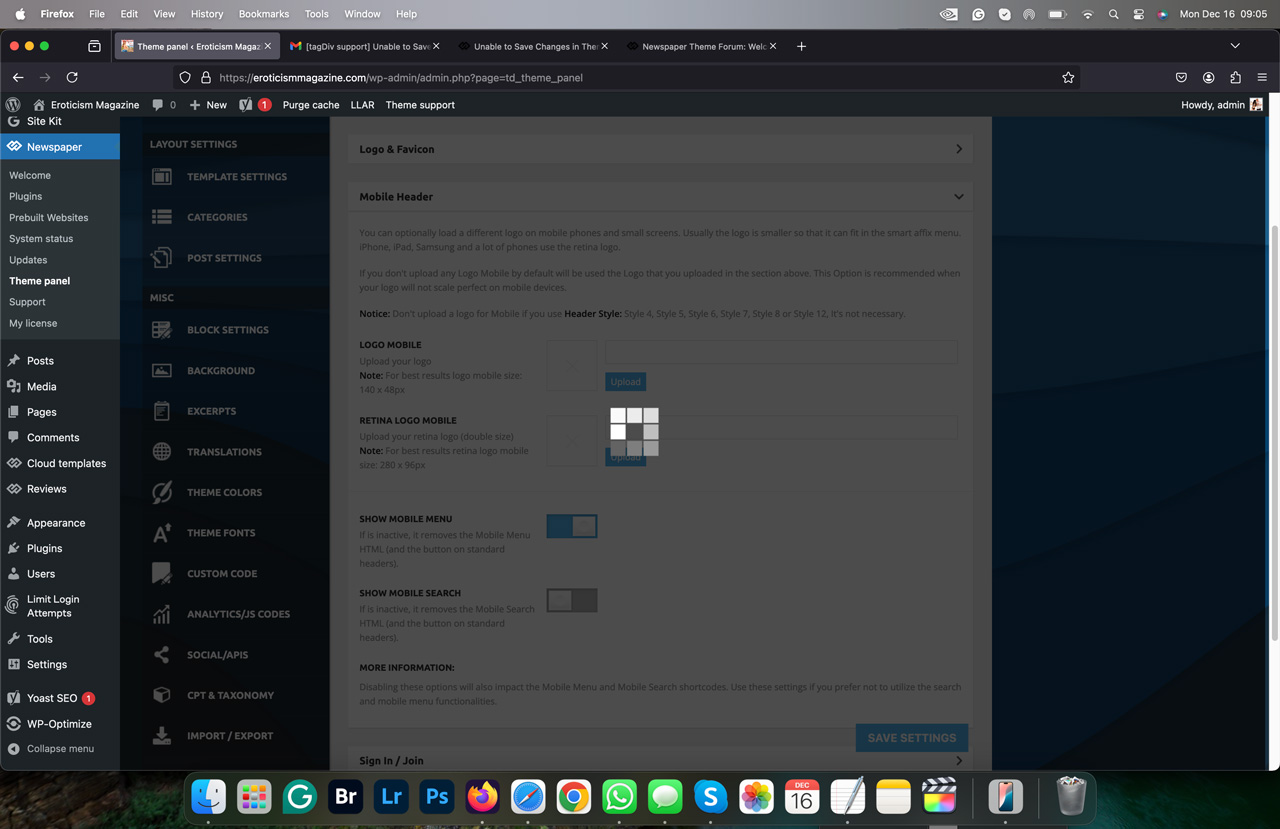
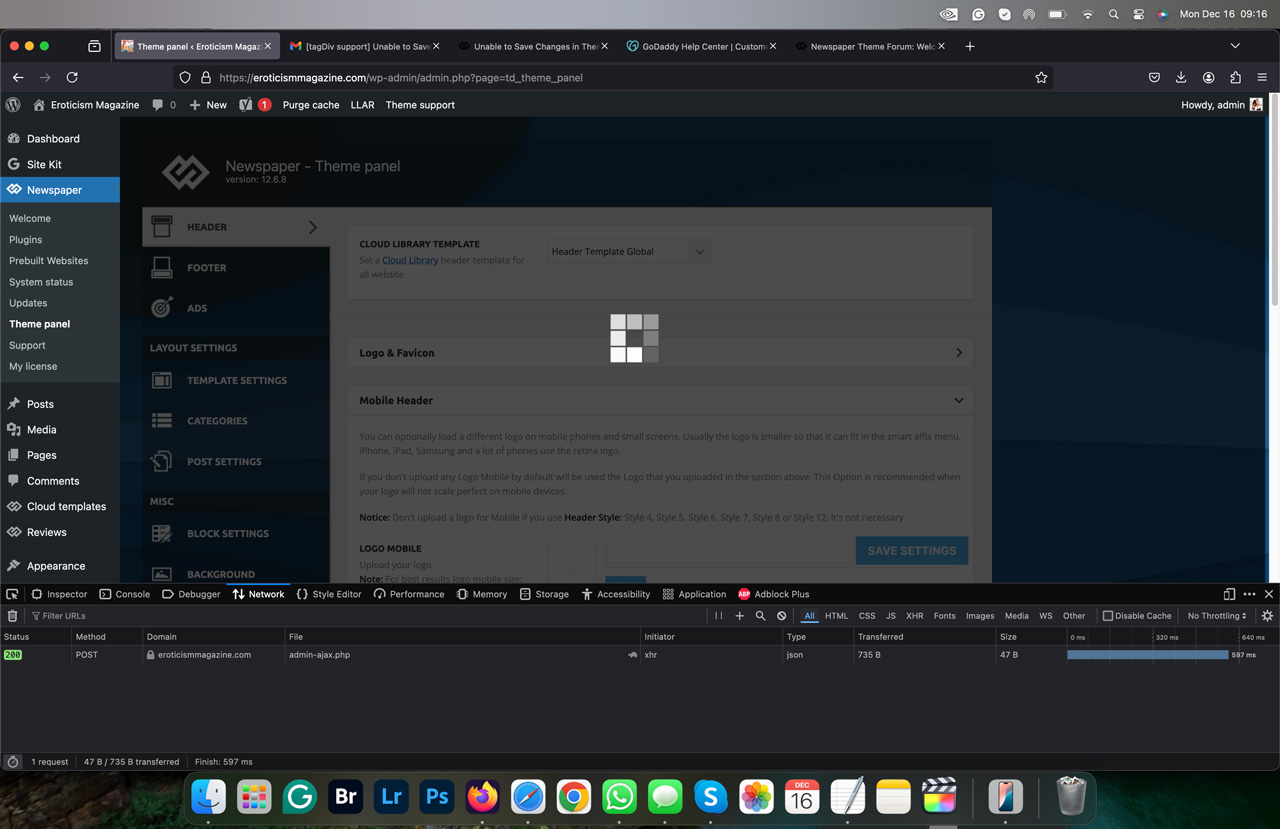
Regards
Kevin
Hi,
I would like to take a look. Can you please email us at contact@tagdiv.com with the wp-admin and cPanel access and include the link to the topic in the email?
Thank you!
OK Ana Maria
I sent as requested and it’s important to note I am trying to delete the “Logo Mobile” and the “Logo Mobile Retina” since for some reason the logo doesn’t show up on Mobile Devices.
Also, attempting to fix logo and logo retina since the logo appears on the site but not in Theme Panel. Saving Posts and Pages seems to work fine but please try to see what’s happening.
Thank You
Kevin
Hi,
To change the logo please edit with tagDiv Composer,select the header logo and change it => https://i.imgur.com/cR7F0v4.png -> https://www.youtube.com/watch?v=HXQQygkCCJo -> https://forum.tagdiv.com/add-logo-newspaper/
For mobile please edit with tagDiv Composer, select the viewport on phone, select the header logo and change it => https://i.imgur.com/cR7F0v4.png
Please provide some screenshots.
Thank you!

