

Hello,
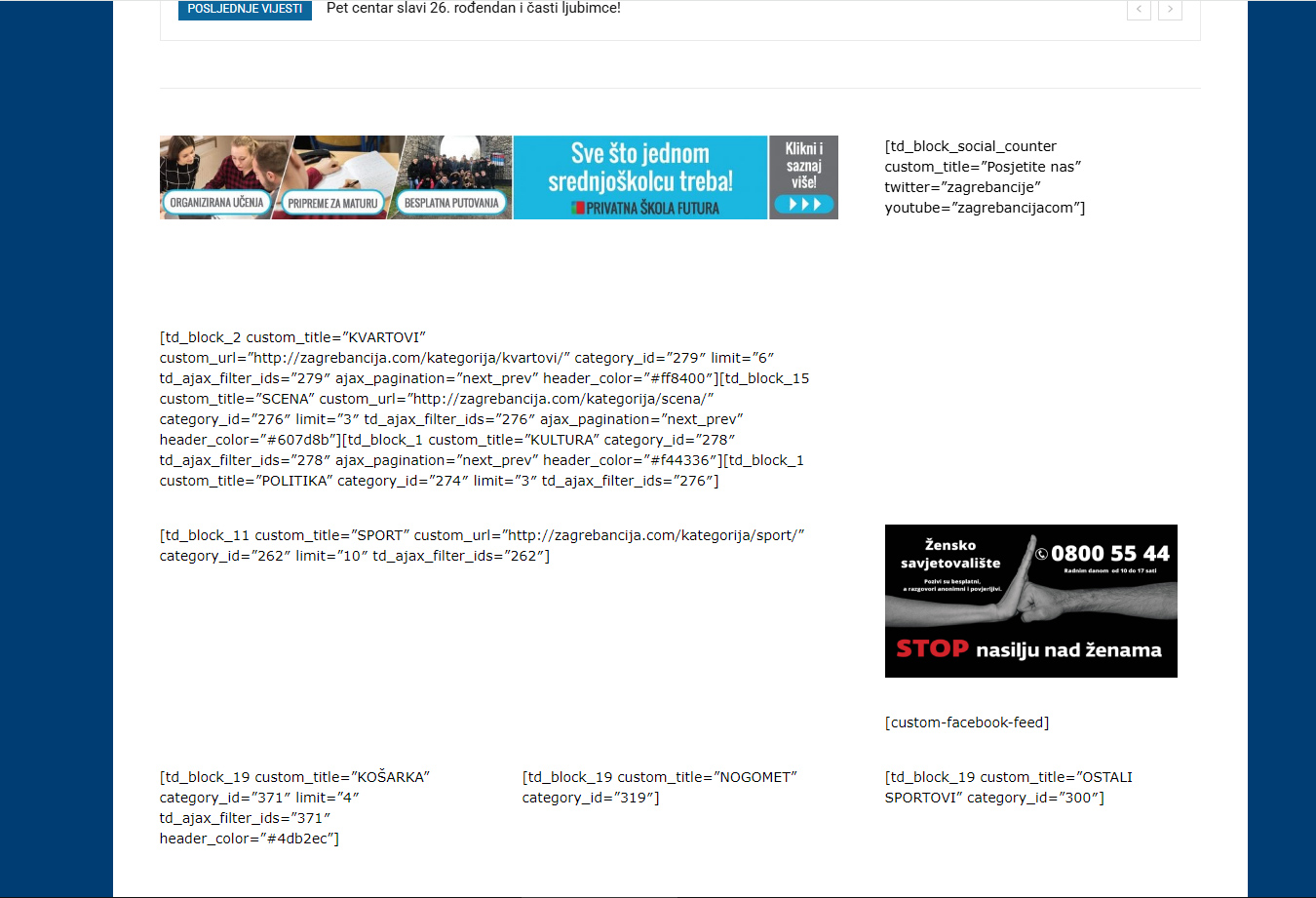
After last update of newspaper wordpress theme, our website crashed, and some error is displayed on front page, I beleive it is problem with tagdiv composer. There is no response in Theme panel, E.g. when image for new logo is selected, and saved, nothing happense.
-
This topic was modified 11 months by
damirvujinovic.

Hello,
as you said, I installed the “tagDiv Standard Pack”. I uploaded it from wordpress, I downloaded it fresh with all the theme files from our account on theme forest. After that I activated it, nothing changed. Then I went to the plugins section, and noticed that the plugin was not activated, I tried to activate it again, but it again showed that the plugin was not activated. The same thing happens when I want to upgrade a theme from wordpress, I selected the latest version for the theme upgrade 12.7.3, after the upgrade nothing actually happened, again a notification appeared that an upgrade was required.
Hi,
If the plugin keeps deactivating, it’s most likely not the correct version. Please delete it, then reinstall and activate it from Newspaper > Plugins.
If the problem persists, please try testing with only the tagDiv plugins and the main theme (not the child theme, if you’re currently using one).
Hello, thank you,
problem is solved, but only partially.Problem that remains is, theme can not be updated to latest version via theme panel or any other way.
After update is done, same version remains.

I had almost the identical issues with you the other day as well.
It as suggested I fresh install them (and plugins) via ftp. That solved most of my problems. I also couldn’t update theme normal way.
Hi,
When the theme cannot be updated normally, there are some extra plugins or code interfering (especially object cache), in this situation, the best option is to update the theme and plugins manually – https://forum.tagdiv.com/how-to-update-the-theme-2/ – https://i.imgur.com/NGsPWBy.png
Thank you!
Hello, I did all by instructions on provided link. Only, there was no option to unzip files on server, so I’ v put unzipped folder “Newspaper” in theme folder. Current theme was renamed to newspaper-backup, all that but unfortunatly no success. Plugin for cache managing is disabled. In theme control panel is still messagge for theme updating to latest version.
Hi,
Normally, updates are displayed when you click the “Check for Update” button under Newspaper > Updates – https://i.imgur.com/2xjEg7v.png
If you download the latest package from ThemeForest and upload it manually, your theme should then show the latest version.
If you’d like us to take a closer look, please create a full backup of your website and contact us via email at contact@tagdiv.com, providing WP-Admin access so we can investigate the issue.
Thank you!
thank you, I will do that, and send you admin access on email provided.
Hello, our website was unavailable today. Did someone from support team working on our page?
Thank you.


