

Hello and thank you for taking the time to look into this.
I just updated Newsmag to 4.0 using the Envato Market plugin and, after updating, I am getting weird menus and empty spaces taking up a lot of space at the top of my home page.
I will try to add screenshots in a reply momentarily, since I don’t see an option to do so in this initial post.
Thanks for your help!
Best,
Scott
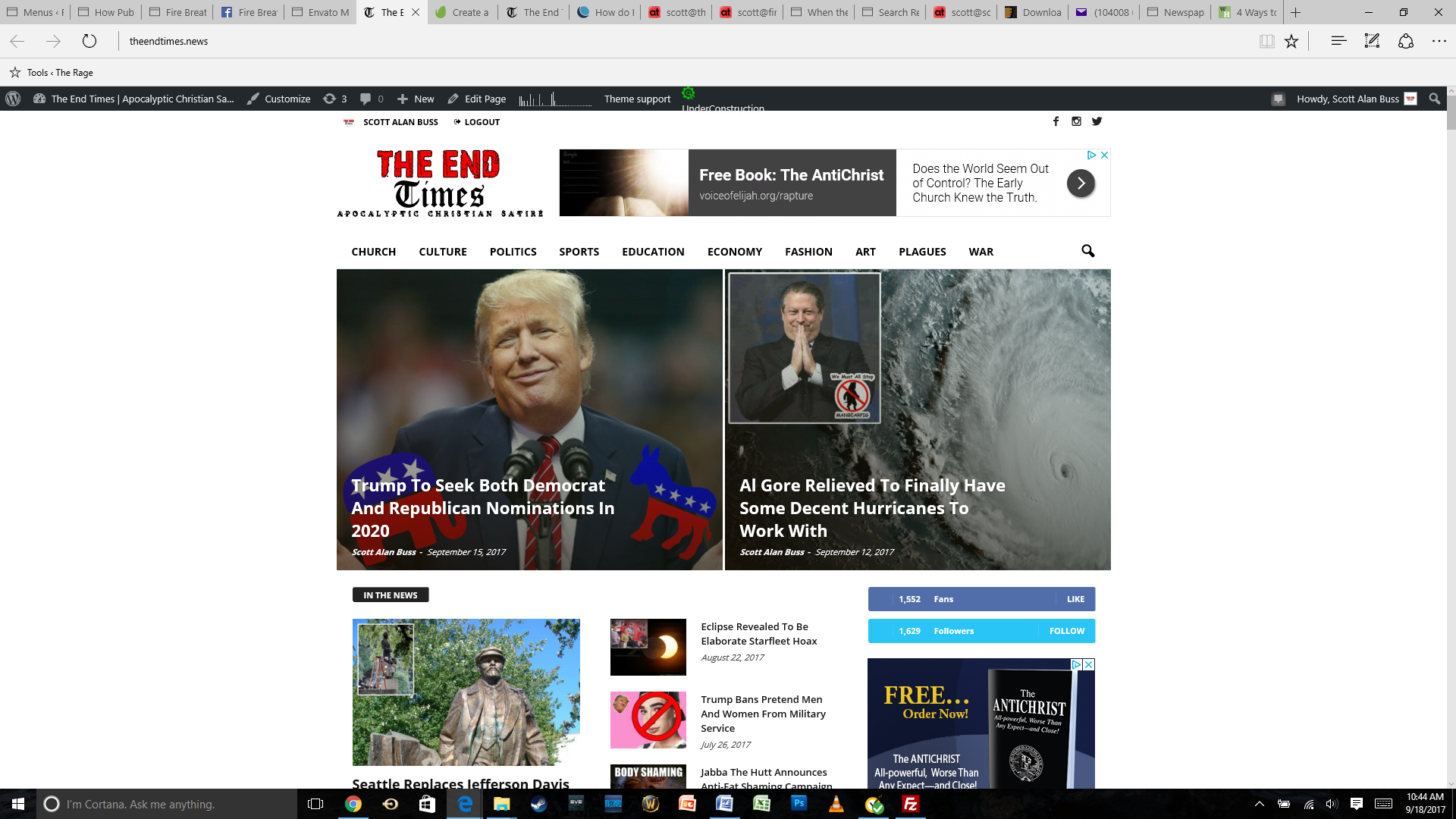
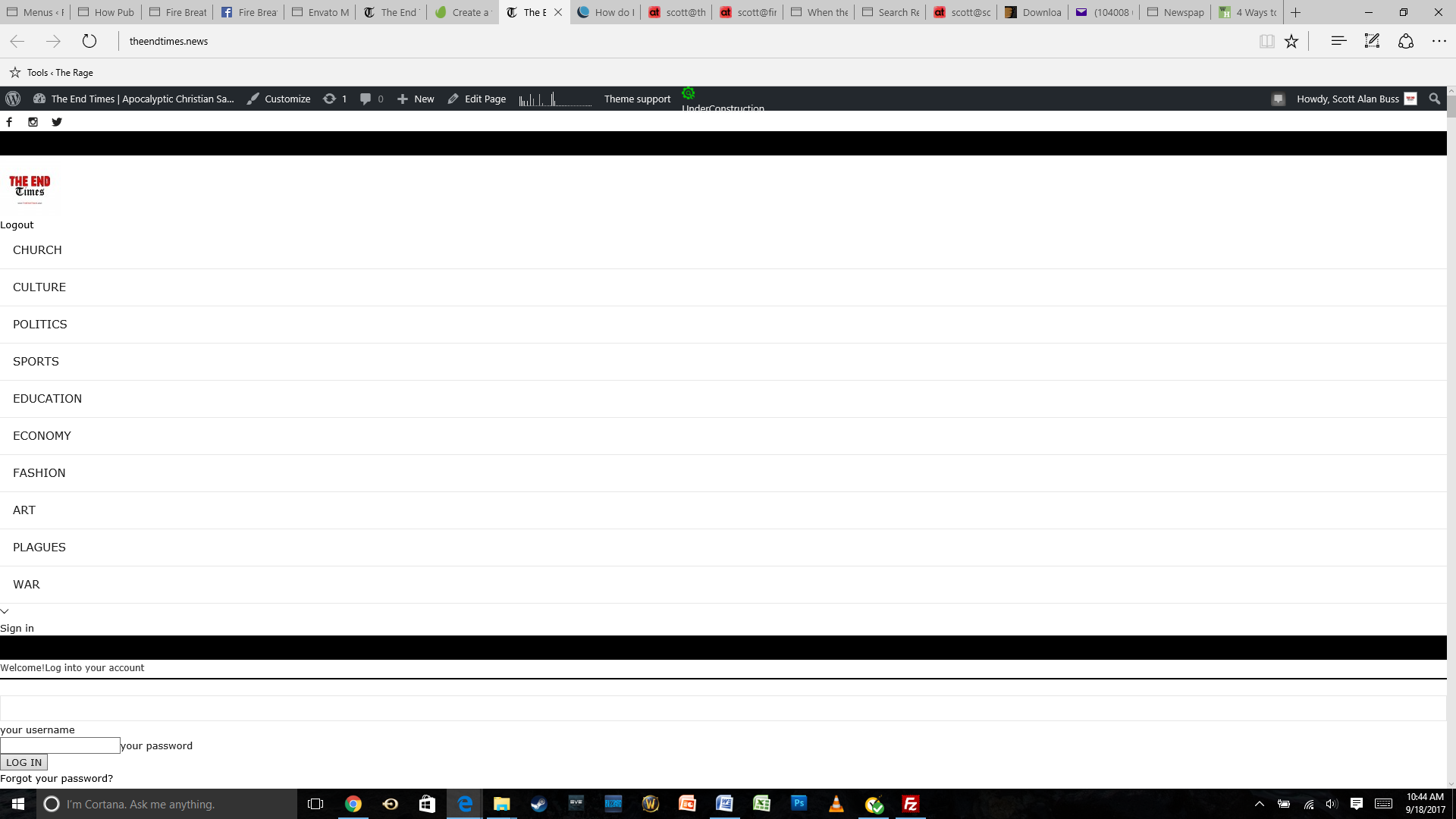
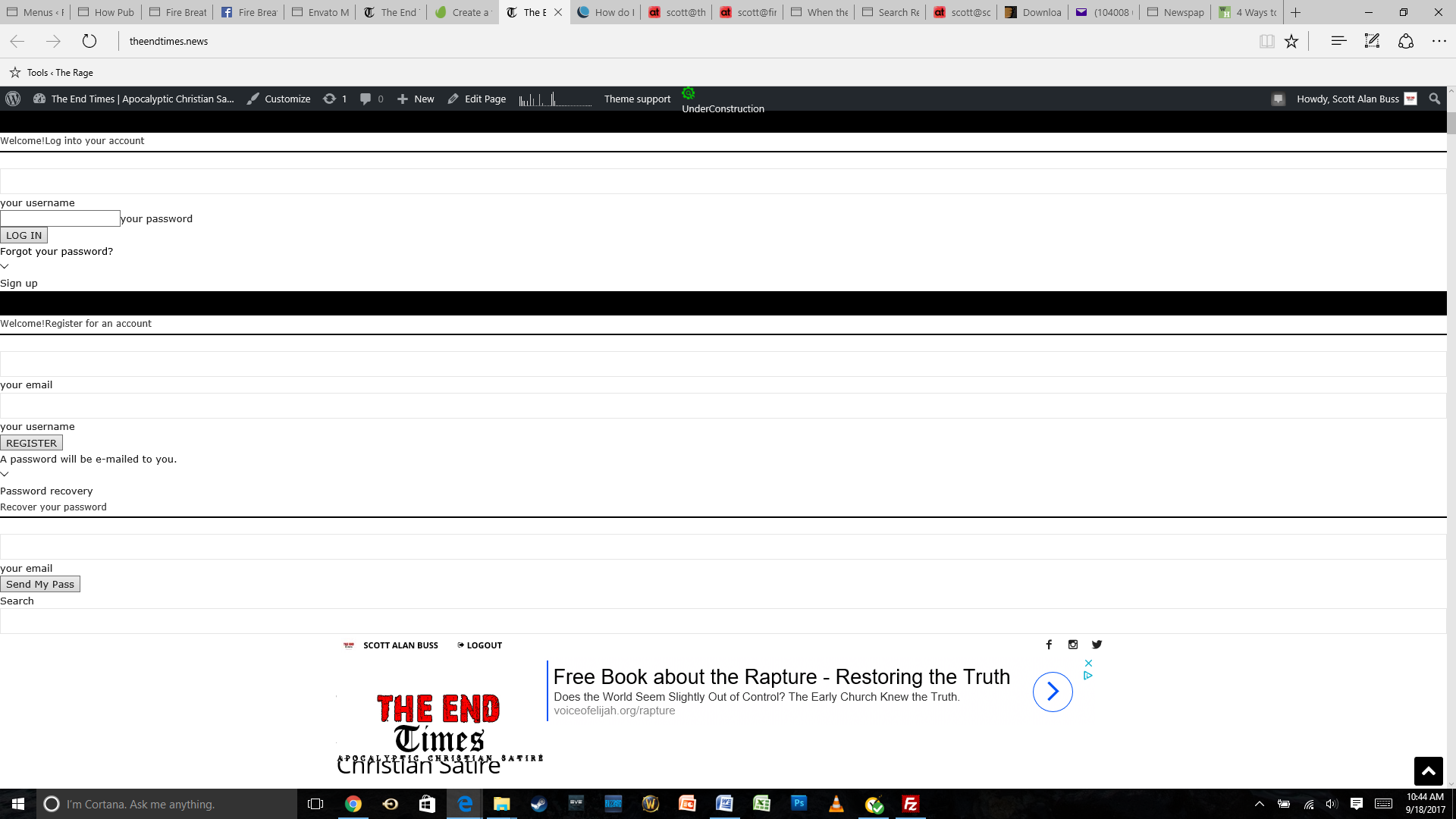
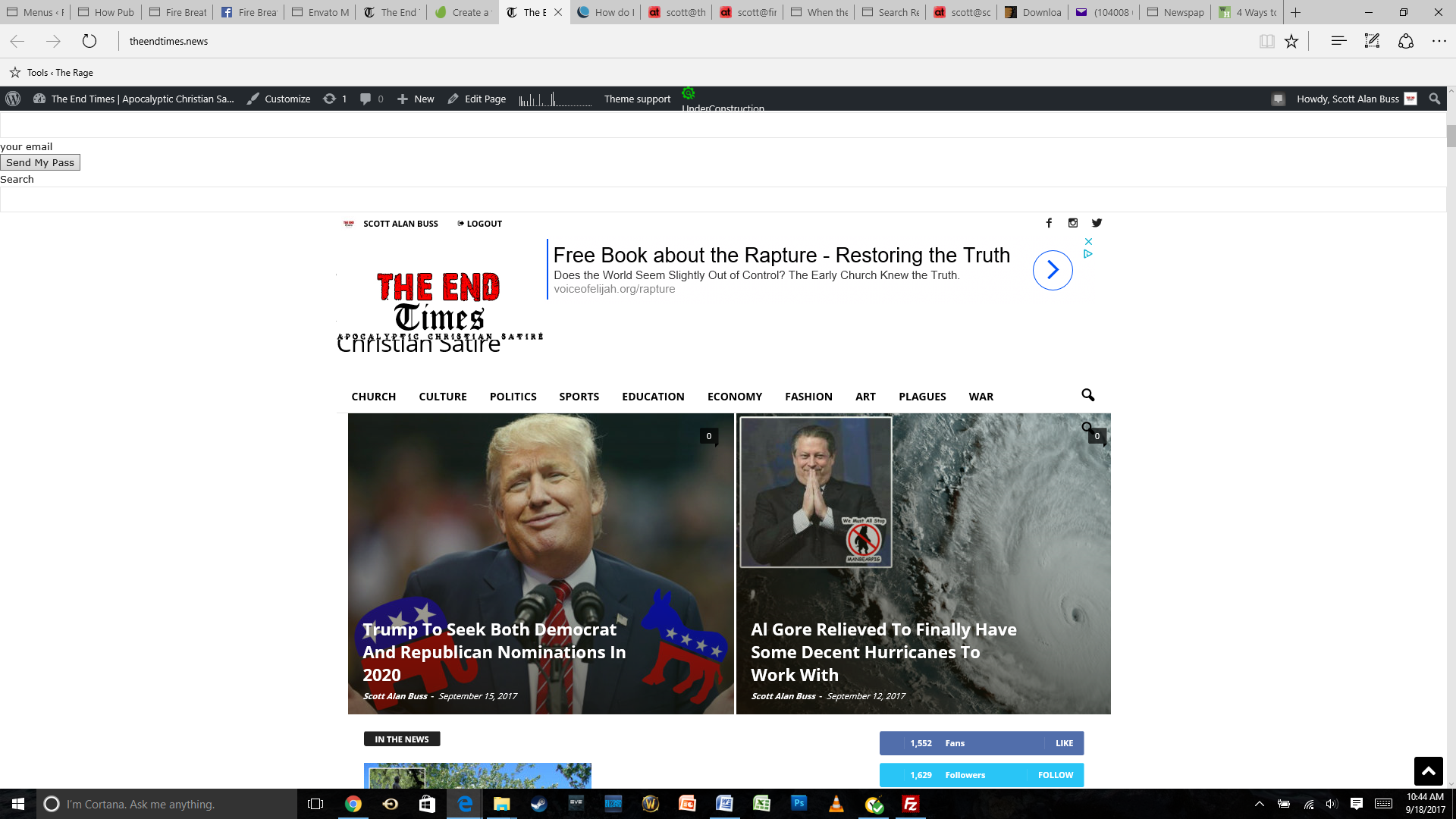

Hello Scott,
I have tried to inspect your website and I saw that your website is under construction. Regarding on your above screenshots, I guess that your CSS of the theme it’s not loaded properly on your backend which can be caused by many factors. First of all, if you are using some untested plugins, try to disable all of them, leave just only the plugins that come bundled with the theme core files and rule out any conflicting plugins. Also, if the problem is still there, you should try to make a new clean install from scratch via FTP way because this is the surest theme’s method in this case, according to our documentation here -> https://forum.tagdiv.com/newsmag-install-via-ftp/ Clear all the caches and check the results.
Thanks for your understanding!
Hello Catalin,
Thank you for taking the time to look into this. I really appreciate it!
I did the fresh reinstall of Newsmag and deactivated the plugins that you mentioned, but nothing has changed. You should be able to inspect the site now.
I greatly appreciate any additional insight or help that you can offer.
Best,
Scott
One thing I should probably mention is that I did not get a prompt to reactivate the fresh install of Newsmag. It just uploaded via Filezilla (after I deleted the old Newsmag folder) and worked without reactivation.
I hope that this info is somehow helpful. Thank you for helping to resolve this very frustrating issue!
Best,
Scott
Thank you, Catalin.
The site does indeed seem to be working now. Not sure what caused the favorable turn, to be honest. It just began looking and operating properly after I had stepped away from it for a few hours.
I am, however, now having the same problem at my other site (www.FireBreathingChristian.com) where I just went through the same process. Additionally, I am having trouble getting my theme activation to process properly.
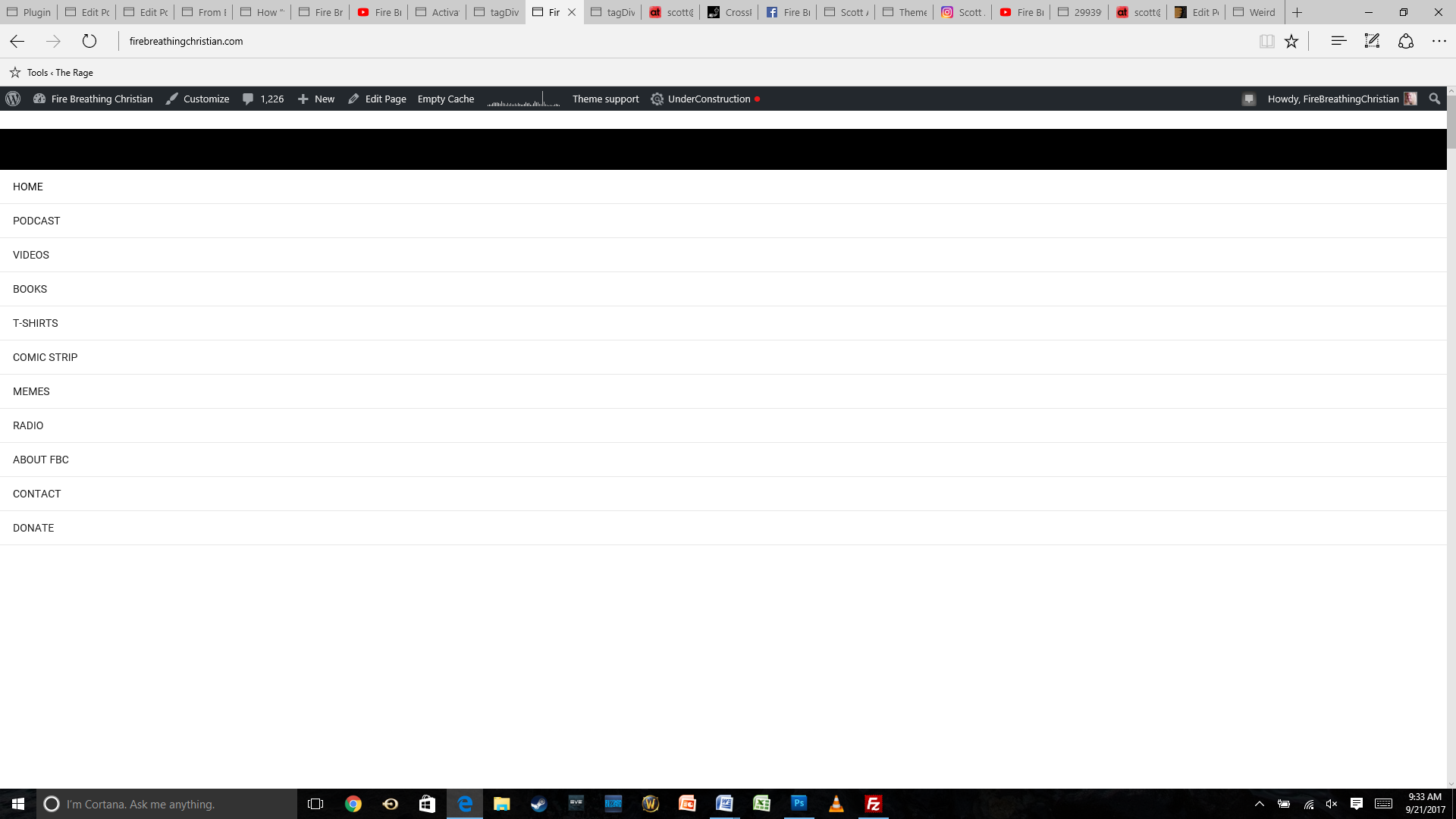
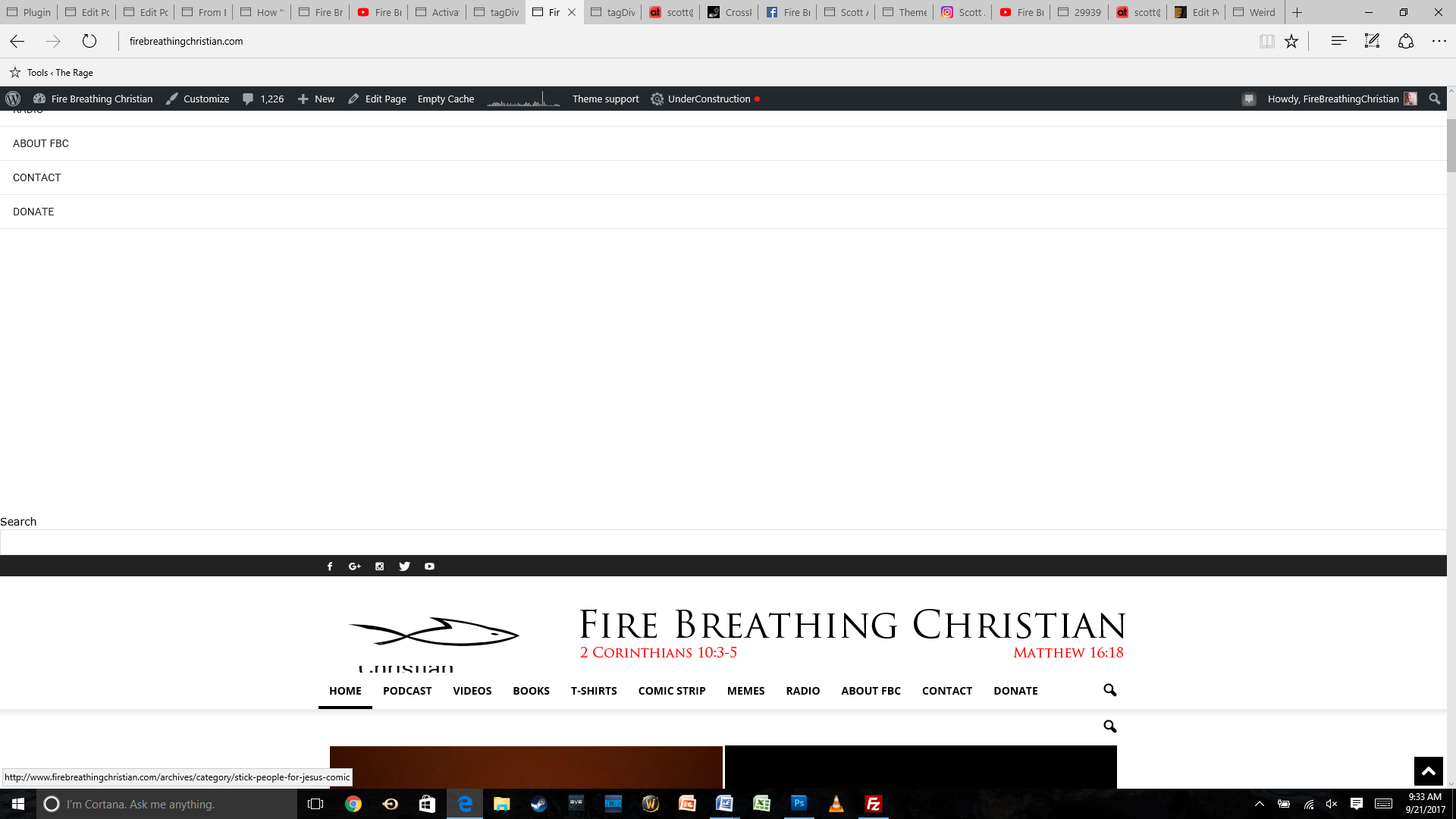
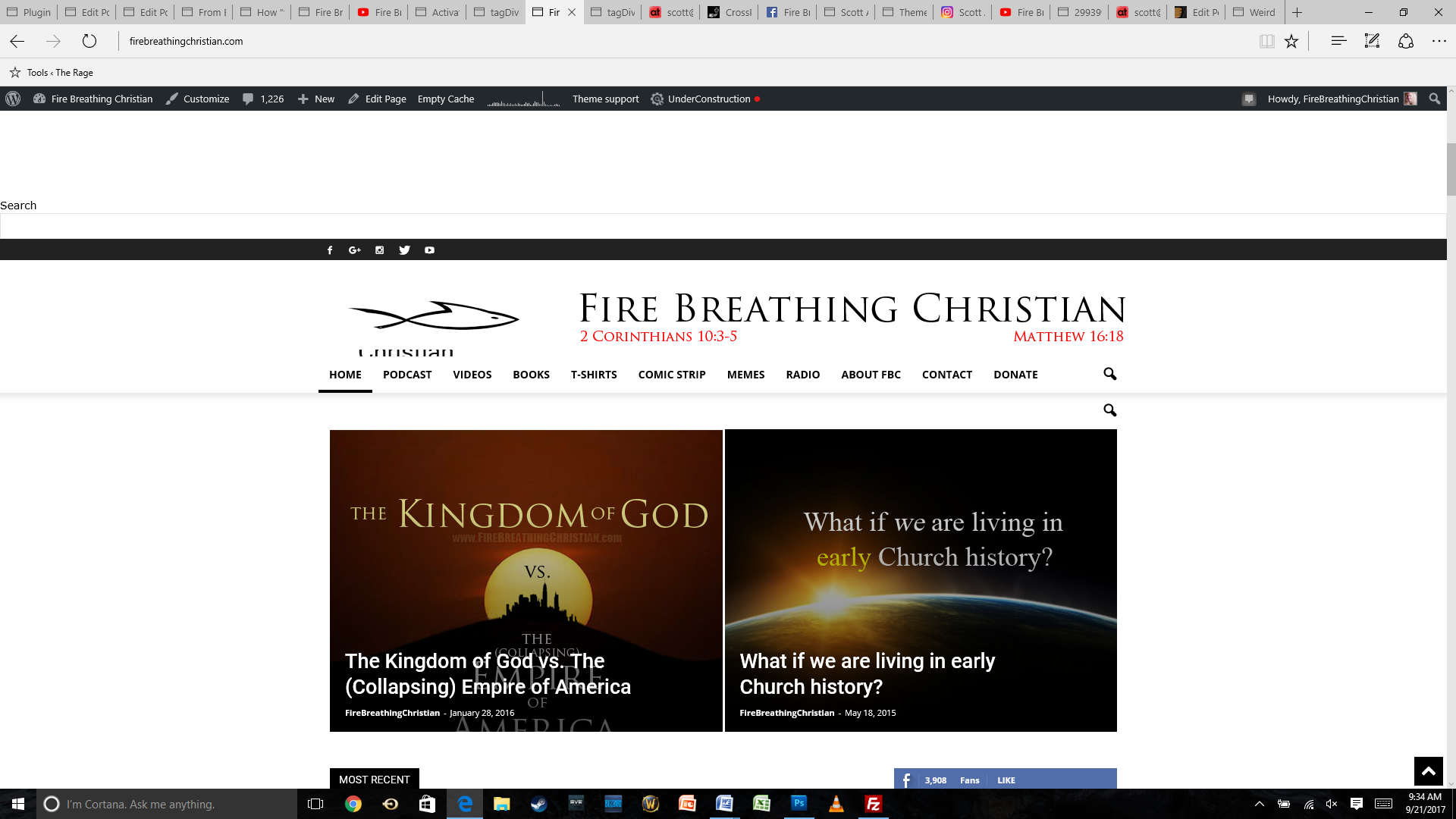
The main problem is the look of the site, though, with the same weird menu items showing up at the top of the page.
Here are a few screenshots (starting from the top of the home page as it looks now after the theme update):
And here’s how the same home page looked before the update:
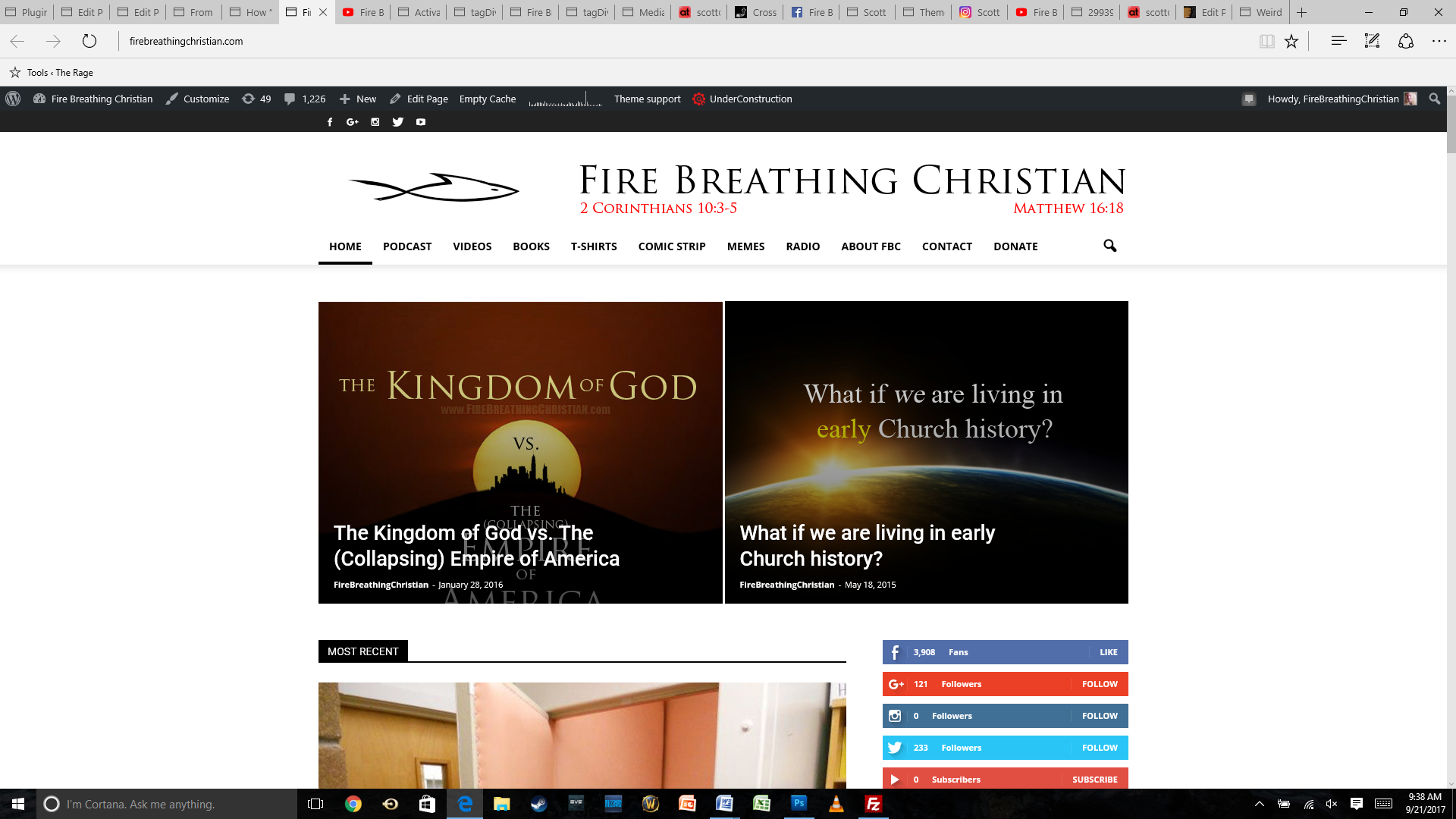
Any help or insight you can offer will be much appreciated. Thank you for your time and assistance!
Hello Scott,
I have inspected your website for mobile devices and I did not saw any problem with your menu for mobile. Everything seems to work as expected, as you can see here -> https://www.screencast.com/t/CxeBTjX2
Hope this helps!
Thanks for your understanding!
