


Hello,
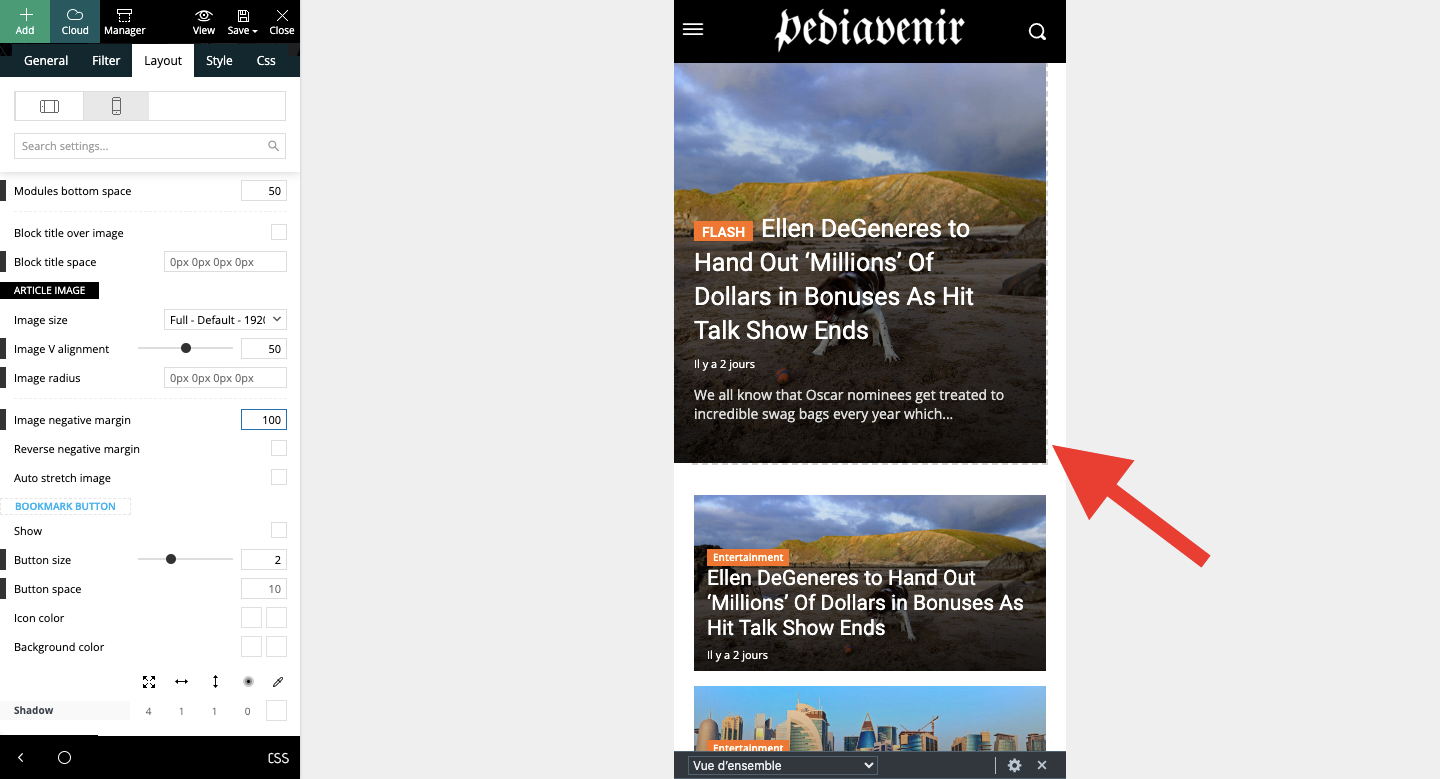
Please select the port view on the phone, select the content zone and set the margin-left and right to -20 and set this code in width
calc(100% + 40px)
=> https://www.screencast.com/t/Ek89ppzTGldT You can use this method for both (mobile responsive version or mobile page)
Thank you!
Hello, thank you for your reply. I’m trying to remove the breadcrumb from a page but I can’t do it. Is there a default setting or do I need to add CSS as I’ve seen in your replies to other posts?
Here is the link of the page: https://shorturl.at/fzKcv
Hi,
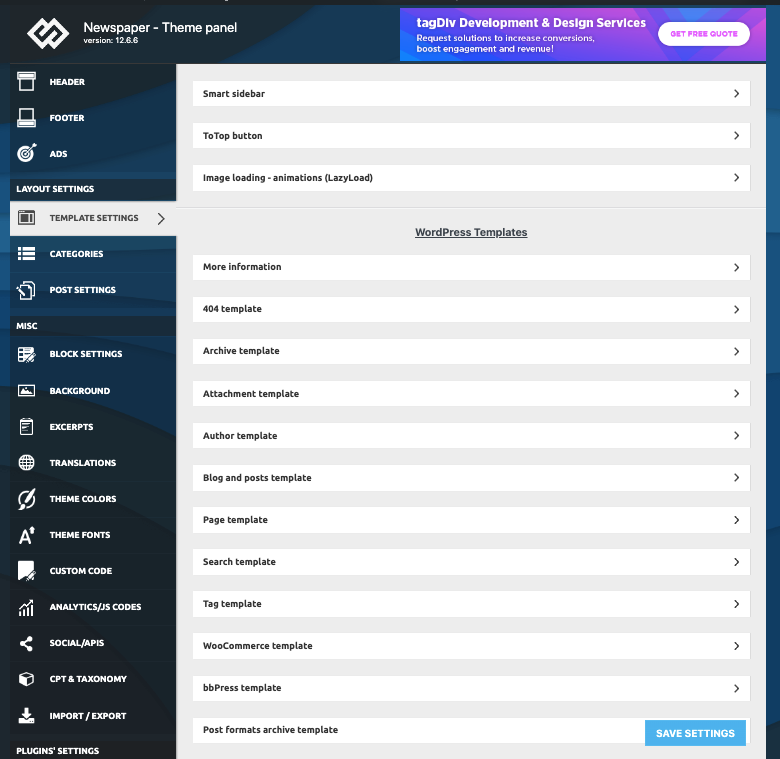
Have you tried to edit the page with tagdiv Composer, select the breadcrumb, and delete it with right-click?
Thank you!
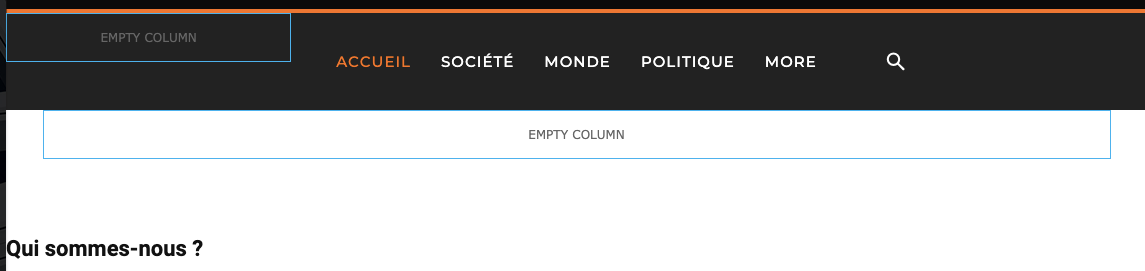

Thank you very much, it worked!
I have one more question.
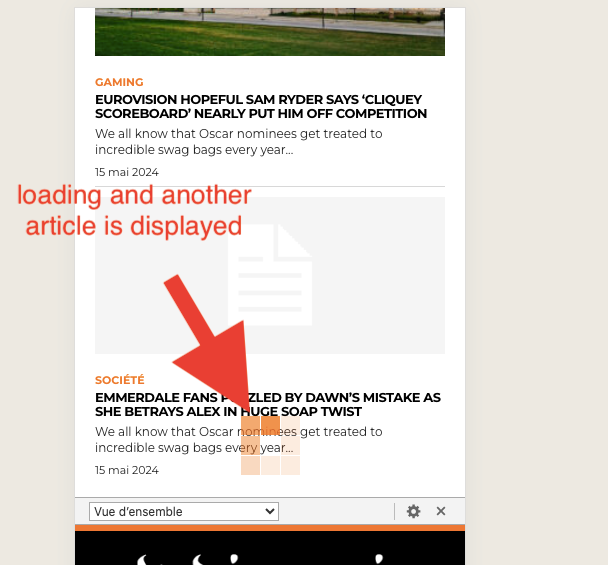
On mobile, when I click on an article, I would like the article to be displayed and at the bottom there are related articles etc then the footer. However, currently, when I go to the very bottom, it loads and another article is displayed. How can I please stop this?
Thank you!
Hello!
It could be this option: https://app.screencast.com/jq9692NfrjjsU or https://app.screencast.com/QkxdFOzJKe08m?tab=Details&conversation=bvuDs4RzJ0Mkv8qF2C8K8p
Thank you!
I’m sorry, but I can’t figure out what to do with your screenshots. I have this behavior on both desktop and mobile articles. I’d really like to remove this loading at the bottom of the page. I don’t want other articles to be displayed when you scroll to the bottom.
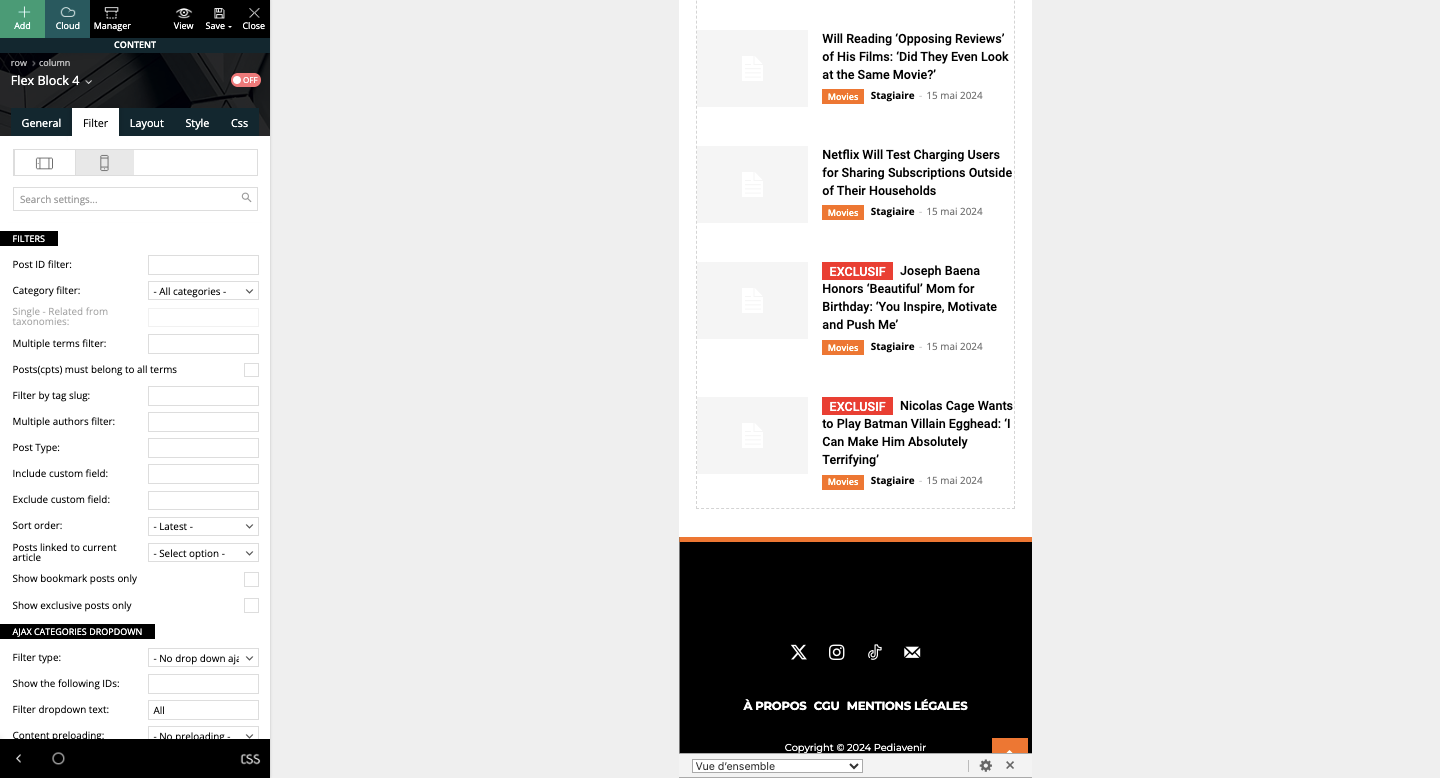
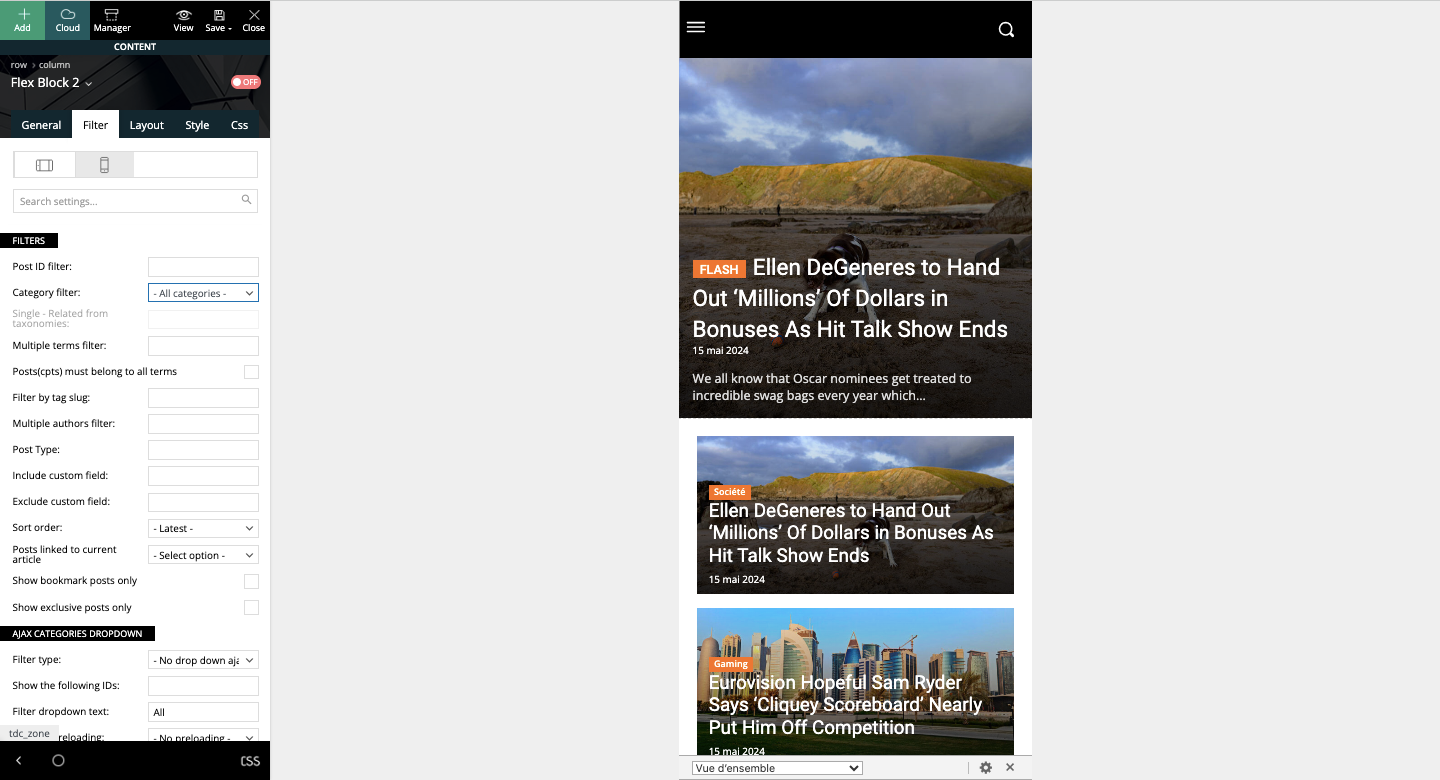
If you’d like to see what I’m talking about, here’s an article page: https://shorturl.at/Hhuk2
Hello!
I see that you solved the issue with article loading.
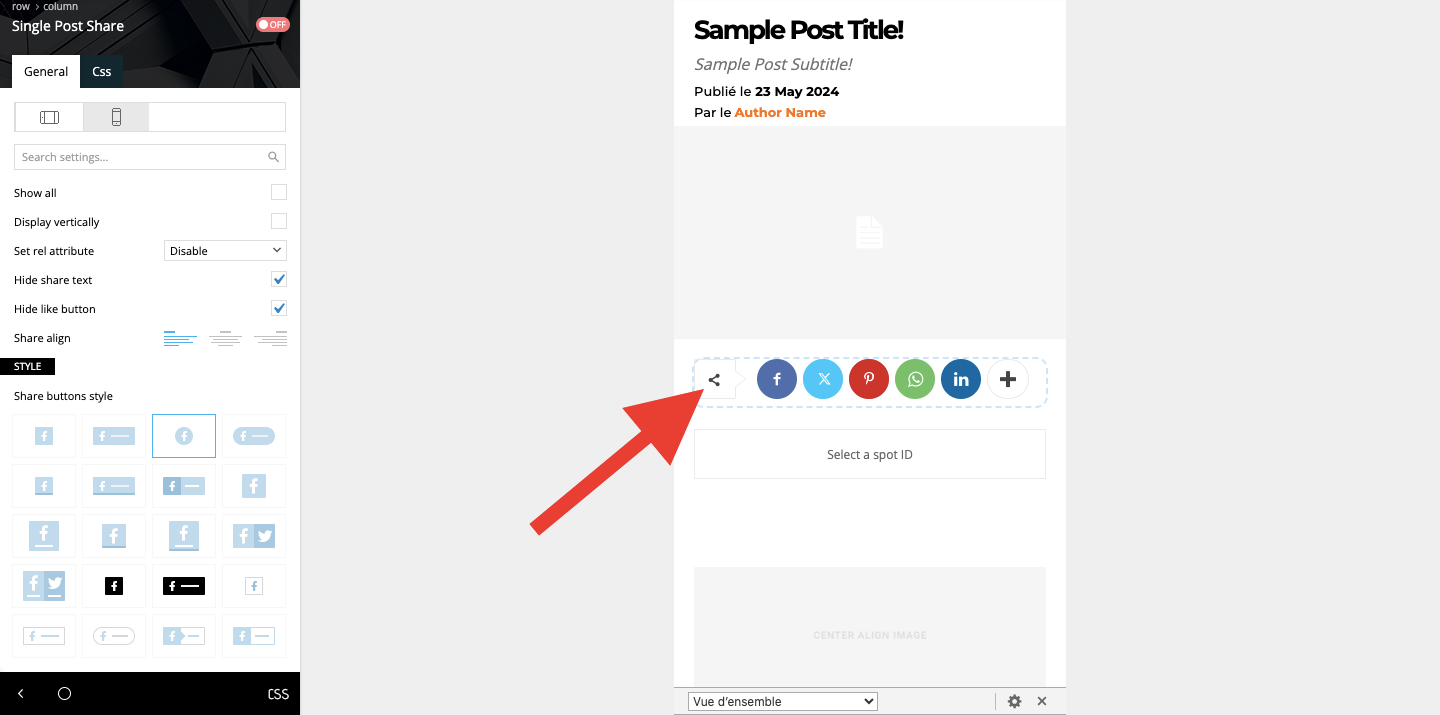
If you edit a template, then it looks like dummy data, not actually the template you use.
That element is the one that can share the post on social media: https://forum.tagdiv.com/social-sharing/
You can enable the option from the theme panel -> social/apis.
Thank you!

