DavidServin
 Thanks! I just ended up using the Sync option in my GoDaddy WordPress staging overview area and pushed staging to production, and checked “overwrite content.” Perfect outcome. So now, I’ll make all future website changes on the staging site, and just sync it over to the production site when I have it how I want it.
DavidServin That link won’t help because it describes how to set up SMPT email in WordPress, which GoDaddy does not support in managed WordPress. I need to figure out how to configure the PHP email used by the managed WordPress server to work properly.
DavidServin Vlad,
If the email option to send email to users after they register is not an option of the Theme, then where does it come from. I don’t believe its from a plug-in, although it might be. Or is it just built into the WordPress engine?
Anyway, I spoke to GoDaddy again. They have confirmed that GoDaddy does not support SMTP. They say that there’s no workaround, and plug-ins won’t work to do that in their hosting system. That’s what they say. I actually did try a plug-in for SMTP before they told me that and it didn’t work.
So I will need to make this work somehow using PHP. I don’t know how to configure my GoDaddy hosted WordPress site using Newspaper Theme to make this work. Do you have any advice or do you know where I should turn next?
Thanks,
Dave
DavidServin Simion,
I was having numerous issues and glitches with my site after having a GoDaddy WordPress pro fix a white screen of death that happened on my site.
So I duplicated my site as a staging site, deleted and reloaded my Newspaper theme, and then things worked much better.
I also was able to get the background to stay fixed on the iPhone. I believe the key was actually that I enabled the Stretch Background setting in Theme Background in the theme panel. Looks like you had that setting enabled as well. I thought I had tried that before, but it might not have worked because of the corrupted Theme prior to me reloading the Theme.
I now have my staging site formatted and working precisely as I want it to. I’d like to now make my staging site be my actual site. But I don’t want to break the links to all my posts that are all over social media. Do you know if the links will still be the same if I rename my staging site as my regular site, since it was duplicated from my regular site, and all the posts are still there?
Dave
Thanks.
DavidServin Simion,
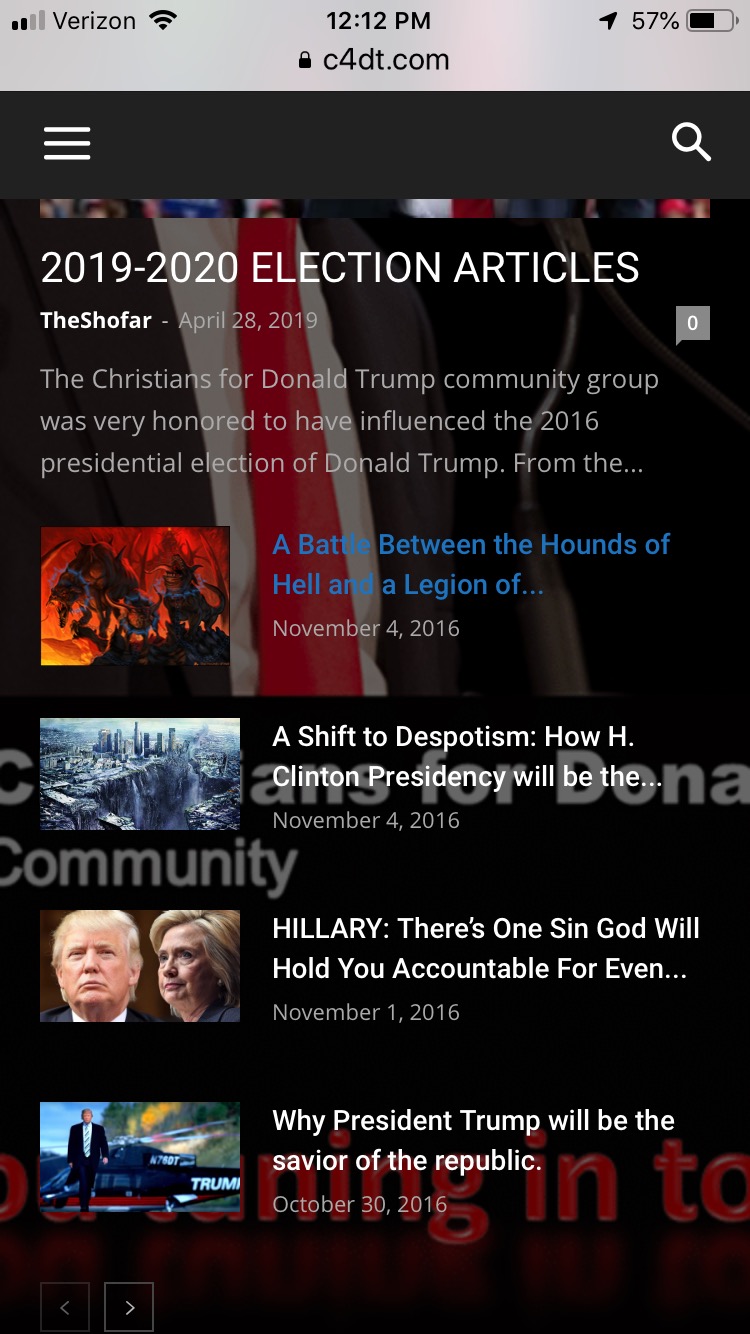
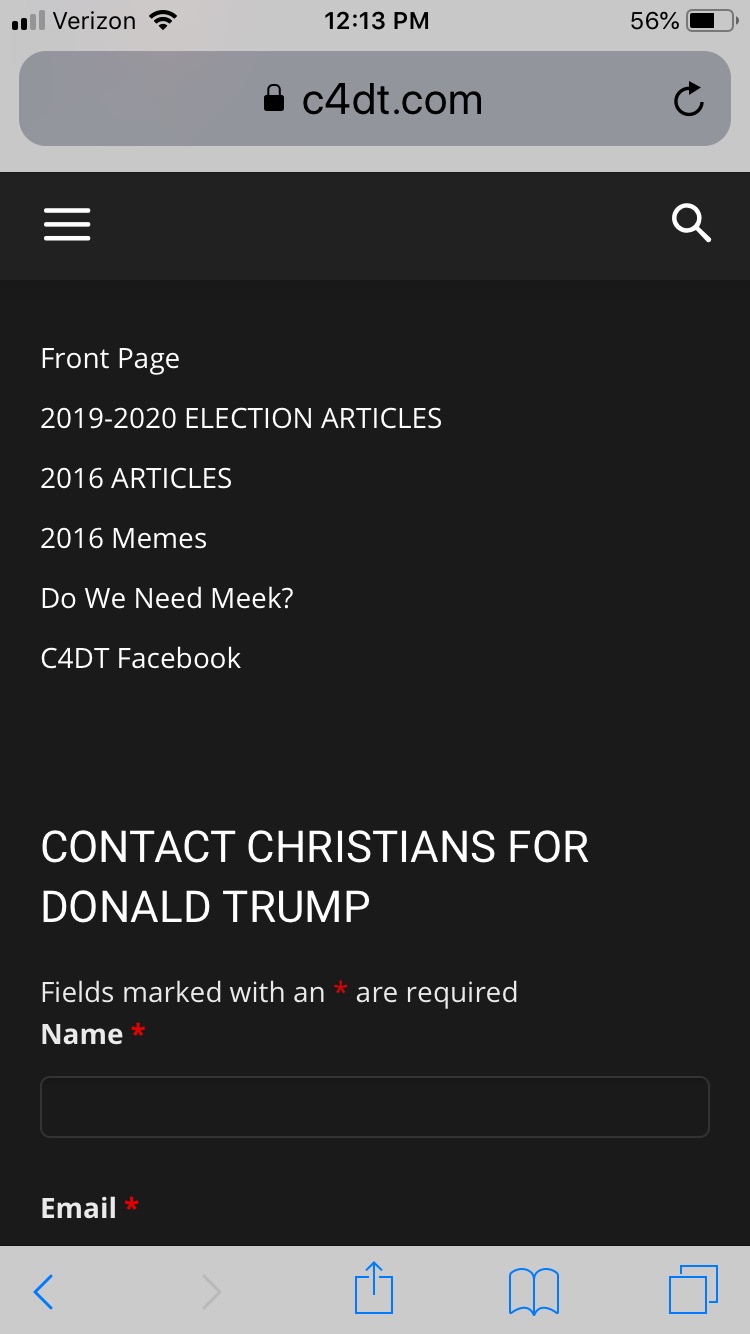
Thanks for the reply with the screenshots. I’m attaching some screenshots here from my phone to show you that the background scrolls for me instead of staying fixed. One of the screenshots shows a partial scroll where you can still see part of the background showing through the semi-transparent page. The second screenshot shows the footer, with the background totally scrolled out of sight. I’m not sure why I’m seeing something different than you?
https://c4dt.com/wp-content/uploads/2019/05/IMG_0636-1.jpeg
https://c4dt.com/wp-content/uploads/2019/05/IMG_0637-1.jpeg
Dave