

 fpavic
 My server is Xeon E31230 @ 3.20GHz, 8 GB RAM, 2 x 1000 GB ent. SATA
WP Memory Limit – 512 MB/request
post_max_size – 20M
fpavic Generic theme – super fast. Previous theme that we used from Gabfire – turbo fast. Just this theme is making the problems for us but we have to use it bcs its the best 🙂
fpavic this is time needed to open add new article
fpavic With turned off every single one by one and all together – the same slow stuff
fpavic We dont use Yoast or any SEO plugin. Those are active addons:
Adblock Notify
Add featured image to RSS feed
Advanced Custom Fields
AJAX Thumbnail Rebuild
Akismet
Alexa Certify
Allow Multiple Accounts
AMP
Auto Refresh Single Page
Contact Form 7
Cookie Notice
Corner Ad
Custom Login
Disable WP Auto Formatting
Facebook Comments Plugin
Germanix Translate
Germanix URL
Google AdSense
Google Authenticator
Heartbeat Control
Jetpack by WordPress.com
Liveblog
Media File Renamer
Mega Ad
NextGEN Gallery
NextGEN Gallery Optimizer
Polldaddy Polls & Ratings
Popups – WordPress Popup
Redirection
Slider Revolution
tagDiv Social Counter
W3 Total Cache
WP Google Map Plugin
WP Missed Schedule
WPBakery Visual Composer
fpavic We tried all that – still ADMIN is SLOW. Ive tried to desable all plugins – still slow
fpavic Im using this theme on site with 200.000 unique visitors per month and working as editor is so so so SLOOOOWWWWWW. Its not the hosting site becouse we use 3 separate dedicated servers cost 1200 EUR/month.
-
This reply was modified 10 years by
fpavic.
fpavic I have more than 45.000 posts!!! Can It be done over settings to de-select NOT primary or to define “exclude” category for not showing… Or some cote to “exclude” categoies from showing TAG, maybe in function.php file?
fpavic How do I set primary categories or do I have to do it for every post?
fpavic Is there some important update in “style.css” file for 2.3.6? I didn’t upgrade the CSS file as we have some our modifications for theme.
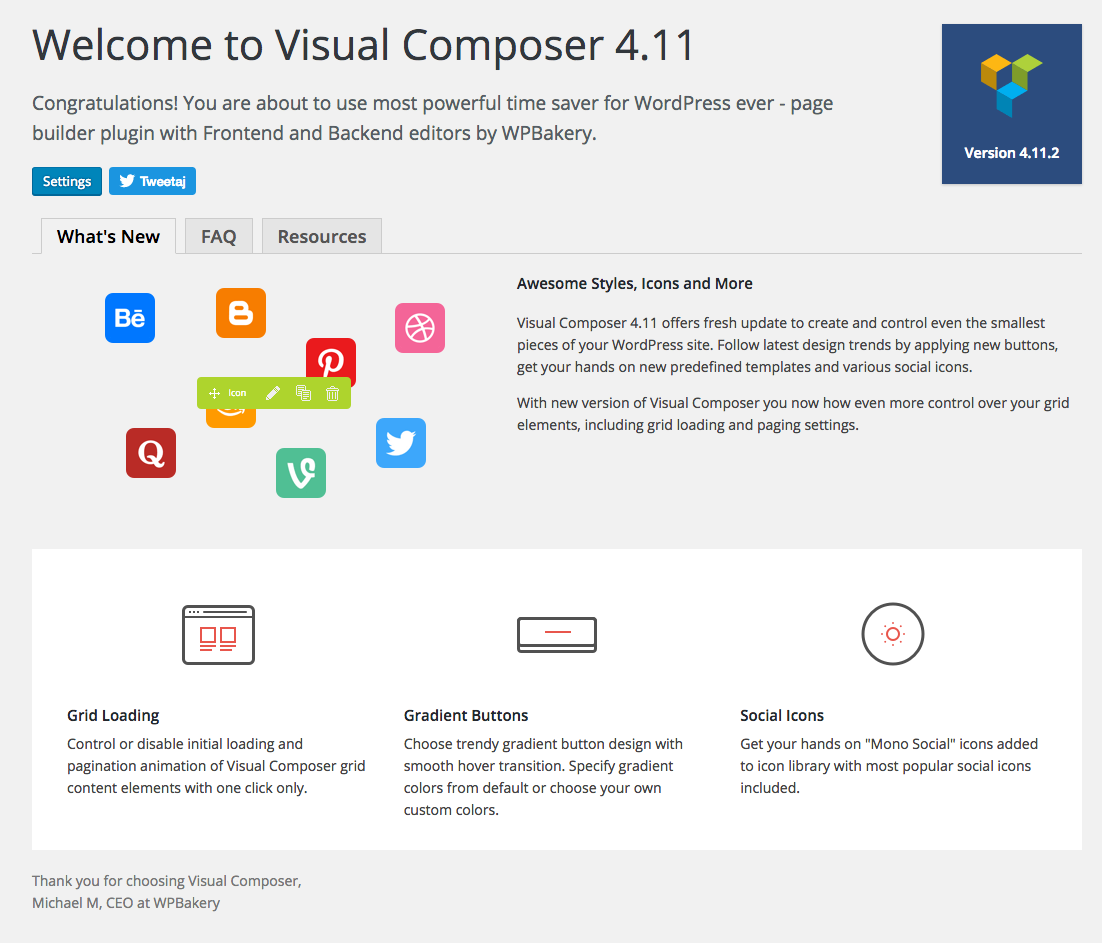
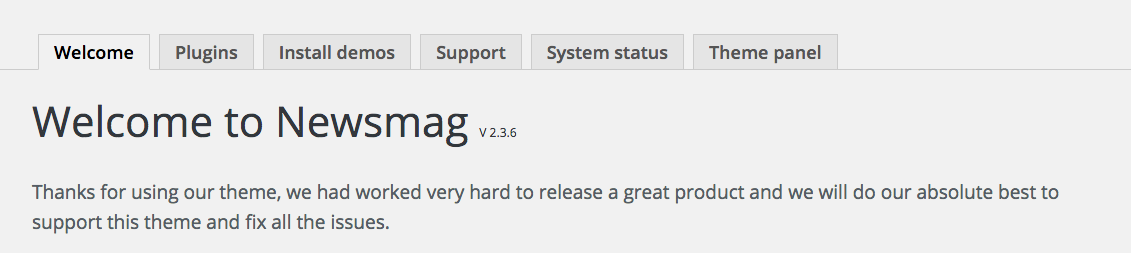
fpavic I AM USING THOSE VERSIONS!!!
fpavic So, I should do this:
0. Create backup
1. Activate meintenance mode
2. Do not deactivate any plugins
3. Delete current theme folder
4. Apply custom changes to new files
5. Upload new theme folder (same name)
6. Check site
7. Activate it
fpavic Should I upgrade by uploading the newest files or to install new theme version to new folder and change theme in WP Themes settings?
