

 IdentidadyFuturo
 Email sent
IdentidadyFuturo I m using stndard templates.
I have been using the theme since before cloud templates appeared.
IdentidadyFuturo Muchas gracias, ahora funciona el mobile menu y el menu seacrch.
Saludos
IdentidadyFuturo Problem resolved.
Gracias
IdentidadyFuturo Now the problem is worse: I entered a category with TAGDIV Composer to create a new module and see if this way it would correctly display the posts from that category, but now all the category pages have these same posts:
https://www.fiestascostumbristas.cl/region-de-los-lagos/
https://www.fiestascostumbristas.cl/region-de-nuble/
and etc. all display the same information, even though each of them should show different information.
Please, if you could pay attention to this, as the entire structure I had built for the site is not working.
Thank you.
IdentidadyFuturo Hello, please disregard the post, I found the error, it was the image. Thanks
IdentidadyFuturo I have reviewed your response and:
1.- It appears in the mobile viewport but not on mobile devices.
2.- I am not using any mobile-specific page on the website.
3.- I think the problem might be the code. The one I am using is this:
<div class=”td-all-devices”>

</div>
IdentidadyFuturo Hello,
I followed the steps you gave me and tested it with the ‘Single Post Content.’
The Fiestas Costumbristas logo is visible, but only on the desktop version.
It doesn’t show up on the mobile version.


IdentidadyFuturo OK, graacias
IdentidadyFuturo Same problem, any solution other than the one already mentioned?
IdentidadyFuturo Follow the problem on La Región y Memoria Histórica.
These must be specially designed pages and not the one automatically offered by the category
Any other indication?
IdentidadyFuturo I was able to solve the problem for the Habitando el paisale page by going back to an older version https://identidadyfuturo.cl/habitando-el-paisaje-2/
But the problem persists in La Región y Memoria Histórica. These two pages have no way to go back and and they keep giving the same error number.
I also disabled the plugins and it didn’t fix it.
What else can I do?
IdentidadyFuturo Hello,
Yes I have reviewed and Fiestas Religiosas and Fiestas Costumbristas are specially designed pages.
I want the same with the rest of the menu but it gives me an error that does not direct me to the specific page that I have designed.
I leave you an image of the error: https://imgur.com/ZfMsazx
IdentidadyFuturo Hello,
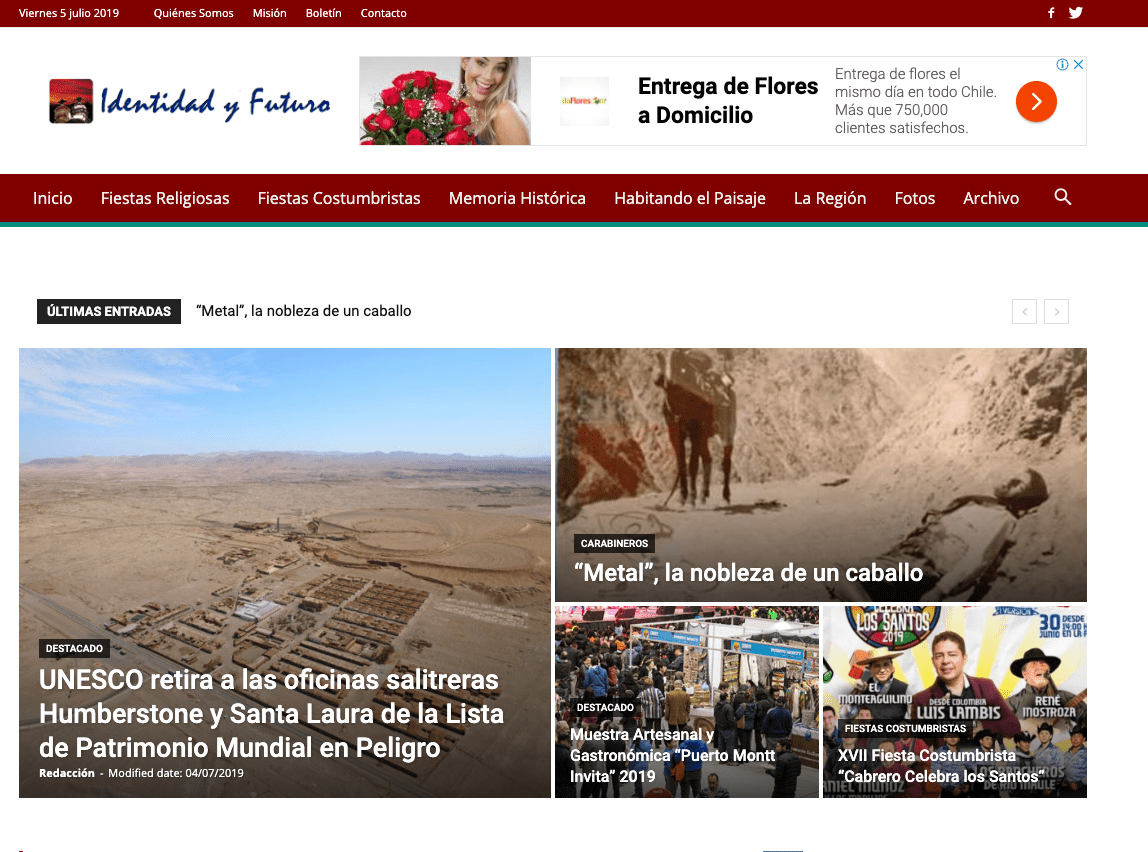
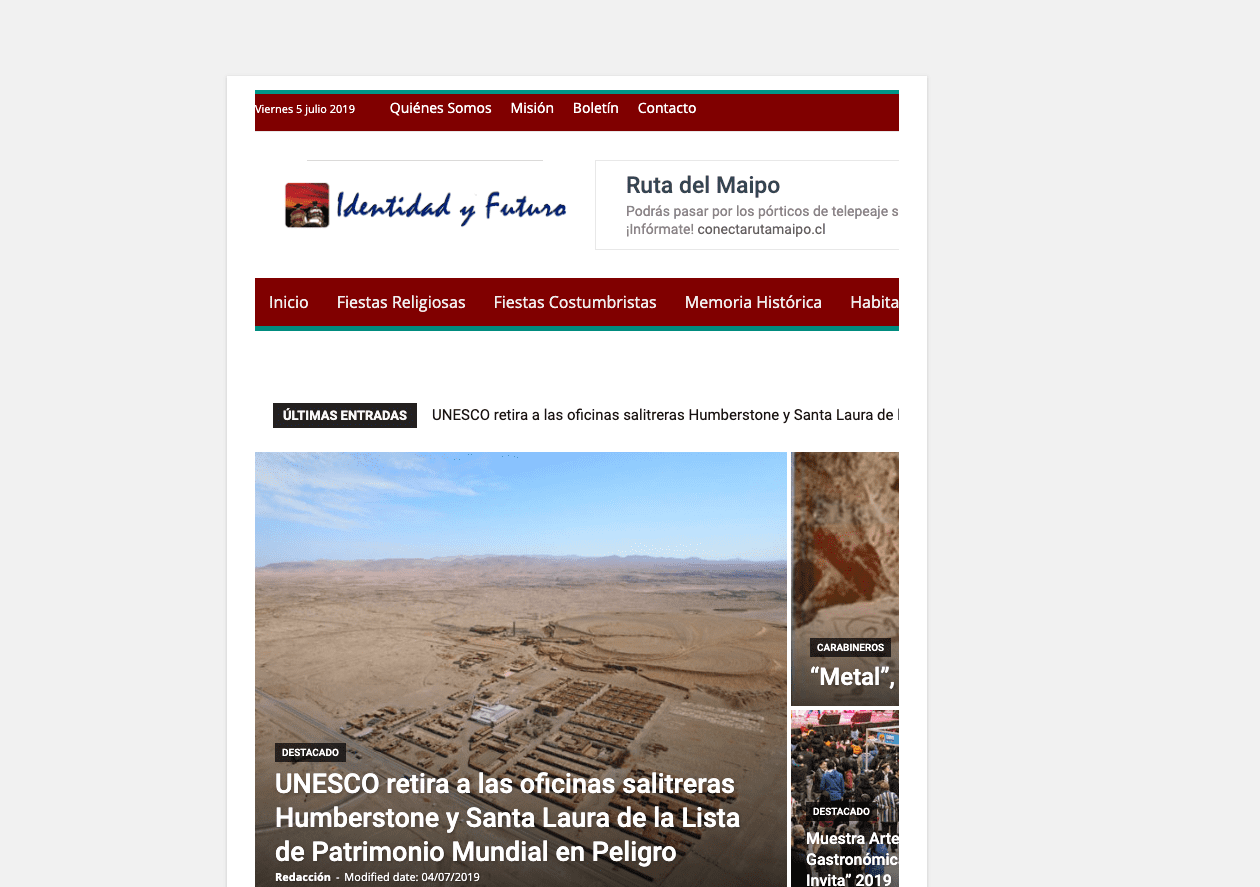
Attached screenshots with the site working normally and what happens when I activate Disqus.
regards
Normal site:
after activating the Disqus plugin
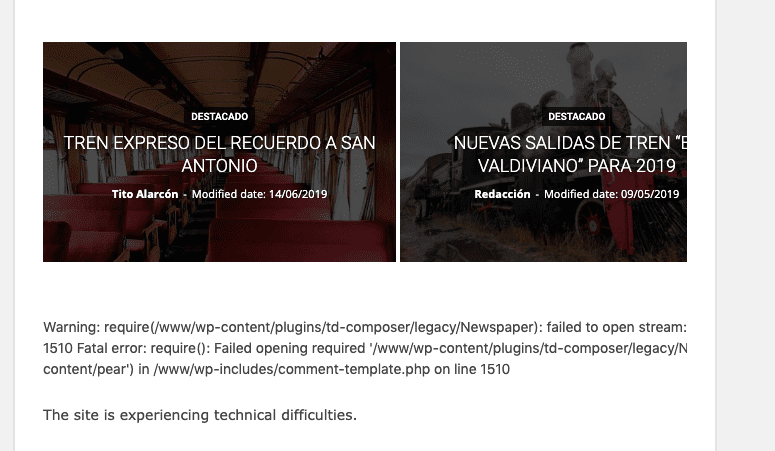
-
This reply was modified 7 years by
IdentidadyFuturo.
-
This reply was modified 7 years by
IdentidadyFuturo I disabled all the add-ons and the one that caused the problem was Facebook Comments by Fat Panda, I deactivated it and no problem.
I installed the Disqus for WordPress plugin, but it also causes the same error.
The issue is that I am without comments on the website and I have lost the ones I had on facebook.
What can I do to solve this?
Thank you
