

 kindghost
 Hi, still no solution for this issue?
kindghost Thanks for this.
kindghost Okay, i am trying to use shortcode to handle the displaying of those ACF fields, but inside the module builder it doesnt seems to work as i cant get the ID of that specific post displayed using the module.
tried those:
$url = ‘https://example.com/your-post-slug/’;
$post_id = url_to_postid( $url );
echo ‘Post ID is: ‘ . $post_id;
or
td_global::get_instance()->td_post_id;
and
global $tdb_state_single;
$post_id = $tdb_state_single->post_id->__invoke();
but none works.
thanks,
kindghost Just checking, doese this workaround to get the ID works inside Modules template?
global $tdb_state_single;
$post_id = $tdb_state_single->post_id->__invoke();
kindghost changing it to Numberic type didnt work as well, it still not showing.
As you can see on the same thread from ACF team, they mentioned the issue with the logic code before displaying, if its using simple if else or empty it wont show the 0.
-
This reply was modified 1 year by
kindghost.
kindghost Okay, will try the change to numeric field and see if that work
-
This reply was modified 1 year by
kindghost Please see the SS below, it shows that the ACF type is just a text, and its value is 0 and when that happened it wont be displayed on the front end and will be hidden. so not sure how to tweak that, so it does show the zero value.
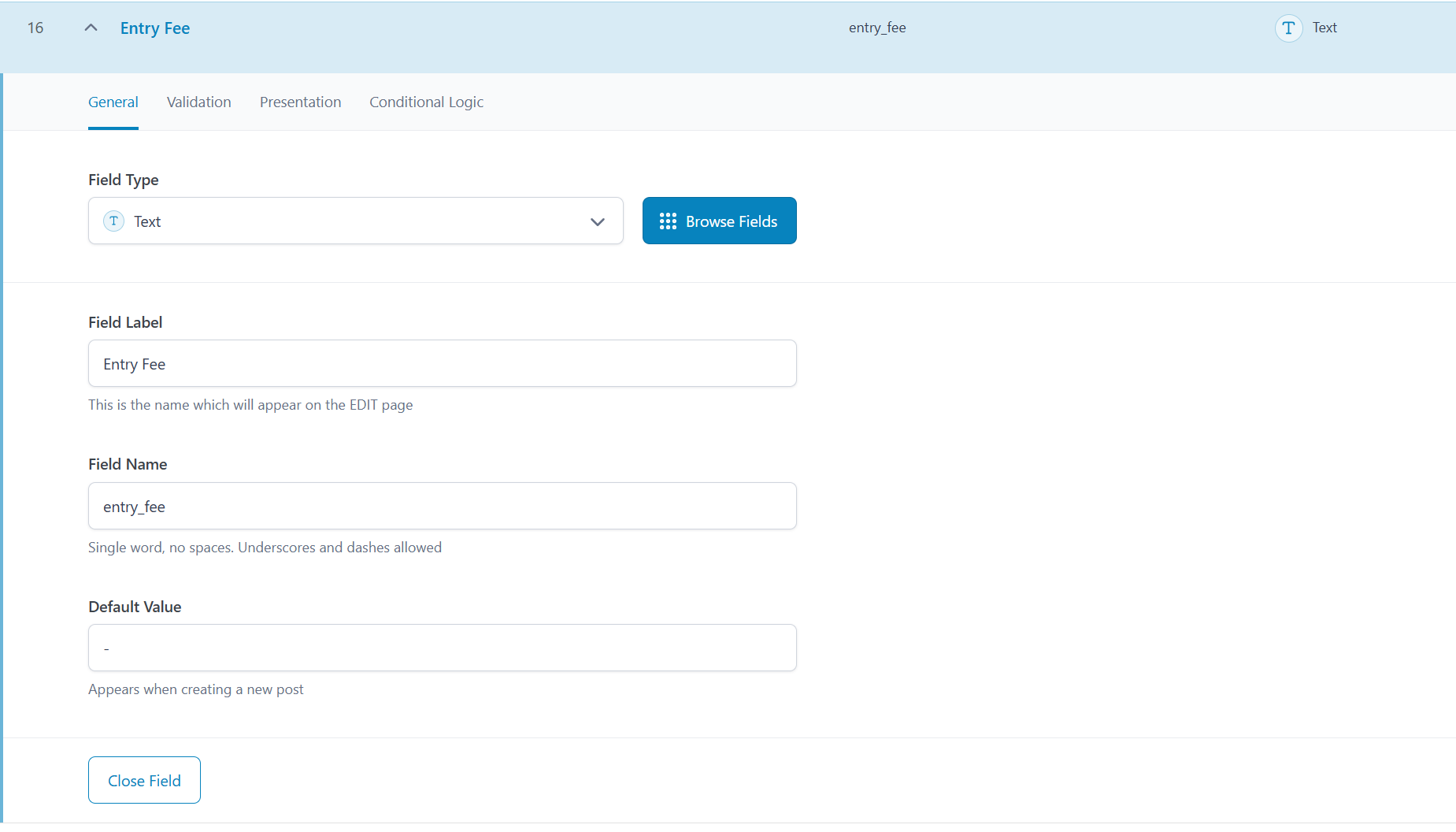

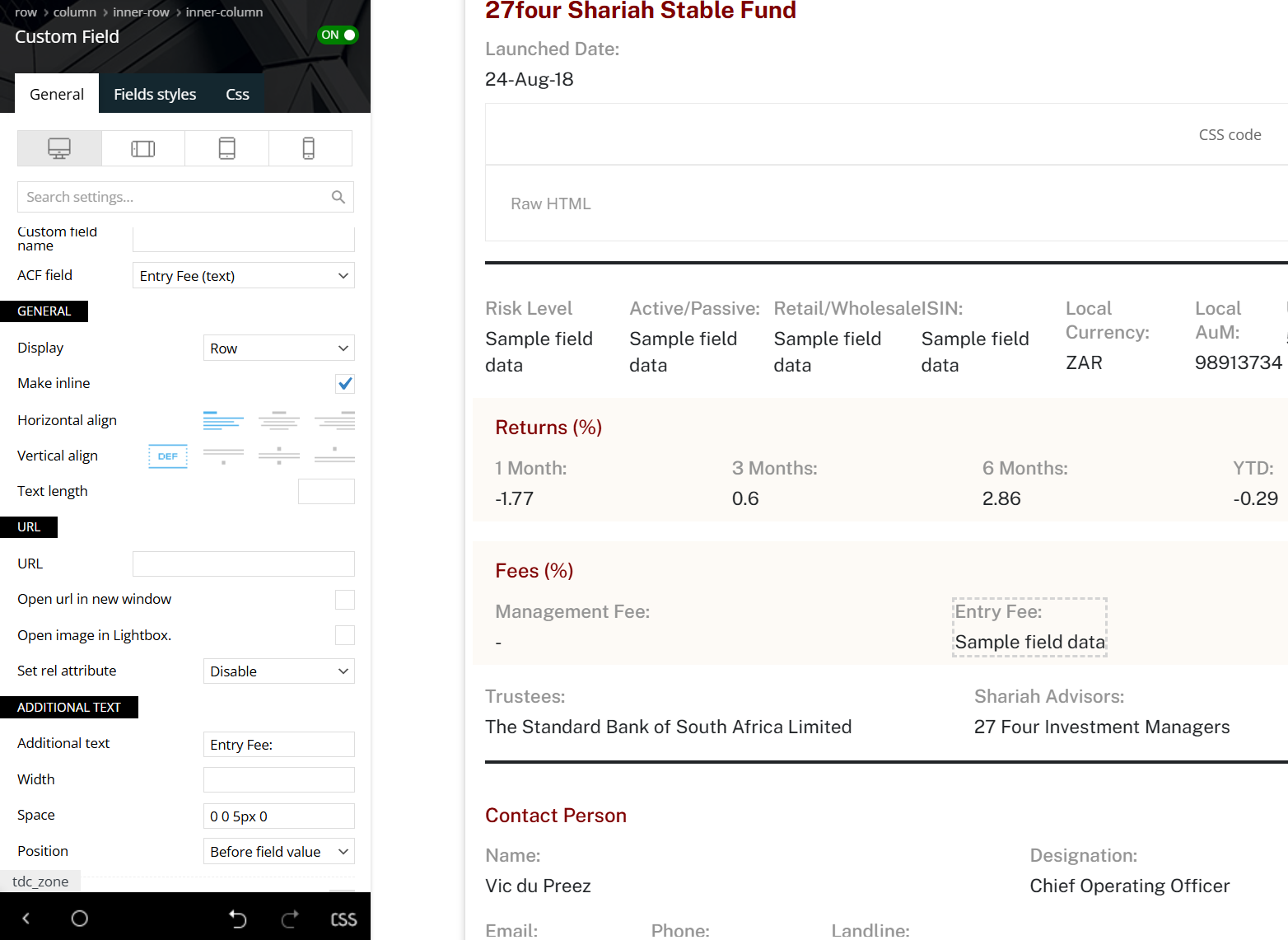
kindghost The field type is number with no special settings, whenever trying to display it and the value is 0 it will not show up, for now i used a code based soloution as workaround. but there is an issue, as i am using template to display my taxonomy page, the term ID will always show the template ID and not the actual taxonomy ID, is there a way or helpful function that your theme use to reterive the single post or single taxonomy archive page ID post_id or term_ID?
kindghost Same here, fixed too, thanks
kindghost Same issue here, even after selecting the menu, it was working fine, but now the mobile menu and even the mobile search wont work and its always show empty.
kindghost Newspaper theme latest version, and PHP 8.1.27.
checked your theme system status and all good.
thanks,
-
This reply was modified 2 years by
kindghost Yes but there is a filtering function called from your theme, and as a theme developer i assume you know it, if i am the one who coded out the function that cause this by sure i wont be asking you guys about it. it will be much simplier if you just have one design with the feature image with the content wrapped around it, that wont lead us to custom code and haveing confilict with your code base.
thanks.
kindghost I honestly cant see where is the custom work required, i am just asking of why your theme is filtering out those links when we display the content using code? so i am not asking you to do anything.
thank you for understanding!
kindghost Sorry for Confusing you.
I am trying to display the image wrap around the text using css and php by adding it as shortcode: https://justpaste.it/6ni9n
here is the template created by using the code in link: https://wordpress-926915-3216996.cloudwaysapps.com/gcc-islamic-fintech-start-up-sets-foot-in-egypt-to-offer-shariah-compliant-payment-solutions.html
You can see all content with no green links inside it, which they are automatically added to content.
see this how the normal content looks like if not using the code: https://wordpress-926915-3216996.cloudwaysapps.com/islamic-finance-in-2023-what-to-expect.html
It seems there are some filter functions that filter and not allow the auto-linking into the content i created by using the custom code.
so is there a workaround for this?
Hope the above is clear thanks,
kindghost Thanks for this, i can see none of the templates has the text wrapped around the content, so is there a way i can use custom code to work and display the links as well, as now its working well: https://wordpress-926915-3216996.cloudwaysapps.com/islamic-finance-in-2023-what-to-expect.html
except for all the automatic added links or glossary highlights are filtered out,
thanks,
kindghost Thanks, i see now, but that will mean under each CPT we may have 10 or more templates but as long as its working it should be fine
kindghost Hello,
I am not sure what you mean, but i need to be able to set a template for each CPT and for each not to be link with each other so whenever i am editing one CPT template it doesnt apply to all and same for Taxonomy.
see here the screen recording: on how all CPTs templates are linked which make it difficult to have different design for each CPT.
shorturl.at/dtxyR
thanks,
kindghost Hi,
For now i want to import it only for one CPT, but when i choose the blank one it will import it to all directly.
thanks,
kindghost Hi, is the request still on hold? will be great to have the ability to create the CPT archive page using your builder to avoid inconsistancy.
thanks,
kindghost Not helpful sadly,
its not a plugin issue only, its more of cloudflare speed function not working with the theme for some reason, any similar issue been reported before? any help is appreciated,
thanks,
