

 mikisan
 Ok. Since in that module, the header, with the username and Pinterest board name, is styled, I thought something was not right with the block.
But just in case: is this how it should look?:
It just gets the images but applies no styles (better size, position…) and I, then, have to style it?
mikisan Notices, warnings, and deprecated messages are very common in plugins when you activate debugging. If you are having other issues I would dare to say they are not related to those warnings; if you have errors, that’s another thing, of course.
BTW: Check if you have the latest version of the Yoast plugin, because those warnings seem suspicious of an older version (or a conflict with your PHP version); but I don’t have the plugin’s Premium version so they may be current warnings.
But either way, those warnings are related to the Yoast plugin’s code, not to the theme.
mikisan I am testing the EventON plugin. This one causes no issues with Composer as far as I’ve seen up to now (this is not a at all the reason I’m testing it, as I said before I am not that bothered by the Events Calendar plugin interference with Composer).
But I get to the same problem: how to customize the design of single events.
With these plugins you normally use:
- A calendar view, for which I create a Page and edit it with Composer to make it look like the rest of the site, adding a shortcode.
- A widget in a sidebar (for example), for which, again, I use an element with a shortcode.
- A single view for each event. This is the one I do not know how to adapt to my site design.
I create an event and it works alright, but the content is outside the “content” part of a template, between header and footer, so Composer does not recognize it and I can’t edit it.
As I understand it, there is no way I can turn this into a template to be able to edit a global template for all the events using Composer, right?.
So, is there any way I could accomplish this by editing the template files? and if so, which one would I have to edit? I am willing to use Newspaper as a child theme.
Thanks :O)
mikisan Just so you know, the Events Calendar plugin just got an update today [6.9.1] 2025-01-22 with many fixes but, sadly, the issues still remain.
mikisan They are checking my site; I will update when I know more.
BTW: have you been able to customize the Events Calendar pages?
This a normal post in my theme; this is the style I would like for my events:
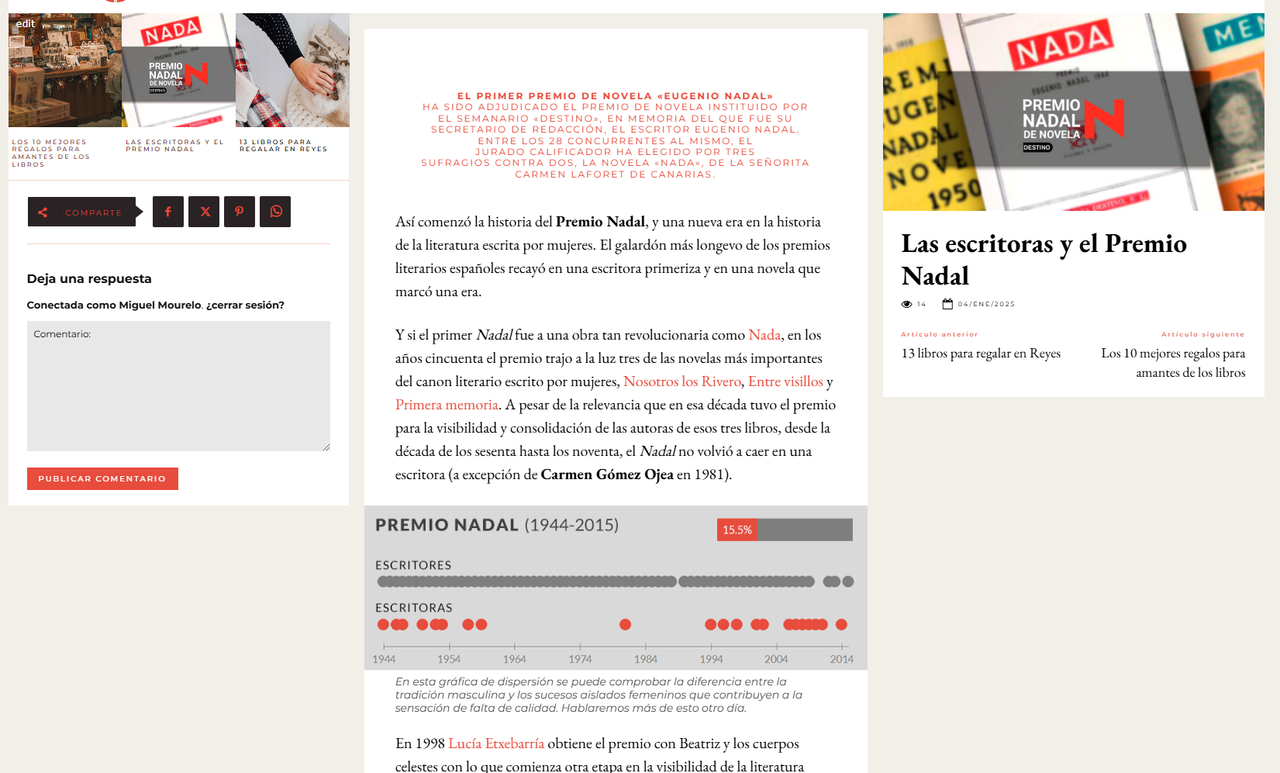
And this is how an event looks by default:
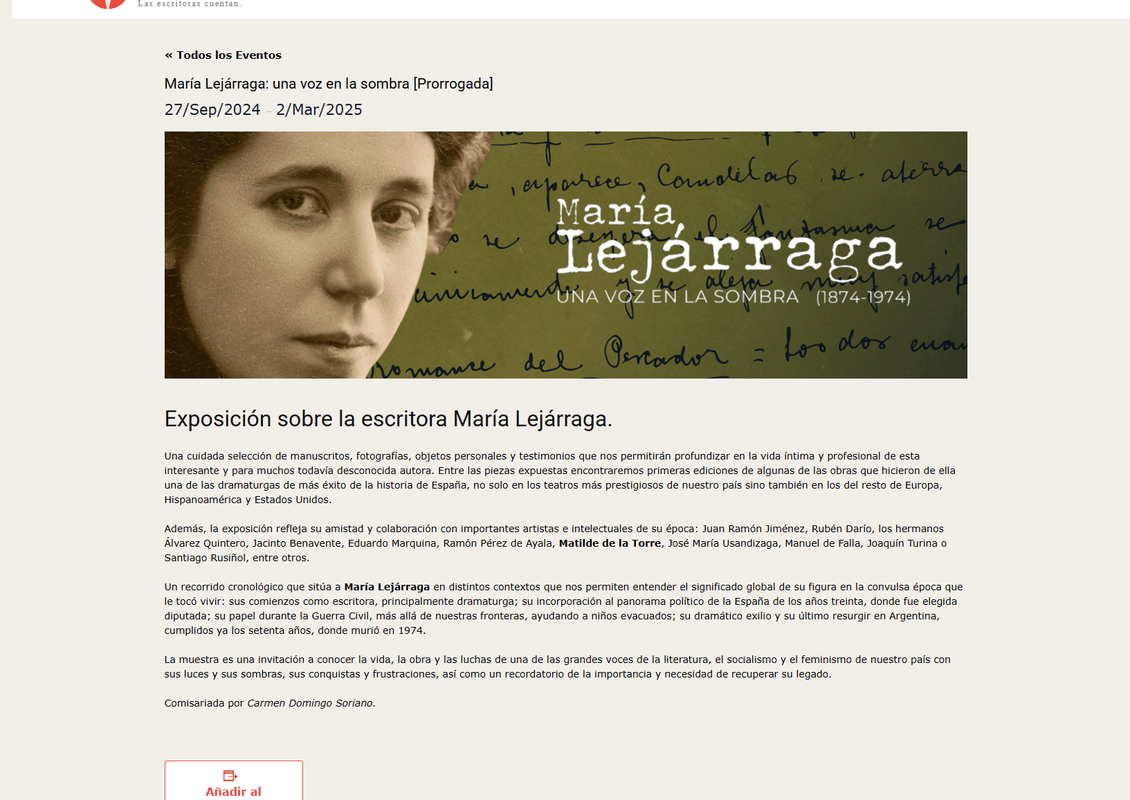
If I try to edit it in the Composer, I can’t access the content:
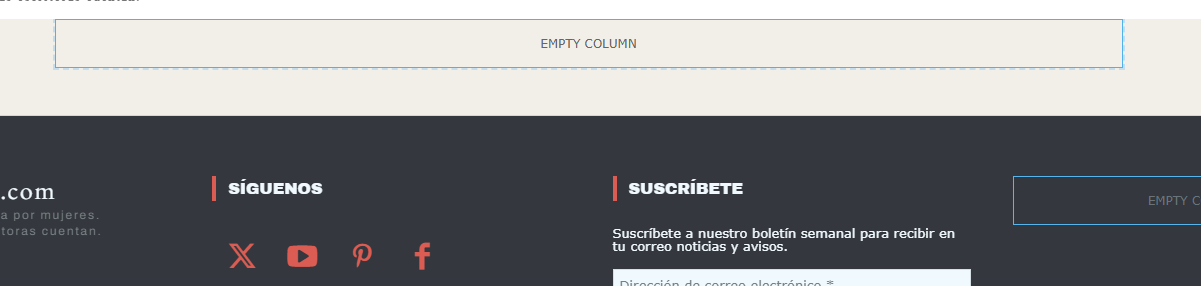
So I can’t proceed as if it were a WordPress Page; I have no clue as to how to adapt the Events Calendar pages (Events list, Single event, Calendar etc.) to my Mintyside PRO design.
mikisan I agree with @VZ. I use Mailpoet with a shortcode, but I find the Newsletter element very handy; better than the shortcode. I would really like to be able to use Mailpoet through that element (Mailpoet’s free version is really powerful).
mikisan The issues happen on both Chrome and Firefox (both up to date).
I emailed a capture of my Events Calendar plugin settings to contact@tagdiv.com.
Thanks :O)
mikisan I am having the same issue. Since the Mintyside PRO demo does not include a page template, I created a page in Gutenberg, then edited it with Composer and went to the Mintyside PRO Single Post template, copied the entire row and pasted it in that “new page design” (because I want the pages and posts to look very similar). I removed the post content element, added a column text and pasted the content of the Gutenberg page inside. The title in the sidebar is automatically taken from the page’s title but the featured image element (since it is of course called Single Post Featured Image) does not display the featured image.
How should I proceed in the case of the Mintyside PRO to get the featured images show for Pages too?
-
This reply was modified 1 year by
mikisan.
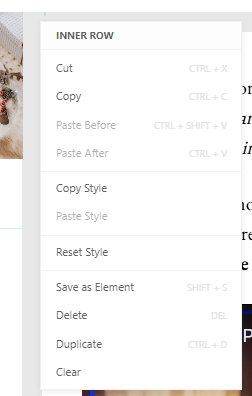
mikisan Oops! I also realized the Events Calendar plugin also disables the contextual menu (to copy, delete, etc. elements) in the composer, this one:
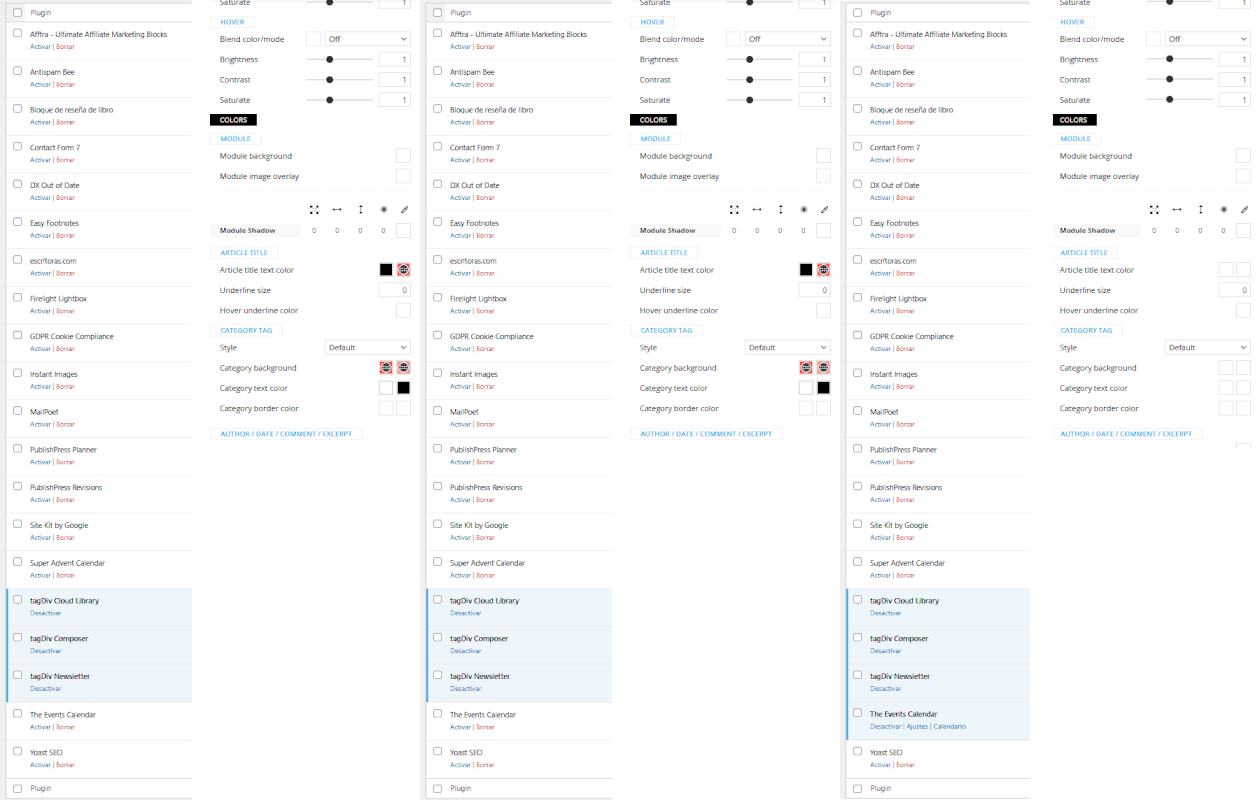
mikisan In my case when deactivate all plugins, but the TagDiv ones, and I enable the Events Calendar plugin, I lose the color picker.
All plugins are up to date, WordPress and Newspaper theme too; Mintyside PRO demo.
mikisan Thanks. The main issue I have is knowing how to manage the content I already have in pages I already created in the Gutenberg editor. I can’t edit them properly in Composer as the content I created in Gutenberg does not seem to be contained in any Composer element:
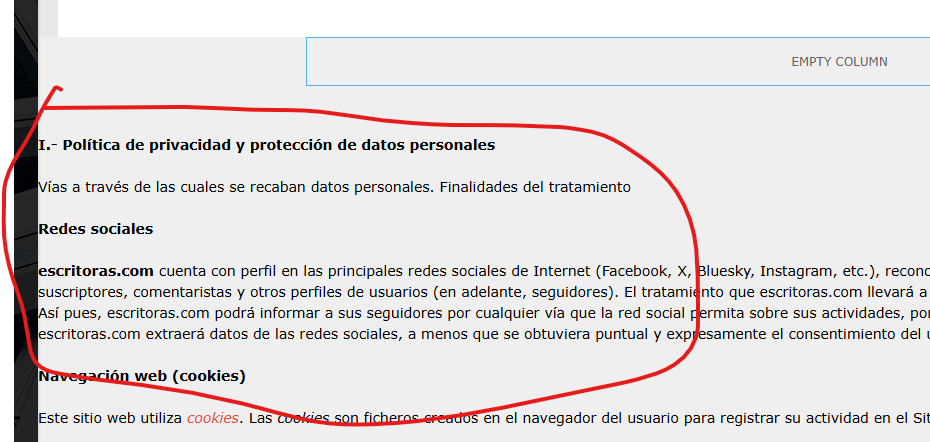
I can, of course, open Composer and copy the content that’s outside any element and paste it inside a Composer Column text element, but then, I guess, I won’t be able to keep using Gutenberg to edit that page (is that it?).
Plus, since I can’t use a single post template for pages, but I want the pages to look like posts, is it the best way to copy element by element from a post template to a new page? or is there a better way, like duplicating or copying an entire single post template, or something like that?
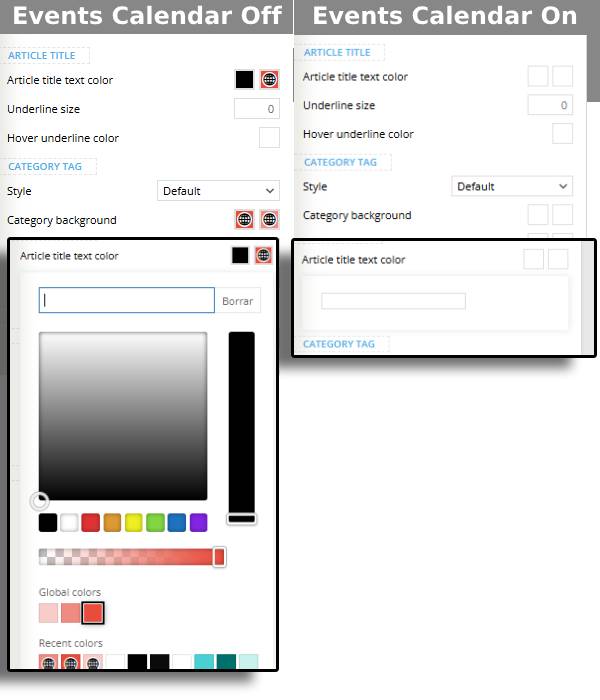
mikisan The “color picker issue” happens with the Events Calendar plugin when activated:
mikisan Thanks! I hadn’t thought about deleting the row, I was just trying to delete the columns.
It worked, of course :o)
