

 Minoumax1967
 Hi Anamaria, disabled option, cleared cache and yes, now it works. Thanks!
Minoumax1967 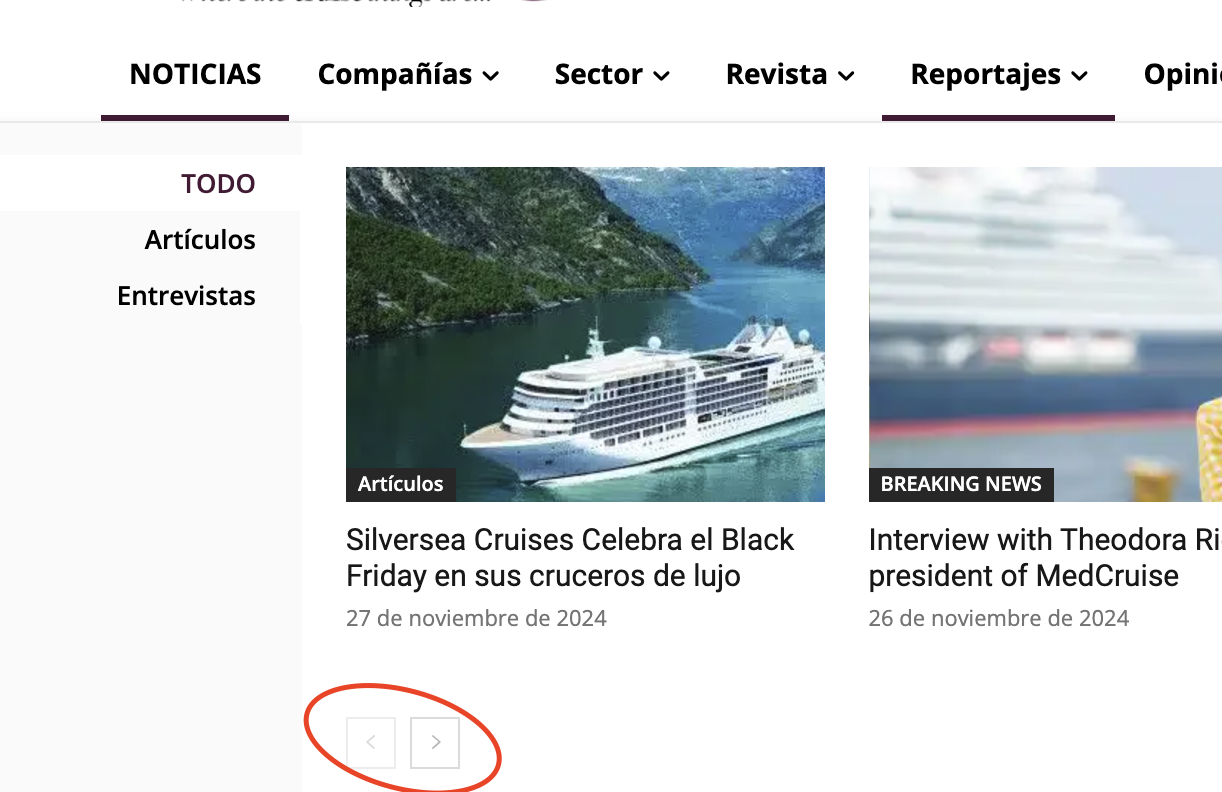
Minoumax1967 Hi, I have followed your instructions, deactivated the plugins and deleted the cache and I still can’t solve the problem. I have also noticed that this problem also affects the navigation arrows in the top menu.
Can you fix it? Thanks
https://www.cruisesnews.es
Minoumax1967 Hi, I had to update the YouTube API, I followed this manual:
https://forum.tagdiv.com/youtube-api-key/
All good.
I have copied the API to the panel.
And it works when I’m logged into WordPress but not when I’m not.
Because?
Thank you


Minoumax1967 That was it, thanks!
Minoumax1967 Hi, understood, thanks!
Another question, how can I do to put the date and the author on the same line?
Thanks!
Minoumax1967 Hi, I have done what you have told me but it is still the same. I’ll give you a screenshot in edit mode in case you can see something abnormal.
Thank you!
Minoumax1967 Hi, in a single post like this (https://www.cruisesnews.es/2023/02/14/el-nuevo-crucero-oceania-allura-se-estrenara-en-2025-2/) I can’t edit the template.
The comment field is at the bottom.
Can I move it position?
Thanks
Minoumax1967 Perfect! Thanks!
Minoumax1967 Hi, I understand. I have used the custom CSS, changing the color, but I think I also have to specify the template, which in my case is the Default template. How do I have to specify it?
Thanks
body .td_block_template_4 .td-related-title .td-cur-simple-item {
background-color: #460f31 ;
}
body .td_block_template_4 .td-related-title .td-cur-simple-item:before {
border-color: #460f31 transparent transparent transparent !important
}
Minoumax1967 Hi, it still doesn’t work. I have seen your test, ok, but in my case it doesn’t work.
I’ve tried on an empty page and that doesn’t work either.
Can you see where the error can come from?
Thanks
Minoumax1967 Hello, I have followed all the steps, but it still does not work.
I attach a screenshot.
Thank you


Minoumax1967 Hi, again, fixed! I found where you said. Thanks a lot!
Minoumax1967 Hi, the template is the one that comes by default (Default Pro) but I don’t see where that option is to delete that block. Theme Panel options?
Thanks!
Minoumax1967 Sorry, the screenshot:
http://www.internationalcruisesummit.com/Newsletter2020/Header.png

