pistacio
 Didn’t know it also shows posts. Great plugin ! Thank you
pistacio I have found it. Thank you.
pistacio I have checked but there is not. May I have to update the theme. Currently I have installed the version 11.5
pistacio I have already installed the default theme but I cannot find the folder:
Newspaper-tf\plugins\revolution_slider_5
where revslider.zip show reside.
Am I missing something?
pistacio All clear! This is exactly what I was looking for!
Thank you so much!
pistacio Ok, I’ve found the viewport buttons, but I’d like to assign the mobile menu only to the tablet portrait and not to the tablet landscape and desktop.
As soon as I add the mobile menu button to the portrait viewport, it appears on all viewports.
My menu looks really ugly on tablets. Showing a mobile menu instead of the full menu would be nicer.
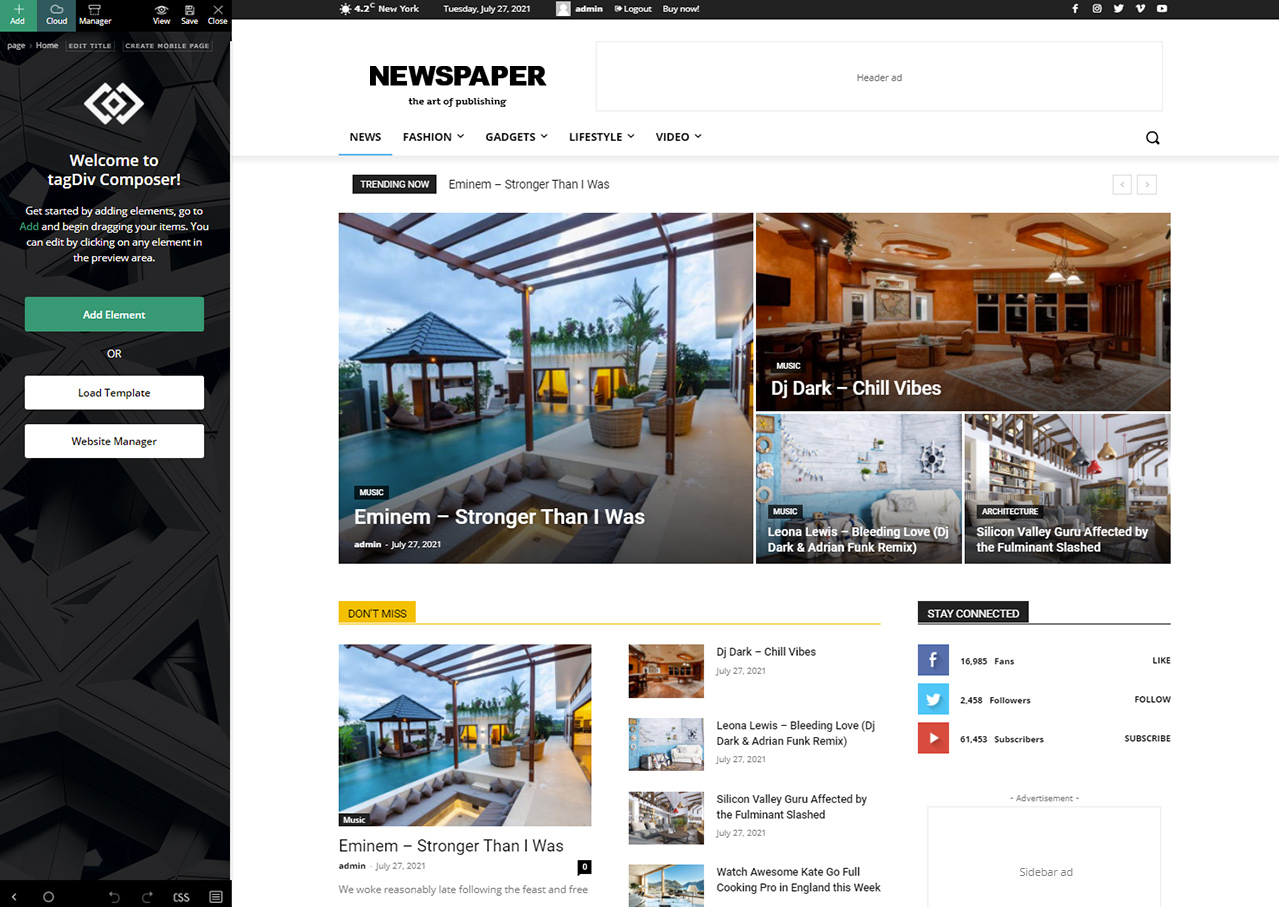
pistacio I’m really sorry to bother you but my TagDiv Composer looks like this one:
https://forum.tagdiv.com/wp-content/uploads/2017/05/Newspaper-tagDiv-Composer.jpg
and I can’t find the buttons you pointed to anywhere.
Do I have to update the Composer to the newest version?
pistacio Where can I find the tablet viewport?
I would like to increase the phone resolution from 767px to 1279px, so that the horizontal non-mobile menu on higher resolutions still appears.
Thank you
pistacio OK. Got it. Thank you.
pistacio Yes, the translations for the strings I was looking for are there, but I’m not sure how I can load multiple translations at once, since my website is multilingual.
pistacio I have to translate the website in two languages (sorry, I didn’t specify).
As soon as I change the search labels in the tagDiv composer, the change is propagated to all the languages. (I use polylang)
For now I have solved this modifying these two files:
/wp-content/plugins/td-cloud-library/shortcodes/common/tdb_title.php
/wp-content/plugins/td-cloud-library/shortcodes/search/tdb_search_form.php
Nothing urgent, in case you decide to change the behavior of the search module to support multilingual sites.
pistacio The solution of alexanderb works 100%
pistacio OK solved.
https://forum.tagdiv.com/topic/problem-with-editing-content-wp-edit-buffering/
May 25, 2022 at 1:52 pm
REVERT TO WP VERSION 5.9.3 from 6.0.
just fixed it. use a plugin called wp downgrade
Thanks to alexanderb !
pistacio Just an update.
I have tried these steps:
1. disable TagDiv Composer
2. uninstall(delete) TagDiv Composer
3. clear cache (if cache plugin exists)
4. install TagDiv Composer
5. activate TagDiv Composer
6. clear cache (if cache plugin exists)
but it does not help.