thedoc
 Thank you Simion, i managed to correct it, my mistake 🙂
thanks for your support
Best
thedoc Hi, no i didn’t solve it.
It is not a problem of stucture but redirections.
If you click “Chi Siamo”, “Israele un po’ di storia”, “Startup Nation” (and doesn’t shows the subpages) and “contattaci”, they all go correctly to a page.
If you click “Cultura”, “Food”, “Turismo” they all go to the category page instead of page.
I need all of them to go to respective pages
thedoc Hi, sure, see here https://i.postimg.cc/8k00CKk5/foto-1.jpg
both lines are not center aligned, even if selected
thx
thedoc great
thanks
thedoc thedoc Hi, thanks.
I do always changes on tagdiv composer and clear the browser cache, don’t have other ways.
How can i clean the object cache ?
even clearing the cache i still see the module on the browser, and if i inspect it, i see the lines with the command
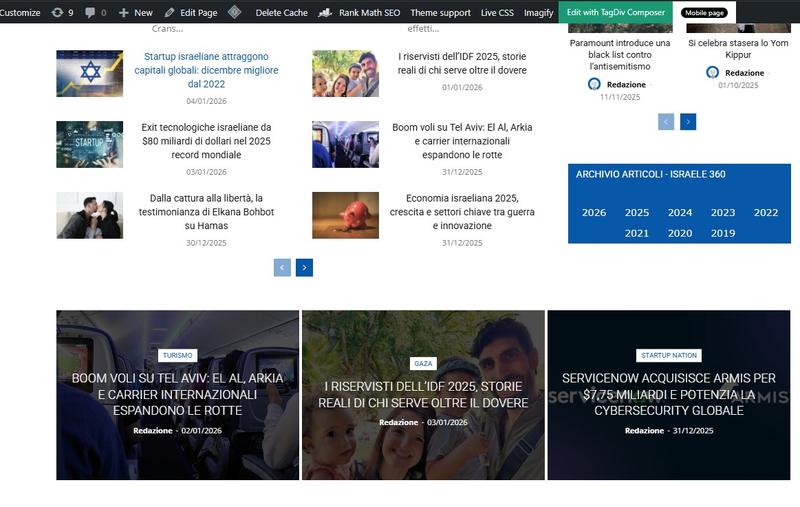
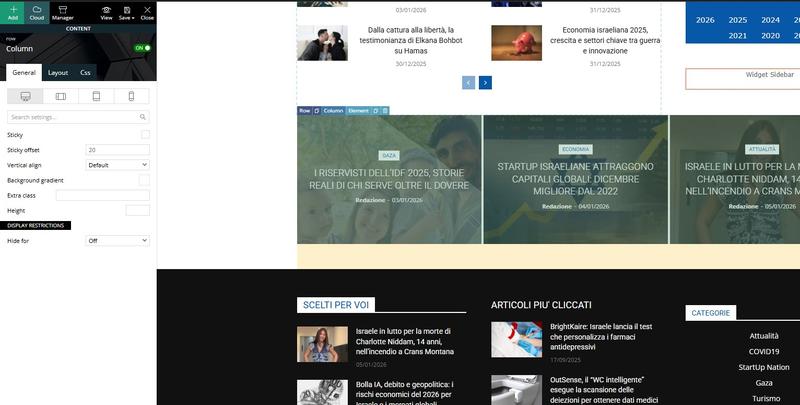
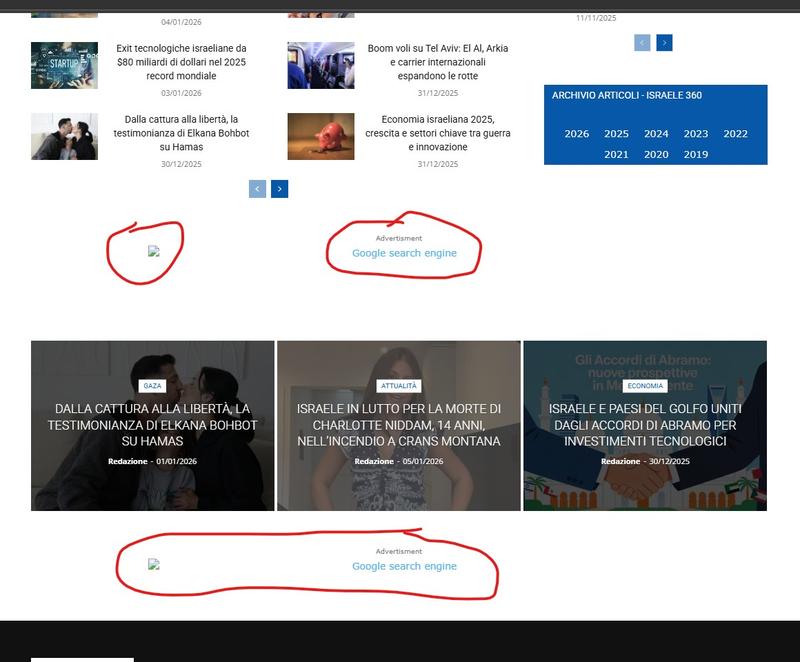
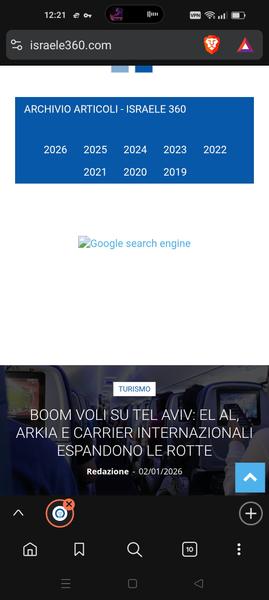
thedoc Hi, i don’t have anymore the ad module, i’ve already deleted but the problem is that i still see the google search ad out of the composer. See https://i.postimg.cc/YSsJtyR6/tag1.jpg and https://i.postimg.cc/FHnPSkL6/tag2.jpg there is no ad module visible, still you see the ad https://i.postimg.cc/8kMhGKmp/tag3.jpg and also visible on mobile https://i.postimg.cc/gjgcdbSY/tag4.jpg
thedoc thanks, it worked
thedoc Yes, i have an ad blocker. I turned that off on the site, but still can’t identify the ad area.
thedoc managed.
thx
thedoc Ok, for me is fine to have it responsive, i don’t want to recreate anything on mobile, I’m fine to have it as i have on desktop. I don’t understand why, if i go on my mobile phone (www.israele360.com)i see the hamburger menu with pages that don’t reflect the homepage of my desktop theme such as “News”, “Fashion”, “Gadgets”, “lifestyle”, “Video”, they don’t reflect the menu i have on desktop. Plugins are off.
The rest of the site is fine except the menu
thedoc Hi, i managed the one in the footer, that i have changed with the module popular posts. Instead with the one below the footer i used a List Menu module and used items from “categories” that catch the categories from the appearance menu that include the missing category (Economia) but it is not showing up
thedoc Hi Calin,
ok, i succeeded to see the links, had to use a VPN.
Unfortunately i don’t have any ad box on top or bottom of the grid with the 3 articles.
I checked with the different viewports but no area of ad is visible/selectable.
thedoc Hi Calin, thanks
unfortunately i can’t see your links at all, i get this message “{“data”:{“error”:”Imgur is temporarily over capacity. Please try again later.”},”success”:false,”status”:403})
any solution ?
thedoc grazie
thedoc Buonasera, interessa anche a me questa cosa, come ci é riuscito a inserire le categorie ?
grazie
thedoc ok, sending you the credentials, pls if you can check as soon as you can.
thx
thedoc Hi Calin,
thanks.
Besides i can’t see the png you provide (it opens me a page with the following text “{“data”:{“error”:”Imgur is temporarily over capacity. Please try again later.”},”success”:false,”status”:403}”), i succeeded deleting the code through incognito tab.
thanks
thedoc thanks
thedoc Hi,
that is what i did.
Comments icon is ok, while the views icon even if i canceled as you mentioned on TadDiv Composer, i see it still there (check https://staging.israele360.com/israele-e-giordania-progetto-congiunto/)
thedoc thanks Calin, I managed to solve it.