No search results were found in Documentation!
 Anamaria
 Hello,
I’m glad that you changed the logo.
Have a great day!
Anamaria Hello,
You need to do it like in the video; you do not need to resize the browser -> https://www.screencast.com/t/23gKOj4T please check if the logo image is set to show.
Thank you!
 anthonyletizia
I have three flex blocks on homepage that are set to random search. Anytime I access the page while not logged into WordPress, the same “random” order appears no matter what device (desktop, laptop, iPhone) I use. They randomize when logged into WordPress, and if I access “Edit with TagDiv Composer,” hit save and logout of WordPress, they randomize but then again get stuck in the new order.
 LauraBV
 Thanks for replying, but the video does not help. I am unable to get to that editor screen; I cannot see how to enter tagdiv composer on my phone, the optin doesn’t appear when in poetriat mode. If I flip my phone to landscape, the correct logo appears.
On my computer the minute I change the window size to convert it to a mobile display, the tagdiv edit option vanishes.
https://www.theblackmorevale.co.uk/2023/01/25/letters-and-houses-and-the-state-of-our-world-bv-podcast/
As soon as I drag the screen wider, the tagdiv option reappears at the same time as the correct header logo.
I know there is a simple fix here – I just can’t see it!
Anamaria Hi,
For mobile please edit with tagDiv Composer, select the viewport on phone, select the header logo and change it => https://i.imgur.com/cR7F0v4.png https://www.youtube.com/watch?v=HXQQygkCCJo -> https://forum.tagdiv.com/add-logo-newspaper/
Thank you!
LauraBVI haven’t got the mobile site plugin installed currently (it meant lots of my pages didn’t display correctly so I uninstalled again). Where pages don’t show correctly, I’m creating a mobile version, which works well enough.
BUT – where I don’t have a specific mobile page created, the header logo switches to the generic Newsweek one on mobile, and I can’t find where this is stored in order to change it!
Can anyone help?
Example page – https://www.theblackmorevale.co.uk/2023/01/21/humble-catkins/ Perfect on desktop,and displays well but shows wrong logo on mobile.
 bo
bo Hello,
it was changed to :
.td-main-menu-logo img {

position:fixed;

}
Cache cleared but still the same. Can you also verify please?
Thanks
bo Hello,
yes the code was:
.td-main-menu-logo img {

position:fixed;

}
I removed it but I still see the problem.
Yes I have wp-rocket with minifying the css and js. Is there any way to exclude it?
Thanks
Anamaria Hello,
Please check if you have set a custom code for the logo in the Theme panel -> Mobile Theme -> Custom code -> custom css.
Also, do you use a plugin for minifying the css and js?
Thank you!
Anamaria Hello,
You can set the font size for mobile version, you need only to select the viewport for phone.
Please change the logo from the TagDiv Composer, and also from the sticky header: https://www.screencast.com/t/rt2wWAt3JFEY
For mobile please edit with tagDiv Composer, select the viewport on phone, select the header logo and change it => https://i.imgur.com/cR7F0v4.png https://www.youtube.com/watch?v=HXQQygkCCJo -> https://forum.tagdiv.com/add-logo-newspaper/
Thank you!
bo Can you please check again. I had the previous version.
Now updated again and logo is broken again on mobile template.
Thanks
Anamaria Hello,
I just checked now, and the logo is displayed correctly in the header -> https://i.imgur.com/l8DfuY6.png
Thank you!
boHello,
on my blog tospitakimou.gr, after updating to 12.2, the logo on mobile template is completely not aligned https://imgur.com/Oo8kg77.
I have to revert to previous version as it spoils my template appearance.
Any ideas on how to fix it?
Thanks
 sangminoh
If you click the logo button in the mobile version, the html language is displayed and the screen does not appear normally.
https://withnews.co.kr/wp-content/uploads/2023/01/Screenshot_20230122_203438_Chrome.jpg

 stelas2120023
my site url : https://the-ktimes.com
problem : when I click post, then header style suddenly change
and the logo disappear, instead color bar with text appears.
and social share icons are too big
I don’t have problem in PC, but mobile has problem.
plz. let me know how to fix this problem.
 MaxSchaaper
Goodmorning,
I want to ad images in the footer to display the logo’s of our mediapartners and show them one by one each after a few seconds. What is the best way to do this.
Thanx
 Joel Esperanza
 Tengo una pregunta mas ? como puedo mover el logotipo hacia el lado izquierdo? Adjunto la captura se imagen https://ibb.co/0rCtT6k
 Felipe Moretti
 very good explanation. But I would like to expand the editing field, that is, the screen of everything like in this image: https://snipboard.io/dVzZbQ.jpg
that is, expand the entire length of the site, from the header with the logo, the menu and all the rest of the site.
Anamaria Hi,
You use mobile theme plugin then you need to set the logo in Theme Panel -> Mobile Theme -> Header -> https://i.imgur.com/Vv4BpE1.png
Thank you!
 Errorsfind
 I try to change the logo title attribute but i cant https://www.errorsfind.com/wp-content/uploads/2023/01/logo-title.png
 Calin
Calin Hi gqjesus,
That demo has the logo set as text, you need to remove it from there – https://i.imgur.com/FrCgina.png
Thank you!
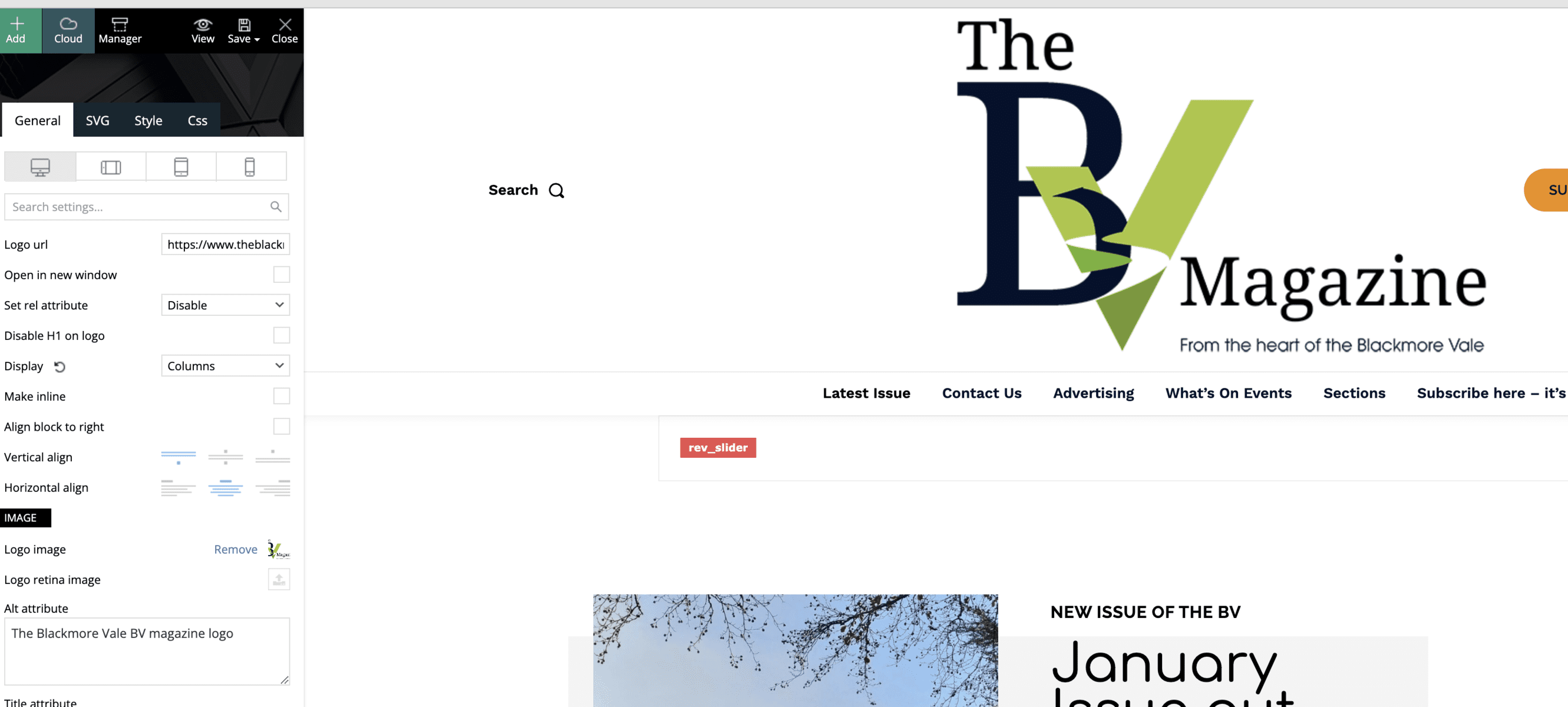
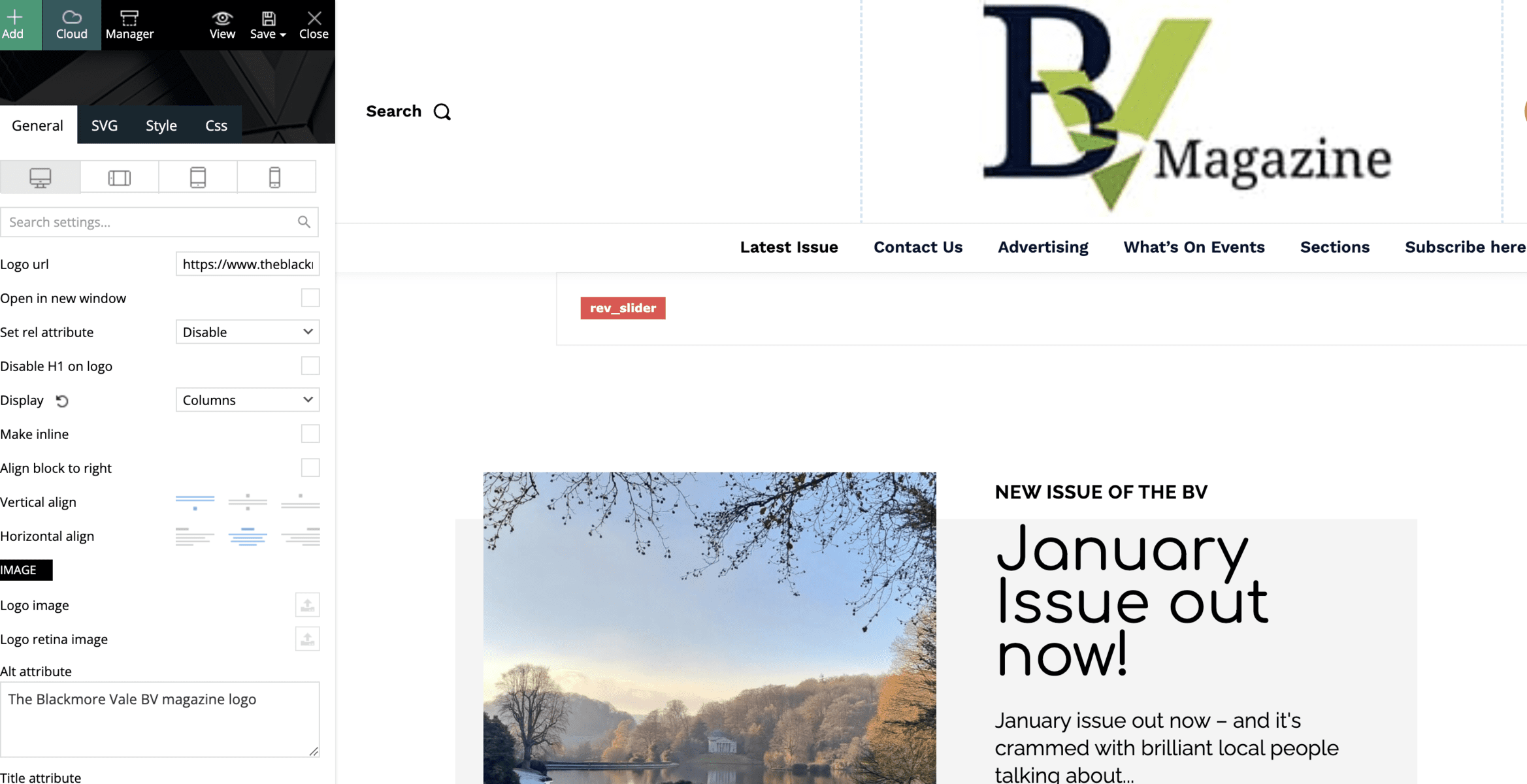
LauraBVI have the correct logo in my header, and in the TagDiv editing page it looks perfect. Yet when I load the live site home page, the logo appears correctly very briefly, and then flickers to a terrible low res version.
When I go back in to edit the element again, the uploaded image has vanished.
This:
https://www.theblackmorevale.co.uk/wp-content/uploads/2023/01/Screenshot-2023-01-18-at-20.43.28.png
becomes this –
https://www.theblackmorevale.co.uk/wp-content/uploads/2023/01/Screenshot-2023-01-18-at-20.45.30.png
Can anyone tell me where it is sourcing this ugly low res verison from which is overriding the page setting?
Anamaria Hi,
You can add the top bar if you use a header template -> https://www.screencast.com/t/YqnngRKe or you can import a header template that is precisely like header style 1 -> https://i.imgur.com/EAothGC.png -> https://cloud.tagdiv.com/header-template-1/ and this way you can customize each element like logo -> https://forum.tagdiv.com/add-logo-newspaper/ , with tagDiv Composer -> https://forum.tagdiv.com/tagdiv-composer-tutorial/.
Please check this video about how can create a website from scratch https://www.youtube.com/watch?v=SoGQ0d5kIBg
You can import a footer template here https://forum.tagdiv.com/footer-templates/
If you want to update the theme, download the latest version from the Theme Forest account and download it.
Please make a full backup to all files and database => https://www.youtube.com/watch?v=LAJXrSI-dDA
Here you can find information about the changes that have occurred in each update over time https://tagdiv.com/newspaper/
I recommend that you update the theme manually https://forum.tagdiv.com/how-to-update-the-theme-2/ via FTP/cPanel/File Manager, also if possible disable extra plugins during the theme update to avoid any problems that may arise and make sure that you have activated the tagDiv Standard pack plugin to keep the website’s look. You can try to update the theme on a staging website.
After you update the theme, you must also update the theme plugins.
In the worst cases, the settings in the theme panel may be lost (there have been isolated cases), in these cases, after the theme plugins that were previously used are activated, you will have to use a backup for the theme panel -> https://forum.tagdiv.com/import-export-theme-settings/
Thank you!
 gqjesus
Hi,
I’m trying to remove the black pro logo and insert our logo, but when i go to upload logo it gives me my logo and the black pro logo
Anamaria Hello,
You also need to add the image logo for mobile if there is no image set.
Thank you!