- TutorialsFrom WPBakery to tagDiv Composer
- TutorialsWhat is Ajax preloading?
 antonio0000x
 So, are you telling me that you can edit the HEADER/MOBILE HEADER with TD Composer, but you cannot do the same with the FOOTER? This isn’t making sense.
 Hispanic L.A.
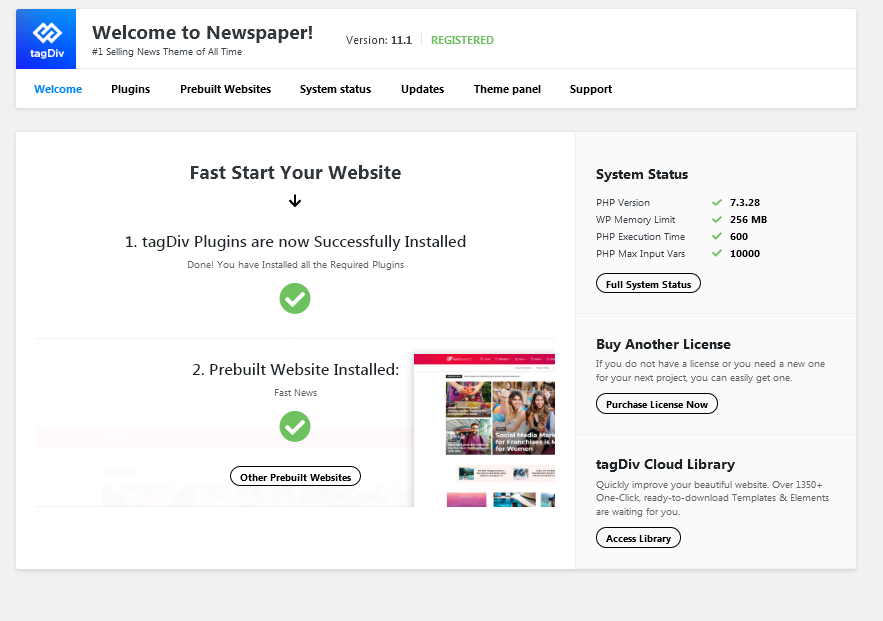
 Thank you, Vlad. As for the plugins you ask, I am using tagdiv Composer, tagdiv Cloud Library, tagdiv Social Counter – which I deactivated and activated again now – and tagdiv Standard Pack.
I stopped using tagdiv Mobile theme plugin and instead use a mobile only template. I don’t use anymore Official AMP for WP and Tagdiv newsletter.
I must also say that to complicate matters the site breaks in mobile in ways I don’t understand of find the logic of.
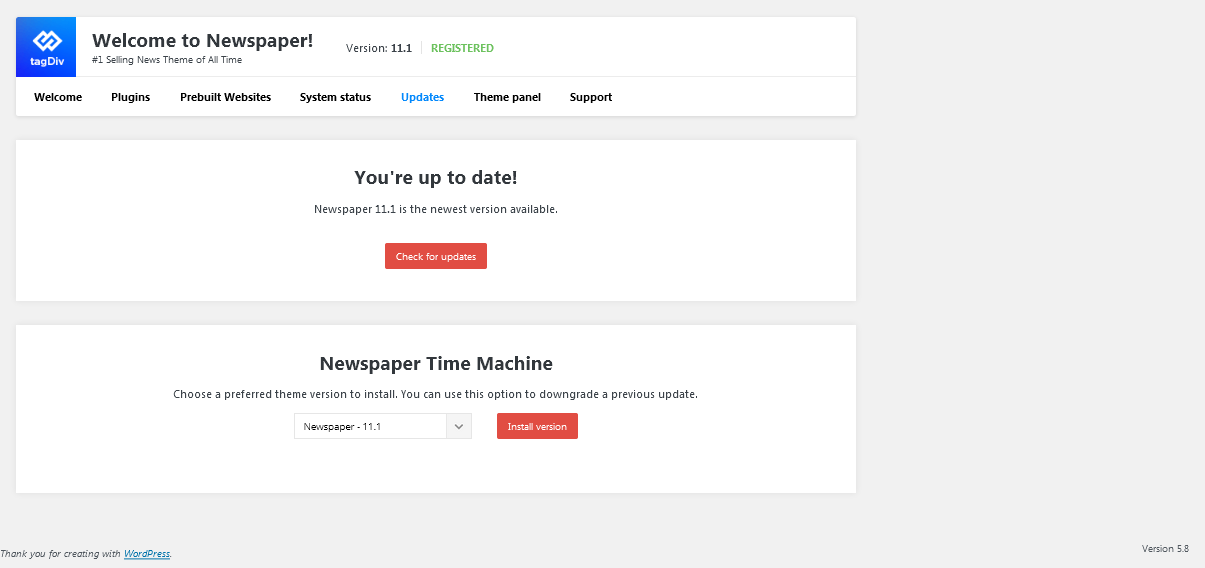
On top of that I initially updated to WP 5.8 and Newspaper 11.1 but then downgraded to 5.7 and 11.
Hope this answers your question.
 Karokaryabi
How can I delete the mobile version of my website?
 amitfahad
My website’s homepage has a tagline. But it does not appear on the mobile search results of Google. But with the desktop, it is all okay. Also on Bing, my site’s meta description is missing on Bing Desktop. On mobile, it seems fine. I am using Yoast SEO plugin. This problem was not before. For around 1 month I am having this issue. Can you please help me? Thanks.
 periodical.apartments
Hi!
I have connected AMP + Mobile.
When checking, PageSpeed Insights does not redirect the main page of the site to AMP (/amp/).
All other pages of the site PageSpeed Insights redirect to AMP (/amp/).
In debugger mode (mobile) there is a JS redirect of the main page to AMP (/amp/).
For some reason, PageSpeed Insights does not redirect to AMP (/amp/) for the main page.
Is this how it should be or is there something wrong with the home page?
Help me please.
 marcizus
 This is what composer show for mobile menu: https://prnt.sc/1ete6em
And this is what what it shows on front end: https://prnt.sc/1etegtq
 ashpondes
What is the reason why the ads I put for in-text are not showing?
Ads placed for both mobile and PC do not appear. Manually placed ads appear with Tagdiv composer. What is the reason?
 Anamaria
 Hello,
I checked your website and seems you have a mobile responsive version =>https://www.screencast.com/t/WFCL5ovzg8L0 -> https://www.screencast.com/t/qT1OSXnfa0k
Also, if you create a mobile page, please make sure you assign it like this https://www.screencast.com/t/lektAhyjd
This is a video about Responsive Newspaper Theme, AMP & Mobile Theme, Mobile Pages & Templates -> https://www.youtube.com/watch?v=SpGkOnJeNZY
Thank you!
 abc_as-tv
Hello. After update, the mobile page has changed to default. I cant find anymore where to change back the default mobile page.Nou instead of as-tv.ro/m1 is as-tv.ro/# Thank you.
 Shoukat Faiz
 Thank you for kind information. I’ve got the point.Pages are showing content since i used mobile editor. Thank you.
 Renu Bakshi
 Hi Dear!
Just 2 questions:
(i) By mobile template, do you mean choosing your mobile theme plugin: and
(ii) Has not Google been recommending AMP.
Thanks & Regards….. Renu Bakshi
 ontheslowlane
 I only see these options, please advise:
Header Menu (Main)
Footer Menu
Top Header Menu
No mobile options.
 nhowarth
 Problem solved by using solution at https://forum.tagdiv.com/topic/an-error-on-mobile-devices/
Please close this report.
 Atithya
Hi, sometimes AMP pages will brick the content. Also, the homepage is not showing as mobile/AMP on phone and if I am opening any article, the AMP pages are not showing properly. Means, there is an issue with alignment of the header. Please check for electronicsforu.com.
amitfahadHello, I have checked the CLS error of my site on mobile via PageSpeedInsights and other tools. The Filed Data (Real Life User Experience data) is showing CLS error. I have tried many things to get rid of the issue but cound not. How can I fix that? Please help me with the issue. If you have developers who fix the errors, then please suggest me. Thank you.
Here you can see
https://imgur.com/a/neWVyNq
nhowarthSite URL: https://www.news.cyprus-property-buyers.com/
Image showing problem: https://imgur.com/a/e4EFE8T
Description
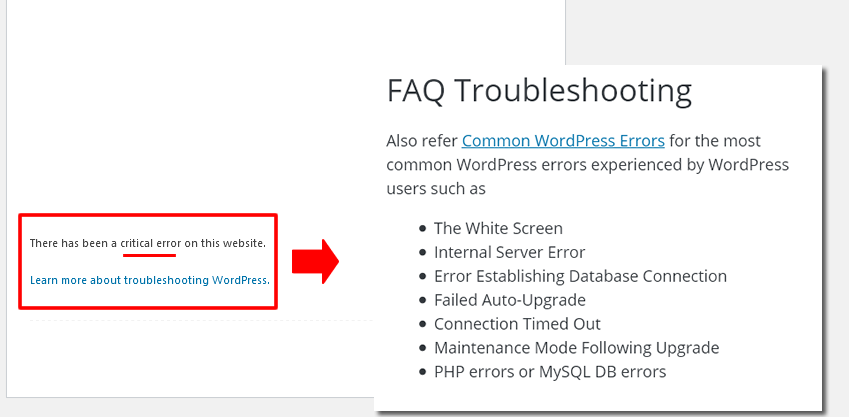
I updated to WP 5.8 and then Newspaper theme 11.1. Error on front page that only affects logged-in users. (see image)
Disabled caching and checked Newspaper Theme Status – no problem. Also deactivated non-essential plugins.
Deleted and reinstalled & reactivated plugins: tagDiv Composer, tagDiv Cloud Library, tagDiv Mobile Theme and Official AMP for WP. Problem persists.
Anamaria Hello,
So I understand that you had mobile theme activated, and you deactivated it but it still appears, right?
Please make sure you clear all cache (also, the browser cache).
Also, if you create a mobile page, please make sure you assign it like this https://www.screencast.com/t/lektAhyjd
Also, please provide screenshots or the link to your website.
Thank you!
nhowarthSite URL: https://www.news.cyprus-property-buyers.com/
Image showing problem: https://imgur.com/a/VJrbfLY
Description
I updated to WP 5.8 and then Newspaper theme 11.1. AMP shows errors (see image)
Disabled caching and checked Newspaper Theme Status – no problem. Also deactivated non-essential plugins.
Deleted and reinstalled & reactivated plugins: tagDiv Composer, tagDiv Cloud Library, tagDiv Mobile Theme and Official AMP for WP. Problem persists.
 Michal Klokner
Hi,
I want to ask…
I have problem with my mobile theme (www.recenz.sk), i have uptedated my newspaper theme to 11.1, everything edit with taggiv composer. View on desktop is ok, but on mobile is it incorrect.
I also made mobile page, and coppied content, but it doesnt work. can you help me with trris problem?
thanks
 Calin
Calin Hi garimanag,
Unfortunately, your screenshots are not working.
We also have live website with images and we do not have those problems, now indeed maybe are not the bet optimize and the website page speed depends on more elements, for page content, ads, external resources …
First, I want to make sure that I was able to inform you of all info about the mobile versions that our theme can have.
1. Responsive version, this is by default when you install the theme and you do not use mobile page or mobile theme plugin.
2. Mobile page/template this allows you to create with tagDiv Composer and cloud a different layout and set different elements for mobile and iPad/tablet and it will overwrite the responsive version.
3. Mobile theme plugin, this is a light theme version for mobile that will overwrite the mobile page and responsive version if enabled.
So when you have a mobile page/template this will be used instead of a responsive version, but if you also have the mobile theme enabled, this one will override both of them.
How to combine them? Yes, this can be possible, for example the mobile page/template will apply only on that page or cloud template that is assigned. But what to do if you want to use a mobile theme plugin too? If you use mobile theme, in Gutenberg editor it is an option to disable the mobile theme in current post/page, if you use the option, then it will be use the mobile page/template (if is assigned) or the responsive version.
So in your case you can disable the mobile theme on the homepage -> https://i.imgur.com/NX57q4t.png or if you do not want it at all, disable the plugin or use it only for amp -> https://i.imgur.com/Grlz5Ee.png.
Here is also a video that explains all those -> https://www.youtube.com/watch?v=SpGkOnJeNZY
Hope this will help you!
Hi CHKSN,
If I understand correctly, for you the mobile theme plugin is displaying on desktop, if is so, then indeed this is from the cache plugin that you are using, some for theme do not have support for mobile themes, some of plugins that do have are: WP Super Cache plugin, WP Rocked plugin.. Please make a test without cache plugin and see if the problem persist or not, if the problem is solved, then you need to check if your cache plugin have mobile theme support.
Also if you want, we can take a look at your website, for this please make a full backup and contact us at contact@tagdiv.com, provide wp-admin and cPanel access, also include the link of this topic in email.
Thank you!
Calin Hi,
I just checked your website and it seems that now the subscribe element is displayed one mobile too -> https://i.imgur.com/rAzI8Dg.png
Maybe the mobile theme plugin was enable if you no longer had the sidebar content on your website.
If there are still some problems, please let us know!
Have a nice day!
 muxurou
 Thank for your reply.
My site Theme Panel -> Post Settings -> Sharing is have not your screenshot.
My screenshot
https://imgur.com/Egg4SVe
Mobile theme post
-
This reply was modified 5 years by
muxurou.
ontheslowlane Is there a possible workaround? For example, how do I set-up a new menu for mobile only?
 BandelMedia
I do not want to use AMP or tagDIV Mobile Theme, I would like to organize the mobile page how I want to. So the problem is that when I publish/save my new mobile page, it doesn’t update on the front end. The page still looks the same. I don’t have the AMP or tagDIV Mobile Theme installed.
 xmchile
Hi! I have been trying to solve this issue, but nothing works out, neither the new Newspaper 11.1 version. I can´t roll back to WordPress 5.7. I show these screenshots if any other site is getting the same problem. Thank you!