

Hello,
I created a website with Flex Loop Filters and Flex Loop. Everything works fine. However, the website does not work properly as responsive on a mobile device and when I create a mobile website it does not copy the blocks (I checked the “copy” option). When I manually try to create a mobile page I get the same problem. The content escapes to the left and disappears. The articles on this page are CPT.
Link to the page where the problem occurs: https://tko.pl/wydarzenia

Hello,
That is Filters on Mobile, and this is how he needs to work -> https://www.screencast.com/t/HeeFfYoZxy.
You have a plugin conflict that blocks the filer from opening on mobile; please check for a plugin conflict.
Thank you!
I have the “Enable Filters on Mobile” option turned on.
It’s probably not a plugin conflict. I just turned off all but Yours. There is still the same problem.
Now I just tried a new solution.
I deleted the mobile version of the website. I turned off the “Enable Filters on Mobile” option. The website and filters work normally in the mobile responsive version.
This can now be seen on the website.
When I turn on the “Enable Filters on Mobile” option, the problem reappears.
Hi,
You can contact us via email at contact@tagdiv.com and provide wp-admin access. We will take a look.
Thank you!
OK thank you. I’ll write a message.
By the way, I will ask about the category labels.
Some posts or CPT are assigned to several categories.
How to set which category label should be displayed on the block, grid or loop? From what I noticed, they show up randomly. There is also an option in “Post setings” -> “Primary category”, but you have to do it manually for each post separately.
Hello,
You can apply the filter only on the Flex Block and Big Grid Flex -> https://imgur.com/Nnt3zGX
The Posts Loops settings are divided into 5 tabs: General, Layout, Style, ADS and CSS. The Posts loop is a special block and doesn’t have filtering options.
Also, one of the options for pagination of the Posts Loop has the option for normal numbered and the flex blocks do not have this option.
The Posts Loop is automatically filtering the posts depending on the cloud template you set (for example on the category page there will be posted posts from that category).
Thank you!
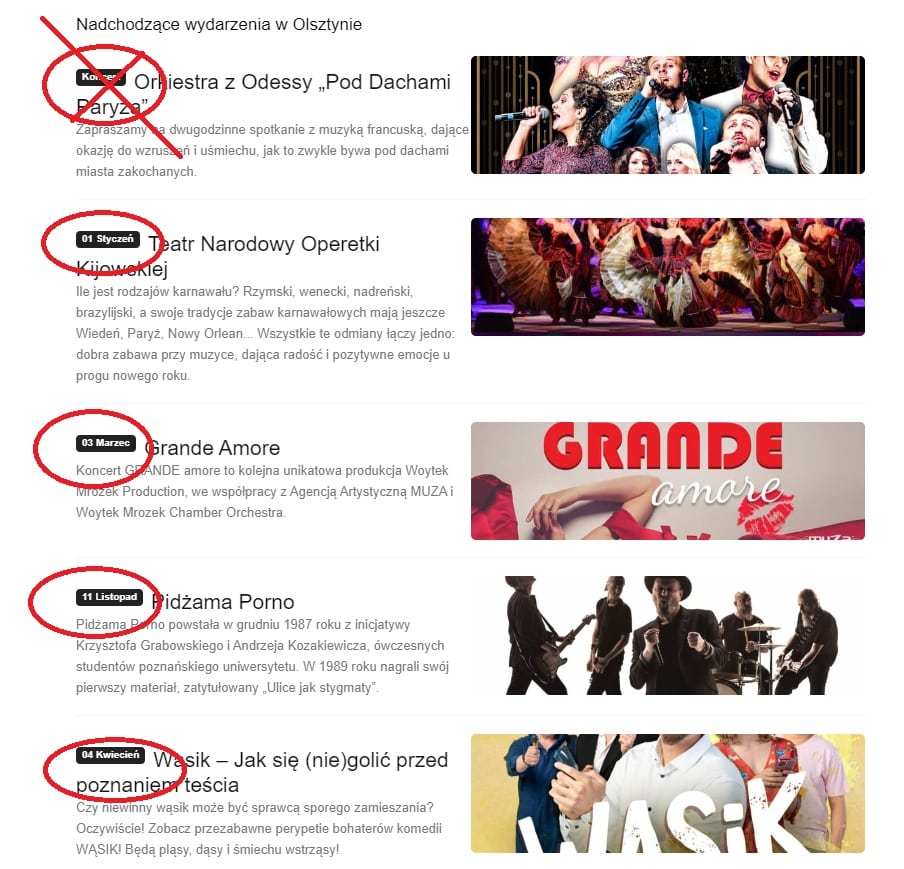

I’m sending a screenshot and new feature suggestions. Maybe you can add it to the list.

Flex block displays “Tutorials” about traveling in different countries.
Each post now has two categories: “country” and “tutorial”.
Each post should be labeled with the country category it was assigned to. There is no point in showing up the “Tutorials” category label, because that’s the name of a section on the page.
There is no option for set primary category in flex block settings. This can only be done manually in the article settings.
Better would be the default setting for the block to automate the process.
